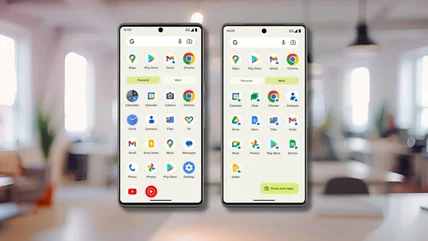
What Does The Briefcase Symbol Mean On An Android Phone?
If you've ever noticed a briefcase icon overlaid on top of some or all of your app icons, there's a very simple explanation, and a way to get rid of it.
Read More

If you've ever noticed a briefcase icon overlaid on top of some or all of your app icons, there's a very simple explanation, and a way to get rid of it.
Read More
If your Android smartphone or tablet keeps crashing, there are a few different issues that may be behind the problem. Google explains how to fix them.
Read More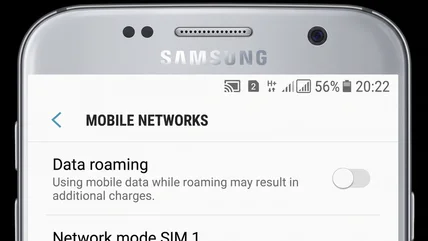
Seeing an H+ icon in the status bar of your Android phone? Learn what this mobile network symbol means for your connection and how its data speeds stack up.
Read More
Android users may want to look into their privacy settings, as it seems that Google has taken it upon itself to link users' phone numbers to their accounts.
Read More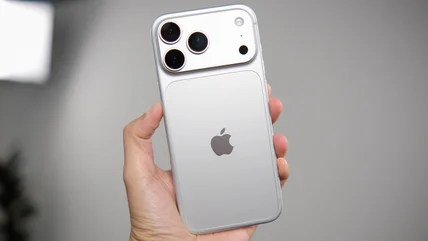
The iPhone 18 Pro is the latest model from Apple, but it's not the only option out there. These upcoming phones might interest you, as well.
Read More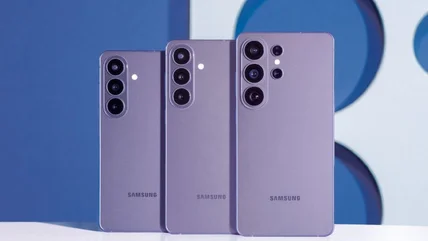
The Google Pixel 11 Pro packs really impressive features, but it's not exactly cheap. Fortunately, finding similarly impressive phones for cheaper isn't hard.
Read More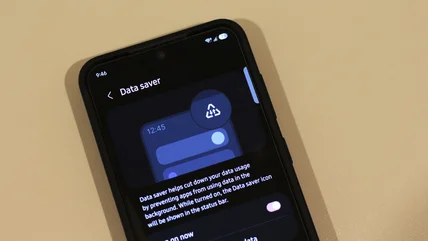
If a triangle symbol appears on your Samsung phone, it can mean several different things. Here's how to tell what the icon means and why it's showing up.
Read More
This is a list of 10 of the most notoriously bad smartphones of all time -- otherwise known as the 10 worst smartphones ever made.
Read More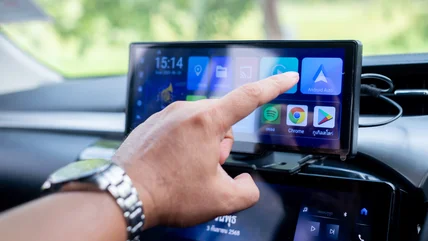
Google's steady stream of Android Auto updates continues with version 17.7, which began rolling out in mid-September. Here's how to get the latest version.
Read More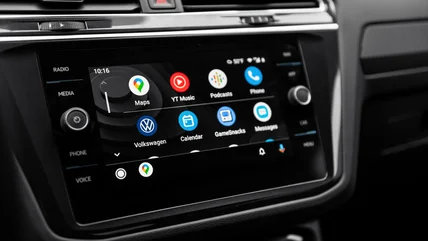
Planning a long highway drive? Discover six essential Android Auto features, from smart offline navigation to conversational AI, for a smoother trip.
Read More
Despite Google's best efforts, and the many fail-safes in place protecting users, Android fans need to know the telltale signs of a fraudulent app.
Read More
The latest and greatest in smartphones are hitting the market soon, including exciting features like physical keyboards, folding tablets, and more.
Read More
Android Auto and Android Automotive OS both bring Google software into your car, but the way each platform works is very different once you look under the hood.
Read More
Not sold on the Pixel 11 Pro? These Android alternatives offer stronger gaming performance, distinctive designs, foldable screens, and impressive cameras.
Read More
Choosing a flagship Android phone used to be easy, before the market became more competitive.
Read More
Plugged into your dashboard with a USB cable? Discover why wired Android Auto still secretly uses your phone's Bluetooth connection while driving.
Read More
Foldable designs have led to a revival of the flip phone format, and in the Android market, a lot of compelling (and expensive) options have come out.
Read More
Ready to upgrade your in-car display? Discover five advanced Android Auto settings that unlock smoother visuals and better dashboard control.
Read More
It's 2026 and MapQuest, of all things, is back in the headlines — and with that newfound attention comes Android Auto support for the first time.
Read More
Misplaced your keys or passport again? Discover how Android's new Gemini feature helps you find untagged everyday items around the house for free.
Read More
Android Auto supports plenty of apps from Google Play, but sideloading can unlock more. These third-party options add features Google doesn't officially offer.
Read More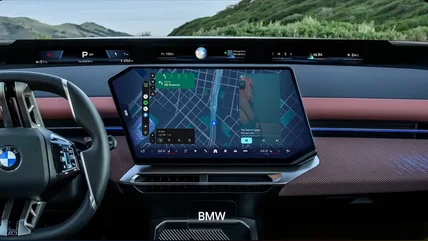
Google is rolling out Gemini to Android Auto, but things haven't exactly gone well so far. These are just a few of the reasons drivers dislike the change.
Read More
If some water has made its way into your Android device and you fear it may have caused damage, here are the best steps to take next.
Read More
Protect your investment in the latest Android phones by picking up one of these four highly-rated screen protectors
Read More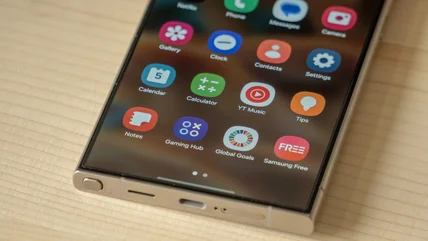
Do you rely on augmented reality tools on your smartphone? Discover the two popular features Samsung is officially discontinuing by the end of 2026.
Read More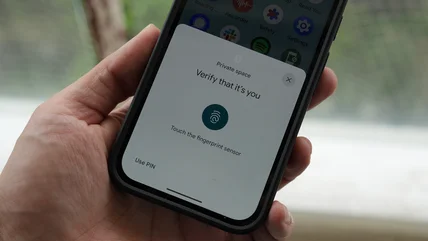
The Private Space feature is great for creating a walled off area of your phone, protecting you from hacked online banking, location tracking, and more.
Read More
Samsung Galaxy devices can do plenty out of the box, but the right Anker accessories can make them even more useful. Here are five upgrades worth considering.
Read More