

Android Users Beware: Google Is Linking Your Phone Number To Accounts Without Asking
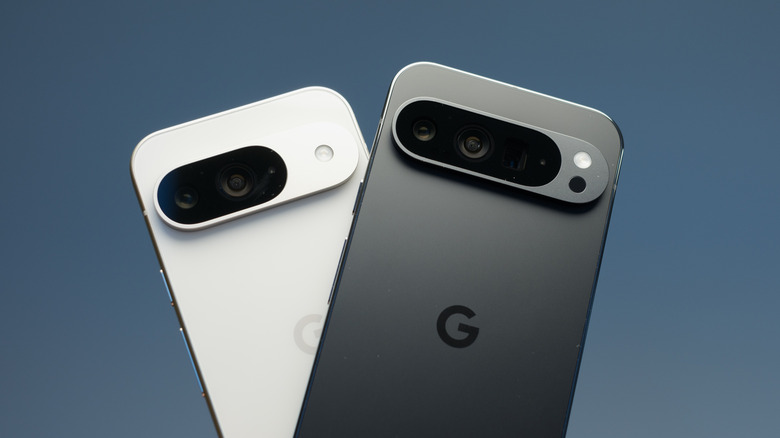
"Privacy is a myth" is something we've all heard before, but it's relevant now more than ever. That's because Google has been quietly linking your contact number to accounts registered on your mobile phone. The bigger problem? It's doing so without asking for anyone's permission. According to Reddit user Nanosinx, they recently received an email from noreply-phone-verification@google.com notifying them of the linking process. No explicit permission was taken, and if you have more than one account on your phone, the same number is linked to it again. Nanosinx also says Google Play Services shares other information, such as SIM card identifiers and device metadata.
While your personal data could be all over the internet, linking the phone number to your Google account still raises privacy and security concerns. As expected, this decision has caused quite a stir on Reddit, with many concerned that a phone number is private information. One Reddit user, mikeyyve, replied to the original post with, "There really is no way to have privacy with any online device, it seems. It doesn't matter the platform. It's sad."
According to a support page, Google verifies your phone number automatically for three reasons. First, it says verification supports security-related features, such as signing in with your phone number, using emergency location services, and finding lost devices. Verification can also help people reach you through Rich Communication Services (RCS) messages and video calls. Lastly, it also helps with Quick Share.
Disable phone number verification
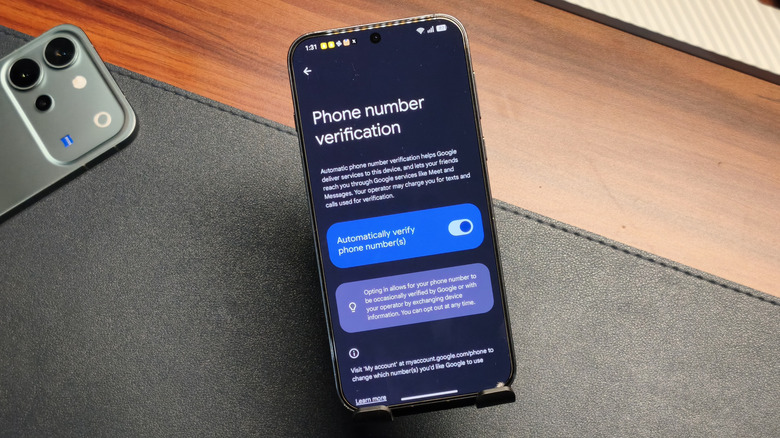
If you haven't received an email from the account mentioned above, your phone number may not be linked yet. To keep it that way:
- Open the Settings app on your phone.
- Navigate to Google > All Services.
- Open Phone Number Verification and turn off the setting.
Some Reddit users report that the feature turns on automatically after a while, so confirm a couple of times just to be sure. If your contact is already verified, go to the Google personal info page, click Phone (or Phone Number), and delete the number from your account. Remember to do it for other Google accounts as well. At the time of writing, Google hadn't publicly addressed the reports or said whether it would change the verification process. For those worried about other phone settings, check out these Google privacy settings you should change immediately.