

What's The Difference Between Android Auto And Android Automotive OS?
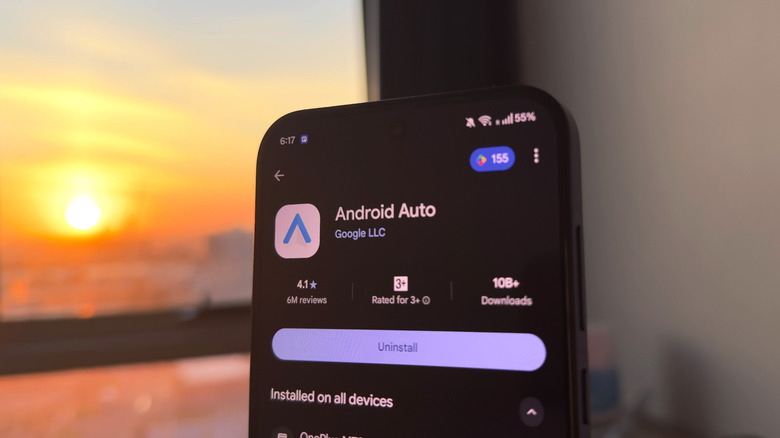
Few things are clunkier than the user interface of a poorly designed car infotainment system. These systems are often missing features or frustratingly require tapping through several menus just to get simple tasks done. Well, CarPlay and Android Auto have, to a large degree, solved this problem by allowing you to use a much more capable device as the brains of your car's infotainment screen — your smartphone.
Just a year after Apple debuted its CarPlay platform, Google released Android Auto in 2015. Supported car models let you connect your Android smartphone and essentially mirror a driving-friendly interface, complete with your apps, music, and other relevant information. Android Auto has seen several updates since, adding support for more apps, widening compatibility with major car manufacturers, introducing wireless connectivity, and improving the user interface to make sure you're not distracted by unnecessary information while on the road.
If that's Android Auto, what exactly is Android Automotive? No, Google isn't working in parallel on an Android Auto successor — although the company does have a history of sunsetting popular products. Despite their confusingly similar names, the two platforms work in different ways. Android Automotive refers to the operating system that runs directly on the car's hardware. Android Auto, on the other hand, runs on your smartphone and simply projects an interface onto your car's screen.
How does Android Automotive work?
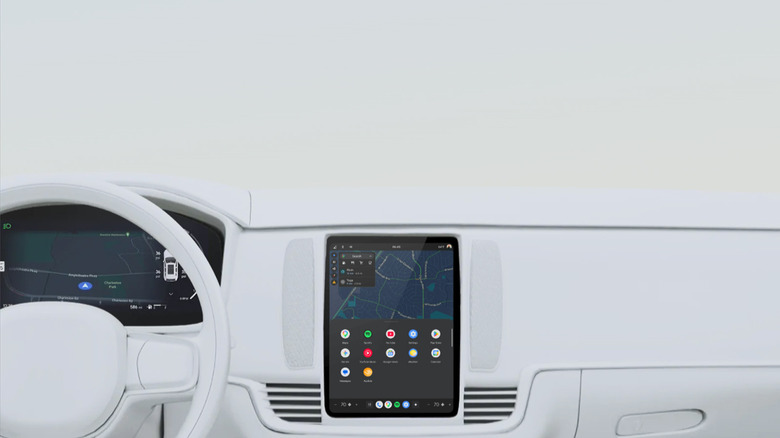
Much like Android on a smartphone, Android Automotive is an operating system that's installed on your car's hardware. That means it can function without you having to connect your phone. It's an open-source platform developed by Google that car manufacturers can build upon with their own features, interfaces, and vehicle-specific integrations. Google says, "Android Automotive is Android," and that it is "not a fork or parallel development of Android."
Vehicle manufacturers can also choose to license Google Automotive Services (GAS), which is a set of built-in Google apps that aim to improve your driving experience. It includes apps and services like Google Maps, Google Play, and Google Assistant, which is now being upgraded to Gemini in supported cars. OEMs don't have to integrate Google Automotive Services, though, and can ship Android Automotive with their own set of apps. Google provides strict guidelines for how developers should build and design apps for Android Automotive to make them safer to use while driving.
There are certain benefits to driving a car that has AAOS built in. For starters, you don't need to connect your phone every time you get in your vehicle. This keeps your phone's battery from draining during longer trips. With it being directly integrated into the car, AAOS can also communicate with vehicle systems and use information like speed, battery level, and range to provide a more complete experience. For instance, in supported cars with Google built-in, you could summon Gemini and ask it to turn on the air conditioner or seat heaters without ever taking your hands off the wheel.
We're all familiar with Android Auto
Though Android Automotive OS' goal is to deliver a better integrated experience, it isn't available on nearly as many vehicles as Android Auto. Cars powered by AAOS that also feature Google Automotive Services are typically marketed as having Google built-in. Manufacturers that have AAOS-enabled cars include Polestar, Volvo, Chevrolet, GMC, Cadillac, Renault, Honda, Acura, Nissan, Infiniti, Lincoln, Ford, Buick, Mitsubishi, Mazda, BYD, and Alpine. Android Automotive can also receive over-the-air software updates, although the timing can vary by manufacturer.
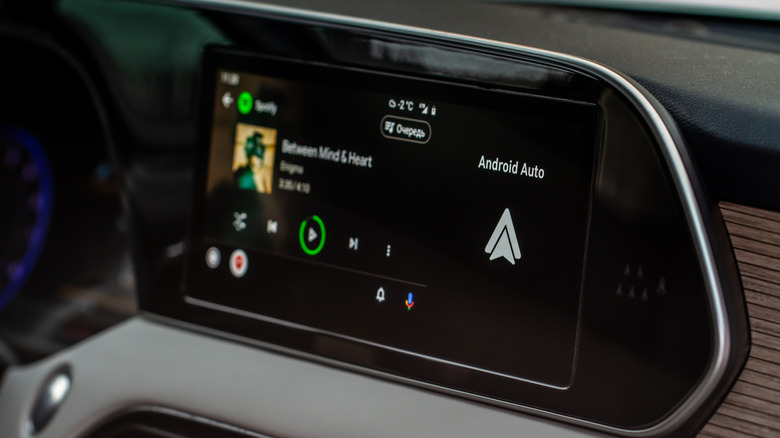
Plenty of modern cars support Android Auto, which is a decent middle ground if you want the smarts of your smartphone on your infotainment screen without having to narrow down your choice of car based on the operating system it runs. Google claims Android Auto is compatible with over 500 car models, making it the more accessible way to add smart functionality to your vehicle. You'll need a phone running Android 9.0 or higher and a USB cable if your car doesn't support wireless connectivity with Android Auto.
The best part about having your phone power the Android experience in your car is that your apps, media, and messages carry over automatically. You can also install other Android Auto apps from the Play Store that add more functionality to your infotainment screen, like a fuel tracker or a podcast app. The platform receives automatic updates, and new features get added to Android Auto regularly.