

New Android Feature Helps You Keep Track Of Important Items, No Tag Needed
Many AirTag alternatives for Android emerged after Apple launched its Bluetooth tracker. Although Bluetooth trackers like Apple's AirTags and Samsung's SmartTag2 are useful for tracking your valuables, they require an upfront investment. For example, a single Samsung SmartTag2 costs $29.99, while a pack of four costs $99.99. Google, however, is making it easy for everyone to keep track of important items in certain scenarios without spending a dime on a physical tracker. As part of a new set of features coming to your Android phone, Google announced on September 1, 2026, that you'll be able to track items using Gemini. However, it requires some manual input.
First, you'll have to tell Gemini to remember that you put the item you want to track in a certain place. You can do this with a voice command such as, "Hey Google, remember in Find Hub that I put my passport in my bedroom drawer." Additionally, you can also attach a photo of the item in the said location, although it isn't a must. Under the hood, Gemini automatically saves the item's name and location in Find Hub.
Then, later, when you need to find a saved item's location, you can ask the AI chatbot, and it'll retrieve the answer from Find Hub. The feature is available in Gemini on devices running Android 16 and later. However, to use it, you'll need to be in a region where both Gemini and Find Hub (formerly known as Find My Device) are available. There are different ways Gemini is useful on Android, and the latest tracking capability makes the chatbot even more convenient in everyday life.
Gemini's tracking feature doesn't replace physical trackers
Although you can track important items on Android with Gemini, this feature doesn't make the dedicated Bluetooth trackers obsolete. The new feature is best for tracking items in places like your house and office. It quickly falters in other scenarios. For instance, if you're at an airport and want to stay updated on your suitcase's location, you'll still have to attach a physical tracker because baggage handlers move your large bag, meaning it won't stay in one place.
Even in an office or house, another downside that makes Gemini's tracking feature less helpful is that someone else might move the tracked item from the saved location. Say you keep your key atop the TV console and your kid misplaces it; then the saved location in Find Hub will no longer be helpful. So, while handy, you'll still need to invest in a Bluetooth tracker eventually for certain items, and leverage this Gemini feature for items you don't put a tag on, like your spare house or car key.
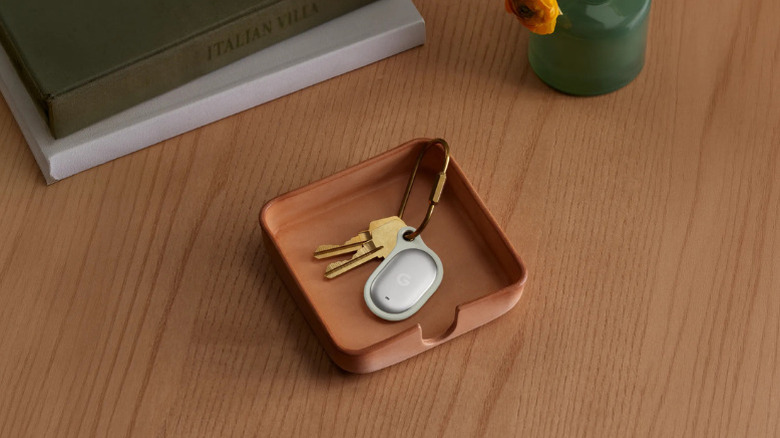
Google acknowledges this, which is why the company also has a Bluetooth tracker on the way. The company announced its Bluetooth tracker, the Pixel Tag, at its Made by Google event held in August, and it is set to hit the shelves starting November 11, 2026.
Other handy Android features Google announced in September's Android Drop
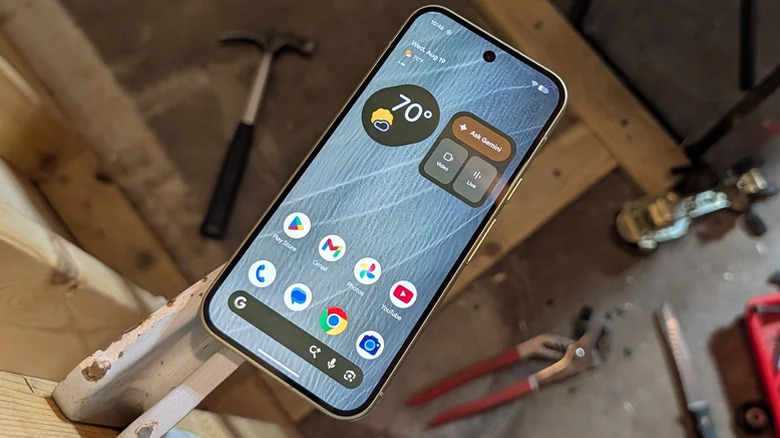
Gemini's tracking feature is just one of the new features Google announced in the September Android Drop. In total, the company introduced five new features that you'll find useful in various ways. In addition to item tracking, the second feature is called Motion Assist, meant to help you use your phone while reducing motion sickness during a car ride. Exclusive to Android 17, Motion Assist adds a bubble overlay on your phone's screen that moves based on the vehicle's movement.
Google offers a dedicated page in Android Settings from where you can customize the bubble's color, shape, and opacity. The third new feature is Guided Vision in Gemini Live, which gives you a description of what's in front of you using your device's camera. Guided Vision is targeted at people with low vision, with the company saying it's helpful in situations like reading a menu in a low-lit restaurant and reading fine print on a food label.
Another new addition that's part of the September Android Drop is collaborative Google Keep notes, where two people in a Google Messages conversation can view and edit a note. Google Messages is also getting chat themes, allowing users to customize each chat's background and text bubble colors.