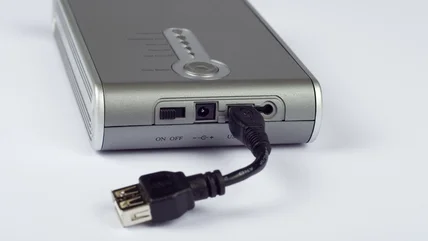
What Is The FireWire Port On Older PCs For?
Though FireWire has been replaced by USB standards, you might still see one of these ports on the back of an older computer or on certain devices.
Read More

Though FireWire has been replaced by USB standards, you might still see one of these ports on the back of an older computer or on certain devices.
Read More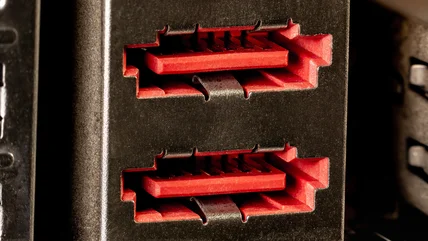
If you have an old computer sitting around, it might have a port labeled eSATA. Despite being an older technology, eSATA can still work with compatible devices.
Read More
In the age of remote work and virtual meetings, webcams are more essential than ever. Make sure your privacy is secure by covering it when it's not in use.
Read More
From durable watches to repairable headphones, discover fun and useful gadgets designed to last for years without needing expensive replacements.
Read More
The marketplace for helpful free macOS apps is beyond crowded, but plenty of options in the premium space make for compelling potential purchases as well.
Read More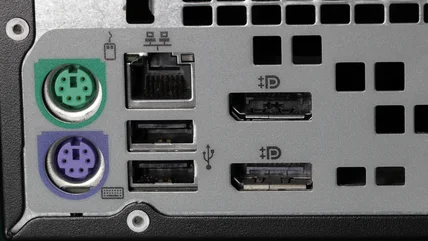
Purple and green ports had specific uses on older PCs. While replaced by newer formats today, some enthusiasts still use these ports in PC builds.
Read More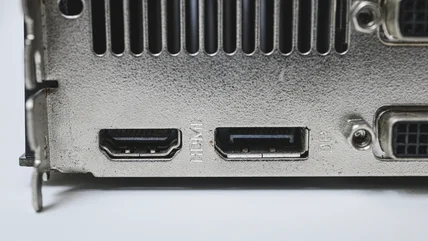
If your PC or laptop only has a single HDMI or DisplayPort input, you might wonder if you can hook a monitor to each. Is this possible, or a problem?
Read More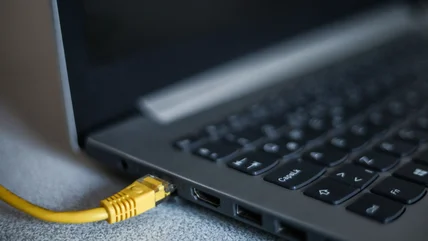
A flashing Ethernet symbol on your Windows PC can be confusing, especially if your internet seems fine. Here's when the blinking icon deserves a closer look.
Read More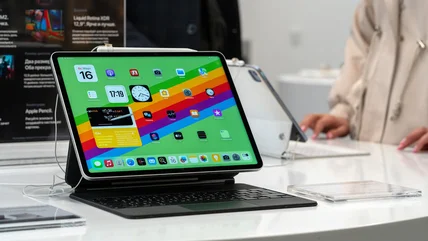
The iPad Magic Keyboard is a great accessory to improve your tablet's capabilities. Yet, while it comes with it's own USB-C port, its use is pretty limited.
Read More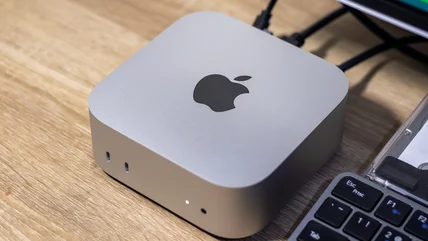
When paired with the right apps, Mac minis can be productivity powerhouses. Here are the best apps to install on your Mac mini to make the most of your machine.
Read More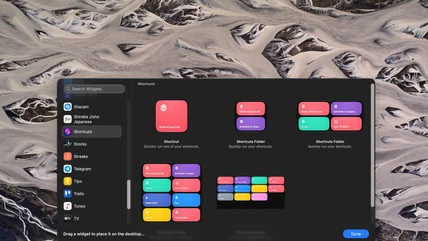
From battery levels to smart home controls, these five useful macOS widgets can make your desktop more convenient and productive.
Read More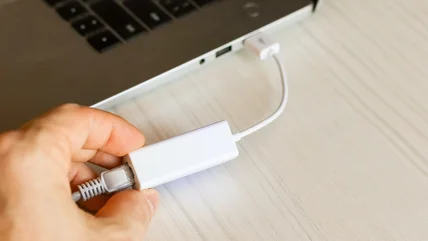
A wired setup should always beat wireless speeds. Discover which common computer port bottlenecks your Ethernet adapter and how to quickly identify it.
Read More
If you see a brown box symbol next to a file or folder in Windows, it's nothing to panic about. Here are steps you can take to resolve this status.
Read More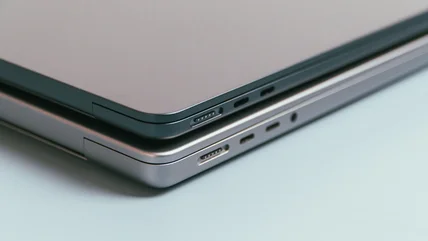
Apple favors ultra-clean minimalism, leaving MacBook ports unmarked. Discover why these slots lack icons and what hidden capabilities lie inside.
Read More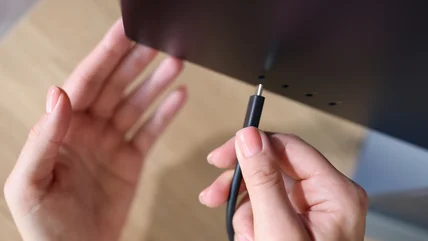
Using USB-C to connect a monitor to your computer might seem much simpler than HDMI or DisplayPort, but there are a few things you must look out for.
Read More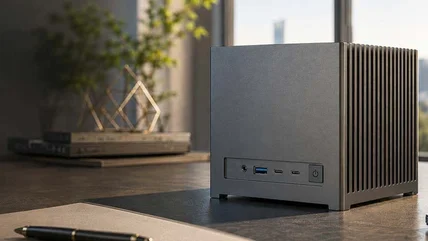
What happens when money is no object in the world of PC building? One extraordinary custom creation pushes the limits of luxury — and common sense.
Read More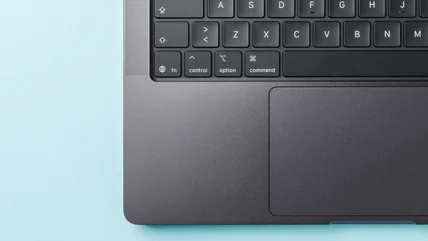
If you've ever seen the key with an image of a globe while typing on your Apple device and wondered what its purpose is, here's exactly when you should use it.
Read More
Buying a new computer can be a nerve-wracking experience. With so many things to consider, and so much money potentially on the line, here's where to start.
Read More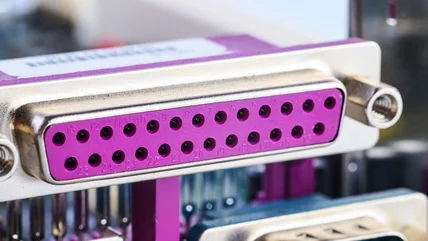
Old computers had a lot of ports that are now considered obsolete, one of those being the classic parallel port. What is it actually used for?
Read More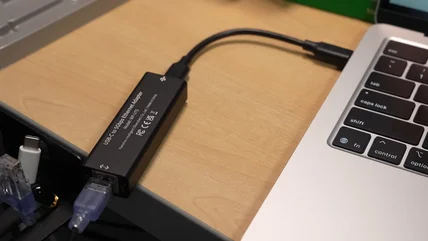
Need a wired connection? Here are some specs, features, and options to consider that will help you select the Ethernet adapter that's right for your laptop.
Read More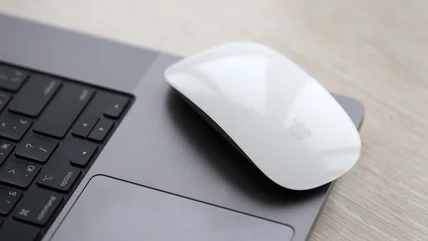
These are some of the best alternatives to the Apple Magic Mouse, all offering unique designs and settings.
Read More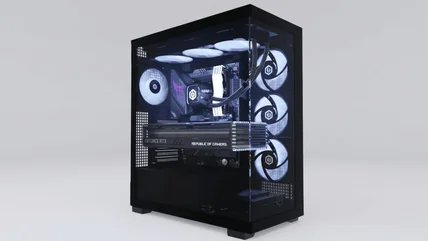
If you're in the market for a gaming PC, Sam's Club has a pretty powerful option for a pretty powerful price, but it's probably cheaper than building one.
Read More
More and more people are moving to Linux on their computers due to prolonged issues with Windows, but using Linux as your only OS carries quite a few drawbacks.
Read More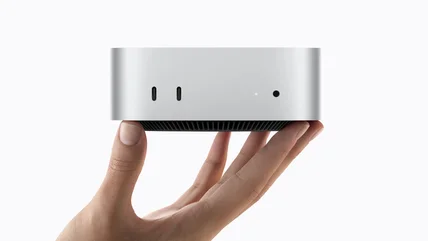
The M6-powered Mac Mini is a true powerhouse of a tiny PC, but if you don't want macOS, there are some pretty decent alternatives for a lot less cash.
Read More
There are plenty of advantages to working from home, but you do need to rely on your own equipment. Choosing a solid laptop can help keep things going smoothly.
Read More
Staples owns two tech brands, extending its product range from humble paper clips to tech essentials, including laptops, chargers, cables, and more.
Read More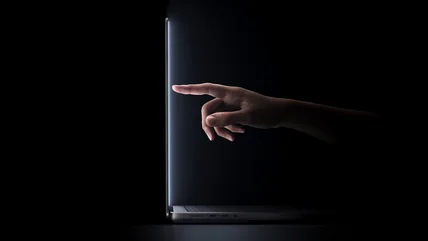
After decades of anticipation, Apple has finally introduced a touchscreen to its MacBook lineup. Here vare all the details, including how much it costs.
Read More