

5 Of The Best All-In-One Computers You Can Buy That Aren't An iMac
We may receive a commission on purchases made from links.
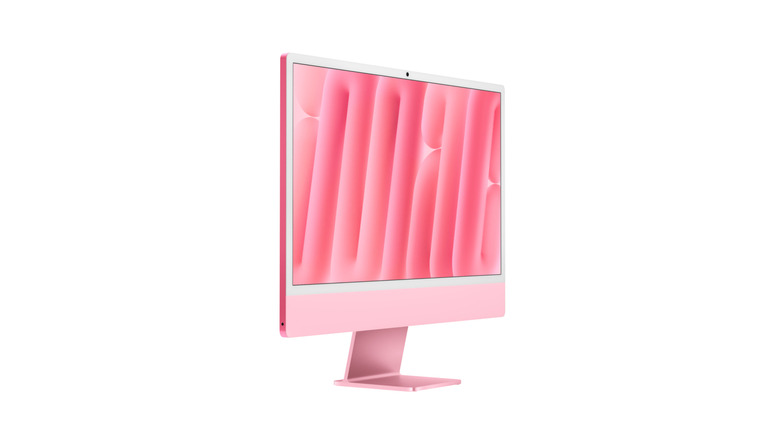
If you're on the market for an all-in-one computer (a desktop computer integrated with a monitor, also known as an AIO), chances are the first option on your list is an iMac. And why not? This is the computer that once put Apple on the map way back when and continues to be a rock-solid choice with the M-series 24-inch iMacs. Well, we can think of a few. Either the Apple brand's not your cup of tea, or the iMac has one too many disadvantages for its price point and/or your needs. The good news is Apple is far from alone in the AIO market.
Look, we admit it's tough to beat Apple in this category. But major brands like Dell, HP, and Lenovo manufacture their own solid AIO competitors. Even though they may not always have the sleek, iconic unibody iMac design or the next-level Apple Silicon, the alternatives may be much closer to your budget (or offer better bang for buck) with more hardware choices, screen sizes, and operating systems — if you don't like Windows, there's always Linux. Let's look at the best options on the AIO market right now.
Dell All-in-One

Dell's iMac competitor is named straightforwardly: the Dell 24 All-in-One, starting at $879.99 on Dell's website. The iMac starts at $1,499, for reference. For that price, you get an FHD monitor, an Intel Core 3 processor, 8 GB of DDR5 RAM, and 512 GB of storage. There are 3 USB 3.2 Gen 1 ports, 1 USB 3.2 Gen 2 port, two HDMI ports, and a headphone jack on the back, plus a side USB 3.2 Gen 2 port — way more than the iMac. Other notable specs include a pop-up camera with IR support, a microphone, Dolby Atmos, speakers, and Wi-Fi 6E. The Dell, like the iMac, lives up to the "All-In-One" moniker by shipping with an included Dell Pro 5 keyboard and mouse.
What we've outlined above is just the entry-level version. You can purchase a more tricked-out 24-inch All-In-One starting at $1,279 with an Intel Core Ultra 7 processor and 16GB of RAM, with further configurations available. Dell also ships a 27-inch monitor version starting at $1,329 with an Intel Core Ultra 5 and 16GB of RAM. One of the big pain points of the iMac is that it ships exclusively with a 24-inch screen, making the Dell AIO better if that doesn't cut it for you.
Reviews on Dell's All-In-One lineup are generally positive across Dell's website, Amazon, and Best Buy. Professional reviews of the recent 24 AIO models also give it solid marks. We do have concerns about the 8GB of RAM in the lowest-end version, since getting by with 8GB of RAM in 2026 could be tough; this may be an excellent candidate for a Linux distribution that looks like Windows. All in all, this is an easy computer to recommend.
HP OmniStudio
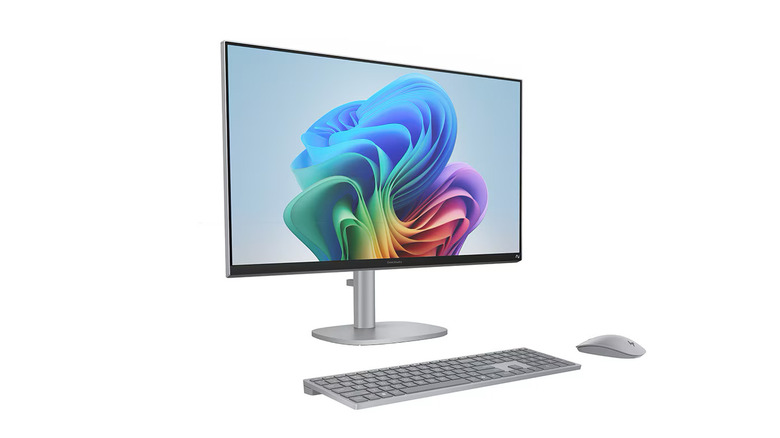
HP's version of the AIO computer is the HP OmniStudio. Similar to Dell, you have multiple configurations and screen sizes, namely the HP OmniStudio 24, OmniStudio 27, and the higher-end OmniStudio X. The low end starts with the HP OmniStudio 24 at $799.99, though HP discounts can bring the price down. For that low end, you get an Intel Core 3 processor, 8GB of RAM, 256GB of storage, and a 1080p panel. Other specs include three USB-A ports and two USB-C ports on the back, a 3.5 headset jack, an Ethernet port, HDMI, WiFi 7, and an included HP wired keyboard and mouse. You can upgrade the processor, RAM, storage, and panel.
At the top end, you have the OmniStudio X. For $2,999, you can get a 27-inch screen, an Intel Core Ultra 7 chip, 32GB of RAM, a 1TB SSD, and an 8GB NVIDIA GeForce RTX 5050 graphics card; that same model also includes Thunderbolt ports and DisplayPorts. At the entry level for the OmniStudio X lineup is a $1,799 27-inch AIO with an Intel Core Ultra 5, 16GB of RAM, and a 512GB SSD. To be clear, there is a ton of variety and customizability between these extremes, from budget to high-end. The OmniStudio will be an excellent choice if you need to dial in to a very specific spec at a very specific price point.
Reviews are average and positive on HP's own website, Amazon, and Best Buy, though your mileage may vary depending on the model you choose; it's hard to establish a baseline here since HP has so many different OmniStudio versions. Professional reviews (at least of OmniStudio X) are largely positive. It's worth noting that HP has some of the highest ratings among PC customers.
Lenovo Yoga AIO Desktop
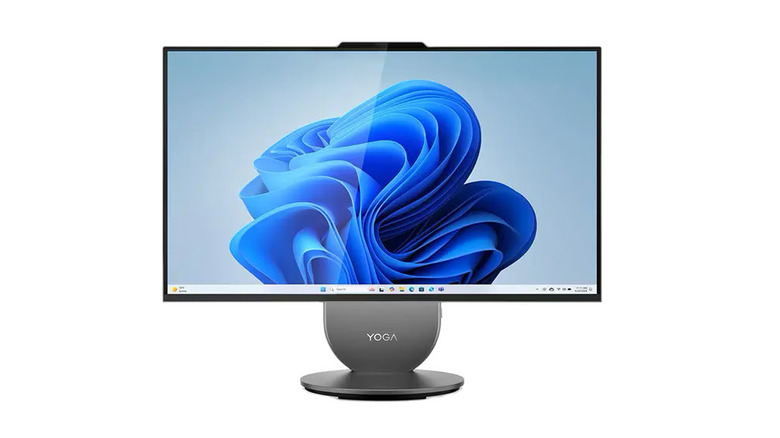
Lenovo's Yoga brand probably makes you think of laptops like that interesting two-screen laptop we reviewed in 2024. However, it also encompasses AIOs, a counterpoint to Lenovo's ThinkCentre and IdeaCentre AIO PCs. The Yoga comes in two sizes: 27-inch and 32-inch. The 27-inch starts at $1,929.99; the entry-level model features an Intel Core Ultra 5 processor, 16GB of RAM, a 1TB SSD, and an Intel ARC GPU. I/O includes 2 USB-A ports, USB-C, HDMI, and Ethernet on the back, with a USB-A port, a USB-C port, and a headphone jack on the side. There is a much more robust speaker system with a tweeter and a woofer, support for Dolby Atmos, and dual microphones.
The 32-inch model starts at $1,269. Entry-level models include an Intel Core Ultra 7, integrated Intel Arc graphics (or an NVIDIA RTX 4050 GPU on some models), up to 32GB of RAM and a 1TB SSD. Both the 27-inch and 32-inch models come with Wi-Fi 7 and a wireless keyboard and mouse. One thing that really sets the Lenovo AIO apart from its competition — at least the 27-inch model — is the display, which can adjust or rotate to suit your preference, like a vertical monitor; this is a huge advantage over the iMac, which can only adjust the viewing angle.
Lenovo also has solid ratings across the board, both from professional reviewers (the higher-end 27-inch variant in particular) and, where available for purchase, on Lenovo's website, Amazon, and Best Buy. In our estimation, the Yoga is one of the sleekest and most stylish iMac alternatives on the market, perhaps the best Windows-based option if you're after an AIO that looks really good.
Lenovo ThinkCentre or IdeaCentre
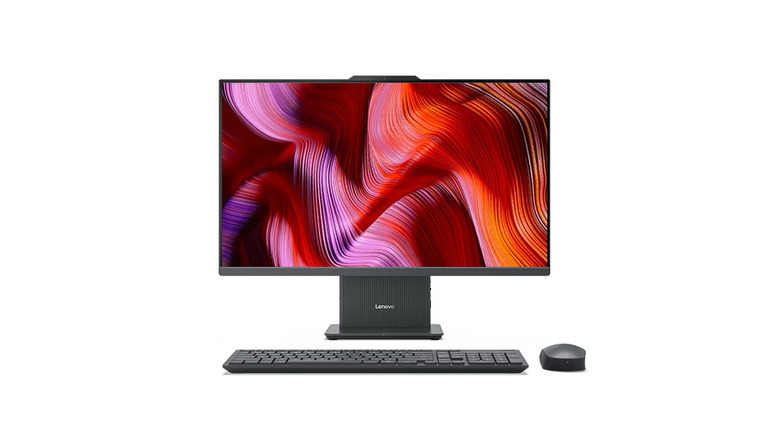
Lenovo makes two other AIO lineups, called the ThinkCentre and IdeaCentre. We'll focus on the IdeaCentre. Lenovo offers four distinct models on its website: the 24-inch IdeaCentre i with Intel, the 24-inch IdeaCentre with Gen 9 AMD, and the 27-inch IdeaCentre i with Intel, starting at $1,142.99, $1,033.99, and $1,202.99, respectively.
The difference between the Intel versions is that the 24-inch uses Intel's older 13th-gen Core i5 processors, while the 27-inch can be configured with Intel's newer Core 7 processors and features a QHD (also known as 1440p) monitor. Both start out with 8GB of RAM and a 512GB SSD, but can be upgraded to 24GB or 32GB of RAM, respectively, and up to 1TB of storage. The spec sheet for both is mostly identical after that; both have two USB-A 2.0 ports and one USB-A 3.2 Gen 2 port on the back, plus HDMI and Ethernet on the side. Each has an additional USB-C 3.2 Gen 2 port.
The AMD IdeaCentre is similar. It starts with a Ryzen 3 processor, upgradable to a Ryzen 7, and 8GB of RAM and a 256GB SSD, upgradable to 16GB of RAM and a 1TB SSD. All ThinkCentres have 5MP cameras and boast a stereo speaker set powered by Harman. They all support Wi-Fi 6 and come with a wireless keyboard and mouse — minus the AMD.
We admit reviews are a bit more mixed for the IdeaCentre; depending on which review you're looking at and which ThinkCentre model you're focused on, reviews can vary from strong to middling. However, customer reviews on Best Buy and Amazon for similar models lean much more positive. To be fair to the IdeaCentre lineup, these are slightly more budget-oriented models, so the mixed reception is not unexpected.
MSI PRO
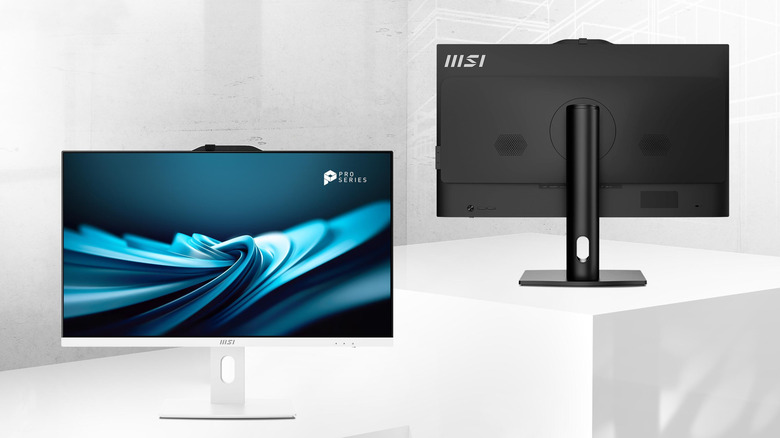
Like its competitors, MSI has a whole AIO PC lineup. Monitor sizes range from 16 to 27 inches, and MSI offers models with either Intel or AMD. On the lower end is the Modern Series, followed by the PRO Series and PRO MAX Series. MSI has quite a huge catalog of AIO options for sale — with exceptionally confusing names, some of which are exclusively for businesses — so let's keep things simple and focus on the mid-range PRO lineup.
Starting out with the smallest 22-inch monitor, you get an Intel Core i3 to i7 processor, up to 64GB of RAM, and an SSD with a second SSD/HDD for additional storage. On the back, you have two USB 3.2 Gen 2 ports, two USB-A 2.0 ports, an HDMI port, Ethernet, and a headphone jack; on the side, there are also two Gen 1 USB 3.2 ports, one Type A, one Type C. There's an HD webcam and support for Wi-Fi 6E. Unlike other models we've seen so far, the keyboard and mouse are only optional. These configuration options are roughly the same on the 27-inch models. MSI sells its AIO computers from its online US store and through third-party retailers such as B&H, Newegg, Best Buy, Walmart, and Amazon.
On the low end, you can purchase the Pro AP272P 14M-602US starting at $1,099 and featuring an Intel Core i5 processor, 8GB of RAM, and a 1TB NVMe drive. On the high end, the Pro AP 272P 14M-602US with an Intel Core i7, 16GB of RAM, and a 1TB NVMe. Since MSI offers so many different models, hunting down reviews is tough, but they are generally favorable. This review for the 27-inch MSI Pro AP272P 14M rates it highly.
How we chose these models

Our research for this video seemed to prove one thing: the iMac, despite its high price and occasional shortcomings, is a class-leading device in the AIO space, which is ironic, since it is one of Apple's less "loved" products. While some manufacturers have quite a spread of AIO offerings, there are relatively few when you look at the PC market from a bird's-eye view. We focused on devices that had been tested (and enjoyed) by at least a couple of professional reviewers and had positive customer ratings across platforms — where possible. Even big retailers like Amazon and Best Buy only have a couple of hundred reviews for the models we've shown here today.
To be clear, our focus here is not on specific models but on each manufacturer's lineup of AIO devices; generally speaking, they tend to share the same external design and screen but have different internals. As such, we believe reviews of one model can generally apply to other models, although we concede that your mileage will obviously vary with different hardware configurations. Our aim is to show you just how many good options are available.