

5 Downsides To Buying An iMac All-In-One Computer
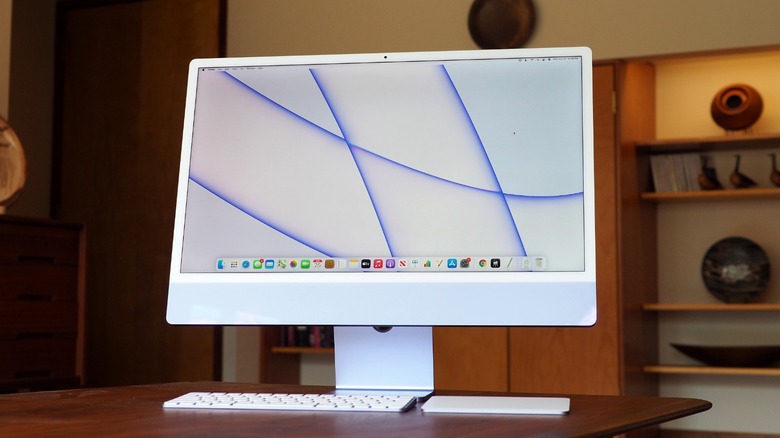
The iMac all-in-one computer is possibly the most iconic Apple computer right after the MacBook, with its glowing Apple logo. It has evolved over the years from the bubble-shaped G3 to the sleek unibody Mac we all know and love today. It's the iconic family computer, the old reliable for anyone whose office is too cramped for an unwieldy, space-hogging tower, and the go-to for a minimalist's desktop; even though Apple's not the only one in the all-in-one computer game, let's be real, no one out there does it quite like Apple. But there are some considerations to keep in the back of your mind before you hit "buy."
Make no mistake, these are excellent computers. Just ask anyone who has one. Minus peripherals, you have a literally out-of-the-box computer you just plug in and start using, with a gorgeous display optimized for Apple's hardware. However, it's certainly not a perfect product, and here are some potential issues for the prospective buyer.
The iMac lags behind other Macs
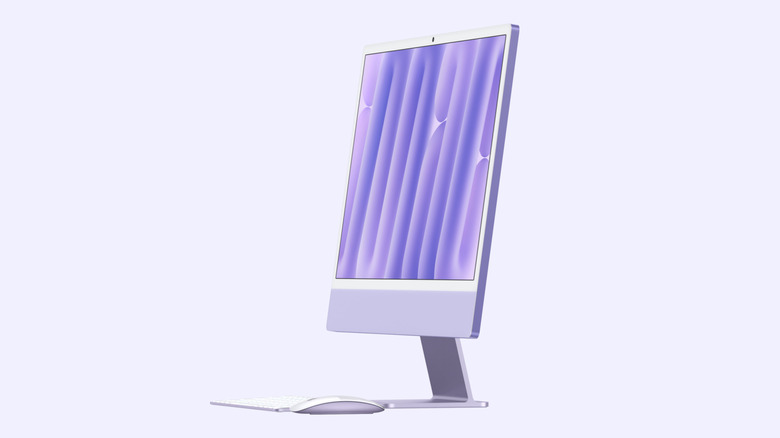
Apple has roughly two categories of products: the big-ticket items released yearly (think iPhones and MacBooks), and those released so infrequently (HomePods and AirPods Max) that users start to feel as if Apple forgot them. The iMac falls in that latter category. Releases are intermittent. Sometimes every year, sometimes every two. The latest available iMac was released in October 2024 — two years ago — and there's no successor in sight.
Rumor has it the iMac was supposed to be updated in 2025. Then it was supposed to get the M5 chip this year, but we're on the cusp of an M6 refresh and still no new iMac. Now the rumor mill is spinning about a potential M6 iMac in fall 2026 — but only a spec bump, no major upgrade like a Mini-LED or OLED panel. It seems that iMac sales don't justify more frequent updates, so Apple will probably continue to relegate this product to a lower priority.
So, for one, choosing when to upgrade could be tricky: you can buy an iMac now and risk the new version coming out tomorrow with more power at the same price, or you can wait for months (or longer) to see an update. Further, iMacs lag somewhat on the spec sheet; they don't support Pro chips; they don't have mini-LED XDR displays, higher brightness, and ProMotion like MacBooks (which may soon get OLED and touchscreens); they lack other niceties like Voice Isolation microphone modes, newer versions of Bluetooth and Wi-Fi, and support for gigabit Ethernet. To be fair, the current M4 iMac will be plenty powerful for most people for years to come, but those who need the full Mac horsepower may struggle to justify it.
No alternative screen size options
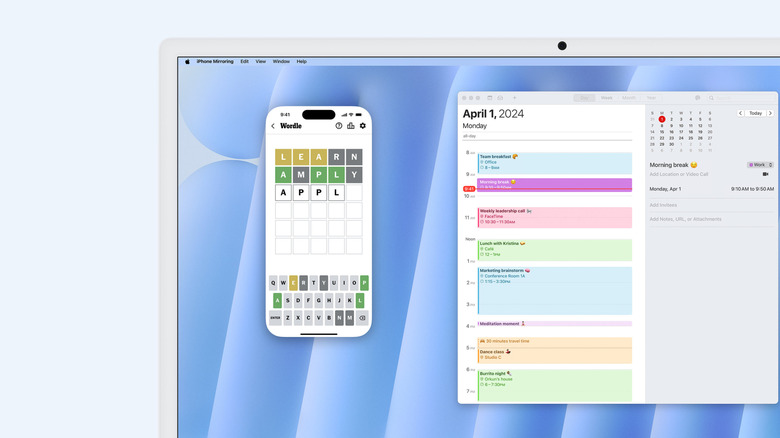
The iMac has a 24-inch 4.5K Retina display. For most people, it's big enough and will look great. But what if you want something bigger, higher-resolution, brighter, with a higher refresh rate? Then you'll either have to buy a second monitor (such as Apple's costly Studio Display) or start hunting for a new USB-C monitor. Apple does not sell any other iMac screen sizes. Period.
For most people, a 24-inch monitor gets the job done. But anyone who spends a lot of time at their desk and juggles many apps (especially if they work from home) knows that bigger is always better, especially if they have only one monitor. More screen real estate means you can fill it with more windows and not waste precious, frustrating seconds Cmd-tabbing or Ctrl-up-arrowing to the occluded ones. Two app windows side-by-side can feel cramped even with a 24-inch screen size, and once you're no longer a spry twenty-something with eagle vision, you'll probably want to increase the text scaling in all your apps, necessitating yet more screen real estate. Further, adding a second, non-matching monitor might clash visually with a lone iMac.
It's a shame Apple doesn't have, say, a 32-inch model. 24 inches has remained the iMac standard for years. If Apple does decide to switch to more expensive OLED screens — for a product that doesn't sell gangbusters in the first place — then it would probably take a miracle to get a larger iMac screen. It's also worth noting for the record that the iMac supports only one or two extra external displays, depending on your model. People looking for a larger screen or a whole bunch of external monitors should steer clear of the iMac.
No height adjustment
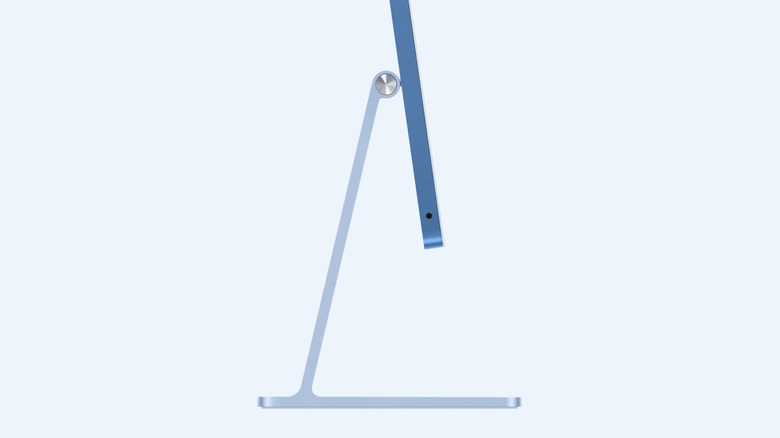
Proper posture while sitting at a desk is a huge deal if you enjoy the pleasure of not having your spine feel like a dozen knives are embedded in it. One major factor in good posture is having the monitor at the right height and angle so you don't have to slump your neck to look at it properly. The iMac can adjust its angle, but not its height. There is no height adjustment built into the included stand. Though a small thing, it could have a big impact.
The easiest fix for this would be to purchase a VESA mount adapter at checkout instead of the default stand, which Apple includes at no extra charge. But that could be a trade-off, since now instead of Apple's beautiful, minimalistic aluminum stand, you're going to have to figure out your own wall-mounted solution or get an adjustable arm for the job — so if you change desktops in the future to one where you need to stand, you might be in a bit of trouble.
Obviously, there are ways to get around this using the default stand option. You could simply prop the iMac up on a riser, though it might not be the most aesthetically pleasing choice. This may also be a non-issue if you have a standing desk, since you can make slight height adjustments at the press of a button. Regardless, it's a shame the stand itself does not allow height adjustments, and that will forever be a tick against the iMac.
A third-party desktop monitor and Mac mini will be cheaper (and possibly better)
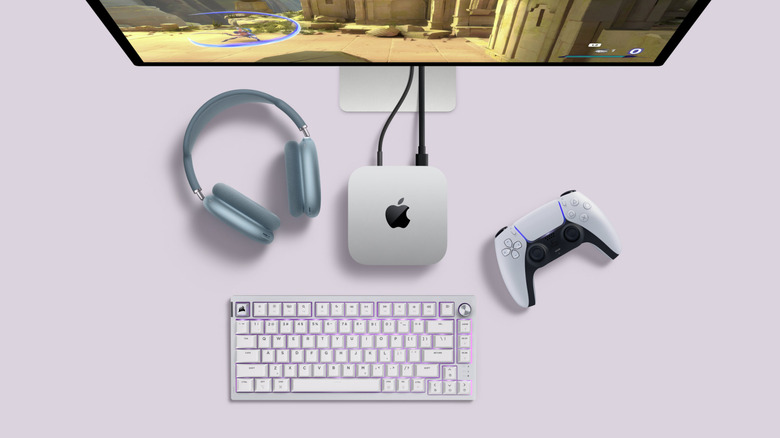
If you want an affordable desktop PC in a compact form factor, the iMac might not be quite the right choice. Consider getting a Mac mini instead. Benefits? For one, the mini starts at $799, compared to the iMac's $1,499, so you could easily budget for a monitor and stay under $1,000. Or splurge on a really good monitor and still stay under the iMac's price point.
Beyond that, there are still other benefits to going the Mac mini route. The Mac menu lets you upgrade to the M4 Pro chip; it has two front-facing USB-C ports and three back-facing Thunderbolt 4 ports, in total more than the M4's maximum of four Thunderbolt 4 ports; it has an Ethernet and HDMI port, neither of which the iMac includes; SSD upgrades can be done on the Mac mini relatively easily compared to a far riskier and laborious process on the iMac. Also consider that the new Mac mini M4 is incredibly small and could easily be hidden away out of sight to create a similar "screen-only" setup to the iMac.
It wouldn't be all smooth sailing. One issue is that Macs in general do a pretty poor job of supporting external monitors, which often requires users to install a third-party program to fix it. The iMac would work flawlessly out of the box and look great. Also consider that it has a solid set of speakers, microphones, and a webcam, which would not only cost you extra but also detract from the iMac's minimalistic look, a large part of the reason you might be getting one in the first place. Even so, the Mac mini could be the superior choice.
Extremely limited ports
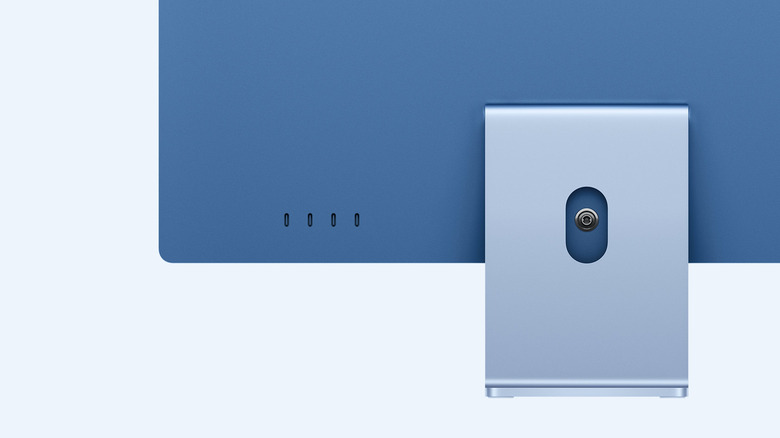
One eternal frustration with buying any Apple device is the incredibly limited I/O selection. You'd think, though, that the iMac might be an exception. It has so much real estate on its backend that Apple could easily include more ports than MacBooks and Mac minis/Mac Studios, which have to cram I/O into much smaller spaces. Unfortunately, this is Apple we're talking about, so of course not. The iMac starts off with a measly two Thunderbolt ports. No USB-A, no Ethernet, just a headphone jack on the side, and that's basically it. If you want four Thunderbolt 4 ports, you have to pay a $200 Apple tax. That markup does include two extra cores for your CPU and GPU and support for an extra external monitor, but there's no RAM or storage increase, no other updates, whatever.
So if you want to plug in a USB-A thumb drive or external storage drive, connect an Ethernet cable, or plug in a second HDMI or DisplayPort monitor, you'll need a USB-C hub. One that might cost you a pretty penny if you want a decent one that can power all your devices and stay within reach. One that might dangle off the back of your Mac in an unsightly fashion while putting pressure on the port. Perhaps Apple would chalk this up to an engineering challenge if confronted about it (the iMac is impressively thin), but it's a huge downside to consider nonetheless.