

5 Clever Ways To Hide Ethernet Cables Around The House
We may receive a commission on purchases made from links.
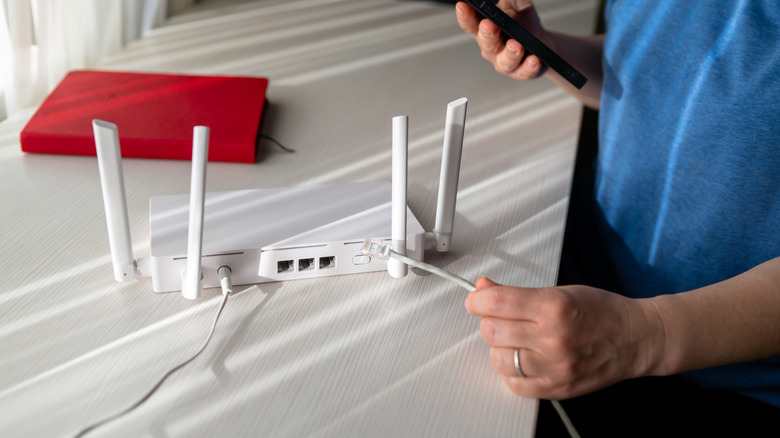
Wireless connections have become so prevalent that connecting to the internet with an Ethernet cable seems outdated. However, despite the convenience of Wi-Fi, people who want faster internet speeds with minimal buffering, lightning downloads, and a smooth online gaming experience should give Ethernet a try. Your gaming console, streaming device, or desktop should be plugged into an Ethernet port, since these are the systems most people use for heavy-duty internet usage.
However, there's a reason so many households have shifted to Wi-Fi — cables are a hassle to set up, and most people aren't huge fans of their home's aesthetics being ruined by an unsightly cable running amok along their walls or floors. There's also the question of safety — infants and pets are notorious for chewing through exposed wires, which is unhygienic at best and very unsafe at worst. If you want to enjoy the perks of wired internet without the drawbacks, we suggest hiding your Ethernet cables to avoid the headache.
Use baseboard concealers, cable raceways, and crown molding
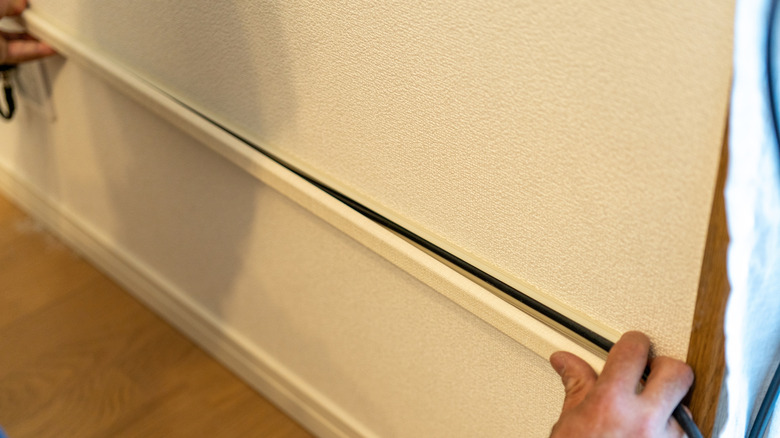
Most people use cable raceways to hide their exposed wires. It's pretty easy to set up and malleable enough to be placed anywhere on your wall, ceiling, or even your floor, although we don't recommend the latter unless it's tucked into the very corners. They do a good enough job of blending with your house's architecture, although they're nowhere near as elegant as baseboard concealers or crown molding.
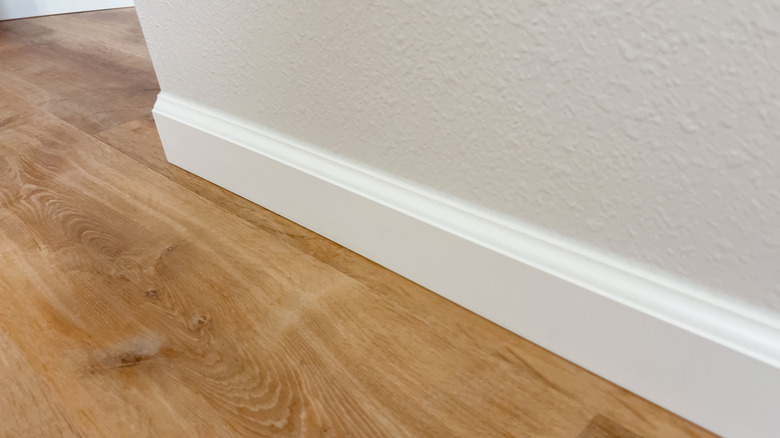
The former refers to the thin wooden board usually installed along the bottom of your wall where it meets the floor. These baseboards aren't just useful for improving the looks of your house's interiors — they can also be used to hide any cables in your house, including those of the Ethernet variety. Crown molding essentially accomplishes the same, but for your ceiling, covering the spaces where it meets the wall in an elegant manner. When these finishing touches are being added to your house, make sure to account for any wires that need to be hidden behind them.
If your house lacks any baseboards or crown molding and you don't want basic, ugly-looking cable raceways to be scattered all throughout your house, then don't fret — some cable raceways are designed to look like baseboard concealers, serving as a neat middle ground to help you hide your Ethernet cables surreptitiously.
Conceal your Ethernet cable behind furniture and under rugs
If you don't want to settle on an elaborate solution to hide your Ethernet cables, why not use the stuff already lying around in your house? If you're transitioning from Wi-Fi to a wired internet connection, working around the limitations of your furniture when setting up cable raceways and the like can be frustrating. Instead, a far simpler solution would be to hide your Ethernet wires behind your television and furniture. It may seem like a clumsy solution, but it's a quick, cost-effective one that uses your existing home setup creatively to make exposed wires a non-issue.
If you have thick, heavy, anti-skid carpets in your house, then hiding your cables under them shouldn't be an issue, either. Just make sure you aren't placing a bunch of wires in a high-traffic area, for obvious reasons. At the very least, you'll just have to reposition your furniture and rugs a bit to hide your wires, which shouldn't be a major hassle. We also recommend using flat Ethernet cables rather than round ones for this task, as they're much easier to handle in this scenario.
With some effort, you can hide your cables in your wall or under the floor
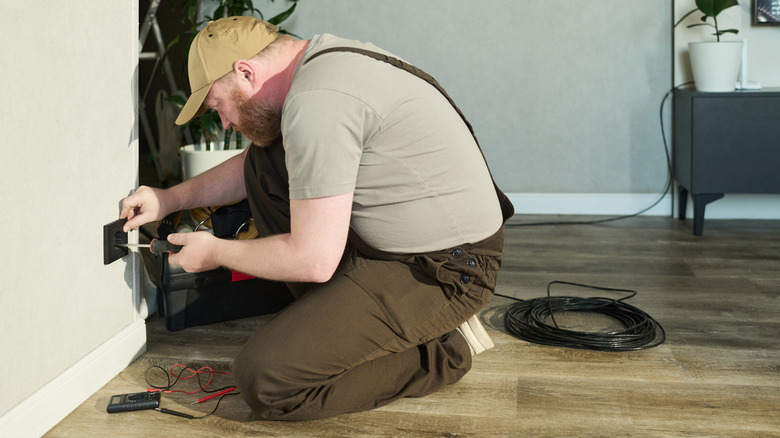
Before we get into detail, keep in mind that this solution, while permanent, is invasive and likely the most difficult way to hide your cables among the suggestions we've mentioned. After all, it's not an easy task to find the empty space between the studs in your wall to hide these cables, while also taking care that you don't compromise any existing wires or pipes. After that, you'll also need to drill holes in your wall to run the wires through before hiding the exposed sections with wall panels and the like. We especially don't recommend putting in all this effort for a rented accommodation... although if the homeowner has given you permission to make these permanent changes, then who are we to stop you?
However, before you source all the tools you need to carry out this work — and you will need a lot — check if your house has any pre-installed coaxial cables. These were important when cable connections were the norm, but MoCA (Multimedia over Coax) technology has made them useful for an entirely different purpose. By repurposing their functionality and using MoCA adapters, you can enjoy the speeds of wired internet without running Ethernet cables all over your house. Technically speaking, you're not directly placing an Ethernet cable inside the wall — rather, you're using these coaxial cables to enjoy faster speeds. However, for people who want an in-wall solution to hide their cables without delving into complex construction work, this can be a very convenient workaround.
Bundle up wires to hide them easily with cable sleeves, Velcro straps, wire ties, and nail-in clips
If your Ethernet cable is just one of the many wires running amok in your house, then try organizing them first before thinking about hiding them properly. With cable sleeves, simple Velcro straps, or even wire zip ties, you can bundle up all these cables and prevent them from snaking around when left to their own devices. Once they're properly organized, you can move along to the next step of the hiding process.
Nail clips are also great for this purpose, especially if you want these wires to run along your walls. If you think your Ethernet cable will be camouflaged well enough once it's running along the wall, this might be a good enough solution. Otherwise, if you're looking for something that fully covers your wires wherever they're run, cable raceways or a similar solution may be the way to go.
Place your router near the device that the Ethernet cable is connected to

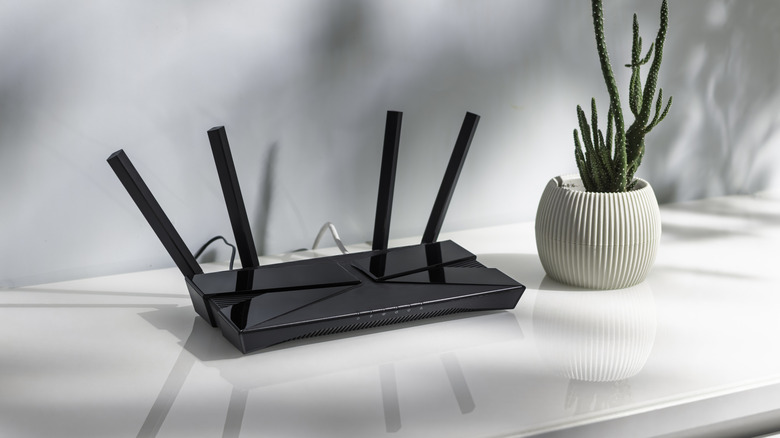
Cable management is an issue for many because they place their router too far from devices. Some people may prioritize placing a router in an optimal location that reaches every corner of the house... but you can always get Wi-Fi extenders or — a far better solution — install a mesh network to increase your Wi-Fi range. Not only will this make far more sense for larger houses, where a single router won't provide the range you desire no matter where you place it, but it'll also give you more flexibility in deciding where to place your router.
Do you want your PS5 to download games quickly and facilitate a stable online connection for your multiplayer gaming sessions? What if you want to connect your streaming device via an Ethernet cable to quickly buffer 4K HDR content without any hitches? Either way, save yourself the headache of having to hide your Ethernet cables elaborately and place your router as close as possible to the device of your choice. You won't even need a long Ethernet cable in this case, and your TV or furniture should hide the small cord coming from your router.