

5 Devices You Should Probably Always Plug Into An Ethernet Port
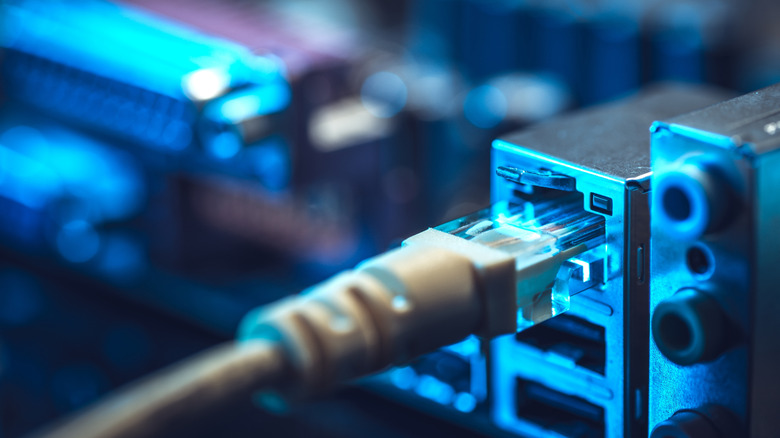
Perhaps nothing is more important in networking than the humble RJ45 connection. Having evolved alongside Ethernet technology and spanning compatibility across various cabling standards, like the current generation (at time of writing) of Cat8 cables, Ethernet is the backbone of the local area network (LAN). And while Wi-Fi has come a tremendous way over the years, with Wi-Fi 8 set to take things even further, hardwired Ethernet will always have a place in networking.
So, it makes sense that a number of devices stand to benefit from a hardwired connection over a wireless one. Ethernet is not susceptible to the common pitfalls of Wi-Fi like dead zones, interference, and congestion. Ethernet can provide a more stable connection, helping you realize higher real world speeds most of the time. The biggest disadvantage to Ethernet is it limits the placement of your devices; you need to be within a reasonable distance of an Ethernet port or switch, which may or may be ideal depending on your circumstances.
Plugging in a computer via Ethernet may be an obvious choice, but other devices such as video game consoles or docking stations should also use a wired connection, if possible. The criteria for how we chose these five devices is based on some of them requiring an Ethernet connection, while others simply benefit from one or add additional functionality.
Wireless Access Point
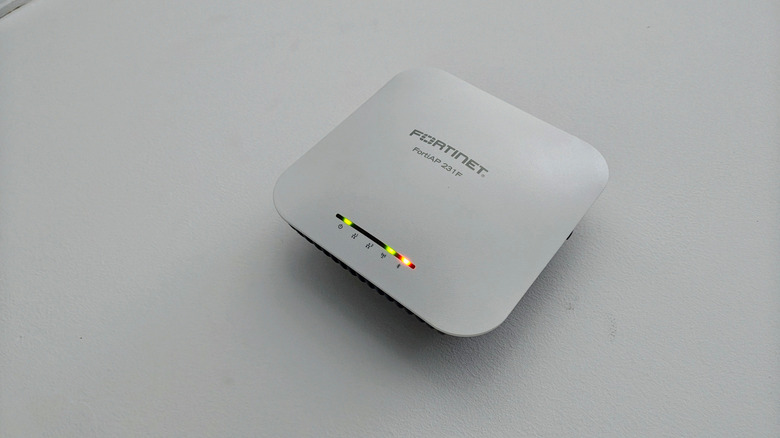
Wireless access points (WAP) have historically been used to extend the coverage of a wired network, but they also serve a similar goal to that of Wi-Fi extenders or repeaters in that they can be used for strengthening the coverage of a wireless network. WAPs work by creating their own wireless local area network (WLAN) that devices can connect to, which is helpful in remote areas of a house or building where Wi-Fi signal may be poor.
Access points can be configured in a multitude of ways: Common modes include local mode, repeater mode, and mesh mode. But they all work by utilizing a wired Ethernet connection to your network, and then converting data into RF signals across bands like 2.4GHz, 5GHz, or even 6GHz. Wireless access points should always have a wired Ethernet connection, and they also need to be placed in proximity to an electrical outlet, as they require power. It's also important to remember that access points are different from routers; access points do not route network traffic, and do not have firewall settings or a modem.
Routers or gateways
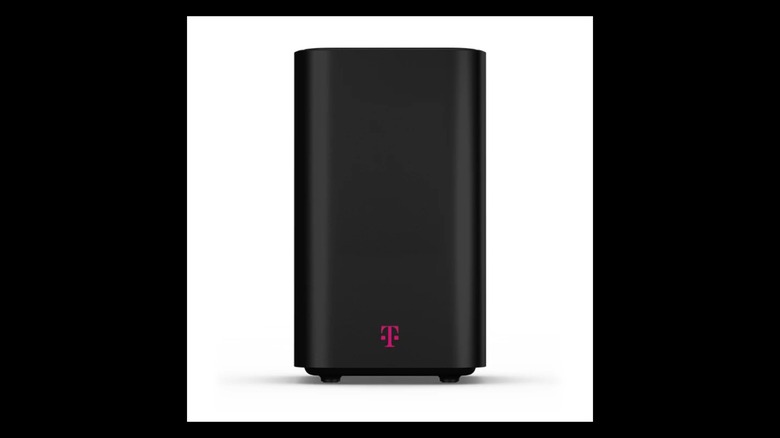
Speaking of routers, these devices –- which can also be called gateways, depending on your provider –- always need an Ethernet connection, unless you have fiber to the home (FTTH). In the latter case, your router will connect via Ethernet to your optical network terminal (ONT), and your ONT should connect to your ISP's network via a fiber optical patch cable. If you're using a gateway, which is usually a modem and router in one chassis, then you'll need a connection to the internet source, whether that be cable, Ethernet, or fiber.
If you have a separate router and modem, then you'll need an Ethernet connection between the router and modem. While it's hard to mess up connecting one of these cables, you do want to make sure you're choosing the right Ethernet cable for the job. In the case of a router, you want to make sure that the Ethernet cable supports the maximum theoretical bandwidth of your router. For instance, if your router supports 10-gigabit Ethernet (10GbE), at minimum you'd need a Cat6 cable, but preferably Cat6A or Cat7.
Video game consoles

When it comes to connecting a gaming console to the internet, Wi-Fi can be extremely convenient, and in some cases, it may be your only option if you're not able to place the console in proximity to an Ethernet port or have a cable running along the floor. And while you certainly can play games over a modern Wi-Fi connection, it's susceptible to interference, higher latency, and signal degradation –- especially if your console is in a remote part of the house. Emerging Wi-Fi technology aims to change that, as Wi-Fi 8 is expected to be more than just another speed boost, aimed at improving the overall reliability of wireless connections.
Until then, an Ethernet connection remains superior, and you should consider using a Cat5E or better cable to give your console a hardwired connection. On top of a higher theoretical bandwidth, it will also provide lower latency (which is key for competitive games where response time is crucial) and a more stable internet connection. In the absence of Ethernet, you could also consider using Multimedia over Coax Alliance (MoCA), which allows for networking over coaxial cable. It's a great hardwired internet alternative to Ethernet, especially in places where adding Ethernet cabling is impractical or just undesirable.
USB-C or Thunderbolt docking stations
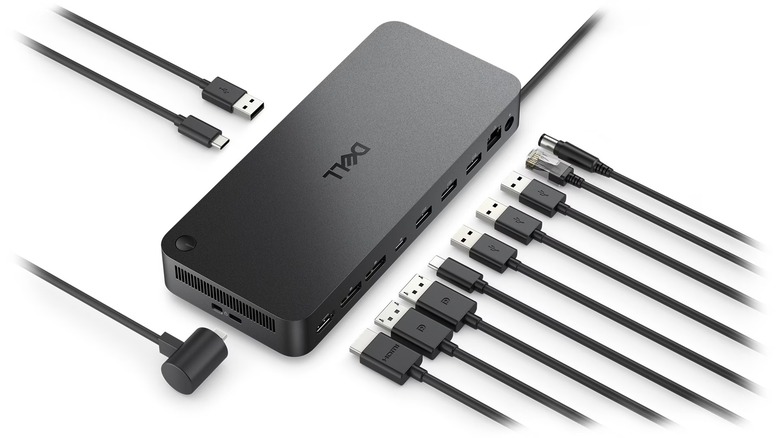
Docking stations are the unsung heroes of the modern desktop environment, especially laptop users who use a hybrid work set up. The right docking station will quickly streamline several disparate peripherals, while also expanding connectivity and eliminating clutter. Most USB-C or Thunderbolt docking stations now come with a gigabit Ethernet port, or even a 2.5 Gbps Ethernet port. This allows the docking station to provide an Ethernet connection to a connected laptop via USB-C or Thunderbolt. The docking station will require an Ethernet connection that connects it to the network, whether that's an in-wall RJ45 jack, a network switch, or a MoCa adapter that we mentioned previously.
In the absence of any of the above, you could try using a powerline adapter. Powerline adapters work by sending network data through your home's existing electrical wiring, and all you need (in addition to a pair of adapters) is two free plugs: one in proximity to your router, and another near where you'll have your docking station setup. The adapters will have one or two Ethernet ports on them, allowing you to connect a device.
Mesh Wi-Fi with Ethernet backhaul feature

Mesh Wi-Fi systems work great on their own for providing signal coverage in bigger spaces, or houses with multiple floors or thick walls, which are prone to dead zones. Part of how these mesh systems work is by using backhaul, which is the way that the mesh satellite nodes communicate with one another, as well as the main node functioning as the router. By default, any mesh system can use Wi-Fi backhaul to route intra-node data, but upper-end models support Ethernet backhaul.
Most entry-level mesh systems use a shared Wi-Fi backhaul, and others can even have a dedicated Wi-Fi backhaul, whereby the backhaul traffic is routed across one band of the RF spectrum. But Wi-Fi backhaul is still Wi-Fi, and it can encounter the same signal and latency problems, with the added effect of also potentially taking up the same wireless frequency used to connect other devices on the network. Ethernet backhaul gives the satellite nodes a wired connection to the main node, which is faster, more reliable, and keeps backhaul transmission from hogging up bandwidth.
In order to take advantage of this, you need to have Ethernet cabling installed in your home, or be prepared to do so. The satellite mesh nodes can either be daisy-chained together with one Ethernet connection going back to the main node, or all of the satellite nodes can have individual Ethernet lines, typically terminating at a network switch. Not using Ethernet backhaul is a common mesh Wi-Fi mistake, but if you can't make use of the feature, then there's no need in paying extra for it when a cheaper system can suffice.
How we chose these devices
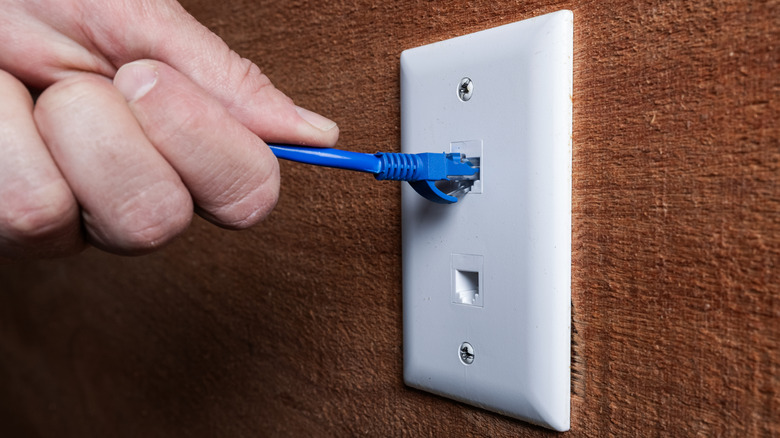
We arrived at these devices based on the fact that common devices, such as a router, require an Ethernet connection, while others can take advantage of an Ethernet port to improve performance. For the devices that don't require Ethernet, we picked the ones we felt stood the most to gain with an Ethernet connection. Where possible, we also tried to pick devices that could go well with alternatives to Ethernet, like MoCa or powerline adapters, as Ethernet cabling may not be accessible or practical for everyone.