
5 Gadgets & Accessories That Turn Your Phone Into A Microscope
You don't need a bulky microscope to take a closer look at tiny details. These clever accessories give your phone some impressive magnification.
Read More


SlashGear's content hails from a group of experienced technology and automotive editors and a wide-ranging team of writers, engineers, enthusiasts, and experts across consumer tech and transportation. Our goal is to provide up-to-the-minute breaking news coverage as well as original and engaging opinion and editorial content that serves as the ultimate resource for those who want to stay up to date on the latest and greatest the industry has to offer.
Our editors, advisors, and fact-checkers conduct regular reviews to ensure the accuracy, timeliness, and completeness of our articles. Complete information on our editorial process available here.
You don't need a bulky microscope to take a closer look at tiny details. These clever accessories give your phone some impressive magnification.
Read More
Looking to enhance your Sony PlayStation 5 experience or gain a competitive edge over the competition? Check out these cool PS5 gadgets.
Read More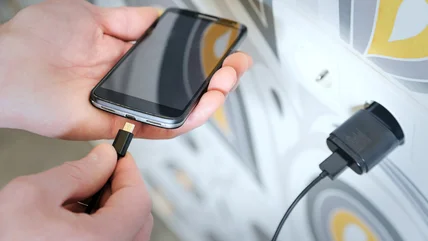
Nowadays, we love to rally against devices that still use micro-USB, but things used to be much, much worse.
Read More
Gaming on a Windows 11 PC poses problems due to the idiosyncrasies of Microsoft's operating system, but there are tools available to improve performance.
Read More
There are several apps for Windows, but many come at a hefty price. If you need free options that can accomplish the same tasks, here are five alternatives.
Read More
While iOS 26.2 brings plenty of incremental updates and tweaks, it also offers some meaningful bigger features and changes to improve your experience.
Read More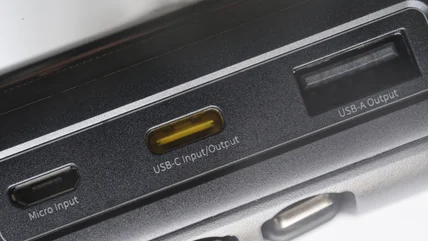
The USB standard is touted for its ability to connect devices of all types with uniform consistency, however it's not quite as universal as it may seem.
Read More
Some myths are rooted in reality. Others, like the ones swirling around the Apple iPhone, could end up doing more harm than good if you rely on them.
Read More
Struggling with sluggish startups and leftover app trash? This lineup of optimizers, uninstallers, and tweaks frees up your Windows PC's potential effortlessly.
Read More
Windows 10 is no longer going to receive free security updates in the future, but that doesn't mean you have to update to Windows 11 just yet.
Read More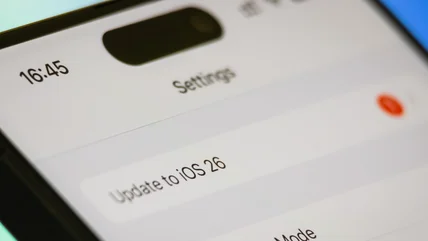
If you've been running into one of these software issues since updating your iPhone to iOS 26, these tips may be able to help you out of your problems.
Read More
The User Profile Folder is an essential location in your Windows 10 and 11 installations, but renaming it isn't something you can do easily. Here's how.
Read More
With many users of a computer there's always a risk to personal information and files. This problem can be avoided with a separate profile for every user.
Read More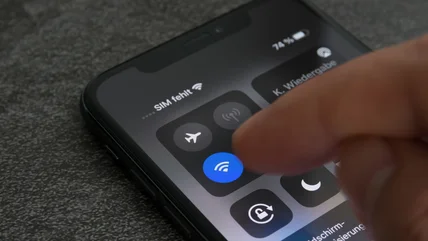
A variety of factors can contribute to your iPhone having connection stability issues or disconnecting from Wi-Fi. Here's which settings to check first.
Read More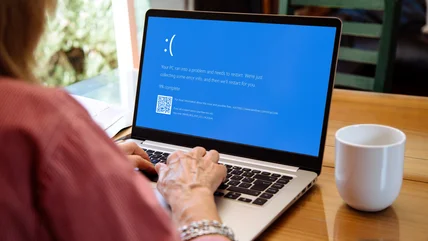
The Kernel Security Check Failure is a Blue Screen of Death error that commonly occurs on Windows. Here's a few solutions that you can apply to try and fix it.
Read More
Error codes from the blue screen of death can often help narrow down the issue, but the 'DPC Watchdog Violation' can be caused by a variety of sources.
Read More
Ghost touch on iPhone can be a frustrating issue, but if the problem isn't caused by physical damage or manufacturing defects, it's easy to fix.
Read More
If File Explorer isn't responding on your Windows machine, it can lead to headaches. Here are some solutions that might resolve the issue.
Read More
The most common reset issue culprits are corrupted or missing system files required to perform the process.
Read More
Sometimes, Windows' Start Menu can get a little finnicky, even if you've never had an issue before. Luckily, there's plenty of things you can do to fix it.
Read More
There's nothing worse than plugging in a USB drive and nothing happening. It can be tricky to figure out why on Windows, so we have some suggestions.
Read More
If you often encounter high CPU usage on Windows, it might be due to the Windows Modules Installer Worker. Here's a few solutions.
Read More
Typically, setting up a USB disk or SD Card on Windows is easy. But, every once in a while, you run into trouble. Here's some ways to fix it.
Read More
PC errors can be incredibly frustrating, especially if it affects your ability to connect to the internet. Here's how to fix the No Internet, Secured error.
Read More
The saved passwords feature in Chrome can be a little hard to find. Here's our step-by-step instructions to help for Windows, Mac, Android, and iOS devices.
Read More
Every once in a while, or perhaps over time, a laptop's age can cause some things to stop functioning correctly. The webcam, in particular, can be problematic.
Read More
Some high-end monitors offer a smoother visual experience, though not by default on PC. Here's how to change your display's refresh rate on Windows 10/11.
Read More