

11 Upsides Of Switching To A Mini PC
We may receive a commission on purchases made from links.
In computing, size no longer matters as much as it used to. It used to be that you'd need a huge desktop tower to achieve uncompromising performance. Now, you can get a mini PC that will chew through everyday productivity tasks with ease, and in some cases tackle heavy workloads and AAA gaming. It's to the point now where buying a mini PC may no longer be a tradeoff. We're here to nudge you towards grabbing one yourself, because there are a ton of unseen benefits of switching to a mini PC.
Mini PCs aren't for everyone, let's be honest. If you want a powerful, customizable, highly upgradable computer — and size presents no issue whatsoever — get that. Instead, we're aiming this at readers who have owned traditional desktop tower computers and never used a mini PC themselves, but are curious. These are 11 upsides to them beyond the obvious "they're smaller than normal desktop computers."
Mini PCs can be an amazing deal

Mini PCs are not just small in form factor. They are often smaller in price, costing significantly less than a comparable desktop PC. It's challenging to illustrate this with an apples-to-apples comparison since mini PCs often use laptop chips and don't usually incorporate discrete graphics cards. But to give one example, take this GMKtec M7 Ultra with an AMD Ryzen 7 PRO 6850U processor, 32GB of DDR5, and a 1TB SSD. It is roughly comparable to this STGAubron with 16GB DDR4 and a 2TB SSD. In performance benchmarks, their processors are neck and neck. But the mini PC retails for $849 — and more often sits at a deep sale of $649 — while the latter retails for $946 and rarely sees comparable discounts. In short, it can cost almost half the price for what is in effect an almost identical computer.
We admit this is not a perfect comparison, and any example we could give wouldn't be. The desktop PC comes with a graphics card (which you can buy for about $179), and the mini PC has double the RAM — and faster DDR5 RAM at that. But for all intents and purposes, the mini PC in this example is an excellent deal at its near-permanent sale price compared to the closest desktop equivalent in processing power.
Case in point, you might find a mini PC that has the power of a full desktop that costs significantly more. It's perfect for anyone on a tight budget, too; competent mini PCs can be had on a shoestring budget, like this Kamrui Pinova P2 for $379. And the savings are only the tip of the iceberg, since mini PCs offer so much more.
The small size means unparalleled space-saving
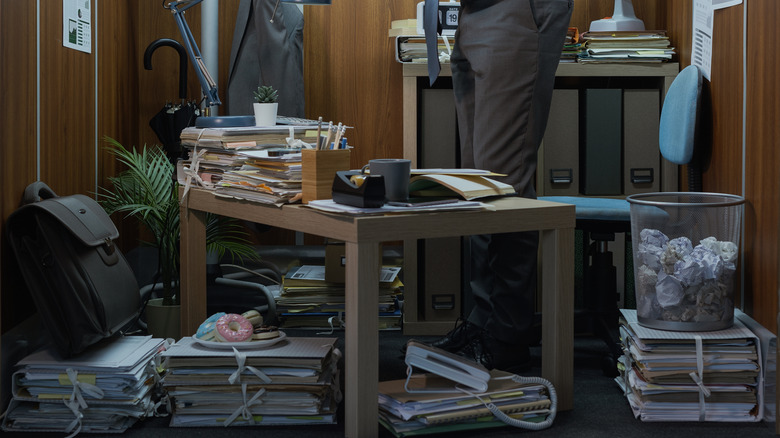
Most mini PCs are truly tiny. The GMKtec M7 Ultra from the previous example measures 132mm by 125mm and weighs only 604 grams. Compare that to the STGAubron it was stacked up against, which is 14.8 inches by 17.6 inches and weighs 21.3 pounds. Even thin and light laptops (like a MacBook Air) can't beat a mini PC's weight and dimensions.
The most obvious benefit is space savings. Think of how much space the average tower — even a mini or micro ATX — can take up, and how that forces your hand with how you arrange your setup to fit that tower (at least if you want it to look good and stay organized) or purchase furniture that accommodates it. You can fit a 5-inch by 5-inch cube almost anywhere. You can mount it on the back of a monitor; you can mount it under the desk; you can mount it on a wall; you might be able to conceal it at the back of a keyboard tray, in a desk drawer or shelf — you get the idea.
That makes the mini PC perfect for a cramped desktop environment or home office where you cannot spare another inch. Almost nothing needs to be changed to accommodate it; if you have a 5-inch by 5-inch square of free space on your desktop, you have enough room for a mini PC. I ran a mini PC for years in the narrow shelving of a monitor riser alongside office supplies, and I often forgot it was there.
Installation couldn't be easier
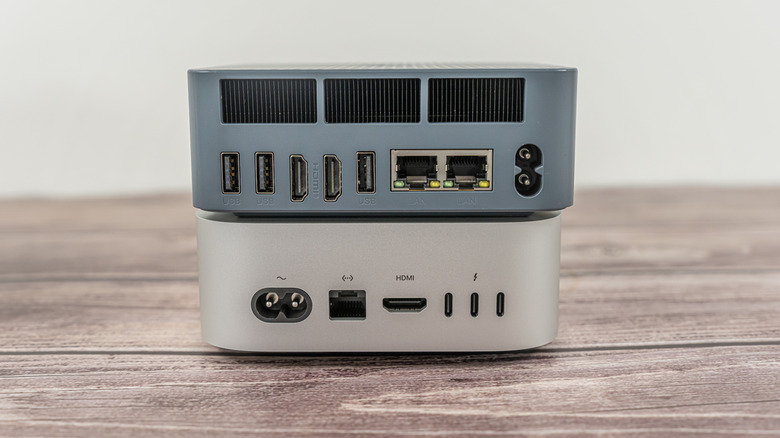
Think of the back end of a typical desktop tower: power cord, HDMI and DisplayPort cables from the GPU, motherboard I/O, spread from top to bottom of the case's back end, all of which need to be carefully routed down, around, behind, and through a desk to keep it from becoming a cable management disaster. Cable management becomes even more challenging if your tower is on the ground, where too much cable management would make it difficult or impossible to access cables and I/O later on.
Speaking from personal experience, a mini PC simplifies the entire computer installation process. For one, all the cables are packed tight together on the mini PC's backplate I/O board; it's incredibly easy to gather them together into one neat bundle that can be routed wherever you need it. For another, the small size means you can have your cake and eat it too; you can put it within reach on your desktop so the I/O is always accessible — and still have it be less visible — without having to hide it below the desk in a place where simply plugging in a USB cable would be a major pain. Less stress, less wasted time, all of which is a benefit for you.
Run multiple operating systems on the same desktop
Before you say it, yes, running multiple operating systems on one machine is easy. You can either run the second operating system (such as Linux) in a virtual machine, or dual-boot two OSes on the same computer from different drives or partitions. But both of those approaches come with downsides. A virtual machine limits you to only a portion of your system resources (you're running an operating system on top of an operating system, even if you only want to open one program), and dual-booting gets annoying fast since it requires you to enter the BIOS to switch to the other operating system — among other disadvantages. Having a separate, secondary computer may be the ideal approach. And what's the most space-efficient way to have a second device? You guessed it, a mini PC.
You could have a whole stack of mini PCs if you wanted to, and the desktop tower of a traditional PC would probably still be larger. Further, that second PC wouldn't necessarily require you to compromise. There are exceptionally powerful mini PCs on the market capable of handling heavy work. The Mac Pro, one of the products Apple discontinued in 2026, was retired because the Mac Studio, effectively a mini PC, was just as powerful as it was. It's certainly not ideal for most people — especially as far as budget is concerned — but for professionals who need multiple machines, this could be a good choice.
They're less of an eyesore
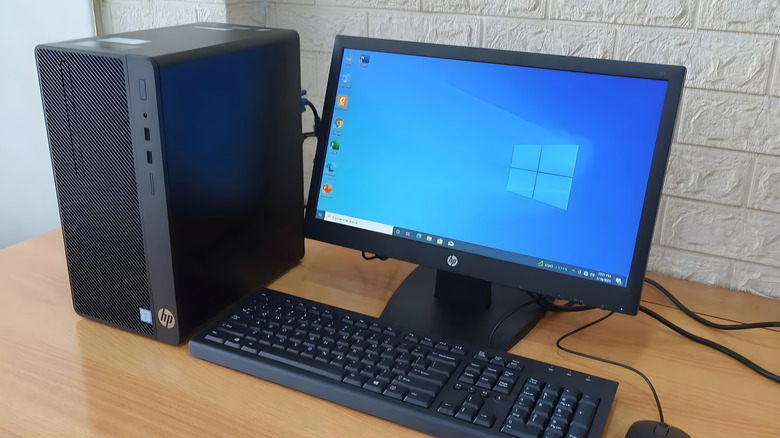
Minimalism remains a popular philosophy in the tech sphere. Lots of people like clean, purposeful desktops bereft of decorations and other visual distractions, as well as devices that are simple and straightforward. To some, a hulking desktop tower is the antithesis, especially if it has its own little RGB light show going on through a transparent side window. A mini PC, on the other hand, is arguably the perfect desktop computer for a minimalist — for laptops, try some of these.
Small physical footprint? Check. Easy to hide from sight if necessary? Check. Ideal for clean cable management? Check.
They're also good for the minimalist mindset in the sense that you don't stress too much designing your setup, or making compromises to balance usability and aesthetics. Mini PCs are also very low-maintenance machines; you'll do minimal dusting and almost never have to open them up — speaking from personal experience. You spend less time messing with them once they're in place, and instead spend that time being productive.
Relocating your setup is easy

Laptops are obviously the ideal portable computer. We'd recommend most people just get that instead of a mini PC. However, a desktop setup has its advantages: no clunky clamshell setup, a better I/O selection, and potentially a more powerful machine. A mini PC is the only easy and convenient way to have that full desktop experience wherever you go. The size ensures you can quite literally toss it into a backpack and take it on the go — something I have done before and found to be more useful than you'd imagine.
There are a number of situations where you'd be glad to have a desktop computer that's easy to relocate. It'll make moving house or apartment a lot easier; you can bring it with you on international travels; students changing dorms from semester to semester have a less stressful mini move; you can bring it along while staying for a significant period with relatives in another city or state; people who work in different offices can have the same full desktop set up anywhere there's a monitor and peripherals. The list goes on. These benefits extend to the sorts of devices a mini PC can replace — like a streaming box or a game console, which we'll get to later.
Noise is minimal
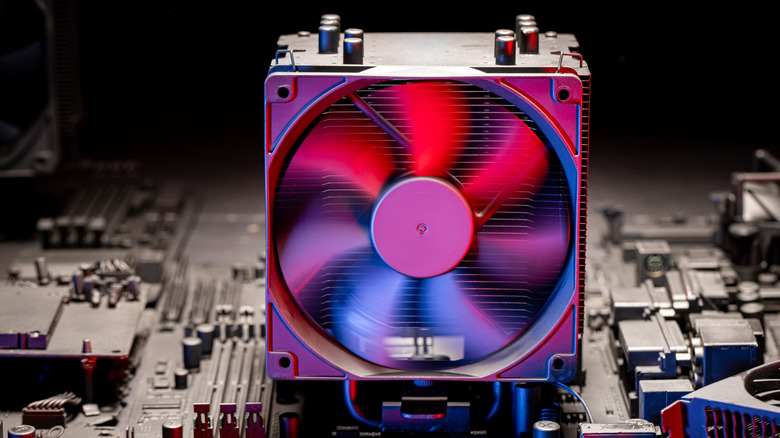
A mini PC's fan cooling can get louder than you might expect when it's under heavy load and the fan is running at full speed, but even then it's less than most desktops and laptops I've seen. And that's under heavy load, not average everyday use like internet browsing and email checking. In those situations (based on my own experience) the fan noise is so minimal you won't hear it — even in a quiet room. A desktop PC or laptop, on the other hand, can sound like a wind tunnel at normal load and a jet taking off at full tilt.
We could probably do an unhealthy amount of research and testing on the fan noise of mini PCs versus laptops and desktops, but in my personal experience — having owned and used a laundry list of PCs in all these form factors — the mini PC usually beats out the competition in the contest for "quietest computer."
It seems like a pretty straightforward consequence of physics: Less heat generated by lower-power components generally means the fan doesn't have to work as hard, which equates to less noise. Whatever the case, the mini PC will likely be the least disruptive if you want near silence while you work.
They're excellent as game consoles, streaming boxes, or home servers
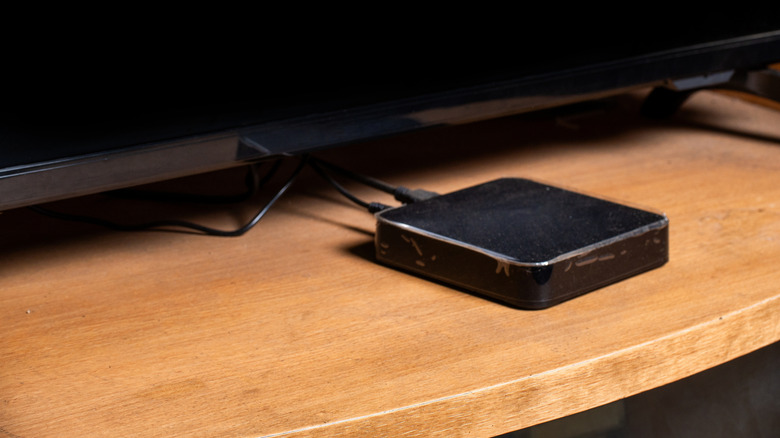
People traditionally buy game consoles, streaming boxes, or pay a subscription for cloud storage from big companies. Now you can do all three — and more — from home with a compact device. People are using mini PCs as cheaper alternatives to Steam Machines; they're buying them instead of a Roku or Apple TV box to play local media; and they're choosing to store personal files on an at-home server instead of paying Google or Dropbox. Some people are doing all three.
You can do some of these things in an even smaller, cheaper package, such as using a Raspberry Pi, or an old laptop. Nonetheless, it's easy to see why the mini PC is becoming the go-to for these niche use cases. Mini PCs are so small they can fit under almost any TV or be hidden in some dark corner of your home; they're powerful enough to game and/or stream in FHD and sometimes 4K; they're generally quite power-efficient, so they don't skyrocket your electricity bill; and there are so many options on the market you can get whichever one fits your budget and needs.
Fair warning: If you choose to turn a mini PC into any of the above, prepare to have your work cut out for you — speaking from personal experience. These are not projects for the technologically faint-hearted. Trust me, you'll be signing yourself up for hours of configuring, tweaking, and troubleshooting until you get the device to work the way you want it to. But it's great that you can.
Future upgrades are more possible than you'd think
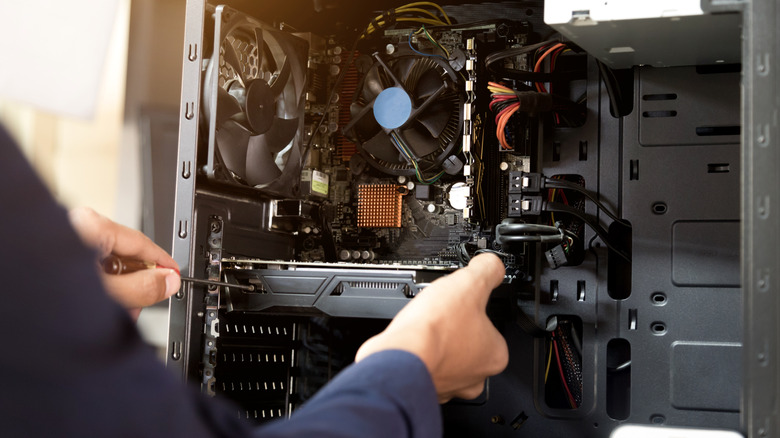
Looking at a mini PC, you'd be justified in thinking that there'd be no way to upgrade the device later. After all, laptops often solder in their RAM and make other upgrades — and repairs — next to impossible, so why would an even smaller device be any different? However, many mini PCs are more like desktop towers than laptops, permitting basic upgrades to the components most want to upgrade, like the SSD and RAM. Some brands, like Geekom, will even show you how to do it with video guides.
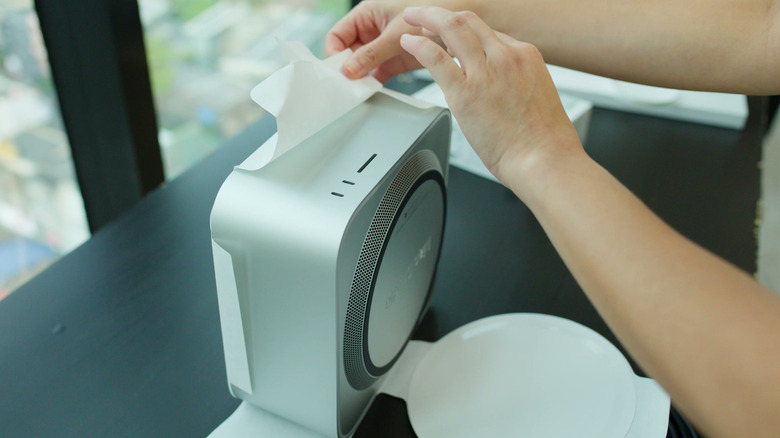
Since many mini PCs are small, opening them up to access their inner components is as simple as popping the lid, and it takes only minutes and a basic repair screwdriver set to do it. RAM in mini PCs is often sticks of laptop RAM you can pop out no different than a laptop motherboard; SSDs tend to be NVMe drives that can be replaced by loosening a single screw and popping them out. Even the Mac mini, a device you'd think Apple would keep locked down tighter than Fort Knox, can have its SSD replaced in minutes without special tools.
That said, this is not like a desktop PC in the sense that you can replace the CPU. The CPU and GPU specs you buy today are the ones you'll have to live with for the rest of its life. And of course, whether or not you can upgrade the SSD and RAM depends entirely on the model you buy. The point is, though, mini PCs can be quite upgradable, enough for the most common upgrades.
Energy consumption may be significantly less
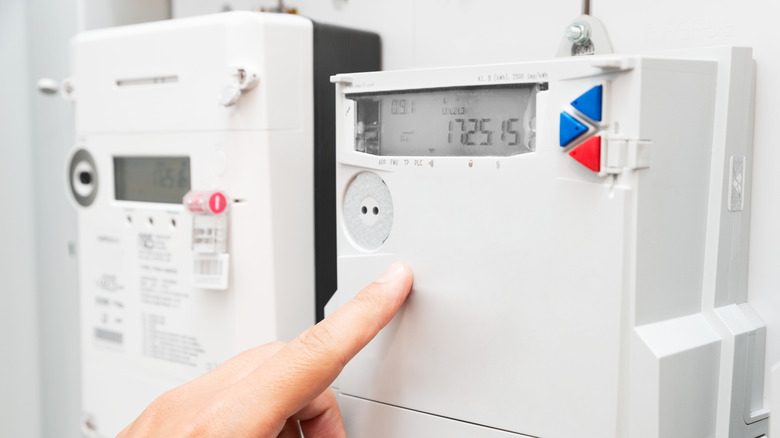
If we're comparing mini PCs to desktop PCs, mini PCs win big in another category: energy efficiency. PCs — particularly gaming PCs with their own GPU — can hit your energy bill hard. How hard? The GPU alone on a high-end gaming PC can consume up to 559 watts of energy. Sure, you may not have a bleeding-edge video card, but the point is your desktop PC could be competing with your appliances in energy consumption. Mini PCs have a huge edge here.
The shining example is the M4 Mac mini. It idles at 3-4W. That's a fraction of a fraction of a gaming PC GPU, and it's still powerful enough to play AAA games at higher wattages when needed. It's not just Apple with its incredible Apple Silicon winning in this category either. Take the GMKtec M7 Ultra we mentioned earlier. It idles around 15W and under heavy load maxes out at 75W.
Aside from obviously saving money on energy bills — which are so high solar panels are exploding in popularity these days — the energy efficiency of mini PCs will practically be a requirement if you want to use one as a home server, or any other application where it needs 24/7 uptime.
They can still game

The assumption when buying a mini PC is that you are trading form factor for power. But as we've already been alluding to, mini PCs in recent years bring the power when you need it, particularly with gaming. Now, in the interest of fairness, if you plan to do a lot of gaming, you should get a gaming PC. Full stop. However, buying a mini PC and wanting to game are not mutually exclusive desires.
Again, let's circle back to the GMKtec M7 Ultra we've referenced already. It can play modern AAA games at respectable settings, even if not the highest ones. "Battlefield 6" runs at 60FPS when set to 1080p, low settings and FSR upscaling; "Cyberpunk 2077" gets about 38FPS at 1080p, low settings; "Kingdom Come: Deliverance 2" runs at about 30 FPS at 1080p, low settings with FSR. An avid PC gamer won't be impressed by these scores, but they are at least enough to enjoy a game or two from current-generation titles.
The M7 Ultra is closer to the low end. The high-end mini PCs (that cost significantly more) can go toe-to-toe with actual full-sized gaming PC desktops. Take the ASUS ROG NUC 16 20th Anniversary Edition. It'll play "Forza Horizon 6" at almost 90FPS, 4K Ultra settings with ray tracing enabled; "Resident Evil Requiem" runs at near-identical settings and performance. Mini PCs can game if you need them to, and don't let anyone tell you otherwise.
They're the ideal choice for a cluster
A PC cluster is exactly what it sounds like, if you haven't heard of one before: a group of PCs that work together as one to share the computing load, for any number of purposes. Home clusters typically make up a home lab — basically a computer nerd sandbox for enthusiasts to tinker, almost like a miniature server farm in your home. You could make one with a cluster of Raspberry Pis or — naturally — a bunch of mini PCs.
People have been doing this for years, and now it's growing increasingly popular to use mini PCs for many of the reasons we've laid out already. Mini PCs can be inexpensive, making it possible to buy several on a reasonable budget; they're power-efficient, so clusters can be run day and night; they're small, so you can have an army of them in a small closet; and they're powerful, if power is what you need. So now instead of buying a big, expensive rack server that can drive up your energy bills, you can buy a whole bunch of mini PCs instead.
Even if you don't intend to ever make a cluster, the fact that you can illustrates how capable and versatile mini PCs can be. They have a golden ratio of power to price to size that makes them well-suited to most needs. If you enjoy tinkering and you need hardware to do it on without spending a fortune on full-size computers, the mini PC may become your best friend.