

5 Common Problems With Husqvarna Robot Mowers

If you own a home in the suburbs or countryside, you need to maintain your yard, and mowing the grass is both crucial and time-consuming. You can cut down on the tedium with a reliable push mower (or a highly rated riding lawnmower if you own at least one acre), but wouldn't you rather have a robot do all the work? Yes, but also no.
Robotic lawnmowers are the latest trend in lawn care technology. Like Roombas (and other major robot mop and vacuum brands), these tools mow on a set schedule, then recharge their batteries without you lifting a finger. Except that's not how robot mowers work. Every major robot mower brand, including Husqvarna, can encounter problems if you don't maintain them properly.
Robot lawnmowers can have several common problems; here are some of the most frequent complaints about Husqvarna robot mowers when they don't work as intended. These problems are listed in no particular order, and while we collected these issues from Husqvarna-related forums, videos, and support documents, some apply to other brands as well. Just because you own a Segway Navimow i2 AWD doesn't mean you should skimp on blade maintenance.
The flashing blue light of confusion
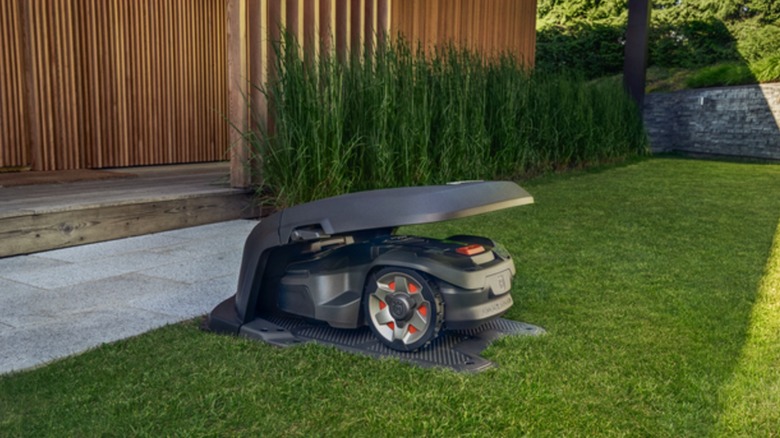
Like a Roomba, the charging dock is the beating heart of a Husqvarna mower—and all other robotic lawnmowers, for that matter. Husqvarnas are programmed to seek out the dock after every mow to recharge, but unlike Roombas, Automowers need to navigate outdoor areas where walls don't exist. How do they know where to go? Sometimes they don't, and the dock will let you know.
Every Husqvarna Automower charging dock includes a status light. Usually, it's a solid, healthy green, but many owners report it switching to a flashing blue light. On other devices, it might mean your Automower is charging, but on a Husqvarna, it means the loop signal is disrupted. Without this signal, the robot mower is functionally blind; it doesn't know where your lawn boundaries are and, more importantly, can't find its way back to the charging dock. While a problem with the station itself can cut off communication and trigger this dreaded blue light of death, the guide wire is usually the culprit.
When (specifically after) you buy a robotic lawn mower, you need to program in the boundaries of your lawn. You don't want your expensive new lawn care aid accidentally rolling into the street. Husqvarna Automowers use guide wires that not only set physical boundaries but also help them navigate oddly shaped passages and backtrack to the charging dock. Usually, one broken wire is enough to cause the problem. You may have accidentally damaged it while doing yard work, or an animal may have chewed on it without knowing what it was. You can follow Husqvarna's guides on how to check and repair the damaged wire.
The cutting blade isn't properly maintained
If you buy a robotic lawnmower, it's because you want to have your lawn mowed without doing the actual mowing. That's the whole point. It's easy to take this to its logical conclusion and forget to make sure your Husqvarna Automower can do its job.
As you continue using your Husqvarna Automower, you might notice it doesn't cut as cleanly as it used to, or its battery life steadily drops with every session. These are perfectly normal... up to a point. Eventually, your lawn might look like someone tried to cut it with a blender, or your robotic mower might not trim your lawn on a single charge. That's often a sign that the blades are so dull you should change them immediately. If your Husqvarna reaches that point, it's a sign you should replace the blades more often. But proper blade maintenance doesn't end there.
Husqvarna recommends regularly cleaning your robotic lawnmower, which usually means removing chunks of grass that stick to the underside. Depending on the model, you can even simplify the process by rinsing it off with a hose (as long as you don't use a high-pressure washer). What happens if you don't? Loose clippings can build up around the screws that hold the mower and its cutting blade together, causing corrosion. The damage might not be bad enough to make the blade fly off mid-use, but it could complicate swapping out the blades. Just because a device frees up your schedule so you don't need to mow the lawn anymore doesn't mean you shouldn't spend time properly maintaining said device.
The sensors send false positives
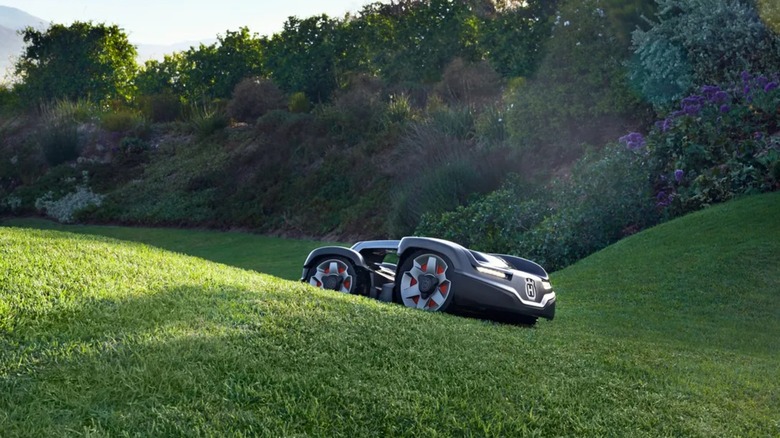
While guide wires keep Husqvarna robot mowers from wandering into the street, how do they avoid running into trees? Automowers use a suite of internal sensors and other technologies to detect and avoid obstacles. Or at least stop and back up when they bump into one. The sensors are sensitive enough to detect a wide variety of objects, but sometimes they're a little too sensitive.
If you own a Husqvarna, you might have seen your Automower randomly stop in the middle of your lawn, then turn and keep going in another direction. Some people have reported that their mowers randomly stop and move in odd patterns, as if they're trying to escape invisible labyrinths. This is one of many examples that many attribute to an overly sensitive or misaligned sensor. The device mistakes what it should only detect as a bump for a collision.
Unfortunately, diagnosing the actual cause isn't as easy as it sounds. If you recently worked on your Automower and removed the body shell, you might have put it back on incorrectly, and that faulty orientation could be messing with the internal "joysticks" that act as sensors. Alternatively, the lift sensors might be triggering and need a reset, or the grass might be too high for the mower to cut (yes, that's an actual possibility). Depending on the model, your Automower might struggle to navigate your lawn because you forgot to activate its GPS-assisted navigation system. If your Husqvarna Automower randomly stops despite having plenty of juice, expect to spend a lot of time digging for the cause.
The battery life isn't what it used to be
We previously mentioned that a dull Automower blade can chip away at battery life. However, a floundering charge is a common symptom of many problems. Sometimes, you just need to employ Occam's razor. Perhaps the battery doesn't last as long as it should because something is wrong with the battery — or the component meant to keep it full.
While rechargeable batteries lose power over time, this capacity loss should be gradual. A sudden, steep decline in battery power can indicate a problem, especially if charging also takes longer. Always rule out causes like a blunt blade or a clogged wheel, but if you do, check the charging dock's light—the same one that flashes blue when it has no loop signal. If the light is red, it can't get enough power to charge the mower's battery.
If the light is okay (or at least not red), the problem is likely the contacts. Dirty contacts can prevent power from transferring from the dock to the Automower, so clean them regularly. If that doesn't work, it's time to take your mower and charging station to a repair shop because the issue lies deeper. You can DIY the repair, but sometimes it's better to let a licensed professional handle the job.
You forgot your PIN
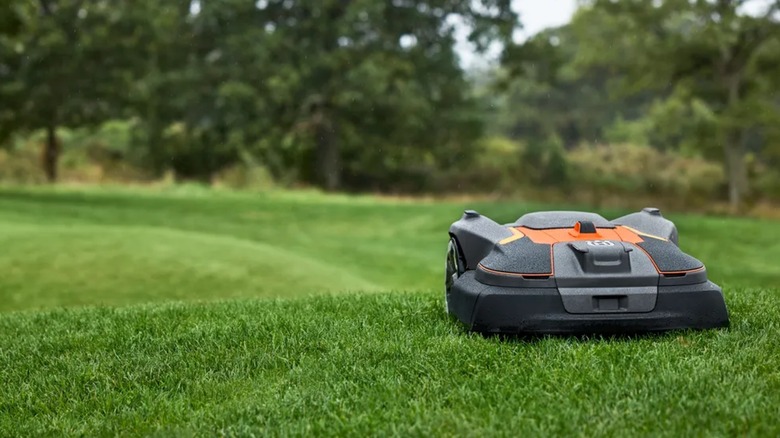
In order to operate (and operate on) your Husqvarna Automower, you need to enter a personal PIN, not unlike the PIN codes used to deactivate quality smart home security systems. If you enter the code incorrectly, an alarm will sound, scaring off would-be thieves, as well as people who thought they entered it correctly.
Like any device or system that relies on a password, you'll forget your code — it's a matter of when, not if. When this happens, your Husqvarna robot lawnmower locks up for a set time, and you can't repair it or mow your lawn until you enter the correct PIN. While you can try to remember the code, the best solution is often to set a new PIN, either through the Automower Connect app (because everything needs a phone app these days) or with help from a Husqvarna dealer.
Every now and then, you might enter what you thought was your PIN into your Husqvarna robot lawnmower, only for the device to reject it; then, when you reset the code, it rejects your freshly created PIN as well. Surely your memory isn't so bad that you forgot a PIN you created ten seconds ago, right? When this happens, you probably never forgot your PIN in the first place. Instead, something might be wrong with the lawnmower itself, specifically its keypad. Try turning the Automower off and on again. If that doesn't work, bring your robotic mower in for repairs to fix the hardware issue.
Methodology
For this article, we started at the source: Husqvarna's support page. The company had plenty of troubleshooting guides covering a wide range of issues, but they didn't help much because they tried to cover too many problems in one article. However, the site included a handy list of the most-visited help articles and guides, so we took it at its word and used it to create an initial list of potential entries. But we didn't want to rely too heavily on Husqvarna's word.
After populating the list with several common problems, we scoured forums and YouTube for the average user's take on prevalent Husqvarna robot mower woes. We added the most common issues to the article, but there were still too many, so we started trimming. More importantly, we took a different approach. We revisited the problems users reported and covered on websites, then cross-referenced them with Husqvarna's most popular help guides. We prioritized any user-reported problems covered on Husqvarna's "best of" support page and filled the rest of the article with the most popular problems from forums and YouTube.