

7 Common Problems With Smart Thermostats To Know Before You Switch
We may receive a commission on purchases made from links.
Switching to a smart thermostat can seem like a no-brainer. Fine-tuned climate controls are always a plus to make your home more comfortable, and smart technology promises to make the experience even better. There are plenty of good reasons to add a smart thermostat to your smart home setup, from energy reduction to convenience.
Plenty of smart thermostat brands claim benefits from potential energy conservation to the ability to precisely dial in your home's temperature from nearly anywhere. Smart thermostats may also lower utility bills, which could offset the investment in your new device. Yet there are some things to consider before you make the switch from a standard thermostat to a smart one.
Although technology has come a long way, smart thermostats still run into problems. Just because a device is considered smart, doesn't mean it can't fail. It turns out there are some common problems that smart thermostats can have, which might temper your enthusiasm about installing one. Here's what to know before you switch.
Wi-Fi dropouts
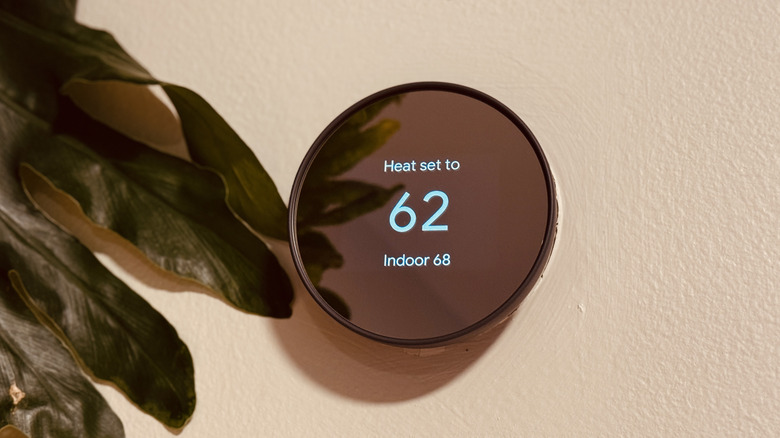
A hardwired thermostat control may have fewer opportunities for failure. Even if you have to replace the batteries every so often, a thermostat connected to a home's HVAC can seem pretty reliable. At least, that's been my experience. When you add Wi-Fi to the equation, things can get a little squirrely.
While there are ways to wire a smart thermostat into your home so power isn't a problem, a dropped signal can still interrupt your smart thermostat's regular operations. If your thermostat is operable via an app on Wi-Fi, an outage will immediately disrupt your ability to tweak the temperature. With no signal between the app or controller and the thermostat unit, the temperature could get uncomfortable, fast.
Plus, there's also the fact that sometimes, whether due to software glitches and updates or compatibility issues, your device might drop the Wi-Fi signal for no explicable reason. In fact, Ecobee has a troubleshooting section of its website that describes "frequently disconnecting" as a known issue. Every smart thermostat is different, but checking for known connectivity problems (and making sure your Wi-Fi is reliable) could help you avoid issues. For example, Ecobee's solutions to connection problems include lowering firewall strength, disabling some network settings, or switching to a different router band.
Power source problems
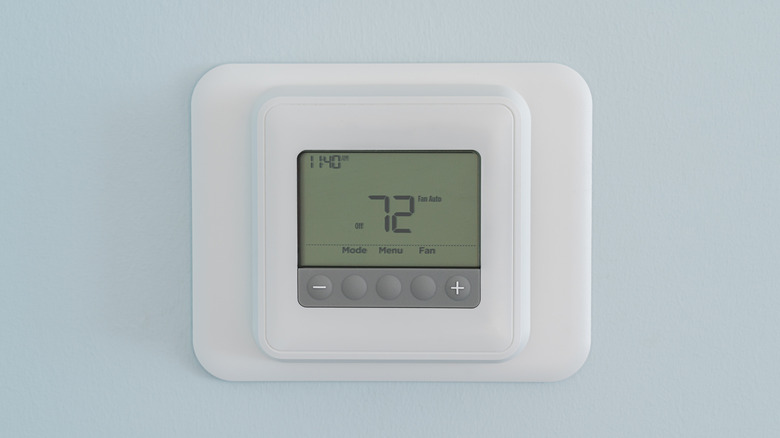
One thing that some major thermostat brands don't necessarily advertise is the need for hardwiring into your home. Plenty are battery-powered and can run without a connected power source, but even if a smart thermostat can operate without a central wire (C wire), your particular HVAC system may not be compatible. That means you may encounter power source problems right out of the box.
For example, the popular Google Nest device, which is available on Amazon, specifically notes that the unit can be used without a C wire in most cases. The caveat, says Google, is that some systems simply won't be compatible. Thus, if your HVAC setup is heat-only, cooling-only, or uses a heat pump, you might need to hardwire the Nest device in. The Google Nest may still be worth buying, but reading up on your HVAC system and the device's requirements could help you avoid disappointment.
On the other hand, some devices come equipped to manage the C wire issue. When it comes to Ecobee vs Nest devices, for example, the Nest doesn't come with a kit, but an Ecobee unit available on Amazon comes with a Power Extender Kit to circumvent the C wire requirement. Knowing what kind of unit you have for heating and cooling and then reading the fine print on the smart thermostat of your choice is a necessary step before you switch.
System incompatibility
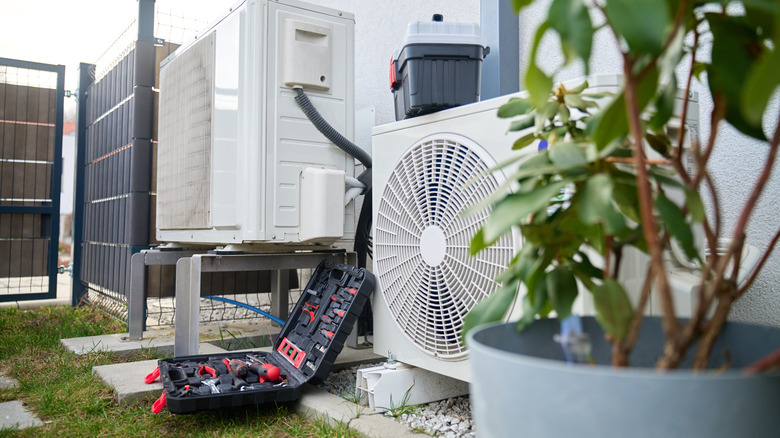
While knowing your HVAC system specifications will help you narrow down your smart thermostat options, there's another reason for that deep dive into your user manual. Setting up your smart thermostat might actually require more in-depth information than you would expect to have to enter. If you get those settings wrong, you could run into system incompatibility issues, where the smart thermostat is operating in a way that could wind up damaging your HVAC unit, or at least making it work less optimally.
For example, some HVAC systems have a heat pump, while others use a furnace and central air conditioning. A heat pump system typically has a standalone unit that deals with both AC and heat, though it could also have a furnace as backup. By looking at what type of vents and equipment your home has, you may be able to distinguish what kind of system you have.
HVAC systems can be single-stage, or two-stage, multi-speed, or variable speed. Those terms relate to AC cooling capacity, with higher stages offering more efficient cooling at a lower cost over time, and knowing what system you have allows you to correctly set up your smart thermostat. In some cases, you may need an expert to tell you what's happening, especially if you're not big on DIY.
Manual overrides mess things up
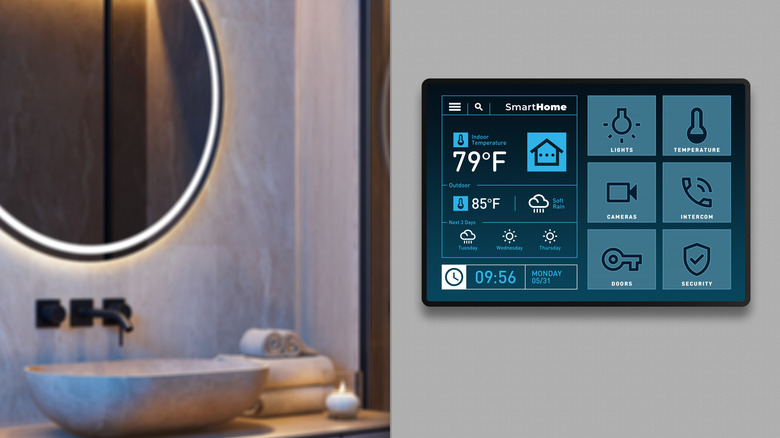
One major reason for switching to a smart thermostat might be the potential for savings. After all, a smart thermostat could help you avoid heating and cooling when your home is empty, or during certain times of day when outdoor temperatures or shade affect indoor conditions. Yet there are times when smart thermostats become less efficient, particularly when you make manual adjustments often.
The National Bureau of Economic Research (NBER) explores heating and cooling trends, and oversees research on smart thermostats, among other elements. The NBER established through research that humans overriding their smart thermostats often reduced energy efficiency through their adjustments. Because the smart thermostat aims to adapt to conditions without interruption, people changing the settings can undo the savings and efficiency you might otherwise achieve.
It stands to reason that scenarios where utility companies control thermostats could have the same result. That control overrides the "smart" energy-saving functions of your thermostat, ostensibly with the goal of reducing your home's power draw from the grid. However, adjusting the smart thermostat from its planned course could mean a less effective heating or cooling effect, and changes to your savings or energy conservation.
Placement impacts readings
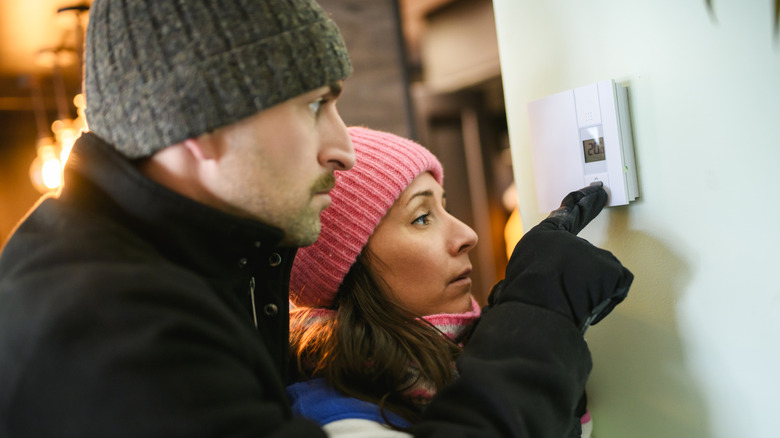
When you're considering replacing your standard thermostat with a smart thermostat, part of the appeal could be the ability to place the controls in a more convenient spot. However, that can lead to your smart thermostat detecting a different temperature than what you're actually feeling.
The ability to place a smart thermostat just about anywhere (if it doesn't require a C wire) could be a drawback if you slap it on the nearest wall. Smart thermostats use a thermistor to detect the ambient temperature, which many non-smart thermostats can also do. If your thermostat is in direct sunlight, or in a corner of the room where air doesn't circulate, it could read incorrectly and waste energy by inefficiently heating or cooling your space.
Before you install a smart thermostat, whether in a new location or the same spot as the old one, check that the conditions in that area won't disrupt its readings. Consider how different areas of your home feel throughout the day, and throughout the seasons. Putting the thermostat near a drafty area could impact the readings just as much as direct sunlight, causing you to spend more on heating and cooling than you actually need to.
Frequency bands vary
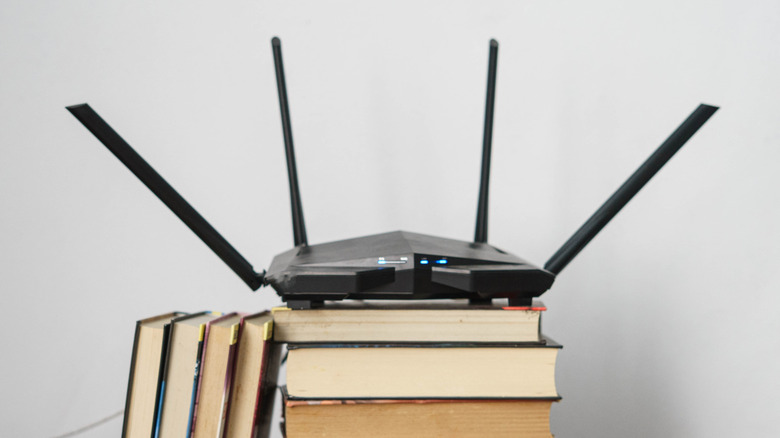
Although there are certainly many benefits of home automation, it's not always easy. Some of the most frustrating experiences I've had with my array of smart home devices is a lack of compatibility across network types. Before I learned to read the requirements more closely, beyond the product descriptions online, I wound up with some devices that weren't compatible with my home Wi-Fi's gigahertz (GHz) rating. In my experience, that meant the devices simply wouldn't work.
While you can typically update your Wi-Fi's frequency band (GHz) setting, that might mean knocking off other devices that are already set up. Over time, updates to your home Wi-Fi could also render some devices obsolete, if they can no longer connect. Either way, switching to a smart thermostat comes down to knowing what your Wi-Fi is rated at, and whether the device you want is compatible.
For example, Honeywell smart thermostats only work on 2.4 GHz frequency bands, versus 5 GHz or 6 GHz, which are newer and typically faster. Ecobee explains that its devices require 2.4 GHz, and also specifies in a troubleshooting guide that you may need to disable split network bands in order for your device to work properly.
Short cycling
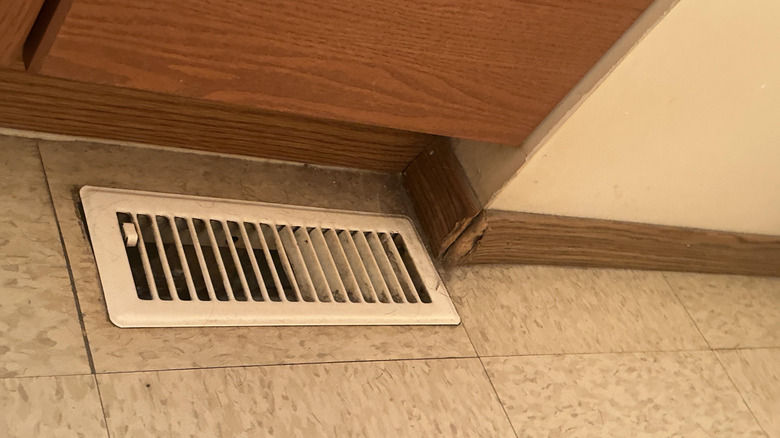
It might be hard to imagine that your HVAC system could be overused. Its entire job is heating and cooling, so shouldn't it be able to do that consistently? It turns out that there's at least one specific problem that can occur with heating and cooling systems because of smart thermostat missteps. Short cycling happens when a thermostat makes a bunch of changes in a short period and shuts your unit on and off in rapid succession, and it's something that can be exacerbated by a smart thermostat's temperature adjustments.
You might experience frequent on-off switches with a standard thermostat, too, but the smart capabilities of smart thermostats can make it more likely. Basically, they might be overriding how the system would normally behave too often. Similarly, manual adjustments to your smart thermostat's setting could also create short cycling problems.
If you notice your HVAC kicking on more frequently or at odd times already, investigating the issue before switching to a smart thermostat is a must. Then, being aware of what's normal and what's not can help you determine whether the new device is helping or hurting your energy bill and comfort level.