

12 Signs You Should Replace Computer Parts Or Upgrade To A New PC
We may receive a commission on purchases made from links.
Growing up in the early days of personal computers, I learned a lot about how they work — and how to troubleshoot when they don't. True, there are some issues that you can't DIY your way out of. A completely dead computer that won't even power up can feel like one of those.
The good news is that there are plenty of signs that your computer is on its way out and needs an upgrade. Some signs also indicate it's time for a new machine altogether, though those are less common. Either way, recognizing those signs means you have some time to act.
While there are plenty of commonalities between laptop computers and desktop PCs, we're focusing on desktop versions here. Because laptops don't necessarily have a lot of extra interior space for upgrades, it's harder to suggest solutions for them. Also, a desktop PC can behave differently based on what peripherals you're using with it, whereas a laptop usually has the basics built in.
Thus, we're focusing on desktop computers (generally Windows machines) that are simple enough to crack open and update, in terms of both hardware and software/firmware.
Flickering
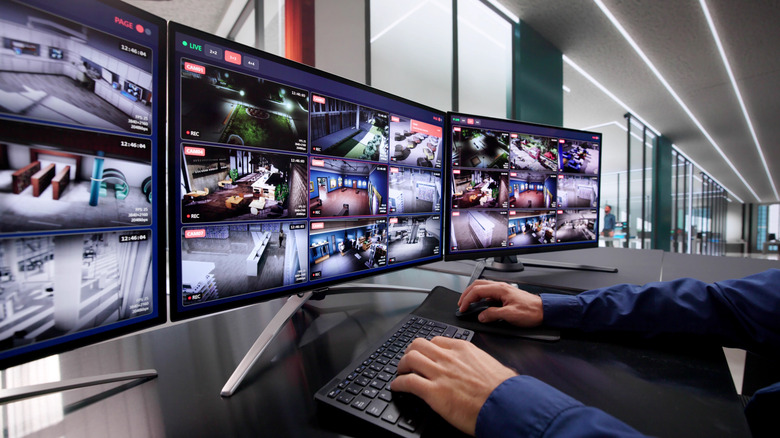
No matter what the specific cause is, flickering can be a major sign that your monitor is on its way out. It could be the connection itself, especially if you're using a monitor and PC combination that requires an adapter. In my experience, an older monitor with an adapter won't perform at its best, and it's about more than just the visual quality.
I constantly have to adjust my HDMI-to-VGA cable, which is the type with pins, to stop the flickering I experience. Ultimately, I'll probably keep the older monitor until the problem becomes constant rather than intermittent. Yet, it's a sign that I need to keep an eye on things and upgrade before it gets worse.
Flickering can also be caused by problems with the variable refresh rate, or VRR. If you're using a monitor with VA or OLED panels, it's even more likely that flickering is due to VRR. Changing your settings — or turning off VRR — could resolve flickering issues. If it doesn't, it might be time for new PC hardware or a new monitor, or both.
Slow gaming
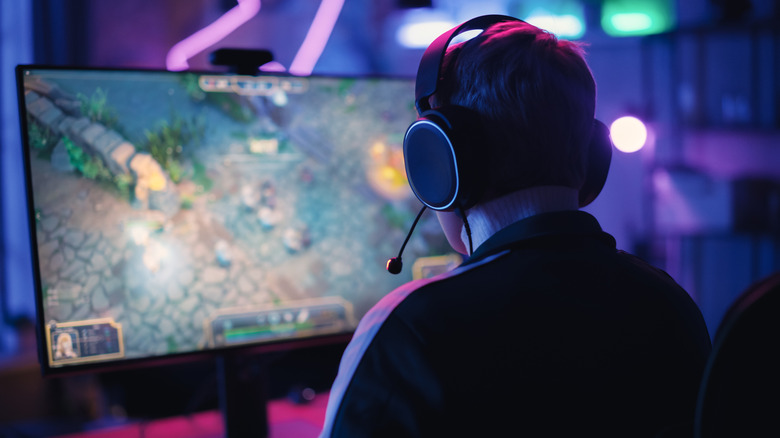
Slow gaming can indicate a few different problems with your computer, but two main culprits come to mind: the graphics card or RAM. It's easy enough to check the required specifications before buying or downloading a game, but you'll need to check your PC specs, too.
For example, at the time of writing, Minecraft had minimum requirements for its processor (Intel Celeron J4105 or AMD FX-4100) and graphics (Intel HD Graphics 4000 or AMD Radeon R5). If your computer's hardware doesn't meet those minimums, the game may not run well. I've also had games completely crash because I didn't have a compatible graphics card to run them.
If your favorite games don't run well, it's worth checking the specifications and seeing if your hardware measures up. It's also possible that updating your drivers and adjusting settings could improve the gaming experience. Ultimately, you may need to buy new parts or a new computer that better suits your gaming habits.
Sluggish performance
Whether you like to live dangerously with dozens of tabs open 24/7 or only run one application at a time, a slow reaction time could be a sign that it's time to replace your computer parts. If a slowdown happens with a single app, you might be able to resolve the problem by changing your settings. For example, after updating Adobe Premiere Pro, I had to change my Video Rendering and Playback setting to get normal processing speed.
If your PC consistently lags no matter what you're trying to do, changing settings might not be the right fix. Though there are a few potential causes of slow reaction time, the one I've dealt with the most is a lack of RAM, which stands for random access memory. RAM helps determine how quickly your PC performs tasks, so more of it can improve performance if your system doesn't already have enough.
The good news is that while you generally can't upgrade RAM in some laptops, a PC is a different matter. Plus, since RAM performs a job (rather than storing data), it's one of those parts that could be ideal to buy used.
Glitchy visuals
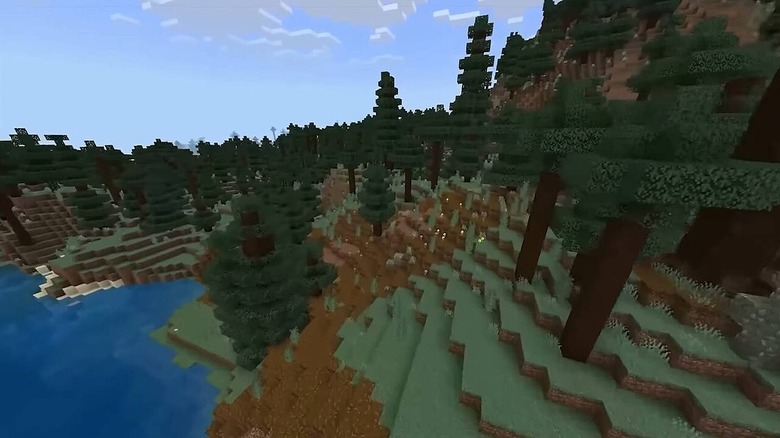
If you often stream content or play video games on your computer, visual glitches can indicate a variety of problems. While monitor flickering is a separate issue, other visual glitches could stem from graphics card problems.
You may not need gaming PC components to get a decent level of performance, but it's not always a bad idea to upgrade beyond the bare minimum. That way, you can hopefully avoid the glitches that can disrupt gameplay and ruin a good time. As someone who casually games (Minecraft and The Sims), glitching visuals really ruin the experience, and I've had The Sims crash, too.
The deficiencies in my gaming experience were due to both a lower-quality graphics card and insufficient RAM. As Intel explains, if you don't have enough RAM for the demands you're placing on it, everything slows down — and that includes tasks like gaming and video editing. If you experience visual glitches, it might be time to upgrade your graphics card, but check your RAM, too.
Overheating
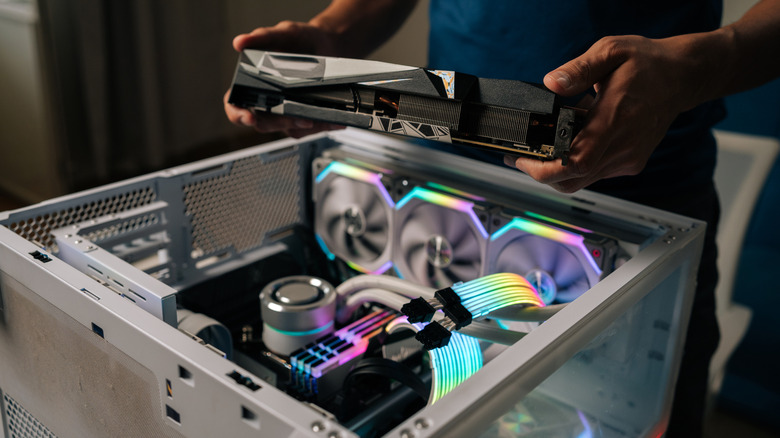
It's easy to tell when a laptop is overheating, especially if you tend to use it in your lap. With a desktop PC, overheating may happen with less fanfare. Some signs of overheating can include a PC slowdown or a fan that comes on often and sounds like a jet engine.
If your PC is running too hot, you might need to consider replacing the fan or cooling system. A dirty fan can also contribute to overheating, so cracking the case open and cleaning it (such as with compressed air) could boost performance. Ensuring that the space where you use your computer is a comfortable temperature can also help. Higher ambient temperatures are going to heat up your computer's components, which means the system has to work harder to cool them.
Again, while most laptops have a built-in cooling system you can't update, a desktop PC is a different story. If you're upgrading your machine, there are plenty of choices, including air and liquid CPU coolers, and it may be worth looking at passive systems, too.
Fan noise
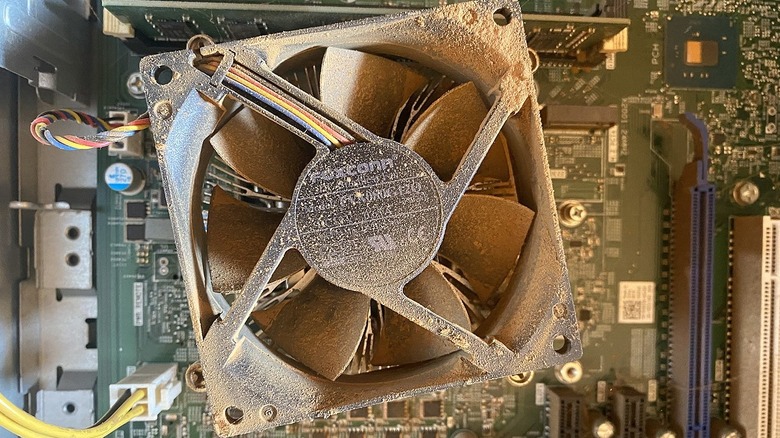
Fan noise could indicate overheating, which may be a separate sign your computer needs some TLC. But even if your computer isn't overheating, loud fan noises could signify another problem. The fan itself might be on its way out, so swapping it out might be a good idea. Or, the fan might require cleaning if it's accumulated dust and debris.
What's more, fan noise from a dirty fan could indicate another issue with your PC. A lack of air circulation within the PC case could be one reason for the debris buildup. Basically, your PC case should have positive air pressure, meaning more air is being pushed in than exhausted out. Negative pressure can allow more dust into the case, which can clog your fan and get other parts dirty, too.
Fortunately, you don't have to overspend on most PC parts, especially fans. If you decide to nix the fan noise by adding an alternative cooling system, that's another option that could help keep your computer cool and quiet.
PC won't power up
Clearly, a PC that won't power on has something wrong with it. Figuring out what, exactly, the problem is could take some sleuthing. Either way, you'll need to troubleshoot the issue and may need some parts or, in some cases, a new PC entirely. I once tried to power on my computer, only for it to have a delayed response because of an update. I've also left my PC on overnight (in sleep mode), only to find it unresponsive in the morning.
The first few steps to determining your course of action involve things like checking your connections and power cable. Considering that a dead PC could be a complete loss, I wasn't too worried about opening up the case and poking around inside when this happened to me.
You might find an obviously unplugged cord or something else detached that should be connected. Or, you may not find anything awry — in which case, a new PC is probably in your future, as was my experience.
Longer startup time
After a few decades of PC ownership, a longer bootup time has often been a harbinger of computer death for me. No computer can live forever, of course, but some of my previous desktop PCs only lasted three or so years. Technology has, fortunately, improved since then, but sometimes, a PC still becomes outdated as hardware and software requirements evolve.
For example, Microsoft notes that your computer could run slowly because of insufficient storage space or outdated hardware, among other things. Checking your computer's specifications will tell you what components it has, and looking for potential updates can provide more context.
If no other troubleshooting steps work, your next choice may be to swap out parts or purchase a brand-new PC. Our advice? As soon as your PC starts struggling to start up, take that as a warning sign and start troubleshooting. A slowdown could also be caused by a virus or a bogged-down hard drive, among other things.
Blue screen of death
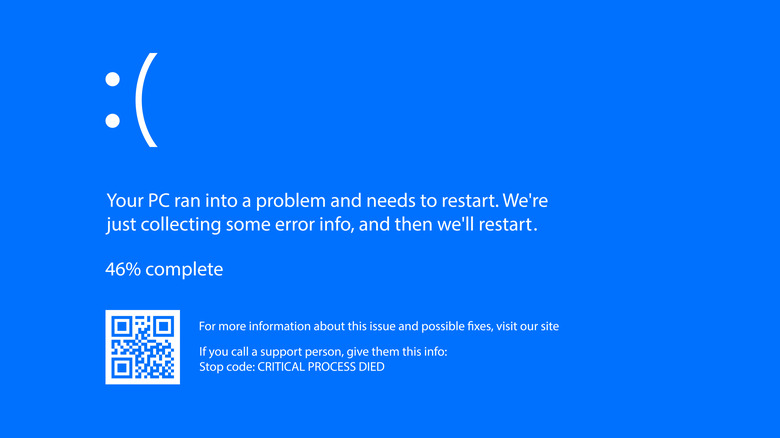
The blue screen of death is one computer problem that could seem impossible to overcome for Windows users. Although my techie dad tried everything in his IT arsenal to revive it, I once had to trash a previously great laptop when the blue screen was all it could muster up.
While my preferred solution to the issue is replacing the computer altogether, there are some things to try to salvage your machine. The blue screen, which is essentially an error message that you may not be able to immediately get past, signifies that the operating system has encountered a critical error it can't recover from.
According to HP, the blue screen of death can stem from hardware issues, driver problems, software conflicts, corruption of your operating system, malware, overclocking, or disk errors. Troubleshooting can involve rebooting in Safe Mode, reverting recent hardware or software installations (or system updates), malware checks, and running Windows diagnostic tools. Reinstalling Windows may also be worthwhile if you're able to get your computer to respond enough to manage it.
Internet dropping out
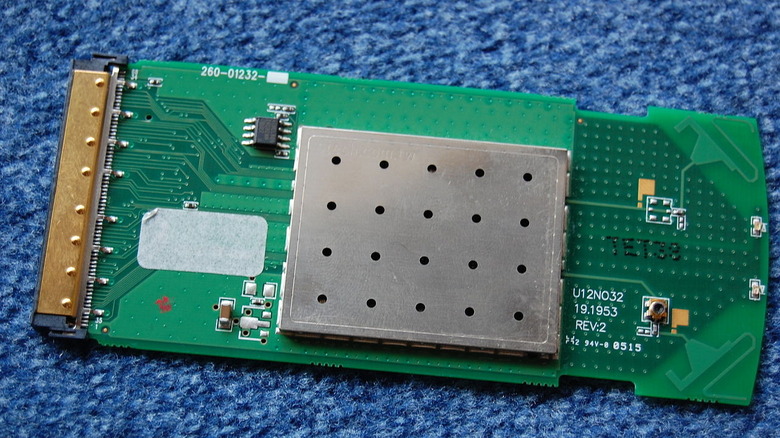
When your device drops its internet connection, a whole host of causes could be to blame. For one thing, it could be your internet provider. Or, it could be that your computer's wireless network adapter needs a new driver. It could also be that some other underlying issue causes your network card to drop the connection, even when your diagnostics don't find anything actually wrong.
If you've narrowed down the potential causes, internet dropouts could signify a component problem. In my experience, my internal wireless network card kept dropping the connection despite being closer to the Wi-Fi router than any other device in the house. Those other devices were also working fine while my computer floundered to connect.
Ultimately, I bought a cheap dongle for less than $20 off Amazon. My TP-Link dongle proved to be far more effective at keeping the Wi-Fi connection stable than the internal wireless network card and even outlived the PC itself (which I recently had to replace).
Security update expiration
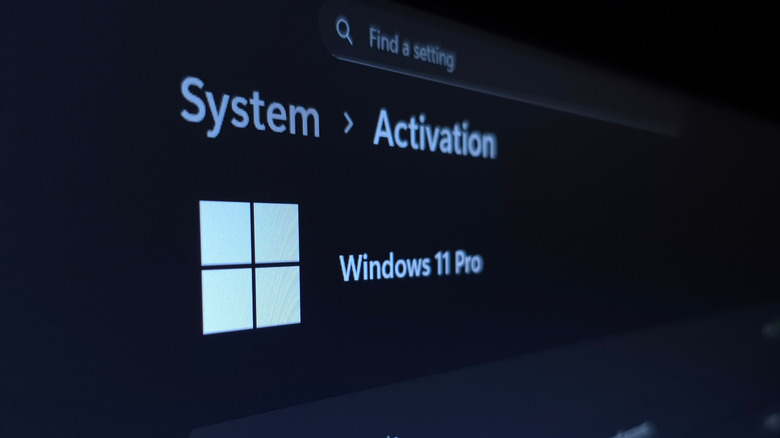
After six years of owning one desktop PC, I was considering replacing it because of the cost of updating Windows and the computer's overall age. It turns out that since Windows 10 is no longer supported, there's a cost if you want to upgrade (up to around $200). Otherwise, you may need to take additional steps to secure your device.
For me, it was mostly an issue of convenience, staying up to date and using my favorite applications. While there are other operating systems out there, my preference has always been Windows, and I started shopping around for a new one when mine quit on me.
With any operating system, however, you could face a lack of support for your current OS as things shift. For example, Apple lists many Mac desktops as obsolete (the newest on that list at the time of writing was manufactured in 2015). One 2019 Mac is classified as "vintage," a label given to products released more than five years ago but less than seven. While you don't have to invest in a new PC if yours is outdated, you'll need a newer machine to get all the perks and support from your chosen operating system.
Lack of storage space
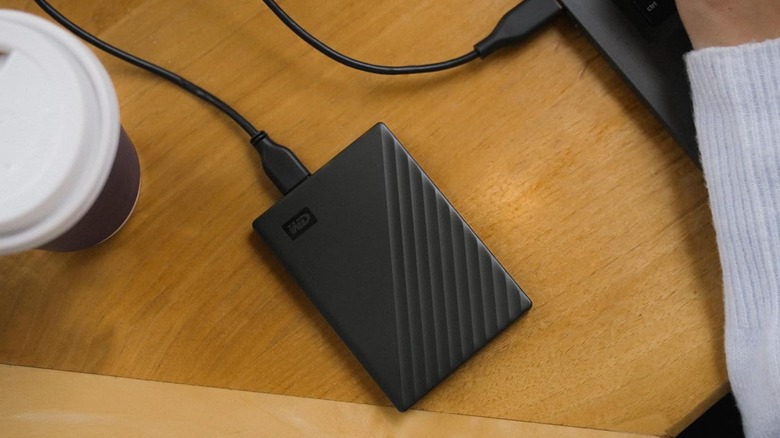
Running out of storage space might be one of the worst experiences you can have with PC ownership. Though many online services offer cloud storage, in my experience, it's extremely pricey. Plus, if you ever let a subscription lapse, you could lose access to your content. Security breaches are also a potential concern.
A lack of storage space, especially with an older device, could be a sign it's time to buy a new machine. If your PC is newer and lacks space to store all your files, an upgrade might be in order. You'll need to make sure the new parts are compatible, especially if you're swapping out internal storage parts.
There's also the option to invest in external storage, which is a move I made years ago when my laptop at the time felt unreliable (for many of the reasons listed here). An external hard drive — specifically the WD My Passport, which came from Amazon — gave me peace of mind while switching between devices and cloud storage providers.