

5 Devices You Probably Didn't Realize You Can Charge With A Samsung Phone
We may receive a commission on purchases made from links.
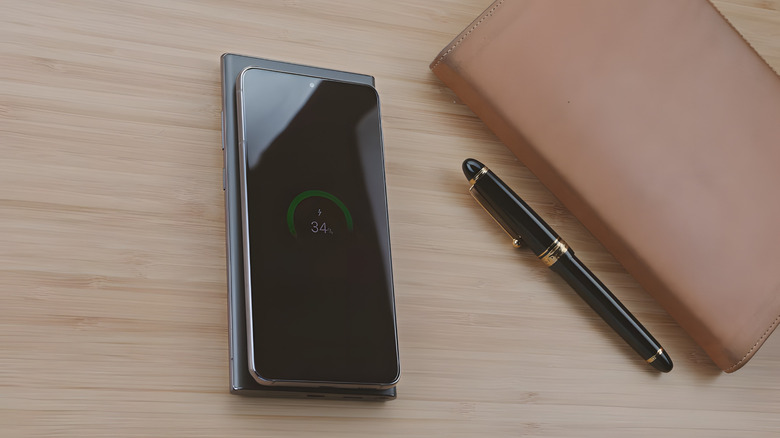
In a world where smartphones have gargantuan all-day batteries (the latest Samsung S26 Ultra features a 5,000mAh honker), it was only a matter of time until someone let users share that battery with other devices. Enter reverse wireless charging. Following industry trends, Samsung coined its Wireless PowerShare feature for the Galaxy S10 in 2019. Now it's a normal feature across the Galaxy lineup. If your friend's battery is low, you can now do a bit of a flex and reverse charge their phone — and smartphones are just the beginning. Galaxy phones with PowerShare can reverse wireless charge "most Qi-compatible devices," according to Samsung. Let's take a brief look at some of the devices that a Samsung phone can charge.
It would appear that Samsung phones can also do a bit of reverse wired charging over an OTG connector, but it's far from ideal. We'll focus instead on Wireless PowerShare-supported devices. Unfortunately, the list is small, and spoiler alert, it's mostly just Samsung devices — though we encourage you to try any Qi-compatible devices you have, provided they can fit onto the back of the phone.
Wireless PowerShare is one of the slowest ways to charge devices, despite how cool the feature may be. It will eat up your Samsung phone's battery, produce a lot of heat, and limit phone usage during the charging period. Use it sparingly, only in situations where you really need it.
A Samsung smartwatch
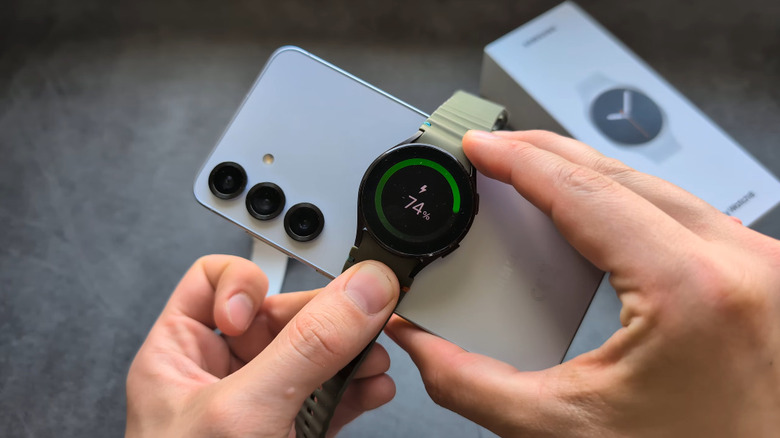
Getting a full day's battery out of a smartwatch is easy. If its battery dies when you're away from home, though, it becomes possibly the most annoying device to charge since it needs a wireless (often proprietary) charging puck that can't charge any other devices. Luckily, your Samsung phone with Wireless PowerShare can charge Galaxy wearables, though it appears the list is limited to a few first-party wearables. If you want to charge a friend's Apple Watch, for example, then you're out of luck — though there are other methods available with an iPhone.
Activate Wireless PowerShare either in the notification panel or the settings; for the latter, go to Settings > Battery > Wireless power sharing. Consider changing the Battery limit (the battery percentage your phone has to reach before it stops charging) since the default 30% might be too low. Place your phone upside down on a flat, stable surface and position the watch until the coils are lined up. It should start charging almost instantly, and you'll get a notification sound or vibration to indicate it's working. Since wireless charging is more inefficient and produces a lot more heat than traditional cable charging, we'd recommend leaving your watch untouched for a spell so it can charge uninterrupted.
Be aware that Wireless PowerShare seems to work fine for older Samsung smartwatches, but not for newer models — specifically the Galaxy Watch7 and Galaxy Watch Ultra models onward. Ironically, if you try to charge one, it will start to charge, only to then show an error message saying it's not compatible. Therefore, we'd highly recommend checking if your watch works before going out and finding out the hard way.
Earbuds
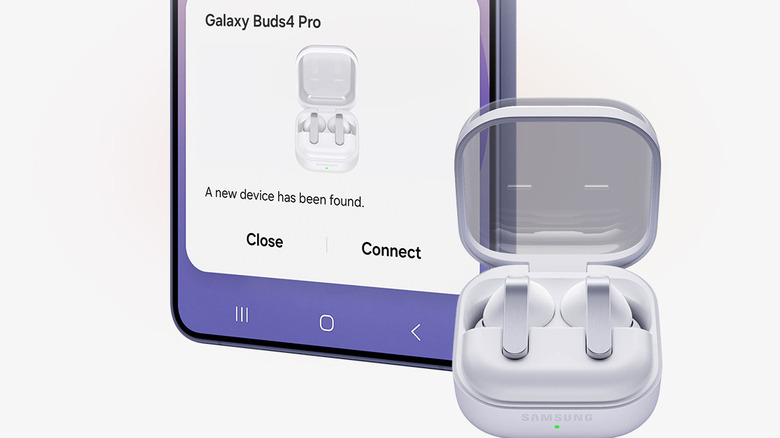
Unless you own one of the few Samsung phones still rocking a headphone jack, you're stuck using Bluetooth earbuds. And one of the biggest complaints people have about Bluetooth earbuds is that it's yet another device you have to remember to charge — one that can and will run out of power when you need it most. A Samsung phone with Wireless PowerShare may be able to charge them, making it an ideal use case where the feature really shines.
Compatible wireless earbuds include many different models from the Galaxy Buds lineup, including the Galaxy Buds and Buds Pro, Buds Live, and Buds+. Same as before, make sure those coils are lined up and set your phone aside for a while. Samsung notes that you should not be using your earbuds while the case is charging. The Samsung Buds charging case has a comparatively small battery, and the Buds themselves can (for some models) get an hour of usage from just five minutes in their case. We imagine you wouldn't have to leave them on there for long if, say, you need to top them up for a flight.
Does Wireless PowerShare work with other earbuds that support wireless charging such as AirPods? Perhaps. We've seen some anecdotal user reports that it does, yet in those same reports, the feature is picky and may suddenly cease to work seemingly without good reason. Again, try PowerShare out at home with your Qi-compatible devices so you know what works beforehand.
Some item tracking devices
Samsung's answer to Apple's AirTag is the Galaxy SmartTag, which has similarly insane battery life thanks to a replaceable coin battery. Even though it has a long battery life, it's quite possible it could hit low battery smack dab in the middle of a trip, when you need that tracking most, and a coin battery could be harder to come by. If you have a tracking device with a rechargeable battery, though, you may be able to use your Samsung phone to charge it.
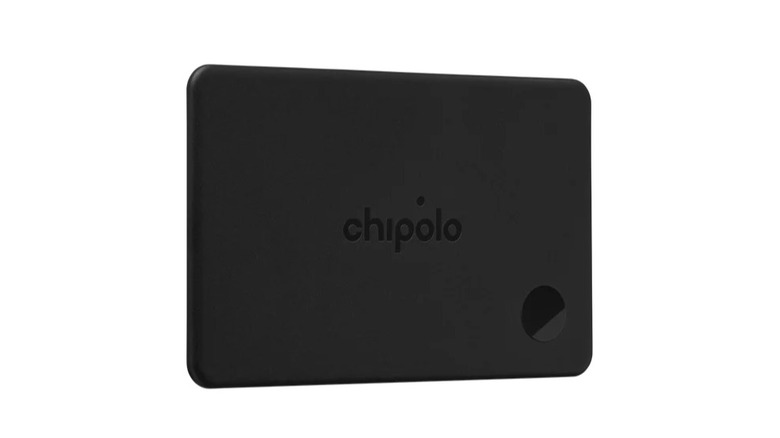
One example we found is Chipolo CARD. It's a slim, credit card-shaped device tracker that includes a wireless charging coil for its rechargeable battery. Since it supports the Qi charging standard and the credit card shape likely fits on the back of most Samsung phones, you could possibly get months of battery life after a short charging session. Based on the promotional images, the charging coil is in the center of the card, so turn it sideways when placing it on your Samsung phone's charging coils and give it a shot.
We have to reiterate here that it's impossible to say for certain that a device will charge via PowerShare without rigorous testing. As we've demonstrated, the feature can be fickle even with Samsung devices that you would think should work. Please don't bet the farm on this feature, only to find out you bet wrong.
Galaxy Smart Ring
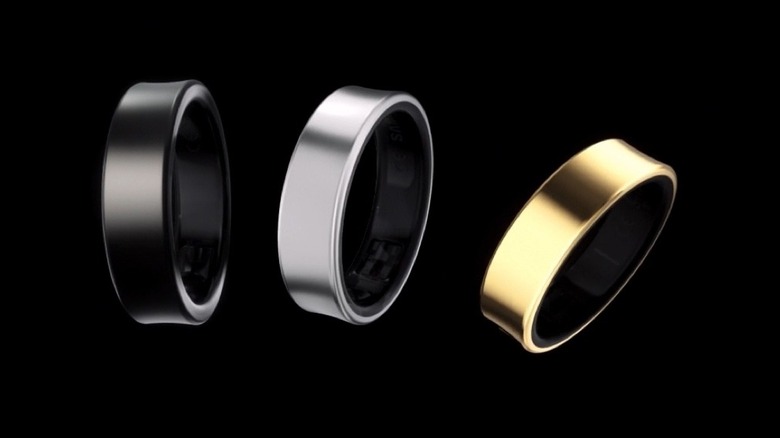
Smart rings are arguably for people who like the idea of a smartwatch, but balk at wearing one. Smart rings are smaller, less cumbersome devices that only need to be charged once a week, can track your key health metrics, and do all of that while blending in as stylish jewelry. The Samsung Galaxy Ring is one of the best (and one of the only) options on the market. And you guessed it, it can charge with Samsung's PowerShare.
Just as when you're charging it on any other wireless charger, make sure the ring is in the cradle and line up those coils. The Galaxy Ring case has a charge indicator light so you can easily tell how long it needs to charge at a glance. The Galaxy Ring has a very small battery — 22.5mAh for its biggest sizes — that only takes 60 minutes to charge to full in the cradle. The cradle itself can charge the ring twice, so in theory you should only need to leave the ring's cradle on your Samsung phone for a brief time to get a full week's worth of battery.
Some hearing aids
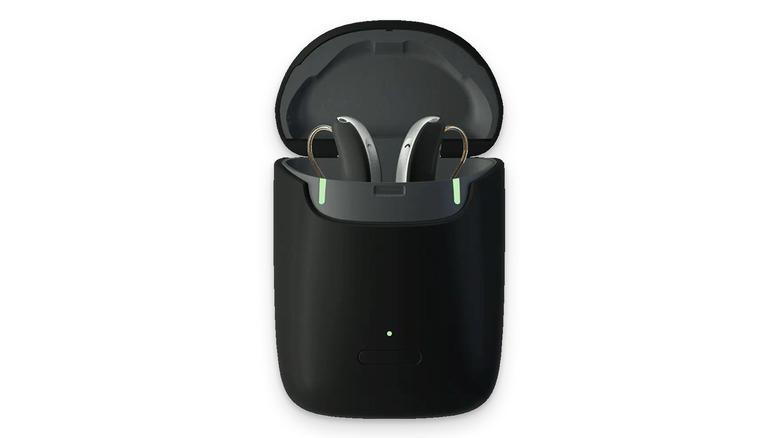
The tech landscape in recent years has changed a lot for hearing aids. Already, we've begun to see Bluetooth earbuds oriented at consumer media consumption and calls provide a hearing aid mode, like the AirPods Pro. Sadly, the Samsung Galaxy Buds don't yet offer this feature. But if you have dedicated hearing aids — depending on which brand they are — you may actually be able to charge them with Samsung's Wireless PowerShare.
Rexton's hearing aids boast Qi wireless charging support. Since they have the same form factor as many other consumer Bluetooth earbuds, that means they likely work when charging over Wireless PowerShare. Any other Qi-compatible hearing aids should work too, though again, Samsung's track record for supporting a device via PowerShare is patchy. For a device as costly and as important as hearing aids, definitely check before making a purchase decision based on PowerShare support.
As we stated at the outset, PowerShare is meant more as a last-resort feature, not the default for charging a particular device on a daily basis. Having said that, being able to charge hearing aids is one area where this is going to be a lifesaver — perhaps literally. Those who rely on them now have a backup method for juicing up some hearing aids that have died while away from home.