

5 Common Habits That Are Ruining Your Phone's Battery
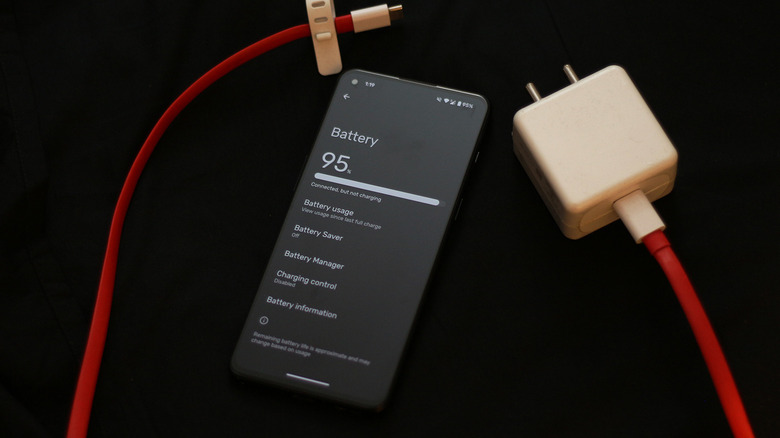
Smartphones have grown capable in all aspects, including performance, camera quality, and software features. We see significant improvements in processing power every year, and with telephoto lenses capable of capturing the moon, there is not much we could ask for in terms of innovation. Well, perhaps except for better batteries. For years, brands like Apple and Samsung have advertised their smartphones as "all-day" powerhouses. While that's all well and good, mainstream OEMs haven't made a dramatic leap in battery technology in awhile.
Other companies are still pushing the envelope, fortunately. The OnePlus 15 we reviewed, for instance, packs in a mammoth 7,300 mAh battery that lasts well beyond a day and tops up in just over 40 minutes. However, no matter how long your phone lasts initially, over time its performance is going to diminish.
The battery health and management features that emerged in recent years have helped with this. Many smartphones offer ways for users to limit charging to 80%. You can view your iPhone's battery health to see how it has fared over time. And there are ways you can cut down the amount of battery degradation your phone suffers through more than just software features. Many of these tips, in particular, actually stem from poor battery maintenance habits you should be avoiding.
Subjecting your phone to excessive heat
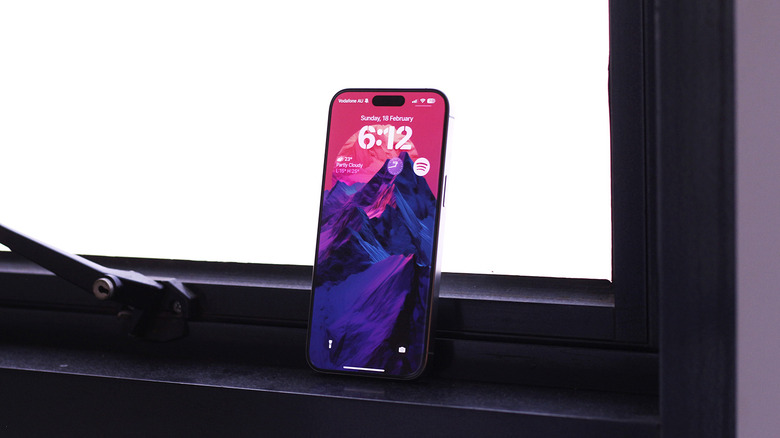
How long your phone lasts on a single charge largely depends on your usage — the kind of apps or games you run, whether you were capturing 4K video all day, relying on GPS navigation, and so on. There's really only one major external factor that will impact your battery performance: temperature. Though you won't risk permanent damage from using your phone in hot conditions, repeated exposure to extreme temperatures will impact battery health.
For instance, Apple recommends operating its devices in the temperature range of 62 to 72 degrees Fahrenheit. Ambient temperatures exceeding 95 degrees Fahrenheit may cause permanent battery degradation. You may have also spotted a "Charging on Hold" notification on your iPhone. This feature is designed to pause charging when your device gets too hot. Many modern devices have smart ways to prevent thermal issues when charging, but not all phones may be equipped with the tech.
Consequently, using your phone when it's warm and charging is a surefire way of ruining its battery health. Certain gaming phones, like the ROG Phone 8 Pro we reviewed, feature bypass charging, which ensures this doesn't happen. It's best to let your phone charge when it's not overheating or in use. Make sure your charging station is away from direct sunlight, heat, or moisture.
Giving too many apps background permissions
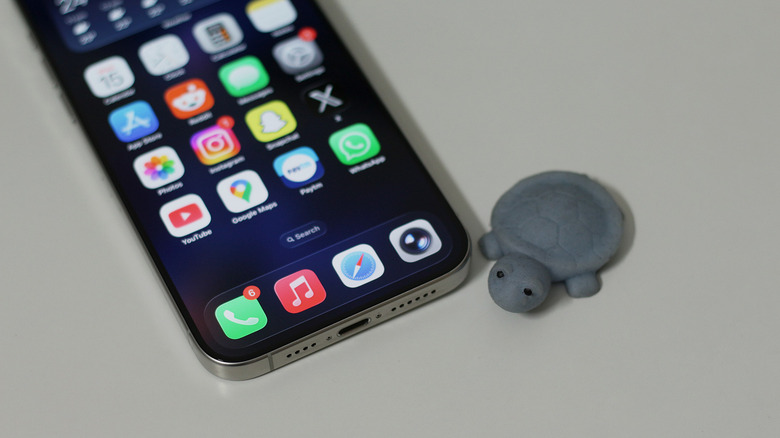
The days of staring at active app operations are behind us. Smartphones are more than capable of efficiently handling tasks in the background, in addition to file downloads, app installations, and media uploads. The problem, however, arises when you let too many apps run in the background.
If you're truly looking for ultimate battery optimization, finding and closing background apps except the ones that are absolutely necessary is a solid start. Most people, however, wouldn't want to go so extreme — but you can still disable background permissions for apps that have no business functioning unless they're summoned. The good news is that both Android and iOS have gotten strict with how they let apps access the internet when they're not actively in use.
When you install an app from the Play Store or App Store, it lacks any permissions by default. However, most apps are designed to get you to hit "Allow" for every permission during the onboarding screens — and it's quite easy to miss. On iOS, head to Settings > General > Background App Refresh, and deselect any apps you don't want fetching information in the background. To manage background usage on Android, navigate to Settings > Apps > App battery usage.
Overoptimizing your phone's battery
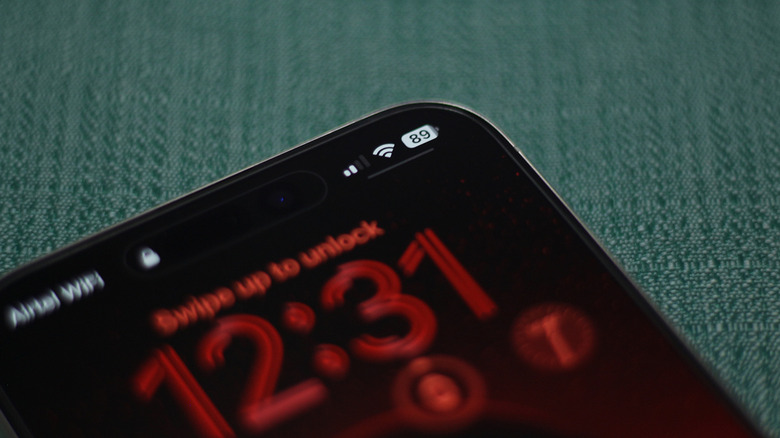
Both Android and iOS devices come with a built-in power saving mode that usually dials down the screen's refresh rate, dims the display, and restricts background app usage. You can configure it to automatically turn on when your phone dips below a certain battery percentage, and some OEMs, like Oppo, feature super low power modes, which basically dumb down your phone to barely more than the calling and messaging functions. Turning on battery saver will often stretch your phone's battery life just enough to get you to the nearest charger.
However, there's a whole fleet of "battery management" apps that plague the Play Store. These claim to make intelligent adjustments beyond what the normal low power mode does. There's a good reason why you shouldn't use battery saver apps — at best, they won't really do much. In many cases, though, you might end up with worse battery life than before.
Android, as an operating system, has evolved enough over the years to not require external resource management. Slapping on an additional layer of optimization that only adds to your phone's resources when it's idle counteracts that. If you have third-party battery management apps installed on your device, it's best to uninstall them. If you are curious about your phone's battery stats, apps like Electron or AccuBattery can give you useful insights without hounding you with unnecessary optimization tips.
Using cheap or counterfeit chargers
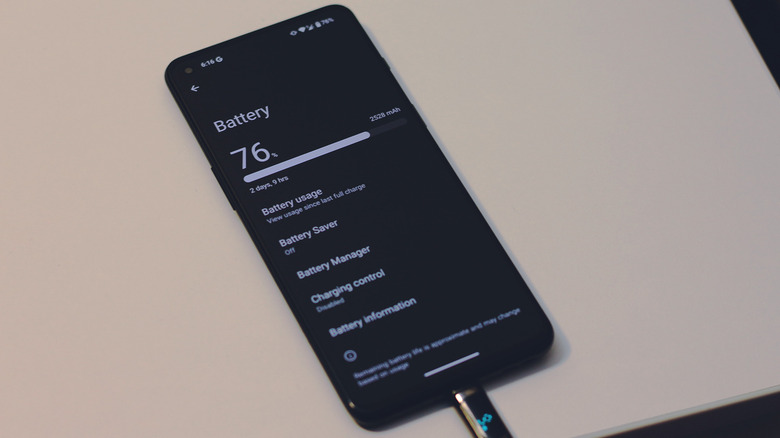
With many smartphone manufacturers cheaping out and not including a power adapter in the box anymore, consumers have to shell out extra for a compatible charger if they don't already own one. If you want to enjoy the maximum advertised charging speeds, you also need to keep in mind whether the charger you're eyeing supports the same charging technology as your phone. Luckily, many flagship smartphones come with support for USB Power Delivery, which has become the universal standard now.
This means you don't need to specifically buy from the original manufacturer and can turn to reputable third-party charger brands like Ugreen or Anker that often offer better value. What you should absolutely not do, however, is resort to using no-name or first copy adapters. Though smartphones have become intelligent enough to only accept how much power their batteries need, it's still unsafe to use poorly constructed chargers of unknown voltages or those that lack any form of safety protection.
Contrary to popular belief, you won't damage your phone's battery by charging it with an adapter of a higher wattage. The handshake is managed internally by smartphones, and they dynamically adjust how much power they draw depending on factors like the percentage or external temperature. Another common smartphone myth is that leaving your phone plugged in overnight damages the battery. In reality, modern smartphones are equipped with the technology to prevent overcharging.
Fully charging or draining your phone's battery
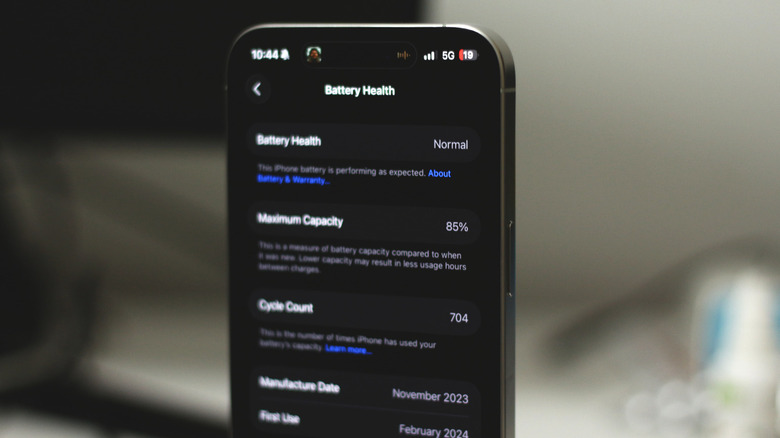
We saved this one for last since it's a bit controversial. If you truly want to extend your phone's battery health as much as possible, then letting it charge all the way to 100% or using it until it dies is a no go. Lithium-ion batteries operate the most comfortably between 20 and 80%, so keeping your phone in that range is ideal. In fact, many smartphones, like the iPhone, already come with an optimized charging mode of sorts that stops or delays charging beyond 80%.
However, only operating your phone between 20% and 80% is the same as using a device with 40% less battery capacity, and that might not be enough to get your through the day. If you need more, and charge your phone overnight, many phones also offer an optimized charging toggle. On iPhone, the feature pauses charging at 80% and then tops up to 100% a few minutes before you wake up. This way, your phone's battery isn't sitting at full capacity for a long time, but you still get to use all of it.
It's impossible to entirely avoid degradation, but this way, you may retain a usable level of battery capacity until you decide to upgrade to something new.