

Don't Get Rid Of Your Old Samsung Phone – Here's What Else It Can Do

Samsung has been making phones ever since time had a name, but its Galaxy series of Android smartphones is what put it on the radar for most consumers. The company has slimmed down its confusing lineup of devices quite a bit in recent years, but there are still Samsung phones for every budget. With advancements in AI and the growing requirement for better displays, cameras, and batteries increasing, a lot of us have found ourselves upgrading to newer models more frequently. If you've recently upgraded to a new phone, that's great — but don't let your old Samsung device sit on the shelf, collecting dust.
If you are, in fact, getting a great exchange value for your old phone, then by all means, trade it in when buying a new device. However, Android phones aren't exactly known for having the best resale values — leaving you with only two real options: either selling it for dirt cheap on a third-party marketplace, or giving it a second life with a new assignment. Depending on how old your previous phone is, you can repurpose it for a wide range of applications.
From using your old Samsung phone or tablet as a smart home hub to assigning it the role of a makeshift desktop computer, here are a couple of reasons you might not want to get rid of your previous device yet. It's worth noting that most of the use cases we've mentioned are universal to other Android devices as well.
Use your Samsung device as a computer
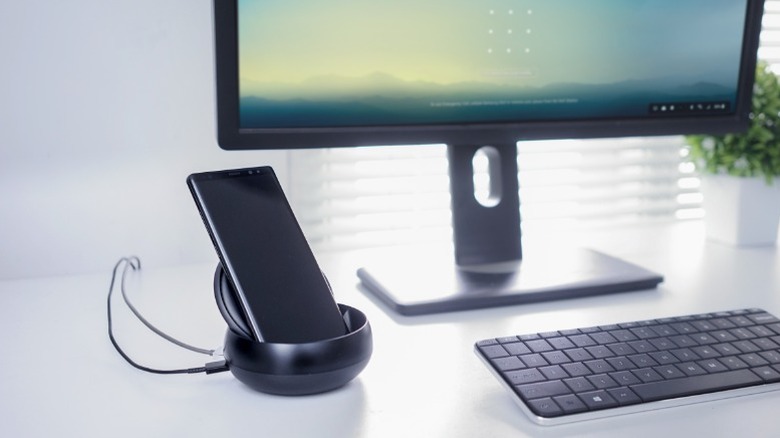
Samsung DeX is one of the most underrated features that sadly doesn't get talked about as much as others. It's been a staple feature in Samsung's higher-end phones and tablets for several years now, and lets you harness through them a desktop experience. All you need is an HDMI adapter to connect your phone to an external monitor or TV.
DeX is compatible with a decent selection of Samsung phones and tablets, including the flagship S and Note series, starting from the Galaxy S8 and Galaxy Note8. The entire Z Fold lineup is supported, but only the new Z Flip7 comes with DeX. Tablets starting with the Galaxy Tab S4 are also compatible. If you own a smart TV or a monitor that comes with Miracast screen mirroring, you will also be able to use DeX fully wirelessly.
Of course, to complete the full desktop experience, it's recommended that you hook up an external keyboard and mouse as well. With the right USB-C hub, you can attach not just an HDMI monitor, but also a couple of USB-A peripherals to your phone. Alternatively, you can pick up one of the many Bluetooth keyboards available for a less cluttered setup. Samsung DeX can come in handy if you're in need of a makeshift desktop setup, but don't want to dedicate cost and space for a PC. It's a good way to get some "real" tasks done with the added convenience of a bigger display and peripherals.
Repurpose it as a media and entertainment device
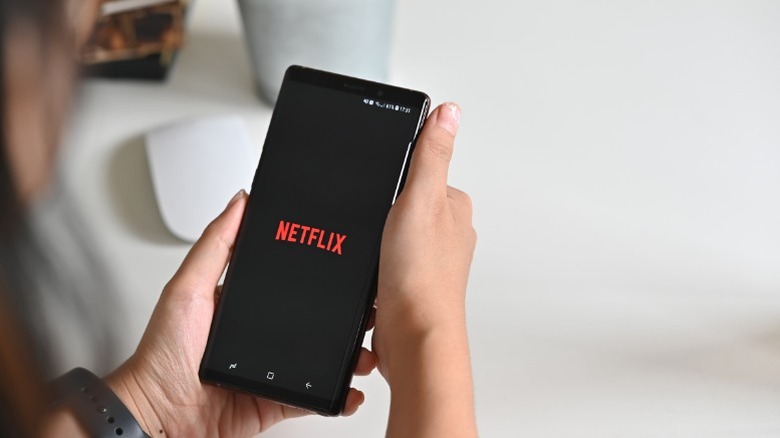
Samsung phones, especially those belonging to the flagship lineup, have always sported big, impressive displays. Even if your phone is not snappy enough to run modern apps or games, you could leverage its vibrant display and use it exclusively as a Netflix machine. This could also alleviate the battery strain you would be causing on your primary device while trying to catch up on the latest season of "Stranger Things." Aged batteries in older phones typically make them unreliable for personal use, but you'd be surprised just how capable they still can be for low-intensity, prolonged tasks like video streaming.
If you own a Samsung device from far enough back, it likely has an SD card slot. You can pick up high-capacity microSD cards for relatively affordable prices to double or even triple your phone's storage space. This can then be used to store various forms of media, such as photos, videos, or big files that are clogging up your current phone's storage. Cloud storage services like Google Drive are convenient, but having local archival storage is always a cheaper option. With apps like VLC, you can also play back digital content that you own.
Another use case involves hooking up your phone to an external speaker, either via Bluetooth or AUX, and using it as a dedicated music player. Streaming platforms like Spotify and YouTube Music let you download tracks for offline use, so you're not always streaming your favorite music.
Use it as a smart home hub or an IoT device
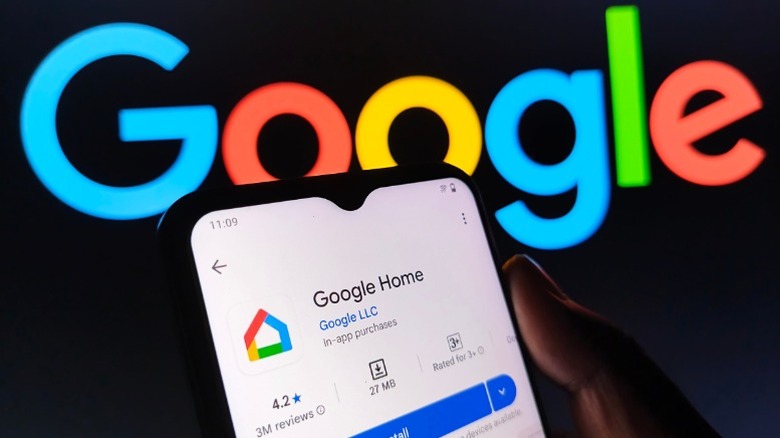
There is no shortage of smart home devices you can find on Amazon. Simple installations like smart light bulbs, smart plugs, and a thermostat are all it takes to get started with home automation. Typically, these devices can be controlled individually through their dedicated apps or via a platform like Google Home. There are touchscreen hubs like the Nest Hub Max that act as a dedicated way to control your smart home devices, but you can simply use an old phone or tablet you have lying around for the same job.
You will have to tinker around with a few settings and discover workarounds until you find a setup that works for you. For starters, you can set the screen timeout to "never" and set up a slideshow via the Google Photos app. The Google Home app also works in landscape orientation and can help you pin your Samsung device as a semi-permanent smart hub. More importantly, you can set up the "OK Google" hotword and control your home appliances through voice commands.
Finishing touches could include hooking your phone up to a low-power charging adapter and propping it up on a stand. If you're rocking a Samsung phone running Android 9 or later, you can even use it directly as a light or sound sensor through the Galaxy Upcycle app, essentially converting it to a useful IoT device.
Turn it into a portable console through cloud gaming
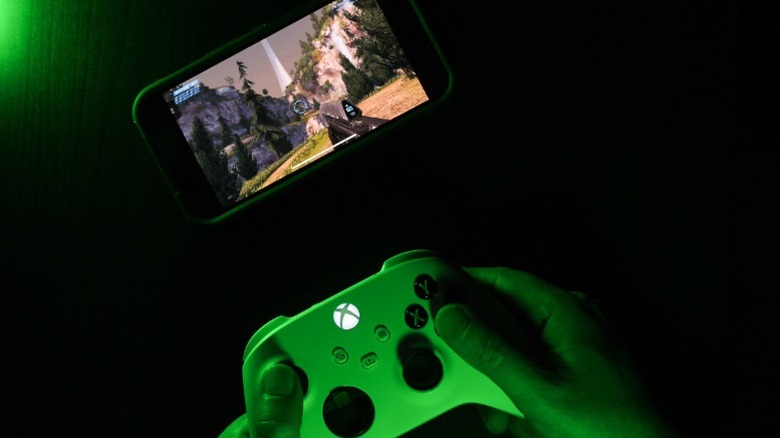
We've seen a decline in smartphone gaming in recent years due to the Play Store being infested with low-effort adware disguised as games. That said, growing processing capabilities have warranted the release of quite a few console-quality games, like "Genshin Impact" or the recently launched "Red Dead Redemption" port for Android and iOS. Modern smartphones can handle these games relatively well, but you are likely not going to have a great time playing these on older phones.
This is where cloud gaming comes in. It's been around for a while, but with services like Xbox Cloud Gaming and GeForce Now having improved considerably, it might finally be worth making the switch to cloud gaming. If you already have an expansive library of games on Steam or the Epic Game Store and don't mind shelling out a little extra for a cloud gaming subscription, you can play your favorite titles on the go.
All you need for a good experience is a phone that works and a decent internet connection. Performance won't be an issue since all the processing is done on the cloud. Alternatively, if you have a gaming rig, you can remote play Steam games on your phone via the Steam Link app. Gaming handhelds are growing in popularity, but if an upfront payment is too big a commitment, repurposing your old Samsung phone into a portable gaming console is a cheaper way to fuel entertainment.