

The 5 Biggest Drawbacks Of Using A Linux PC
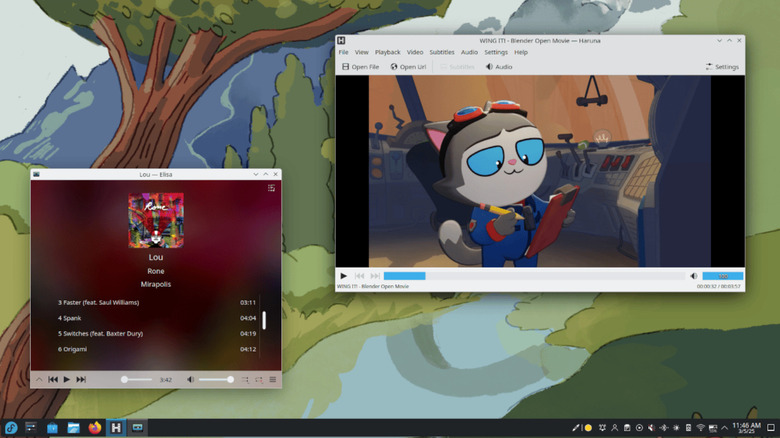
Linux is free, looks sleek, and can bring new life to an old machine. It's heavily customizable, from choosing a Windows or macOS-like distro to customizing the behavior of keys like Caps Lock. Plus, it's FOSS (Free and Open Source Software), if that's something you care about. It is also a pain to use on a daily basis, especially when you're still getting used to it.
I've been using different Linux distributions on and off for a long time, but I only really committed to it two years ago, when I settled on the popular combo of Fedora, KDE, and Plasma. But even now, I have one computer in dual boot, meaning it can run both Windows and Linux, for when I need to use certain software, play online video games, or just edit the drivers of my mouse and my keyboard.
Sure, every long-time Windows or macOS user could write a list of their favorite OS' issues, but I doubt it'd be as easy as filling this one with Linux drawbacks; The real challenge was limiting it to five items. Linux is developed primarily by volunteerс and powered by donations, and it's impressive how often it comes head to head with Windows and macOS, but corners must be cut somewhere. Some are minor inconveniences, some are very annoying indeed, but a few can be a real deal breaker. Here the five worst offenders.
Lack of software support
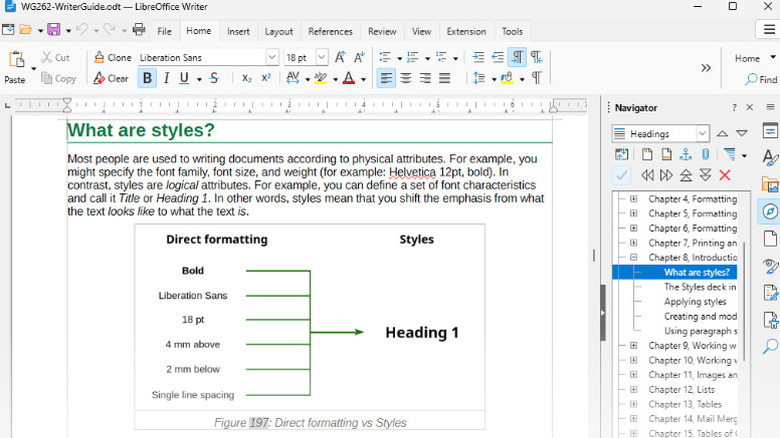
Unless you're willing to deal with Wine or Proton and their compatibility issues every single day, you will have to move away from some of your favorite Windows and MacOS apps. No Microsoft Word or Excel, no Scrivaner, and no Adobe CC. The good news is that many of these apps have popular open source alternatives that work on Linux — you won't even have to pay for them! The bad news is that they're usually not as polished as mainstream professional software.
I'm typing this article in LibreOffice Writer, which is my favorite of the Microsoft Word alternatives that run on Linux. While I learned to appreciate some of its features and customization options in time, I still miss Microsoft Word. I never thought I could hate text selection in an app before switching to LibreOffice. It's even worse for photo editing: The most popular alternative to Photoshop is Gimp, which is neither easy to use nor powerful.
That said, if you're used to working on websites and in-browser apps, like Google Docs and the rest of Google's productivity suite, you're in luck. Most of them work perfectly well on Linux. The list includes Canva, Photopea, and other Photoshop alternatives that work online.
Competitive online games rarely work

Not every multiplayer game has issues running on Linux. Co-op games tend to work fine, and so do many predominantly single-player games with some multiplayer elements, like Elden Ring. However, many multiplayer games use some form of anti-cheat that is incompatible with Linux. Anti-cheat software runs in parallel to the game to make sure that players aren't receiving an unfair advantage during play by altering game files. The problem for Linux users is that Wine or Proton, which are necessary to run Windows games on these machines, are apparently indistinguishable from cheating.
Some games that run natively on Linux are able to integrate anti-cheat with no issue, though this is uncommon. That's the case of the 2017 multiplayer-focused medieval brawler For Honor, which is perfectly playable on Linux machines — or at least it was until September 2026, when developer Ubisoft removed Linux compatibility over anti-cheat enforcement concerns. Perhaps things will get better as the Linux-based Steam Deck and Steam Machine become more popular, giving developers an incentive to use anti-cheats that are compatible with Linux. Right now, online gaming remains a problem.
To be clear, Linux is slowly becoming a good alternative to Windows 11 for gamers. In my experience, most modern single-player games work perfectly well right out of the box, especially when run through Steam. That said, you might want to stick with Windows if you play a lot of online games.
Difficult setup for audio and music production
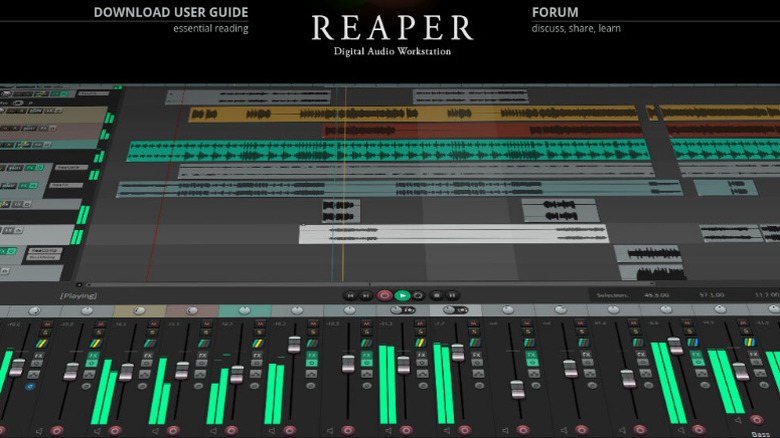
If you do a lot of music and audio production on your Windows or Apple machine, switching to Linux will be hard. Finding a solution that works for you, like a beginner-friendly Linux distro that's easy to configure, is not impossible, but it takes work. You might also need learn to use new software, and quite complex software at that. The only major DAWs (digital audio workstations) that supports Linux natively are Reaper and Bitwig, neither of which is extremely popular, and there's also the audio Swiss Army knife that is Audacity.
If that wasn't enough, optimizing Linux for audio work is a bit of a nightmare. Say you want to change the recording sample rate and bit depth of an audio interface. In Windows, you can do this directly inside the DAW or from a utility software. In Linux, you do this with a console command or by editing a config file. What command? Which config file? Why, that depends on what audio processing framework you're using. Good luck figuring that out.
Unless you really like learning about the digital infrastructure that powers your computer, I suggest you set up a Linux-Windows dual-boot and keep the second for audio work. Or you could take a look at PipeWire's wiki and see if it looks like a fun side project.
Video editing options are lackluster
If you're looking for alternatives to Adobe apps, then switching OS is a great choice. Adobe software doesn't run on Linux at all. Some sources claim that there's a way to run the Adobe CC installer on Linux, but this isn't exactly straightforward, and it might not be within Adobe's terms of service. If you switch to Linux, you'll have to say goodbye to Premiere and Express. That much is clear. The question is, are there any valid alternatives?
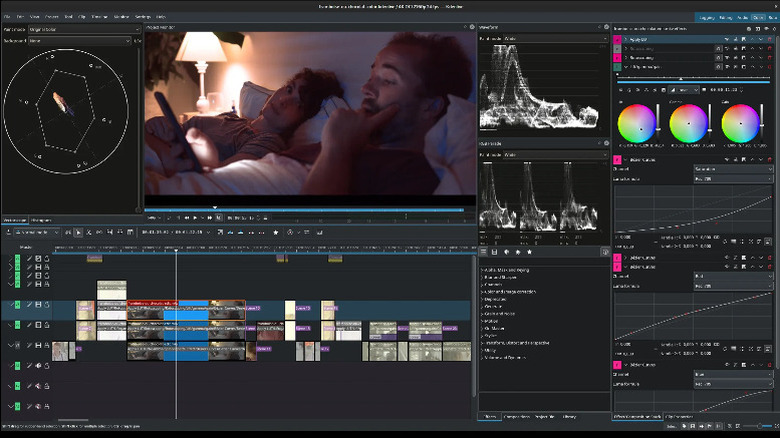
Some video editing software runs natively on Linux, but none of it is great. Openshot and Shotcut are still quite spartan, DaVinci Resolve features very limited GPU compatibility and coded support on Linux, and Kdenlive — while being promising — has some serious limitations as well. I have personally tried all these options, and I find Kdenlive to be the best compromise between usability, power, and versatility. It supports GPU acceleration for both Nvidia and AMD cards, is fairly stable, and is not too hard to figure out for new users — assuming the version for your distro doesn't have missing dependencies or functionalities.
Once correctly installed, Kdenlive is totally usable if you're working on short projects for fun or need a simple tool to glue a video to a soundtrack, Windows Movie Maker-style. But if you're a professional and your time is money, or you just can't stand constant lag spikes and incompatibility issues, then video editing on Linux is not for you.
Sometimes, you just have to use the terminal
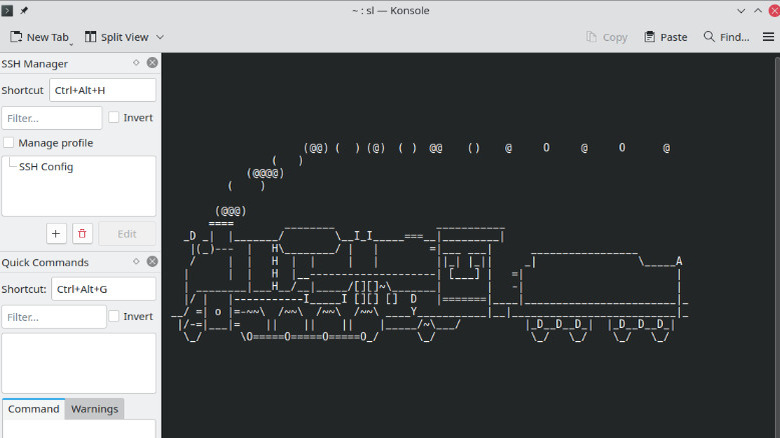
Here's a scenario you probably saw a million times: A program on your Windows machine has run into a bug. Time to troubleshoot! You search the error message on your favorite alternative search engine, look through a dozen possible answers, and you find a fix. Is troubleshooting really the right word for what you did? You just followed the instructions of Microsoft's customer support and downloaded a redistributable or changed a line in a .txt file. If you make the switch to Linux, you will learn the true meaning of troubleshooting.
Nearly every time I had a problem with my Linux machines (which is not uncommon), I had to fix it with the terminal, also called the console. The updater doesn't work? Force it with the console. A program won't close? Kill it with the console. But that's only part of the console problem. So much software on Linux lacks a GUI — a graphical interface, with buttons and sliders — and so must be operated with the console.
On the one hand, you might learn something about your machine by constantly being in contact with the console. On the other hand, some users definitely copy and paste whole lines of code from an official wiki to fix their problems. It's so much easier than reading the documentation, and some wikis are written with the assumption that you'll copy and paste code, so why is this a problem? Replace "official wiki" with "a stranger on an unmoderated forum" and you'll see why the over-reliance on the console can become a serious issue, especially for less tech-savvy users.