

Sonos Beam Ultra Review: Atmos Soundbar Sits In The Price/Sound Sweet Spot
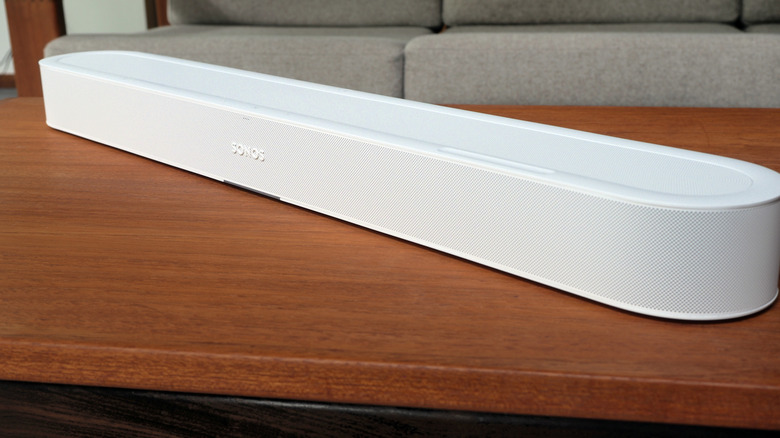
Strange to think it's actually been five years since Sonos launched Beam (Gen 2). The intervening period has not only seen expectations for soundbars get more intense, but options for spatial audio — in music and video — more commonplace. With 5.1.2 support, the second-generation Beam could only pretend to deliver full Dolby Atmos, however; 2026's Sonos Beam Ultra has true 7.1.2 complete with upward-firing drivers.
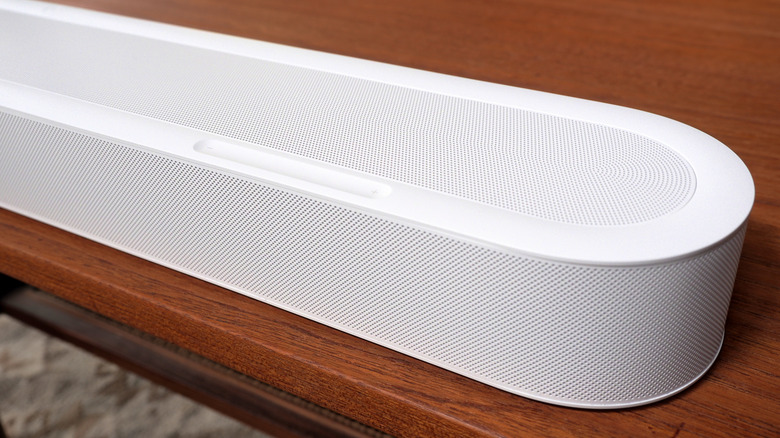
At $699 it's positioned above the $499 Beam (Gen 2), but below the $1,099 Arc Ultra. Like those models, Sonos offers it in either matte black or white. Soundbar aesthetics generally skew sober — it's the screen you're meant to be watching, after all — and the Beam Ultra is reasonably surreptitious. At almost 30-inches across it's about 4-inches wider than Beam (Gen 2), and it's very slightly deeper too.
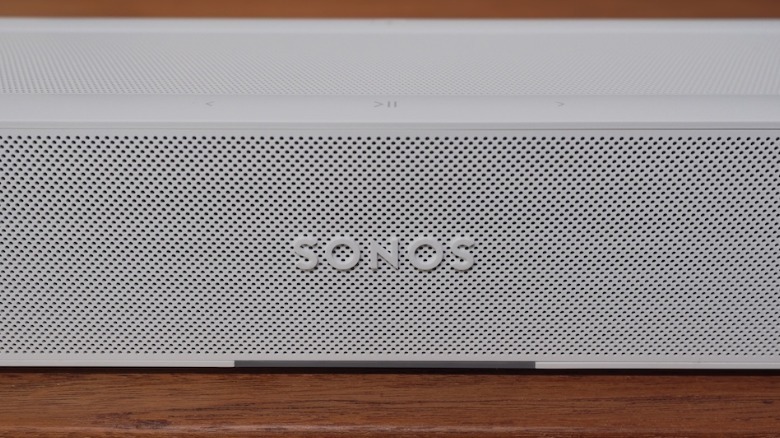 Chris Davies/SlashGear
Sonos offers a $69 wall mount, or you can simply place it on your TV stand. Regardless, you'll want to make sure there's nothing interfering with the upper drivers (there's a Simulated Overhead Sound mode, using the front drivers for situations where there's less than 4-inches of space over the soundbar, but I'm not sure why you're buying Beam Ultra if you aren't going to take full advantage of its Atmos capabilities).
Setup is simple, and there's a new Sonos 27 app
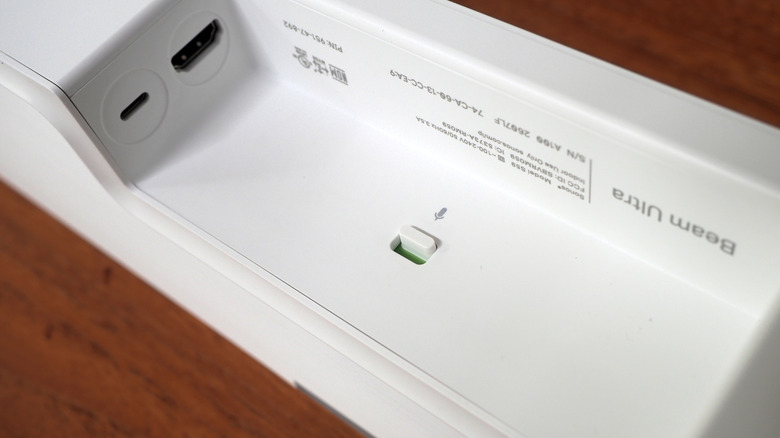
Sonos includes a power cable and an HDMI cable; you'll need to plug the latter into an HDMI eARC port on your TV. There's no optical audio adapter, as you get with the old Beam, but there is a USB-C port that supports line-in with an optional adapter. Inside, there's support for WiFi 6 (up from WiFi 4 before) along with Bluetooth 5.3.
Setup is straightforward: plug in the HDMI cable and follow the app's instructions. After about five or ten minutes — depending how long the inevitable firmware update demands — audio from the TV is coming out of the soundbar.
 Chris Davies/SlashGear
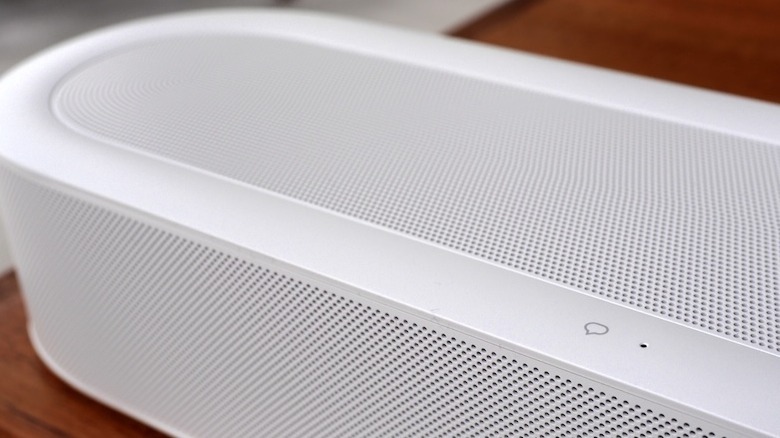
There's native 7.1.2 Dolby Atmos support, courtesy of five tweeters for the high and mid-ranges: a pair of side-firing horn-loaded mid tweeters for better stereo separation, one for the center channel for things like speech, and two upward-firing tweeters for the overhead parts of the soundtrack. Four low-profile woofers handle bass. Running through Trueplay tunes the Beam Ultra to the specific acoustics of the room it's in, using microphones in the soundbar itself (which can be disabled with a physical switch on the back); you can also manually tweak bass, treble, and loudness in the Sonos app.
That software was recently revamped as part of the Sonos 27 push. It means the Beam Ultra will work with new Sonos Fabric features like Headphone Link — as launched on the new Ace Ultra headphones — but also generally tidies up the UI and makes it easier to see what's playing and where. As always, you can combine Beam Ultra into a speaker group for synchronized music playback in multiple zones.
A welcome improvement in surround sound options
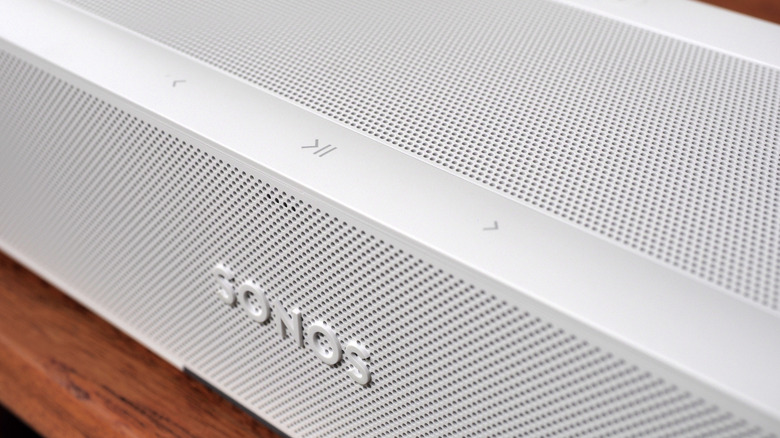
Night Sound trims the intensity of louder sounds while boosting quieter ones — making movies easier to listen to at night, without waking the rest of the house with sudden explosions — and there's also optional AI-powered speech enhancement that promises to spot human voices in the soundtrack and boost their clarity. As with other Sonos soundbars, though, you can augment all that with other speakers. If you want more bass, for example, a Sub or Sub Mini can be wirelessly paired.
Likely more common are a pair of dedicated rear surround speakers. You'll need a matching pair of Era 300, Era 100, Sonos One, Sonos One SL, Sonos Five, or Symfonisk (Gen 2) speakers, or third-party speakers hooked up to a Sonos Amp; adding them is as simple as identifying them in the app.
 Chris Davies/SlashGear
New, though, is the welcome ability to use select portable Sonos speakers as rear surrounds: it's part of what the company calls Sonos Fabric. At the moment that means a pair of Sonos Play or Move 2 speakers: once you identify them as the rear channels in the app, placing them — with line-of-sight to Beam Ultra — behind you sees the soundbar automatically identify them and route the audio accordingly. If you need them elsewhere, you can simply pick one (or both) up, and the soundbar will take over full TV audio duties. It's impressively seamless.
If you have a pair of Sonos Ace or Sonos Ace Ultra headphones, you can use TV Audio Swap to wirelessly route the soundbar audio to the headphones instead.
Dolby Atmos availability remains the pinch point
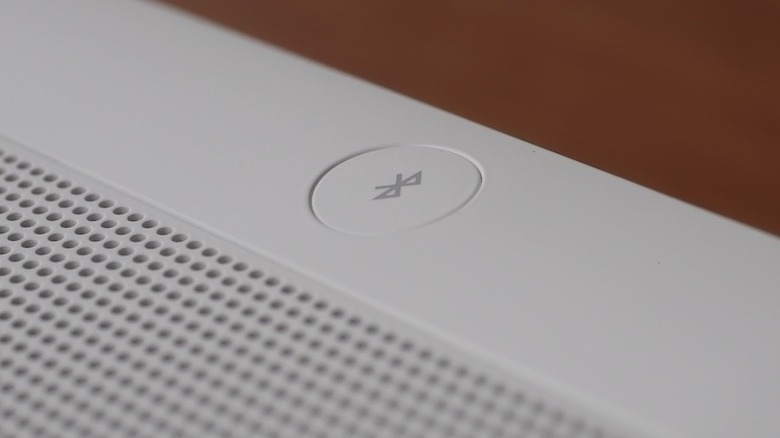
A soundbar is probably the easiest set-and-forget way to dramatically improve movie night. Once installed, for the most part the Beam Ultra just works: thanks to HDMI-CEC you can adjust its volume using the TV remote (or do so in the Sonos app). There's optional voice control, along with buttons on the top to adjust volume, play/pause, track skip, and to put the soundbar into Bluetooth mode (to play music directly from a phone or other Bluetooth source).
Whether you get real Dolby Atmos — as in, with height data and the rest — is a little more complicated, since it depends on the content provider, your streaming device of choice, and your TV. Netflix, for instance, has Atmos support but only for select shows; you also need to subscribe to the most expensive Premium plan. Amazon Prime Video has Atmos titles in its catalog, but you have to subscribe to the Prime Video Ultra option. Disney+ has Atmos titles, but again, you'll need the more expensive "No Ads" package to get that audio.
None of that is Sonos' fault, and it's a situation shared by all Atmos-capable soundbars. It's still a possible source of frustration, though, not to mention an added expense: a year's subscription to Netflix Premium and Disney+ Premium, for example, will cost you more than $500. That's not far off the price of the Beam Ultra itself. And while Atmos content is growing steadily, the majority of titles still don't support it.
Beam Ultra sounds great, Atmos or otherwise
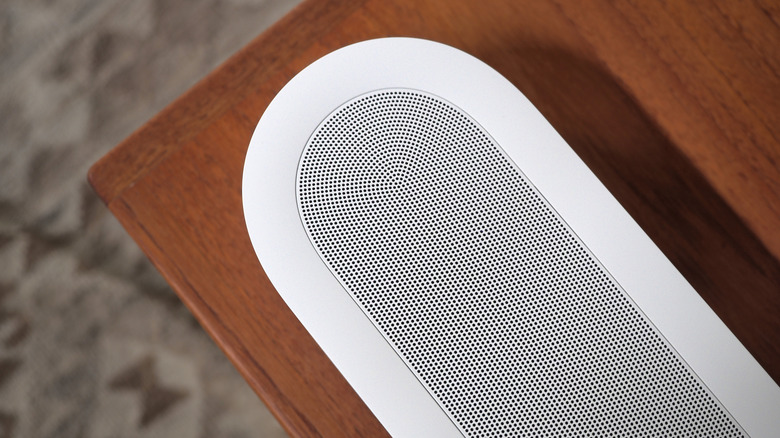
Find a compatible movie or TV show — Sonos' app flags whether you're listing to actual Dolby Atmos — and the Beam Ultra sounds great. On its own, with no extra speakers or subwoofer, there's a broad and crisply delineated soundstage, with a genuine sense that some of the soundtrack is coming from overhead. Obviously the space you're in will play a big role in that effectiveness: the soundbar is bouncing those overhead channels off the ceiling. The same goes for the side channels, which again expect to be bouncing off the side walls. Trueplay tuning can offset some of the impact of a less-rectilinear space, but it's not magic.
In the right room, with the right content, Beam Ultra sounds fantastic. The soundtrack envelops you, not just from behind as we're familiar with from regular surround sound, but the sides and overhead. It's tech which flatters some genres more than others, undoubtedly — there are typically fewer helicopters whizzing past in arthouse movies — but with a thoughtful mix it's absolutely an improvement. You can adjust the height level of the overhead portion in the Sonos app.
Sonos doesn't do simulated height effects that aren't present in the original mix (whether that's stereo or 5.1 surround), but that doesn't mean it's leaving any drivers idle. And it does undeniably sound more fulsome and expansive than the Beam (Gen 2) whether supplied Atmos or otherwise. The older soundbar's simulated version just can't keep up, and nor can its lesser driver count when the volume is cranked.
Spatial audio isn't limited to video, of course: there's also spatial music, which is provided — again, on select tracks — through services like Apple Music. How it actually sounds is, I've discovered, very much a case of personal taste, and can vary on a track by track basis. Some spatial music mixes work better than others, and at times I find I do prefer the regular stereo. Still, there's no denying that the Atmos version is more encompassing and (for better or worse) more immersive.
Sonos Beam Ultra verdict
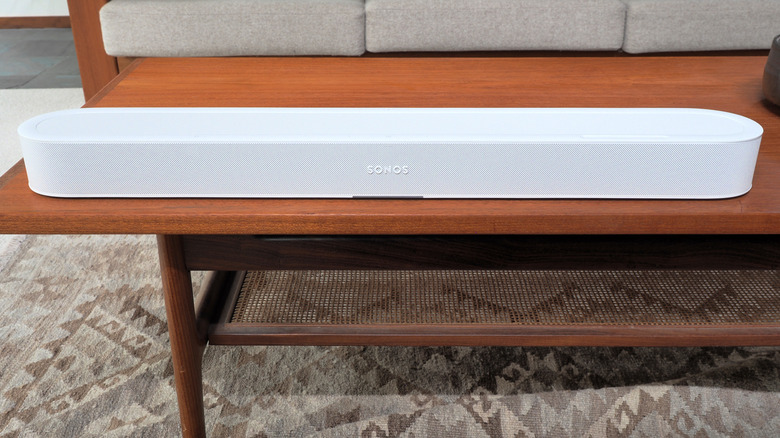
Compared to the Sonos Arc Ultra I typically rely on for movie playback, the Beam Ultra is down on power and drivers, plus lacks full 9.1.4 support. That said, while I could crank the bigger (and much more expensive) soundbar louder, I hit the limits of comfort in the room before I felt like the Beam Ultra was really lacking. Sonos recommends its newest soundbar for "mid-size living rooms" 250-350 square feet in size, and that's before you add things like a rear surround speaker pair.
I suspect that's not an uncommon situation, and arguably the greater strength of Beam Ultra is how it better bridges the gap between the Beam (Gen 2) and the Arc Ultra. Until now, if you wanted true Dolby Atmos support, Sonos' most expensive soundbar has been your only option. Add a couple of dedicated rear surround speakers — even smaller ones, like Era 100 SL — and you're looking at around $1,500. Meanwhile, you could get a Beam Ultra and a pair of Era 100 SL for about the same as the Arc Ultra alone.
Compared to Beam (Gen 2), meanwhile, the improvements are more than just Dolby Atmos. It's a louder, better-sounding soundbar for both TV audio and music, and the addition of Bluetooth only makes it more flexible. For a lot of people, for whom Arc Ultra was overkill (however tempting), Sonos Beam Ultra will be sitting in a soundbar sweet spot.