

5 Devices You Should Always Connect To 5 GHz Wi-Fi
We may receive a commission on purchases made from links.
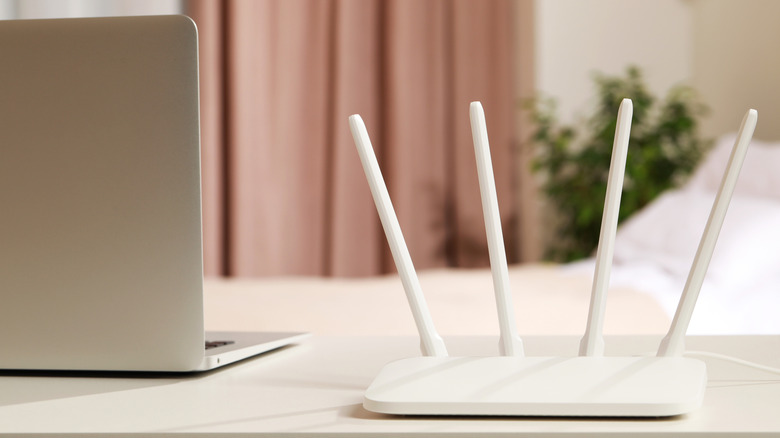
In this day and age, it's almost guaranteed you have a router supporting 2.4 GHz and 5 GHz bands. They exist as separate Wi-Fi SSID names, often with the naming convention "XYZ Network 2.4 GHz" and "XYZ Network 5 GHz." Many people probably just connect to whichever appears first on the list, but sometimes in doing so you miss out on some big advantages. 2.4 GHz enjoys surprisingly large range (you can often get a signal from it even at the other end of the house, far from the router) at the cost of being slower; 5 GHz may not have the same range, but it more than makes up for it in speed. Some devices in your home should always connect to 5 GHz by default.
2.4 GHz certainly has its uses. It's the de facto band for smart home devices that may be spread out all over your home and don't require gigabit speeds. For modern internet uses — streaming, scrolling, gaming, downloading — 5 GHz becomes a must. Use it exclusively on the following.
Smartphones

You probably saw this one coming from a mile away. Smartphones benefit from the gigabit speeds of 5 GHz Wi-Fi simply because this is where people do the lion's share of their content consumption. If you watch videos on TikTok or YouTube, if you livestream on Twitch or Instagram, if you enjoy shows in HD on Netflix and HBO — and if you do any of these things regularly — you should absolutely be using 5 GHz on your smartphone. Content will load much faster. Apps will load their online content quicker, there'll be less buffering, in general you'll spend less time waiting.
Mobile gamers will benefit too. Although gaming doesn't use much data (only about 100 MB/hour), latency on a 5 GHz network is significantly less than 2.4 GHz. Low latency is everything in online gaming. On a 2.4 GHz network, it's entirely possible for your network ping to cause you to lose more. Even for low-bandwidth internet uses — checking emails, sending messages, making calls — these things can feel snappier, and since there's less network interference, the connection should overall be more stable and reliable.
Now, this isn't to say you should never use 2.4 GHz on your phone. In fact, we'd recommend it if you're far from the router since 5 GHz can't magically give decent performance when signal is poor; casual phone usage outside video streaming should work just fine. You may have a router that supports a unified band connection, i.e., 2.4 GHz and 5 GHz combined in a single SSID. The router will steer each device to the ideal connection for its purposes. In that situation, your phone would also change to the 2.4 GHz band fluidly, in the background, so you can keep a reliable connection.
Laptop computers

If you have a desktop computer or laptop with an ethernet port, we highly recommend connecting it to Ethernet. Speed and latency will be superior to any Wi-Fi band. For laptops that don't have ethernet ports, gaming handhelds — anything that can't stay connected to Ethernet — definitely prioritize 5 GHz Wi-Fi. This is mostly for the same reasons you'd want to connect your smartphone to 5 GHz Wi-Fi; things will load faster, particularly any video content, and game latency will be much lower. Online productivity tasks using web apps and doing live collaboration should work much better. If you work from home and need to hop into video call meetings, again, go with 5 GHz and reduce your headaches.
Also consider that your computer is likely running a lot more things in the background than your phone is. You may have dozens of apps open, each of which is silently pulling from the network to stay updated; you may have a cloud drive that's constantly syncing files and/or doing system backups; you may have countless browser tabs open, several of which remain active; you may be running agentic AI that's performing tasks for you autonomously in the background.
We could keep giving examples, but you get the point: Computers tend to have a heavier network load to bear. A 5 GHz connection (generally) makes that go smoother. Same as with smartphones, if you're far from the router then 2.4 GHz will provide a serviceable experience.
Streaming boxes and smart TVs
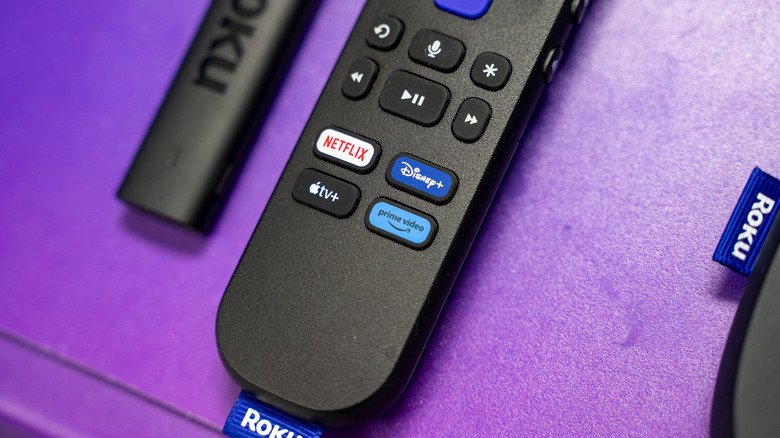
Many people have 4K televisions and regularly watch 4K content from the best streaming services. In most cases, you're either watching that content on the respective streaming app provided by your smart TV, or through a streaming box like a Google TV Streamer or Apple TV. Depending on which streaming service you have, that could consume roughly 7 to 16 GB of data an hour. It goes without saying that for high-definition content and hi-fi audio like this, 5 GHz Wi-Fi is best. Even though a 2.4 GHz connection can handle a 4K stream, 5 GHz would generally load faster — especially on a network where you've got a lot of devices and users, who might in some cases be streaming simultaneously.
Having said that, if you can connect your streaming box or smart TV to Ethernet, you should. The connection will be more stable and benefit from higher bandwidth. Though again, there's nothing wrong with using the 2.4 GHz network for a streaming device that's far from your Wi-Fi router.
Connecting to 5 GHz Wi-Fi has other benefits as well — for example, if you download movies and shows for offline viewing, those downloads will go much quicker on the faster Wi-Fi band.
Game consoles
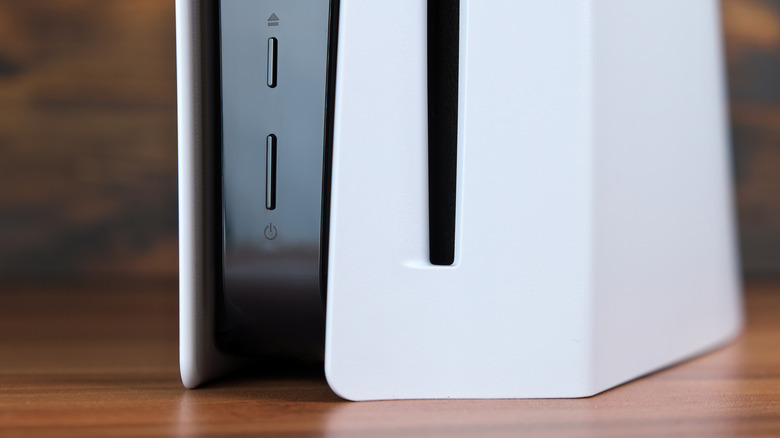
If you have a current-gen game console — a PlayStation 5, an Xbox Series X or S, or a Steam Machine — then chances are you are playing modern AAA games that easily weigh up to or over 100 GB in size, with some approaching 200 GB. Add all of your games up, and we might be talking about terabytes of storage space. It can take a frustratingly long amount of time to download these games one by one if you don't have a cloud gaming service to stream them from. But you guessed it, connecting those consoles to the 5 GHz Wi-Fi band is the right choice.
For one, downloads should obviously go faster. For another, these downloads can take a while, during which you'll still be using your Wi-Fi for other things; 5 GHz is better for a busy network with lots of users and usage. If you were to use the more heavily trafficked 2.4 GHz connection, not only would the speeds be slower, but the poorer network stability (from interference and/or too many users) could interrupt the download even more.
Also remember that latency will be lower for your online gaming sessions on the 5 GHz band. Since it has the added benefit of reduced interference, those online gaming sessions shouldn't be affected if the whole family is using a heavy amount of bandwidth on the same network. All in all, there's every reason to keep your game console connected to the 5 GHz band, and few reasons to use only 2.4 GHz. Just make sure you're connecting to Ethernet if that's available for the same reasons previously established.
Smart speakers
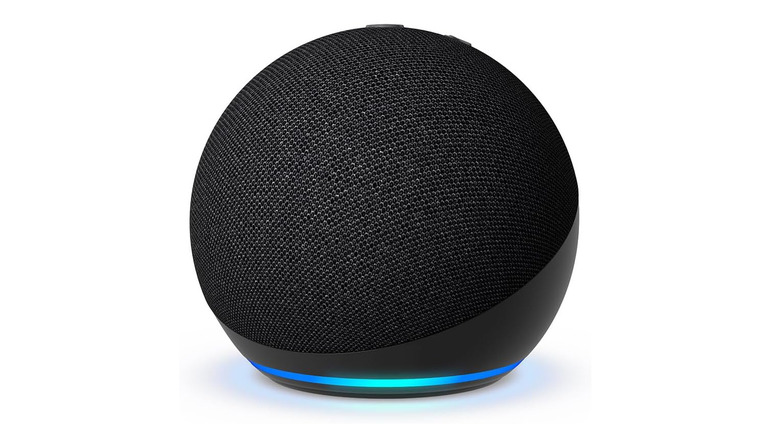
Do you use a smart speaker, such as an Amazon Echo Dot with the Alexa voice assistant? Although no one would consider a smart speaker a high-bandwidth device, having a fast internet speed affects it more than you may realize. High network latency can lead to annoyingly long response wait times, particularly if you're using something like an Amazon Alexa skill. As established, the 5 GHz band has lower latency than 2.4 GHz, and so connecting your smart speaker to the former may result in noticeably quicker responses. If it's ever bothered you how long your voice assistant takes to do a simple internet-based task, then this is a change worth making immediately; we noticed while testing the new Siri how heavily it relied on fast internet, so upcoming HomePods will effectively need 5 GHz.
There's an added benefit here too if you listen to music on your smart speaker. Some smart speakers, like the Amazon Echo Dot Max and Amazon Echo Studio, support lossless music playback. Lossless music has a much higher bitrate (i.e., more data per second) that consumes a lot more data than standard music streaming. A faster connection with larger bandwidth could make it just a bit smoother. Same as with every device we mentioned on this list, the 2.4 GHz band should do an acceptable job for a device located far from the main router.