

How To Make Your TV Last Longer Than You Thought Possible
We may receive a commission on purchases made from links.
We often treat our TVs as indestructible appliances that just work — until they don't. However, with modern displays being more like giant, thin computers rather than the bulky CRT boxes of the past, they can be rather sensitive. Whether you've just bought a top-rated TV model with an OLED panel or you're trying to stretch the life of an old LCD, a few simple habits can be the difference between a TV that dies in a few years and one that lasts for over a decade. It's not just about avoiding a broken screen; it's about preserving the internal components and the TV's image quality over time, so that you continue to have a pleasant viewing experience. Most people assume that a TV's lifespan is purely a matter of luck. But in reality, factors such as heat, electricity supply, and even dust play a crucial role in how long those internal circuits stay functional.
When we ignore the small things like leaving the TV on 24/7 or letting it bake in the sun, we are essentially putting a fast-forward button on its expiration date. Modern screens are made of delicate organic or liquid crystal layers that degrade with every hour of use. By following a few straightforward maintenance steps, you can significantly slow down that aging process. The goal isn't just to keep the TV turning on. You want accurate colors, consistent brightness, and a snappy user interface. Caring for your TV proactively is the easiest way to save money in the long run and get the most out of your home entertainment setup.
Use a voltage stabilizer
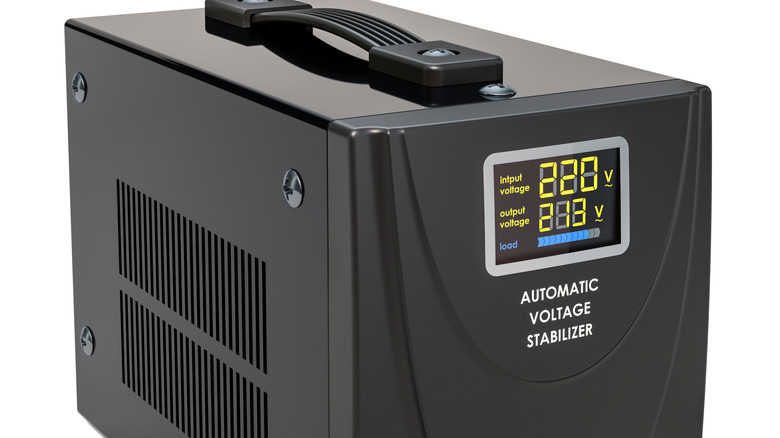
Electrical grids aren't always perfect, and power fluctuations are common. Those tiny spikes you might not even notice can silently damage your electronics. This is where a voltage stabilizer steps in. It acts as a protective barrier, ensuring that your TV receives a consistent, steady flow of electricity regardless of what's happening with the main line. Also, many don't realize that their home's power can fluctuate throughout the day as large appliances like air conditioners or refrigerators kick on and off. These small fluctuations force the TV's internal power supply unit to constantly adjust, which can generate excess heat and wear down the capacitors over time.
By smoothing out these surges, you prevent the power supply unit from having to work overtime to compensate for an unstable grid. Further, over the years of use, constant electrical stress can lead to a TV that simply refuses to turn on one day. A stabilizer ensures the TV's internals don't have to bear the brunt of the instability. In many regions where the power grid is less than perfectly reliable, a stabilizer isn't optional but a vital piece of hardware that helps preserve the life of the TV.
Get a UPS for the TV
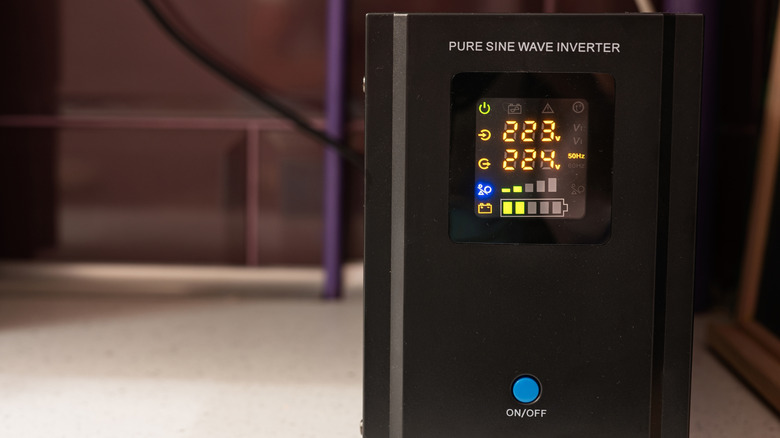
While a stabilizer can tackle voltage fluctuations, it is equally important to focus on the quality and continuity of the power supply. A sine wave uninterruptible power supply (UPS) does exactly that. It mimics the smooth, natural flow of utility power that electronics are designed to consume, while giving you those extra few minutes to shut the TV down properly during a blackout. You see, sudden power cuts are incredibly harsh on a TV's internal hardware. So, having a cushion, such as a sine-wave UPS, ensures the hardware isn't shocked by a sudden loss of power.
Over time, hard shutdowns can cause internal glitches or fried components that may need replacing. Furthermore, if the power flickers on and off rapidly, as it often does during a storm or hurricane, a UPS prevents your TV from abruptly cycling between on and off states. It also protects against the massive surge that often happens the second the power is restored to the neighborhood. If you value your TV's motherboard and its long-term health, providing it with an uninterruptible power supply is one of the smartest moves you can make to ensure its longevity. Plus, you can use your TV for a short while even during a power outage, which is always a win.
Unplug the TV during lightning
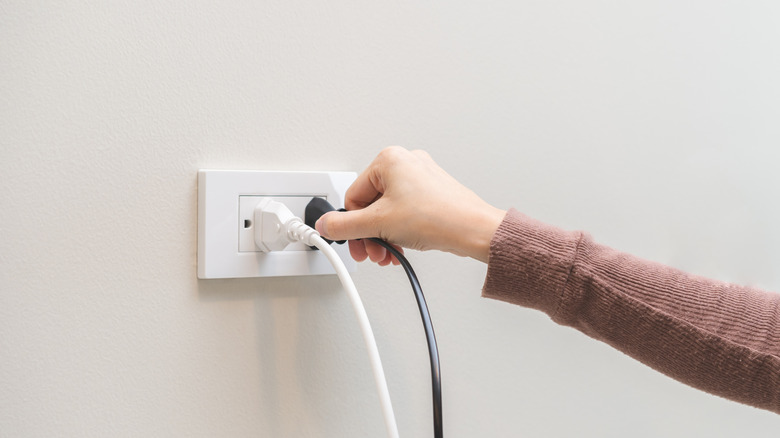
It sounds old-fashioned, but unplugging your TV during a heavy lightning storm is still the only 100% effective way to protect it. After all, even the best surge protectors and stabilizers have their limits. You see, a nearby lightning strike can send a massive surge of voltage through power or cable lines, potentially frying every circuit in the TV. So, if you hear thunder outside, pulling the plug from the wall would stop that surge from reaching your TV. It's a better-safe-than-sorry move that can save you from losing a lot of money.
Many people assume that a surge protector should work as intended, but a direct or even a nearby lightning strike carries enough energy to arc across the small gaps inside a protector. By disconnecting the power cord, you are creating a physical air gap that electricity cannot cross. In such cases, the only way to be truly safe is to be completely disconnected from the grid until the storm passes.
Switch off the TV instead of leaving it on standby
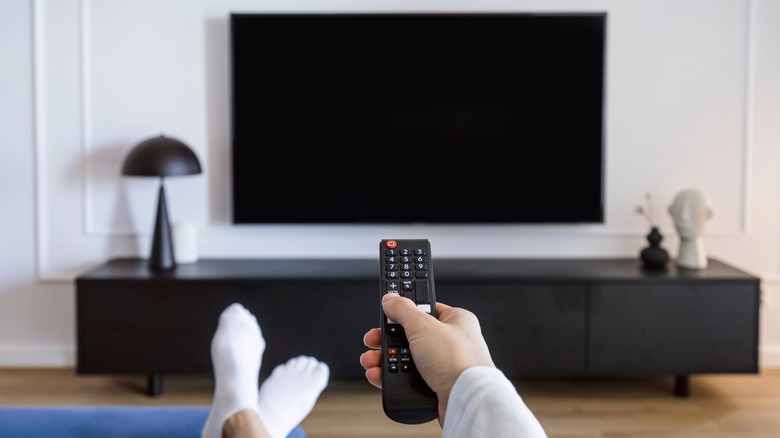
We've all gotten into the habit of just hitting the power button on the remote and walking away. This puts the TV in standby mode instead of turning it off. It basically means that the TV is in a low-power state, waiting for a signal from the remote. While this is convenient for a quick start, leaving your TV on standby for weeks on end can lead to unnecessary wear on the power components, as TVs consume electricity even in standby mode. Switching it off at the main wall socket every now and then gives the internal components a chance to fully de-energize and rest, which can significantly extend the lifespan of the electrical board.
Note that you don't have to switch off the TV every time you're done watching. Instead, do it when you know you won't be watching for a while. By cutting the power at the source, you stop the constant flow of electricity through the transformer and capacitors. This prevents component fatigue, where parts slowly degrade simply because they are always warm.
Reduce the backlight intensity whenever possible

The backlight is often the first thing to fail in an LED TV. Lots of TVs come out of the box with the brightness or backlight set to 100% to look poppy in a bright showroom. However, running your LEDs at full blast generates a significant amount of heat and wears out the individual LEDs much faster. If you dim the backlight to a comfortable level — usually around 60% to 70% — you're extending the potential life expectancy of those LEDs.
It's also much easier on your eyes, especially when watching in a darkened room in the evening. Pushing the backlight to its max all the time can even lead to backlight bleed, where the edges of the screen look brighter than the center, or even dead zones where a strip of the screen goes dark because an LED string has burnt out. Reducing the backlight reduces the thermal load on the entire panel.
Use sleep timers at night
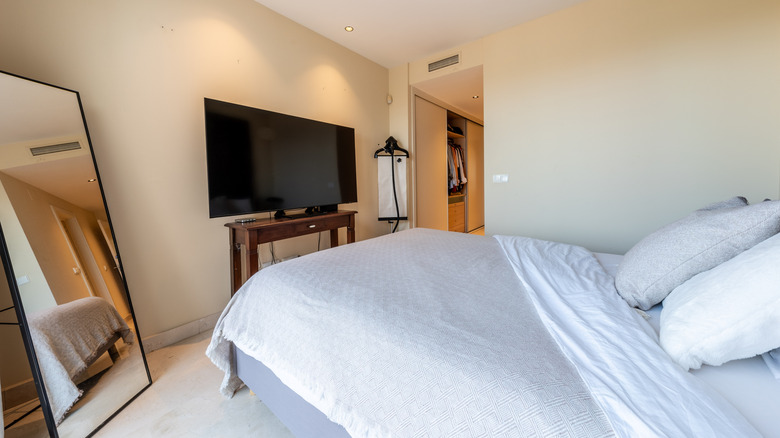
Many of us have a habit of falling asleep with the TV on. When this happens, the TV stays running for hours, often displaying high-contrast menus or static screens until you wake up the next morning. This is wasted time that adds up over the years. Setting a sleep timer for 30 or 60 minutes ensures that if you do doze off, the TV takes care of itself and shuts down.
This reduces the total hours the panel is active, preserving the life spans of the pixels and the backlight. If you fall asleep with the TV on for four extra hours every night, that's almost 1,500 hours of unnecessary wear and tear every single year. Setting a sleep timer is the simplest way to prevent this. It also helps prevent issues like image retention or burn-in, which can happen if a streaming app finishes a movie and stays on a static recommendations screen for hours.
Place the TV in an area with good ventilation
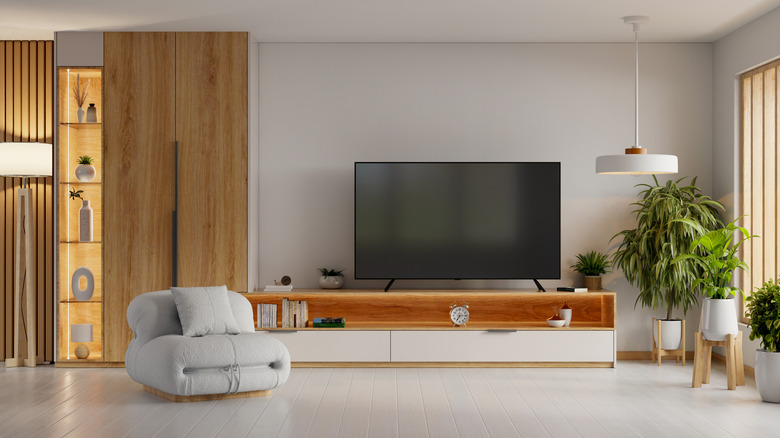
Modern TVs are incredibly thin, which doesn't leave much room for heat to escape. Heat is an enemy of electronics, and in a TV, it can cause everything from increased processor load to physical damage. If you've installed your TV into a tight custom cabinet or placed it too close to a wall without enough breathing room, the internal temperature may climb. Overheating can cause the processor to slow down and can eventually damage the delicate layers of the screen. So, when you mount your TV, ensure there are at least a few inches of open space around the top and sides where the vents are usually located.
You must note that keeping the air flowing helps the TV stay cool and keeps the internal components from expanding and contracting too much due to temperature differences. If you can feel heat radiating off the front of the screen or the back of the chassis, your TV is likely struggling to dissipate heat. Also, avoid stacking other heat-generating devices, such as game consoles, cable boxes, or soundbars, directly beneath or behind the TV's vents. In a cramped setup, heat from a PlayStation or Xbox can rise and bake the bottom edge of the TV.
Keep the TV away from direct sunlight
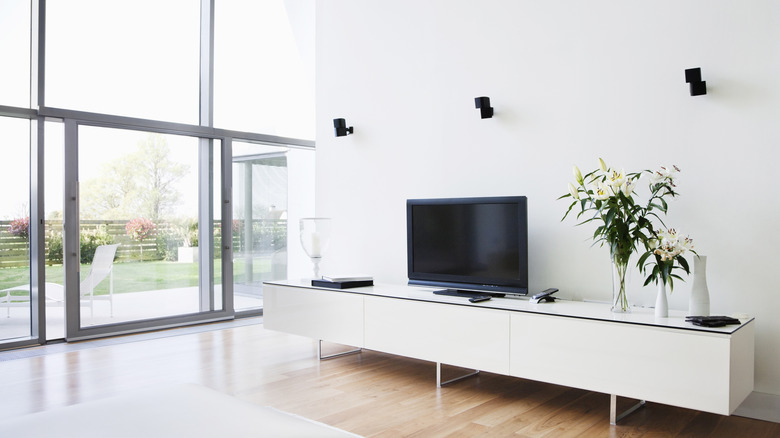
Direct sunlight hitting your TV screen is a recipe for disaster. Ultraviolet rays and the concentrated heat from the sun can cause permanent chemical damage to the organic materials in OLED panels or the liquid crystals in LCDs. Over time, you might notice sun spots, permanent discoloration, or a fading of the screen's anti-reflective coating. Beyond the screen surface, the sun shining on the TV's dark plastic or metal chassis can raise the internal temperature to dangerous levels, even if the TV isn't actually turned on.
Placing your TV in the shade or using curtains during the brightest part of the day is advisable. It's also important to note that a spot that's cool in the winter might experience harsh sunlight during summer. Hence, if your living room layout forces the TV to be near a window, consider investing in some blackout blinds or at least some sheer curtains to diffuse the light.
Clean the dust from vents periodically
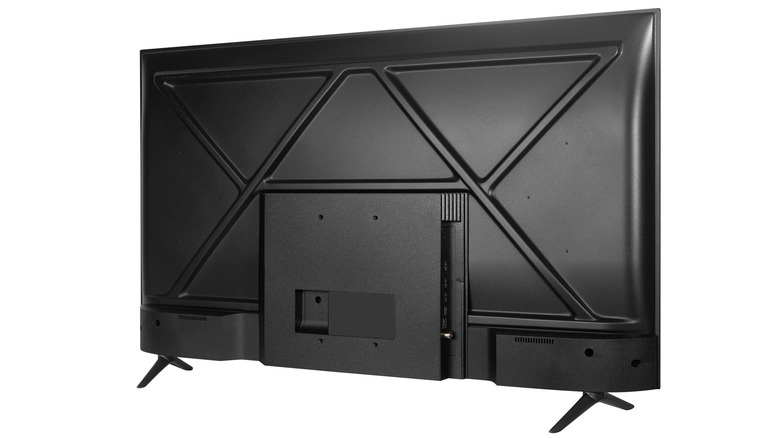
The back of the TV is a forgotten zone where dust bunnies thrive. Dust easily settles into the cooling vents on the back and sides, trapping heat inside the chassis and forcing the components to run hotter than they were designed to. Once or twice a month, it's a great idea to take a soft brush or a vacuum with a brush attachment and gently clear out those vents. Just be careful not to blow compressed air into the TV, as that can push conductive dust or moisture further inside onto the circuit boards.
In some cases, thick layers of dust can actually attract moisture from the air, which can cause minor short circuits on the internal boards. This might not kill the TV immediately, but it can lead to weird glitches, random restarts, or lines appearing on the screen. A quick dusting session every time you clean the living room is all it takes to prevent this.
Use a capable streaming device
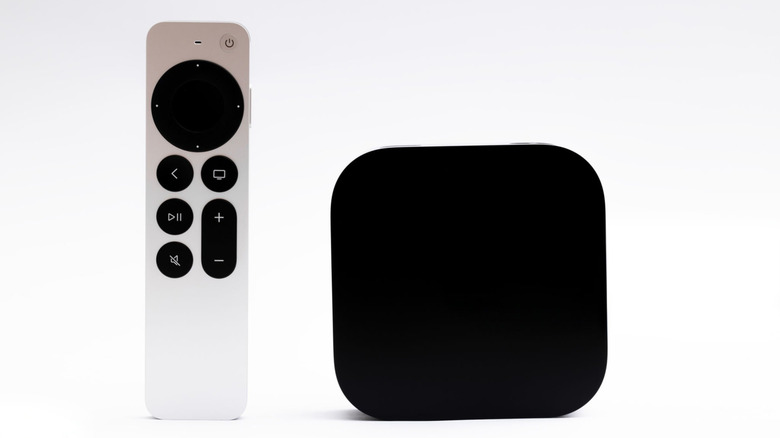
Most people use the built-in smart features of their TV, but TV processors are often underpowered and tend to get hot. Using an external device like an Apple TV 4K or a high-end streaming stick, you offload the heavy lifting, processing, and app updates to a separate box. This allows your TV to act simply as a monitor, which keeps its internal processor cool and under far less strain. Since external sticks or boxes are easier and much cheaper to replace than a whole TV, it's a smart way to keep the TV's hardware fresh and snappy.
When you use the built-in OS, the TV's motherboard is working hard. This generates a lot of heat, which can affect the lifespan of the nearby display components. Over time, built-in apps and services also tend to slow the TV down. By switching to an external player, your TV only has to do one job — show a picture. This significantly reduces the wear on the TV's internals. If and when the external streamer starts to show its age, you just have to spend $100 to replace it instead of $1,000 for a new TV.
Reduce humidity around the TV
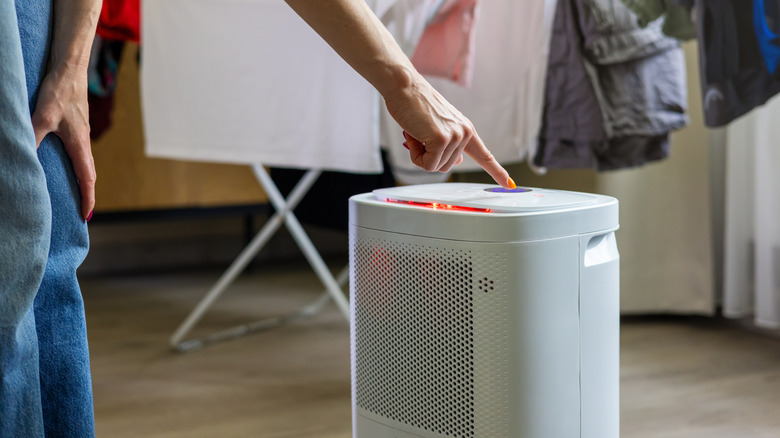
Humidity is an invisible threat to electronics. In very damp environments, moisture can seep into the TV and cause tiny amounts of corrosion on the copper traces and solder joints of the circuit boards. This can eventually lead to short circuits or ghosting on the screen, where the edges start to look fuzzy or blurry. So, if you live in a particularly humid climate or a coastal area, you can test whether you need a dehumidifier to help keep the air dry.
It's not just about the circuits, either. Humidity can affect the various layers of the screen, potentially leading to clouding or uneven backlighting where moisture has gotten between the filters. By keeping your indoor humidity low, you are creating an ideal climate for your electronics. It's a move that protects your TV, sound system, gaming consoles, and pretty much all electronic devices. A small investment in a dehumidifier can go a long way in saving you hundreds of dollars in repair costs.
Avoid leaving static content on the screen
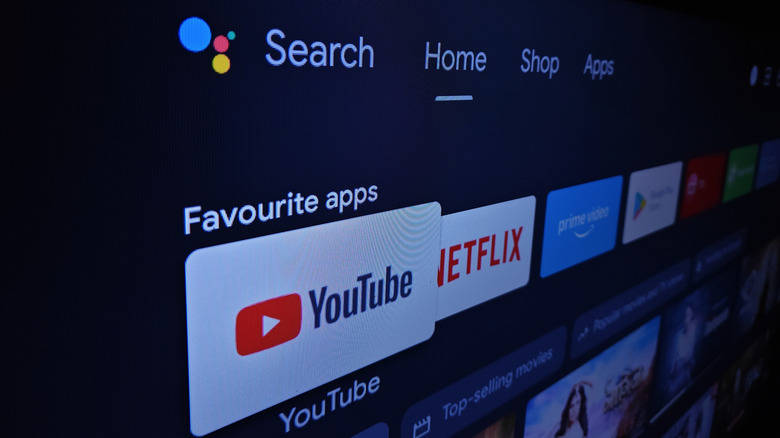
Whether it's a news ticker, a video game menu, or a paused movie, static images are the worst enemy of display longevity. On OLEDs, this can lead to permanent burn-in, while on LCDs, it can cause image retention. Basically, if the same pixels are showing on screen for hours at a time, they wear out unevenly compared to the rest of the screen. Try to avoid leaving the TV on a single channel for half the day, and always hit stop rather than pause if you're walking away for more than a few minutes. If you're going to be away for a long time, it's advisable to put the TV on standby so that the pixels can completely turn off.
The ghost of media thumbnails or a game health bar on your TV is usually caused by those specific pixels being pushed harder than their neighbors for an extended period. Once that wear happens, it can't really be reversed. So, if you've been playing a game with a bright interface for a few hours, maybe switch to a full-screen movie afterward to give those pixels a break with different colors. Most modern TVs have built-in pixel shifters to help with this, but they aren't foolproof. The best solution is simply being mindful. If you're using your TV as a PC monitor, make sure your taskbar is set to auto-hide, and your wallpaper changes every few minutes. These tiny changes in habits help keep the screen clear and free of permanent marks from your favorite apps or channels.
Only use a microfiber cloth to clean the screen
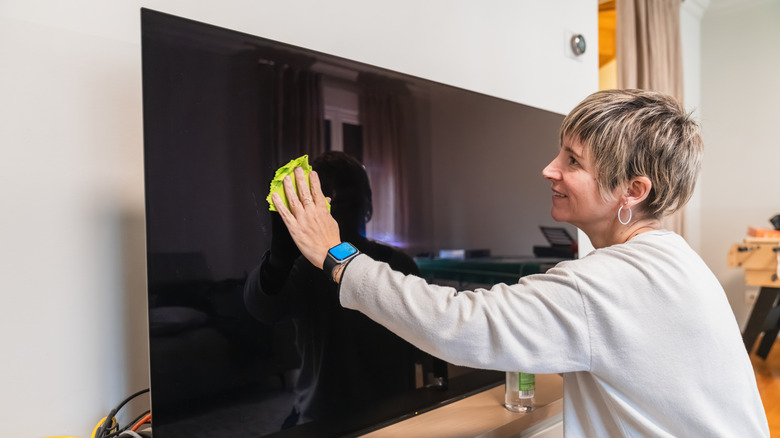
Modern TV screens have very delicate anti-reflective coatings designed to reduce glare and improve contrast. Using paper towels, old t-shirts, or even worse, harsh window cleaners can permanently strip these coatings, leaving ugly streaks, scratches, or cloudy patches that can't be fixed. The only thing you should use is a clean, dry, high-quality microfiber cloth. The tiny fibers are designed to remove dust without scratching the plastic or glass surface. Treating the screen gently ensures that your view remains crystal clear without any permanent damage.
If there's a stubborn fingerprint or a splash of something that won't come off with a dry wipe, a tiny drop of distilled water on the cloth (never directly on the screen) is all you need. You want to avoid tap water if possible, as the minerals in it can leave tiny white spots or scratches. When cleaning, use very light, circular motions. Pressing too hard on a modern LCD or OLED panel can actually damage the pixels themselves, so be careful. Notably, it's advisable to clean your TV's screen with its cord unplugged. Ensure the TV's surface is cool to the touch before you begin cleaning.
Unplug the TV before going on vacation
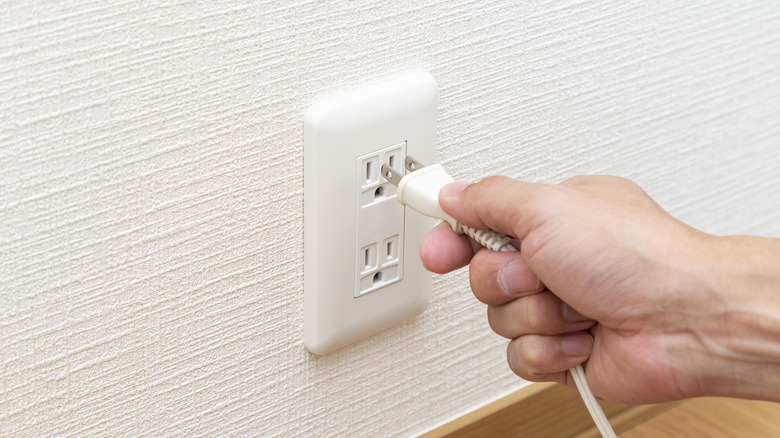
The TV is one of those appliances you should unplug when not in use. If you're leaving the house for more than a couple of days, there is absolutely no reason to keep the TV plugged in. Aside from the small energy savings, it completely eliminates the risk of an unexpected power surge, a lightning strike, or an electrical fault. When you come back, your TV will be exactly as you left it. Giving it a total break when it's not in use is the simplest way to add years to your TV's life.
Even when switched off, the standby circuits remain active, and the TV is still vulnerable to anything that happens on the power line, provided it remains plugged in. If a transformer blows down the street or a maintenance crew causes a surge while you're at the beach, your TV could be fried without you ever knowing it. By pulling the plug, you are physically isolating the device from the outside world. It's also a good way to reboot the system, since many TVs benefit from a long period of being completely unpowered, as it allows all the capacitors to fully drain and the software to start completely fresh when you return.