

3 Drawbacks Of Using DisplayPort Cables
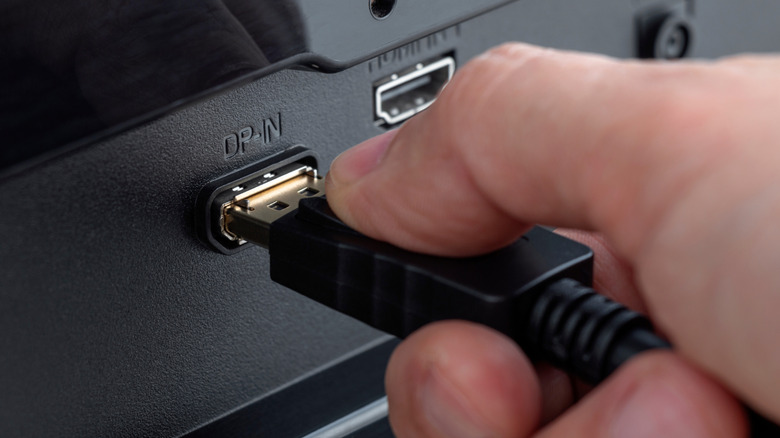
Modern displays typically include a bevy of ports and inputs, from HDMI and VGA to DisplayPort. Choosing between them is actually pretty straightforward. HDMI is good for entertainment purposes like TVs, surround audio, and streaming devices. Meanwhile, DisplayPort is ideal for traditional graphics with desktop PCs and the like.
But that doesn't preclude you from using the opposite port in most cases, like plugging your PC into an HDMI port on a TV or monitor. The question then becomes, what kind of disadvantages are there to using DisplayPort over HDMI when you have the option? Are there any major drawbacks to consider when using DisplayPort cables and the ports over other choices? Let's explore in kind, but there are some things to note beforehand.
For starters, this may not be relevant at all depending on what you're trying to do and what devices you're trying to connect. Smart TVs don't usually include a DisplayPort connector, so this mainly applies to computer monitors and PC-oriented displays. Also, like HDMI, DisplayPort comes in multiple versions, older and more recent, including DisplayPort 1.4 and 2.1, and there is a difference between them, which is worth reviewing before you plug anything in. Moreover, DisplayPort is also available over USB-C, which means some USB Type-C cables support video output. That's another matter entirely. For the purposes of this guide, we're strictly talking about DisplayPort cables.
Premium cables are important
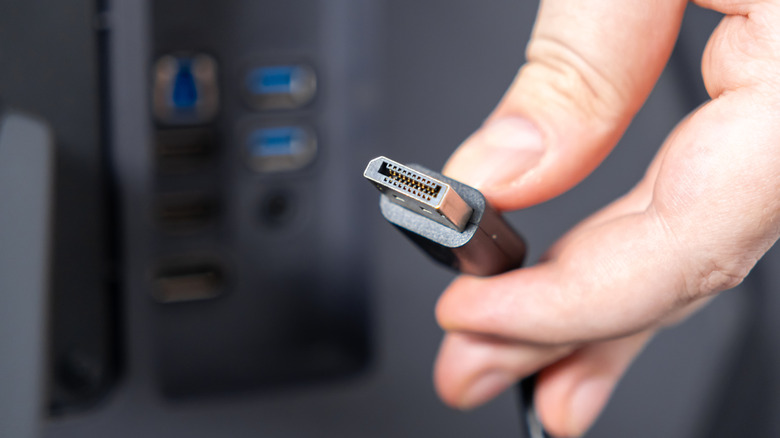
For many electronics, buying cheap or generic options comes with a cautionary tale, which has the unfortunate side effect of excluding what would seem to be some accessible options. That certainly applies with DisplayPort cables, but it's very prescient here for one big reason — DisplayPort's unique 20 pin connector.
The standard's original design was meant to allow for specialized configurations, like plugging in a docking station without the need for extra power. To achieve that, one of the pins, the 20th pin, supplies power and carries an electrical charge. If the cable is designed poorly or configured incorrectly at the factory, that can create a host of frustrating problems. Everything from short circuits to complete PC and components failures are on the table.
This largely has to do with choosing an active vs. passive cable, as VESA now requires the passive variety to forego connecting the 20th pin. Regardless, the concern still remains. It's important to look for VESA-certified cables and avoid options without the proper branding or logos, and of course, the specs to back up that branding. The drawback is that you cannot just use any old cable, and you'll also need to pay attention to that active versus passive functionality.
The cables have limited lengths
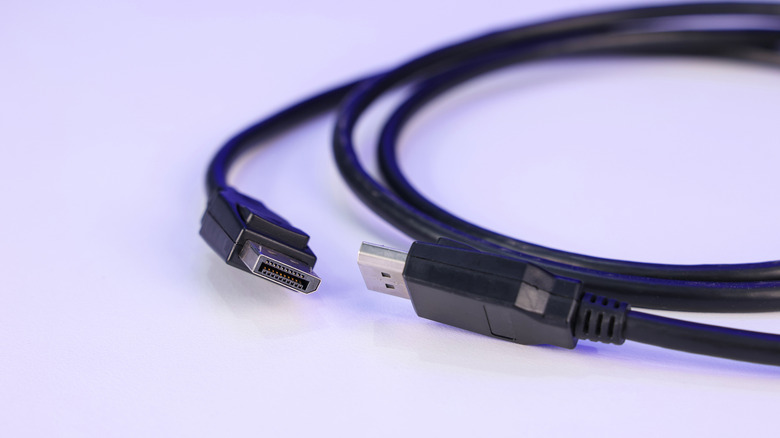
Speaking of active versus passive cables, that introduces one significant limitation that may or may not hamper some of your best-laid plans. Up until the release of the DisplayPort 2.1b standard, passive cables were kept to 1 meter in length, or about 3.2 feet. Today, DP80LL cables can be up to 3 meters long, 9 feet or so. This is because the longer the cable in a passive configuration, the greater the risk of measurable signal loss.
With shorter cables, you're also limiting the space you have between your desktop PC and monitor. Of course, that's stretched a little further now, which is always a welcome improvement, but it's certainly much more limiting than something like HDMI, with passive cables that can reliably stretch anywhere from 3 meters or 10 feet to 7.6 meters or 25 feet with little to no signal loss. That is a big difference. You could argue that most DisplayPort applications are going to need shorter distance spans, anyway, as it's not likely you'd be placing a desktop or PC far away from a display, but it's still a limitation worth noting. To be clear, longer DP cables are possible, but they need to be of the active variety.
Ultimately, it means you'll need to mind the length when selecting or shopping for a cable. You may have to adjust the layout of your desk based on how far away your PC and monitor are situated, and if you need anything longer than 9 feet, HDMI could be your only option.
No support for advanced audio features
DisplayPort does support audio transmission in addition to video, but virtually no advanced features are available even in the latest releases. DP doesn't support ARC and eARC, for example, both of which can handle increased audio bandwidth and help to pass the signal to external devices, like a soundbar or home surround system. Moreover, HDMI also allows for uncompressed 5.1 and 7.1 channel audio, and immersive tech like Dolby Atmos and DTS:X, whereas DP only offers the basics.
The significance is that you don't want to choose DisplayPort for any configurations where you'll use high-end audio features, like in a living room or home theater setup. However, DisplayPort does excel at high refresh rates and variable refresh rates, making it an excellent candidate for PC gaming and modern graphics applications. Given a majority of consumer TVs don't even include traditional DisplayPort, it can limit your options. If you want to get creative with an old set, one of the big downsides of using a TV as a monitor stand-in is that you're likely to see input lag, poor response times, and low pixel densities over HDMI versus DisplayPort.