

The Downsides Of Using A TV As Your Computer Monitor
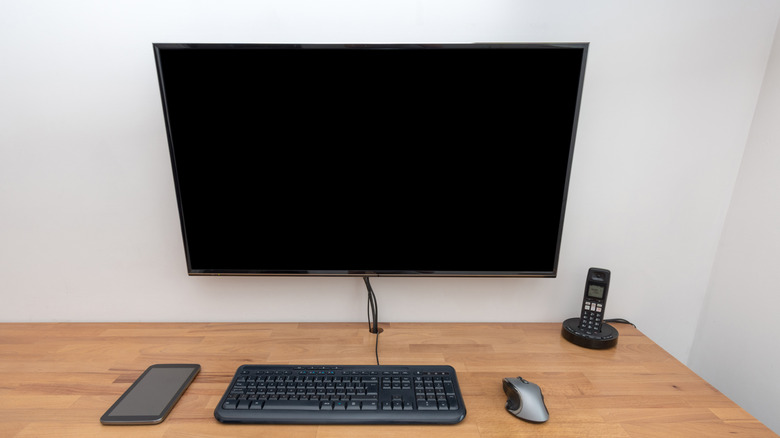
If you are looking for a new monitor, chances are you have considered using a TV as one. It's certainly a cost-saving option, as TVs are much cheaper than monitors. Besides, the setup is more convenient if the TV is already mounted or placed in a suitable position. But there's a reason TVs don't cost as much, and it has a direct impact on your viewing experience. That's why you should avoid using your TV as a monitor for demanding tasks or competitive games, or if you spend several hours in front of the computer every day.
TVs, in general, are designed to be viewed from a distance, say several feet, while monitors are meant to be used up close. This makes a big difference for everything from simply browsing the web and viewing files to editing spreadsheets and playing games. When you use the TV as your monitor, you generally don't get the same image sharpness, responsiveness, or viewing comfort. And whether you realize it or not, all three are important factors, something you may notice only after switching to a TV as your primary monitor.
At the same time, it's important to understand that your TV can work as a monitor. There's nothing stopping you from using it that way, and in many cases, all you need is an HDMI cable. You may have to adjust the projection settings, depending on whether you want to duplicate the displays, extend them, or display the desktop on just one, but it's pretty simple.
Input lag, response time, and low pixel density
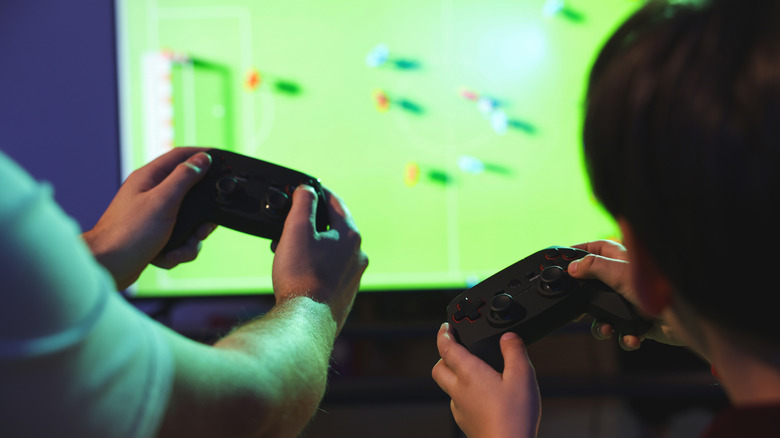
If you think buying a TV to get a larger display for a cheaper price will meet your requirements, that isn't usually the case. Monitors are expensive for a reason, and beyond the market dynamics, it essentially comes down to their performance. Monitors typically outshine TVs when it comes to pixel density, refresh rate, input lag, and response time.
When working on demanding tasks or playing games, you don't want the display to take extra time to reflect the changes. But this is what typically happens when you use an average TV as a monitor. That's because TVs prioritize additional image processing, while a dedicated monitor focuses on minimizing this lag. So, there's a delay between when you perform an action using the keyboard, mouse, or controller, and when the result appears on the screen. This delay is generally measured in milliseconds but can still be noticeable in many cases. Apart from that, TVs tend to have a higher response time, which makes them less than ideal choices as monitors. Response time is basically how long it takes the display or individual pixels to shift from one color to another. That said, modern TVs from popular brands come with a dedicated Game Mode, which can reduce both input lag and response time.
Similarly, while the image, or the UI in general, looks alright at a distance, as you get closer, the difference in image sharpness becomes obvious. This is because TVs generally have a lower pixel density. So, different parts of the UI and the entire display look less crisp when viewed from up close. Of course, as you move away from the screen, this naturally becomes less noticeable.
You may experience eye strain

When using a TV as your PC's monitor, it's important to understand that the display size plays a critical role too. A TV that's too big can quickly strain your eyes if you're sitting too close. For an optimal viewing experience on TVs, it's generally recommended that you sit at a distance of roughly 1.5x the screen size. So, for a 50-inch TV, this comes out to around 75 inches or 6.25 feet, and for a 65-inch TV, the optimal viewing distance is 97.5 inches or 8.13 feet.
It's easy to achieve this when you are using your TV as a TV, but as soon as you connect it to your PC, you may end up sitting much closer, and that's when the problems begin. Think of it as sitting in the front row of a movie theater. The display will likely overwhelm you after a while. Also, TVs often flicker as the backlight adjusts, which can make long viewing sessions uncomfortable. Besides, a large-screen TV will take up significant space on your work desk, leaving little room for other hardware components. There are workarounds to this positioning problem, but you can avoid it altogether by getting a dedicated monitor.
Ultimately, using a TV as a monitor has upsides, but it's more of a personal choice. It will certainly help you save some money, and the experience isn't all that bad, given that some people use TVs as their permanent setup. Still, for the best experience, it's better to use a display that's designed for the job, which is a dedicated computer monitor.