

What Is The Difference Between Active And Passive DisplayPort Cables?
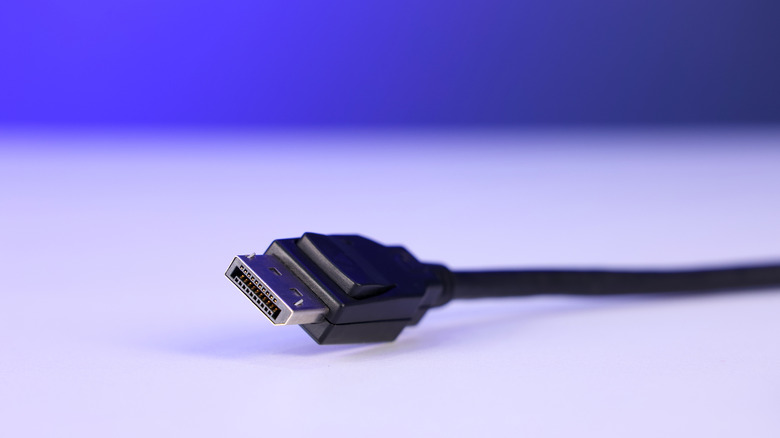
Many users may assume that one DisplayPort Cable is just as good as another, but that is rarely the case. As resolution, refresh rate, and bandwidth demands all rise, DisplayPort technology has stayed in lockstep, with DisplayPort 2.1 –- which is different from DisplayPort 1.4 –- topping out at 8k/60 Hz via Ultra High Bit Rate (UHBR) mode. The gaming monitor market also continues to grow, with 133.4 million units shipped in 2025, marking a 4.3% increase year-over-year, according to technology analyst group Omdia. High refresh rate monitors are an expanding market segment, and more premium features are trickling down to lower price point displays.
As higher spec monitors are becoming more common, it's increasingly important to understand the differences in DisplayPort cables, as DisplayPort has become the de facto choice for gaming and multi-monitor setups. Cable choice matters as cable runs get longer, bandwidth requirements increase, and signal paths get more complicated. When looking at DisplayPort cables, the biggest functional difference among them is whether they are active or passive. A passive DisplayPort cable will rely on the source device's signal strength, while an active cable will make use of electronic circuitry to augment the signal in a number of ways, in order to preserve it over a greater distance.
The important question remains, then: when is a passive cable enough, and when is an active cable required?
Passive versus active DisplayPort cables
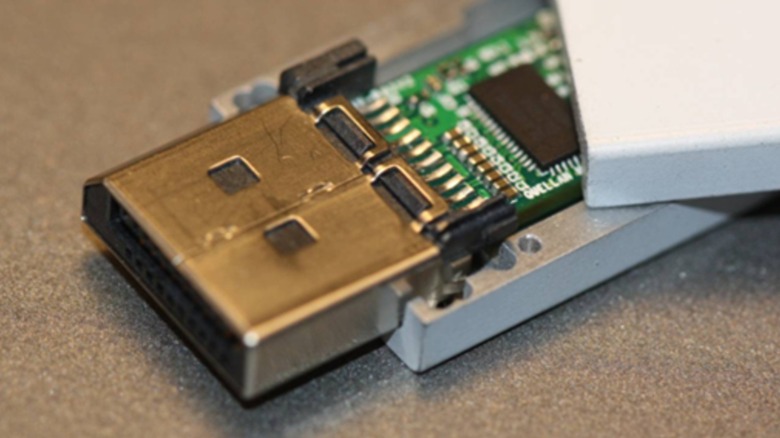
The takeaway here is that passive cables simply carry the source signal along the length of the cable, with no external power changing or amplifying the signal –- the conductors in the cable do all the work. In an active cable, powered circuitry embedded in the connector is used to boost the signal. Which cable type is needed is largely determined by distance and bandwidth needs. Passive cables are more common, and in most cases, are probably sufficient. With DisplayPort 2.1b, passive DP80-branded cables can reach up to 2 meters, which should suffice for most desktop environments.
However, as the distance increases, you will need to consider your needs more carefully: using a long DisplayPort cable at 1080p may not be an issue, but migrating to 4K or a higher refresh rate may cause instability. This is where an active cable becomes mandatory. Active cables will use a DisplayPort interface IC, usually in the form of a redriver or retimer, to boost the signal and transmit it over greater distances, where passive cables would be subject to signal degradation. These cables are ideal for complicated setups where distance can be an issue, or for high bandwidth modes, such as 4K60, 4K144, 5K, or 8K.
Active DisplayPort cables can be copper or fiber optic, with fiber cables reaching 30M or more. The tradeoff with active cables is primarily the higher cost, but also, active cables are usually unidirectional, and have to be plugged in correctly. Passive cables are simpler, cheaper, and bidirectional, but are limited to smaller effective distances and are prone to signal loss beyond those distances. When shopping, looking for VESA-certified cables is best, and be wary of the DisplayPort 2.1 limitation that many don't know about.