

4 Android Auto Gemini Voice Commands That Can Upgrade Your Daily Drive
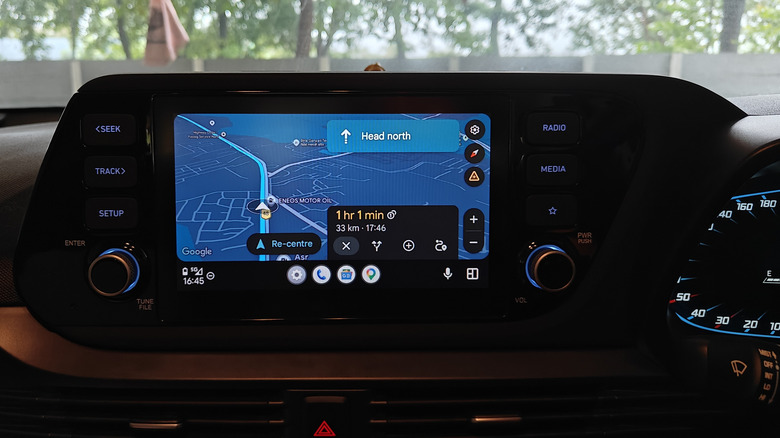
When Android Auto debuted in 2015 with basic voice recognition, hands-free navigation involved memorizing specific commands and reciting them almost verbatim. Four years later, Google rolled out a major Android Auto update focused on Google Assistant, whose advanced Natural Language Processing (NLP) capabilities made interactions more conversational and context-aware, while also allowing it to interface with excellent third-party Android Auto apps. That update made hands-free navigation more intuitive by integrating Google Assistant. Recently, Google gave Android Auto the artificial intelligence treatment by replacing Google Assistant with Gemini.
The Gemini integration allows Android Auto to perform more complex tasks, such as playing the part of a DJ cooking up themed playlists for long drives with simple voice commands. Its navigation chops also go beyond merely seeking directions to asking Gemini for restaurant recommendations in a particular area filtered by cuisine, or even down to a particular dish, with gas stations and charging points thrown in for good measure. The AI enhancements also come in handy to make sense of chaotic group chats or allow shopping enthusiasts to curate shopping lists without ever having to take their hands off the wheel.
Gemini's ability to understand contextual prompts and parse follow-up questions and commands elevates the Android Auto experience from purely functional to one where you no longer feel the need to pull over and consult your phone for complicated tasks. If you want to make the best of the Gemini integration, here are four of the best voice commands to upgrade your daily drive and take advantage of the latest Android Auto features.
Find restaurants and gas stations with voice commands
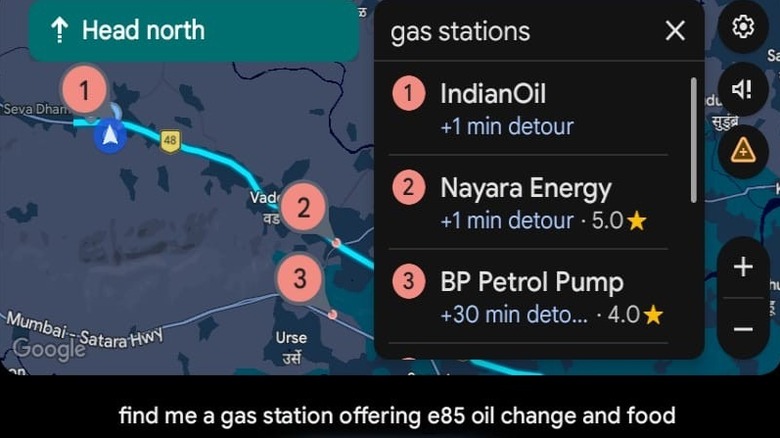
Google Assistant always had the ability to search for restaurants and gas stations, or add stops to your trips. However, the process wasn't particularly intuitive and often involved follow-up voice prompts that slowed things down and distracted the driver. Gemini, on the other hand, will immediately overlay gas stations along your route alongside important information such as user ratings and the time impact of the detours.
This is achieved with a simple voice command, such as "please recommend gas stations along my route." The experience is quicker and more streamlined because Gemini doesn't pause the interaction to ask you follow-up questions. All relevant information is overlaid onto the screen, and you can tap and choose what works at your leisure. Unlike Google Assistant, Gemini is designed to handle complicated queries like "find me a gas station offering E85, quick lube, and food" without breaking a sweat.
Multifaceted queries work even better if you're looking for restaurants, allowing you to get even more creative with your voice commands. These are best approached with the mentality of crafting AI prompts, as opposed to stiff voice commands of yore. Want something particularly niche, like a dog-friendly sushi place with vegan options and patio seating? You can either cram all those filters into one voice command or provide Gemini with additional filters with subsequent commands, as they cross your mind. The updated Android Auto is good at keeping track of context and plays well with follow-up commands related to your primary instruction.
Treat Gemini as your personal DJ
Curating a playlist for long drives often involves handpicking songs, which can then be played via Google Assistant on your Android Auto setup. Need different tunes to suit varying moods and personal tastes? You'd better have the playlists sorted out on your favorite Android Auto music app beforehand. Gemini, however, eliminates the clerical drudgery of manually curating playlists with the power of generative AI. Instead of fetching pre-made playlists, you can simply ask Gemini to create them on the fly.
Love '80s Synthwave in the vein of popular artists like Gunship, Perturbator, and The Midnight? Gemini can instantly create a Synthwave playlist populated with tracks that fit the theme once you relay your preferences through a voice command. You're free to incorporate multiple parameters, limiting the music to a certain genre or particular mood, while also specifying filters, such as female vocals or instrumental only, and further fine-tuning the duration of the playlist to suit your road trip.
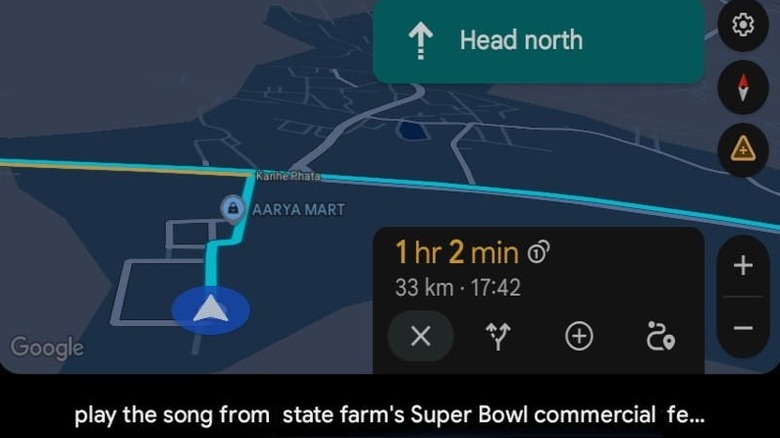
If that sounds too involved, you can keep things simple by asking Gemini to curate a playlist for a rainy drive, or something dynamic and upbeat to keep you awake on arrow-straight freeways. Gemini's AI underpinnings also allow you to play music without having to remember the name of the song or the artist. For example, "Play the song from State Farm's Super Bowl commercial featuring Danny McBride, "will bring up Bon Jovi's "Livin' on a Prayer." Voice commands seeking information about the artist, song name, album, and other trivia are fair game thanks to Android Auto's context-aware AI.
Generate shopping and to-do lists on the move
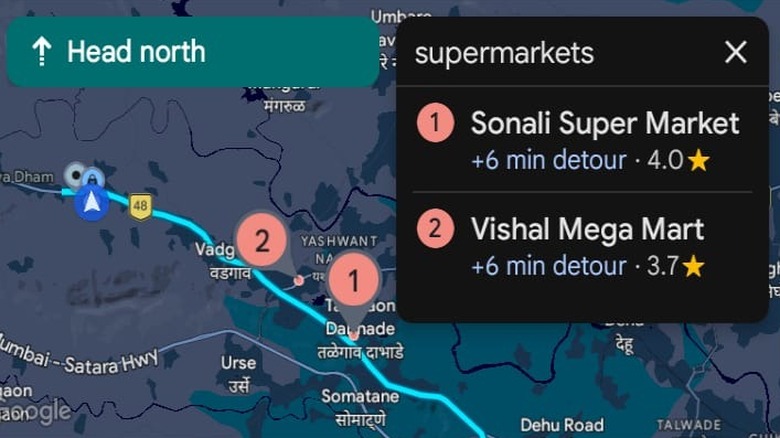
Gemini's integration with Google Keep is one of the best ways to harness the power of generative AI without ever moving your hands off the wheel. There's no need to plan out grocery and to-do lists beforehand when you can task Gemini with creating and maintaining the lists while you drive. Asking Gemini to "Create a list of everything I need to purchase for a birthday party and add stops for all relevant shops selling those items on the route back home" will plot a course for the drive back home, incorporating stops at everything from a bakery to a party supply store.
Meanwhile, a shopping list is automatically created in the background, which can be viewed on your phone once you're outside the car. Couldn't get the right decorations at the store Gemini recommended? Fortunately, its inherent context awareness allows you to take detours on the fly until you have checked everything off the list. You can do all of this without ever having to fiddle with your Google Keep app (or other organization apps) on the phone. What's more, your route will be automatically amended on your car's infotainment screen.
When Gemini is connected to Google Keep, it can interface with an existing shopping list and instruct Google Maps to lead you to the right establishment to complete the task. Being able to access, create, and modify shopping and to-do lists right from your car can be quite productive and saves a lot of screen time managing such clerical tasks on your phone.
Keep track of emails and group chats with AI summaries
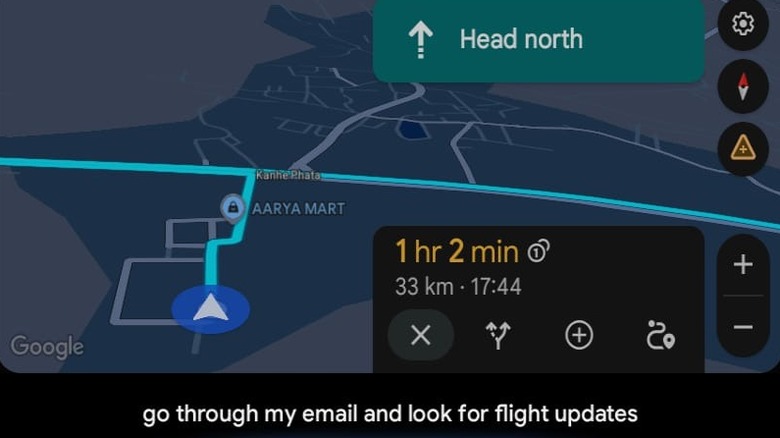
Imagine reaching the airport in the nick of time, only to realize that the flight has been moved to a terminal that requires taking a lengthy detour. You can avoid this by simply asking Gemini to "Go through my email and messages and look for flight updates" while driving to the airport. And while you're at it, you can also ask it to pull the hotel address from the reservation email to enable turn-by-turn navigation.
Gemini's context awareness and deep integration with various productivity apps allow it to rummage through your emails to create reminders, to-do lists, and calendar entries with conversational voice commands. This feature is also great for using your daily commute as a means to catch up on emails with Gemini's AI summary feature (with a few caveats), which can give you a bird's-eye view of your day or how the next week looks thanks to its email and calendar integration. Gemini is smart enough to detect meeting locations attached to calendar events and help you navigate to your next appointment without ever taking your hands off the wheel.
The same capabilities extend to overlong, chaotic group chats. Instead of being forced to listen to a series of chat notifications, you can simply ask Gemini, "Has the restaurant been decided in the family group?" That can then be followed up with a request to navigate to the location while also relaying your ETA in the same group chat. Or better yet, you can even ask Gemini to go through the restaurant suggestions in the group chat and recommend an alternative in the vicinity based on what everyone has suggested.