

You're Better Off Buying A Cheap Mini PC For These 4 Raspberry Pi Projects
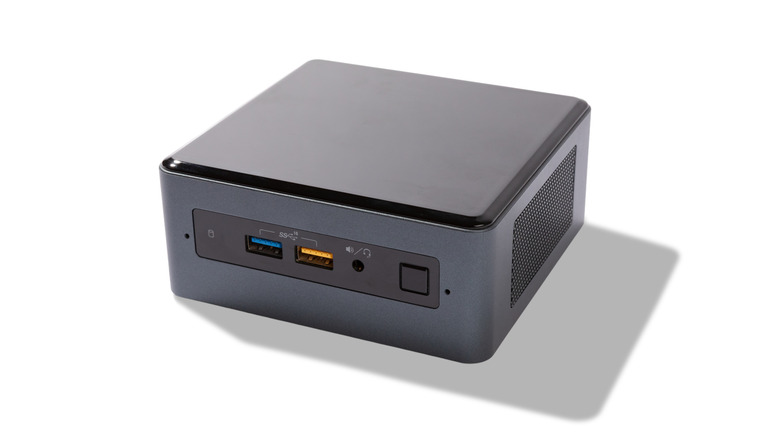
Since the launch of the first commercial Raspberry Pi — the then $35 Model B — single-board computers (SBCs) have drastically changed what can be considered a computer. With Raspberry Pi serving as the prototypical example of single-board computing, its name has now become a generic term for SBCs. What started out as an initiative to help better prepare Computer Science students, the Raspberry Pi has evolved beyond niche, hobbyist applications, and taken root in robotics, edge computing, automation, and more.
As versatile as the Raspberry Pi is, its SBCs aren't without limits. At the top of the list is price: Raspberry Pi products have steadily increased in price over the years, and the ongoing memory crisis is only fanning the flames. Making that point worse is the fact that not all of the Raspberry Pi models have scaled in performance to match their price. Looking at this through the lens of price-to-performance compared to mini PCs, the cost value of the Pi begins to erode –- especially when used mini PCs can be had for even less.
Price aside, there's always the issue of architecture; Raspberry Pi boards use ARM SoCs, whereas mini PCs typically use the x86 architecture that uses a more complex instruction set. While ARM has its advantages, x86 provides more performance and vast compatibility, meaning more OS and application choices. And I'm not here to announce the death of Raspberry Pi at the altar of mini PCs –- they're fantastic computers with endless possibilities. Because of market conditions, performance, and compatibility, many SBC and home lab enthusiasts are migrating their setups to mini PCs. Depending on your goals, you may be better off doing the same for these projects.
Self-hosted home servers for media, gaming, or files
Using a Raspberry Pi for certain self-hosting projects can certainly make sense; primarily in the fact that they have such little idle power draw, which keeps operating costs down if you plan to have 24/7 server uptime. Raspberry Pi boards are a popular choice for self-hosted and private cloud storage, and if your needs are basic, it may be a project that can save you some money down the road compared to the big subscription options.
Where the Raspberry Pi becomes far less favorable is performance and modularity. Even though a Raspberry Pi can be configured with a multi-core ARM chip, its single-core and multi-core performance simply doesn't compare to an x86 CPU, even ones that are a few years old. If your server is expected to handle a fair amount of web traffic or heavy workloads, this makes a significant difference. If you're planning a multimedia or gaming server, in addition to compute power limitations, you're also likely to run into storage overhead issues with a Raspberry Pi. By default, a Raspberry Pi is limited to SD card storage, and relies on add-on HATs or SSD kits to add faster solid state storage.
Raspberry Pis are also limited to their factory memory pool, as they make use of LPDDR2 and LPDDR4 DRAM that is soldered to the board. For memory hungry loads running on a server, this can quickly become a memory constraint. And while the most recent Raspberry Pi 5 can be configured with 16GB of RAM, it also costs $305 –- a comparable mini PC can be had for less, especially if you can find enterprise fleets that are being offloaded on eBay. The Raspberry Pi 5 also doesn't support video encoders, and the ARM architecture is going to limit what games are compatible.
Network attached storage (NAS) server
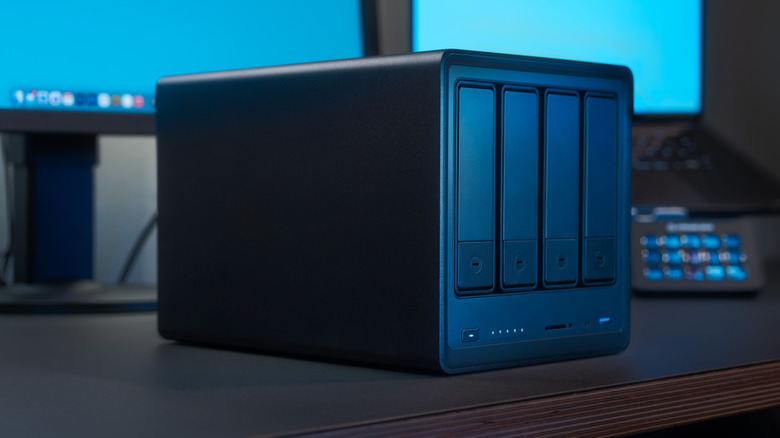
A Pi-powered NAS solution is a great Raspberry Pi 5 project for your home or office, and can serve as a lightweight solution if your expectations are modest, but its storage limits are again the common denominator here. Outside of the novelty or learning experience that comes with using an SBC for a dedicated NAS machine, it's hard to recommend it over a mini-PC or x86-based NAS enclosure.
The minimalist nature of SBCs is a bit antithetical to the premise of a dedicated NAS server; a centralized storage solution that has flexibility and can scale storage easily. By using a Raspberry Pi, you lose hot swappable drive bays, native SATA support, and HDD backplanes, all of which purpose-built NAS hardware offers. When it comes to performance, NAS servers are often expected to handle both NFS and SMB file sharing protocols, extensive backups, and even VMs or hypervisors, all of which can quickly overwork a Raspberry Pi that would also need active cooling at that point.
Scaling storage with a Raspberry Pi involves using HATs to add SATA functionality, and making use of USB hubs or adapters to get adequate power for extra SATA storage. The Raspberry Pi's 1 gigabit Ethernet port is also likely to be a bottleneck for heavy file sharing or transfers, and making use of the PCIe 2.0 port to expand network bandwidth, again, requires pricey add-on cards. Then there's the fact that the most popular NAS operating systems like Unraid or TrueNAS, are limited to x86. There is a community-made ARM-64 port of TrueNAS, but it isn't an official release by TrueNAS/iXsystems, and your mileage will certainly vary with it.
Home Assistant smart home hub
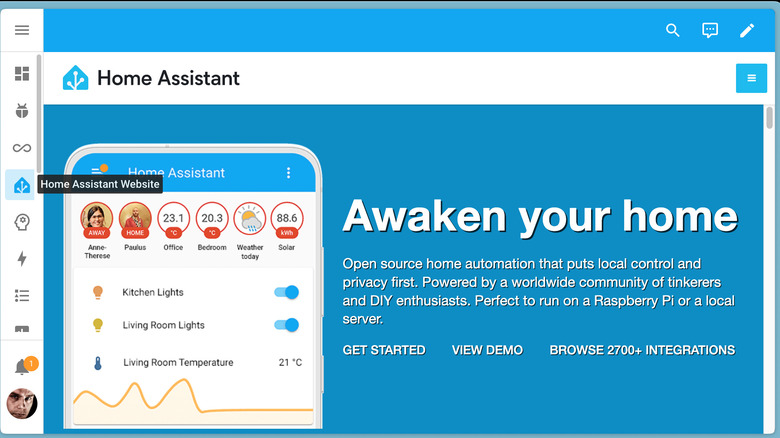
Home Assistant is a program that can turn a Raspberry Pi into a smart home hub, and the Raspberry Pi still remains a popular choice for Home Assistant installs, with just over 30% of all installations taking place on Pi models, according to Home Assistant Analytics. Home Assistant even offers its own ARM-based hardware in the form of Home Assistant Green, aimed at giving new users an easier jumping off point into the Home Assistant ecosystem. But there's a growing chorus of users who are migrating to mini-PCs, especially as their smart home needs grow.
While an SBC can serve as a basic Home Assistant hub, it can be quickly outgrown depending on what integrations and devices you may add in the future. If you intend to use heavy virtualization via Proxmox or multiple Docker images, these types of workloads benefit heavily from the increased CPU horsepower and higher memory capacity found on x86-based systems. The same can be said for using Frigate to manage devices like cameras, running local LLMs on your own hardware, or if heavy hardware transcoding is needed.
Any project you want to keep going long-term
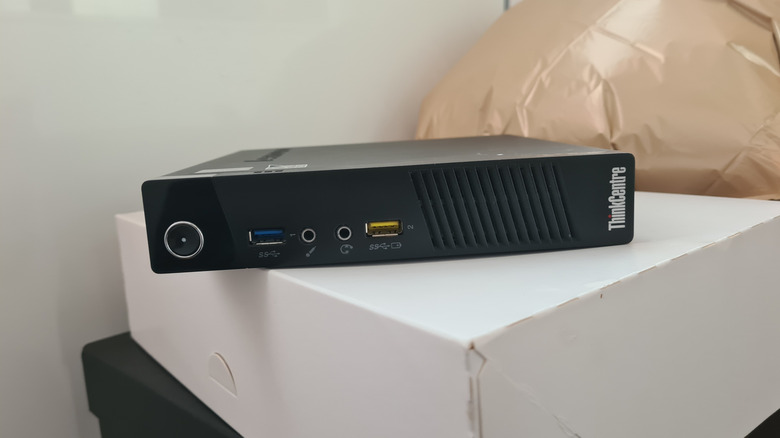
As market conditions continue to ratchet up the prices of Raspberry Pi models, it's becoming more financially practical to look closer at mini-PCs when deciding if a Raspberry Pi or mini PC is right for you. A Raspberry Pi is great for lightweight services, or if you're experimenting, but a mini PC is a better long-term solution, giving you overhead for your future needs. Intel N100-based systems are often in the same price range as a Raspberry Pi 5, offer more computer power, wider OS and application support, and scalability that SBCs just don't have.
ARM-64 will always offer superior power consumption benefits, especially at idle, but the right x86 mini-PC and settings can come reasonably close. And while the compact nature of mini-PCs usually means the CPUs aren't socketable, locking you out of upgrading it, the memory and storage are often expandable. Any mini-PC is also going to offer more connectivity, on-board SSD storage, and some models –- like the Lenovo ThinkStation P330 Tiny PC –- come with discrete GPUs and PCIe x16 connectivity.
Once you factor in the cost of a Raspberry Pi 5, an enclosure, a power supply (or a PoE HAT), and an active or passive cooling solution, you're firmly in the realm of mini-PC pricing. To use the Lenovo ThinkStation P330 Tiny PC as an example again, these can often be had used or refurbished for well under $300, and the performance and hardware are well beyond what an SBC can deliver.