

4 Cool Features That Are Exclusive To Google Pixel
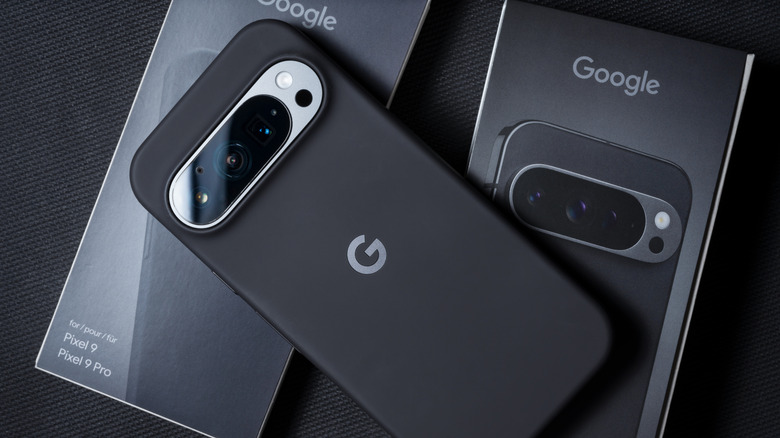
If you're shopping for an Android phone in the U.S., Samsung and Google are probably the two safest brands to stick with. They give you the option to purchase a phone outright, or you could always pick one up through your carrier on a plan. Samsung's top-of-the-line Galaxy smartphones rival the very best that Apple has to offer and are generally easier to recommend if you're looking for the best performance and a solid camera experience. While Google's Pixel lineup isn't exactly renowned for its raw performance or battery life, you do get class-leading cameras with excellent computational photography.
Another reason to buy a Pixel is if you want to experience Android the way Google intended it. Not only are Pixel smartphones supported for a long time — up to seven years — but they are also first in line to receive the latest Android updates. Though most of the new features end up trickling down to Android phones from other manufacturers, Pixel users get to enjoy them first. There are a couple of exclusive features found on Pixel smartphones that you won't find elsewhere, too.
You don't have to buy the most expensive model in the series to enjoy most of these features. The Pixel 10a that we reviewed is a solid budget-oriented option that beats most other $500 smartphones and gets you access to many of the exclusives that Google bundles in with its Pixel lineup — here's a look at a few of them.
Now Playing
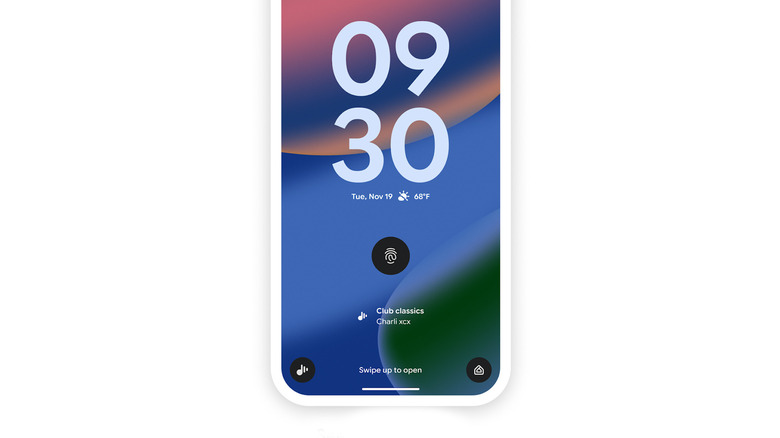
Now Playing has been a staple part of the Pixel experience for several years now. If you're sitting in a cafe that's playing a song that interests you, your Pixel automatically identifies its name and displays it on the lock screen. It's pretty much like Shazam but doesn't require you to manually launch an app and wait for it to recognize a track. Since it works in the background, you can view your Now Playing history to see all the songs your Pixel has recognized over time.
Also, unlike other music recognition services, Now Playing can work even when your device isn't connected to the internet, since your Pixel downloads a local database of songs when you first enable the feature. It can then match what it hears on-device without accessing the cloud. Recently, Google repackaged the Now Playing feature as a standalone app that you can download via the Play Store on Pixel smartphones. It's been redesigned to make it easier for you to search through your Now Playing history.
You can also connect to music streaming platforms to listen to the full track. The app lets you discover music manually, in case your phone doesn't pick it up automatically. You can also sing or hum a song, and your Pixel will do its best to match it to a track it recognizes. If you're unable to download or use the app, make sure you own a Pixel 6 or newer with the latest software version installed.
Google Voice Typing
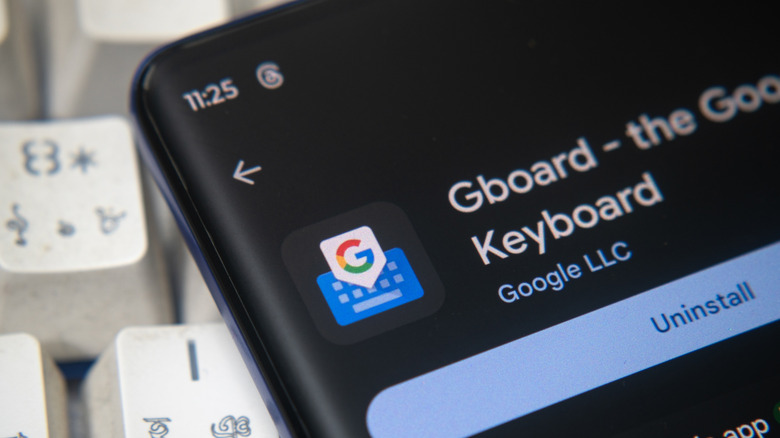
It's no surprise that the iPhone's keyboard has major flaws. It's terrible with autocorrect, has no customization features whatsoever, and even seems to run slow on some of the fastest hardware out there. By comparison, nearly every Android phone offers a stock keyboard that's leaps and bounds ahead. One of the best keyboard experiences you can have comes courtesy of Gboard. Many Android phones package it in as the default keyboard, and for the most part, it has a similar feature set across different brands. Pixel smartphones, however, benefit from a noticeably better version of voice typing.
While you can tap the microphone icon on Gboard on any Android device and start talking, it works a little differently on Pixel phones. You can use the feature by navigating to Gboard Settings > Voice Typing and enabling the "Advanced voice typing features" toggle. Now, when you tap the microphone icon, you'll see it glow with the Google Assistant colors. This improves the voice typing experience, making it considerably more responsive while also keeping errors to a minimum.
The feature inserts punctuation automatically and even recognizes when you use phrases like "delete" or "clear" during dictation, treating them as commands instead of simply typing them out as usual. Advanced voice typing on Pixel also lets you use multiple languages, which it recognizes automatically. If you own a Pixel 8 or newer, you can be very specific with your voice commands, too.
Camera features like Video Boost and Add Me
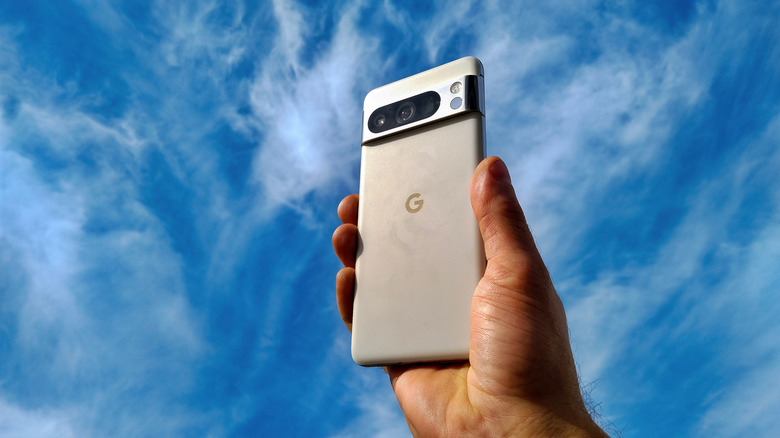
Ever since the first generation, the camera has been one of the Pixel's hallmark features. This has stayed true over the years, which is why the Pixel is often recommended as one of the best smartphone cameras you can buy. A good chunk of this is thanks to Google's computational photography. Even if you're not intentionally trying to capture a good shot, the Pixel will make sure the result is balanced, detailed, and ready to share without much tweaking. Of course, if you get to know the camera app better, you'll find a few gems that are lacking on most other smartphones.
Video Boost is a feature exclusive to the top-of-the-line Pro phones by Google, starting with the Pixel 8 Pro. When you record something with Video Boost turned on, your Pixel stores a temporary file on-device and sends a version of it to Google Photos, which uses AI to improve detail and exposure. The boosted video reduces noise in low-light situations and improves colors when shooting in daylight.
Another nifty feature found in the Pixel's camera app is Add Me, which makes it easier to take group photos. When you switch to this photo mode, you capture the first image normally. The camera then prompts you to capture a second image, where the photographer swaps places with one of the people in the frame. The final result is a group photo with everyone in it.
A near-stock Android experience
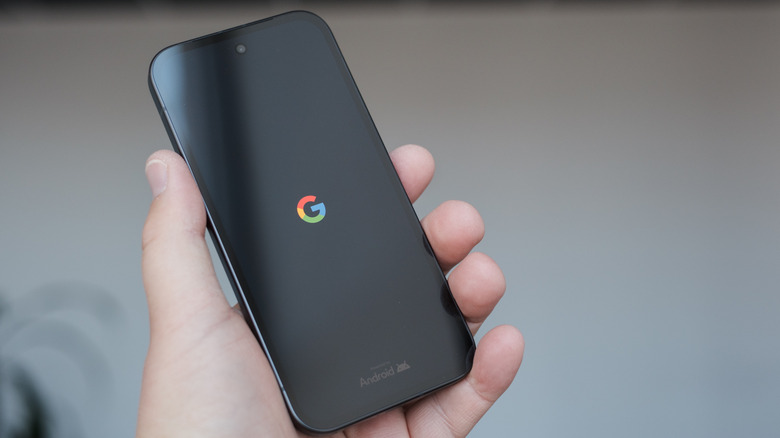
It isn't difficult to decipher why Pixels are first in line to receive operating system updates — Google itself leads the Android Open Source Project. Although AOSP is different from the version of Android that Pixel phones run, they're very close in form and function. If you're a fan of the Material 3 Expressive design language, Pixels are your best bet at experiencing it. Although a few OEMs like Motorola also use a very close-to-stock Android skin, they don't have the best track record of software support.
If you own a Pixel 8 or newer, Google has promised up to seven years of operating system updates. While Samsung also gets you seven years of updates (Galaxy S24 onward), One UI looks and feels nothing like the version of Android that Pixel smartphones use. Furthermore, Google frequently rolls out feature updates, known as Pixel Drops, for its smartphones that bring new features.
Given the nature of Android, you might not find a lot of features that stay exclusive to Pixel smartphones for a long time, but they do offer many of these conveniences before other brands. For instance, call screening on Pixel was an exclusive addition for a while before competitors like Apple and Samsung rolled out similar alternatives. You may also find good use for the Quick Tap gesture that Google borrowed from the iPhone.