

5 Samsung Galaxy Features Google Pixel Doesn't Have
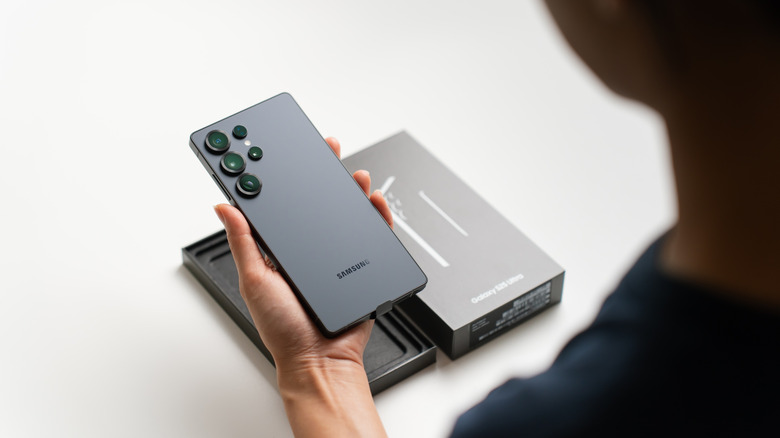
If you're shopping for the latest and greatest that Android has to offer, Google's Pixel lineup is one that's often recommended. For starters, Google happens to develop Android, and Pixel smartphones are first in line to receive new features. Moreover, the version of Android that Pixel phones ship with tends to look and feel cleaner than the customized skins that other OEMs offer. Yet, according to Statcounter, Samsung is the second-biggest smartphone vendor in the U.S., surpassed only by Apple.
A good chunk of this popularity could be attributed to the fact that Samsung Galaxy phones have been around for much longer than the Google Pixel lineup, which debuted in 2016. Samsung also sells an insane variety of phones and beats competitors with its voluminous catalog. From the affordable Galaxy A15 to the cutting-edge Galaxy Z TriFold — there's a Samsung phone for every budget.
There are valid reasons to buy Google's phones, like Pixelsnap, which we talk about in our review of the Pixel 10 Pro XL. That said, when it comes to the sheer amount of features, Samsung's Galaxy lineup has the Pixel series beat. From hardware inclusions like the S Pen or an anti-reflective display coating, to the software features packed into One UI, here are five useful features that Samsung phones have to offer that you won't find on any Pixel devices.
A built-in stylus
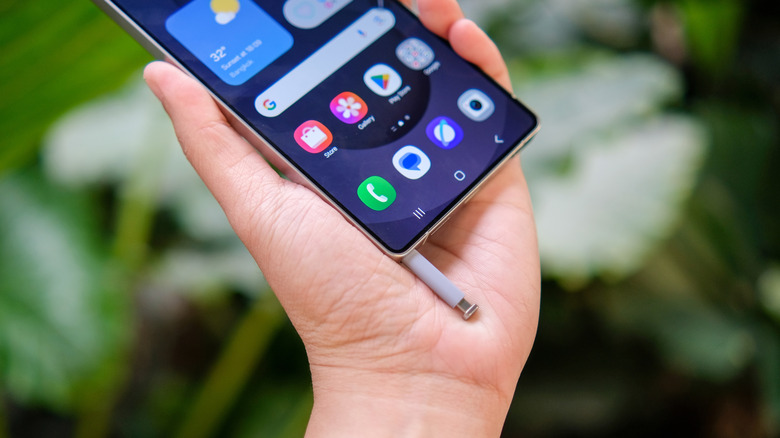
A hardware feature that you cannot find on any other mainstream smartphone in the modern day is a built-in stylus. Samsung started shipping the S Pen with its Galaxy Note series when it debuted in 2011. The Note lineup was discontinued in 2020, but the S Pen has lived on inside the premium Galaxy S Ultra flagship we see launch every year. In its most basic form, the S Pen is a stylus that gives you much better precision than your fingertips, allowing for easier note-taking, drawing, or photo editing.
Though there are high-rated stylus pens you can buy for other Android phones, the S Pen has a whole set of features that make it feel part of the phone as opposed to an external accessory you need to carry around and charge separately. Certain Samsung phone and tablet models ship with an S Pen that features Bluetooth connectivity. This lets you perform a whole assortment of air actions using the S Pen. Unfortunately, Samsung stripped away the S Pen's Bluetooth support from newer-generation flagships like the Galaxy S25 Ultra, making them incompatible with air actions.
If you are someone who prefers taking handwritten notes or simply doodling away during your leisure, the built-in S Pen in Samsung's flagships could be a practical addition worth considering. Using a third-party stylus on a Pixel phone is always an option, but Samsung's One UI is better optimized for the S Pen.
Virtually endless customization with Good Lock
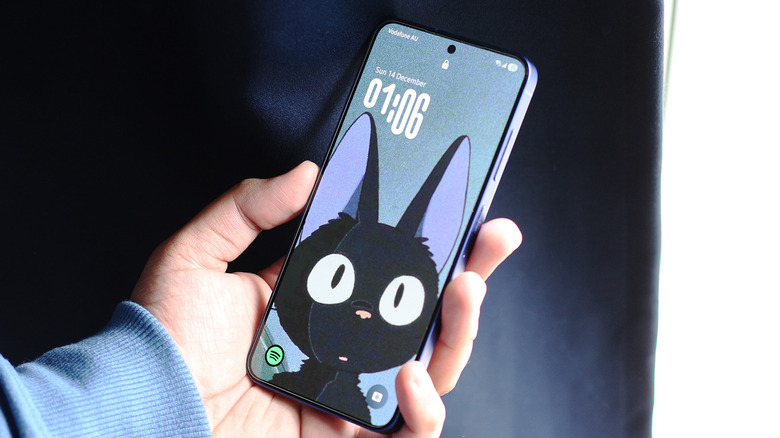
Android has always been known for being a lot more customizable than iOS, but not all Android phones are created equal. Since Pixel phones use a mostly vanilla flavor of Android, they aren't exactly the best choice for users who love to customize every inch of their device. Third-party apps, especially with root access, will let you accomplish practically everything, but they're not an elegant solution. Samsung phones, on the other hand, come with a decent set of customization options out of the box, but you can dial things to eleven with the Good Lock app.
Think of Good Lock as a powerful customization engine that lets you tweak different parts of the software experience, like the lock screen, home screen, quick settings, and more. It's exclusive to Samsung phones and is available through the Galaxy Store. When you first install the app, it may seem a bit overwhelming with all the modules it has to offer — but it's designed to be quite user-friendly.
The NavStar module lets you change the appearance of the navigation bar. You can pick different icons, create new configurations, and choose to auto-hide the navigation bar. The QuickStar module deals with the Quick Panel on your Galaxy phone, allowing you to pick different themes and configure the indicator icons. There are many other ways you can customize your Galaxy phone with the Good Lock app — including tweaking elements that most Android skins don't even let you touch.
Other hardware extras
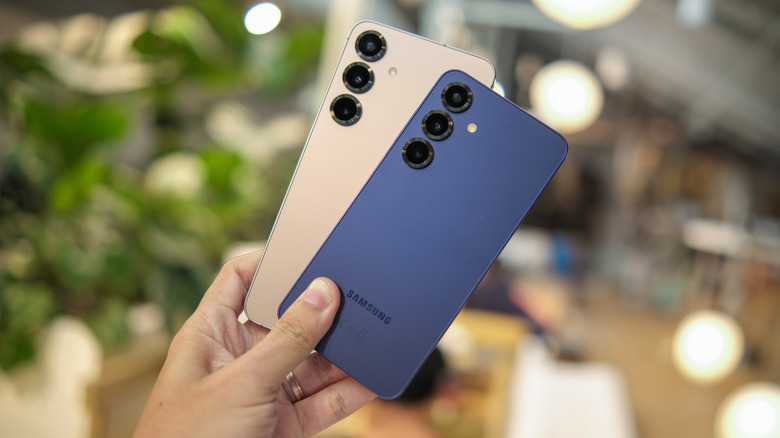
The Pixel 10 Pro is premium-built, features a great set of cameras, and generally doesn't cut any noticeable corners in its hardware choices. That said, if you're looking for the best performance money can buy, the Snapdragon chips found inside Samsung's flagship phones consistently outperform Google's in-house Tensor chips. In synthetic benchmarks carried out by NanoReview, the Snapdragon 8 Elite Gen 5 obliterates the Tensor G5. If you're a mobile gamer, going with a Pixel smartphone doesn't make a lot of sense.
Beyond raw performance, Samsung has a few innovative hardware additions up its sleeve. The anti-reflective display coating that debuted with the Galaxy S24 Ultra noticeably improves outdoor visibility. The latest Galaxy S26 Ultra features new display technology, dubbed Privacy Display, which makes on-screen content much harder to see off-axis. Unlike privacy screen guards, which semi-permanently sit on your display, this feature can be turned on or off, and can even be customized to only cover specific areas like notifications or password field boxes.
If you're shopping for a mid-range or budget phone, then the Samsung Galaxy A series even supports storage expansion via microSD cards — a feature that's rarely found on modern smartphones. Though the Pixel 10 Pro is often touted as being one of the best in computational photography, the Galaxy S26 Ultra offers an additional 3x telephoto lens that lets you capture sharper mid-range zoom shots.
A fully-baked desktop experience
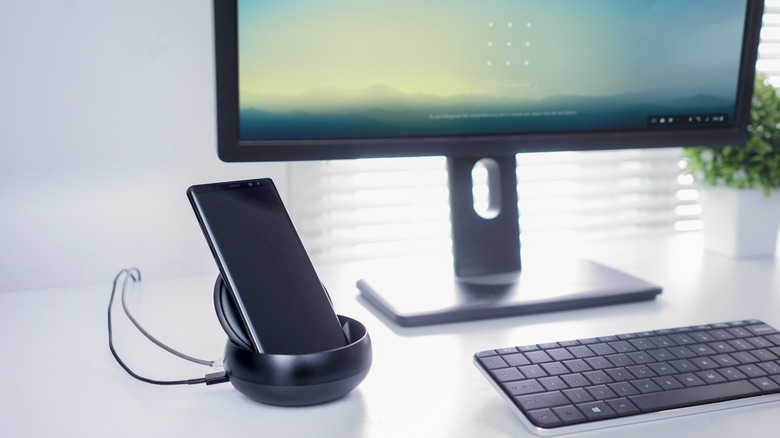
For a couple of years now, compatible Samsung Galaxy phones and tablets have supported Samsung DeX, a feature that gives you a desktop-like interface when you connect your phone to an external monitor. Before we talk about DeX, it's worth mentioning that Google has its own desktop mode of sorts on the way. It's in an experimental beta stage, however, and currently lacks the polish that DeX has to offer. You can access it via the Developer Options for now, but we might see it pop up as a fully fledged feature in Android 17.
Samsung DeX, on the other hand, has been around since 2017 and has brought about noticeable upgrades in the experience through the years. With a USB-C to HDMI adapter, you can connect your Galaxy phone or tablet to a monitor or TV and get started with DeX right away. Alternatively, if your monitor or TV supports Miracast, you can start the DeX mode fully wirelessly. In DeX mode, apps behave like individual windows, allowing you to place one on top of the other or resize them as you see fit.
Galaxy tablets or foldables offer a "New DeX" mode, which features a more tablet-friendly user interface. For a better experience, you can connect a keyboard and mouse via Bluetooth — though many Android apps are designed with touch input in mind. DeX is powerful enough that you can use your Samsung tablet as a laptop quite reliably.
Other One UI features not available on Pixel devices
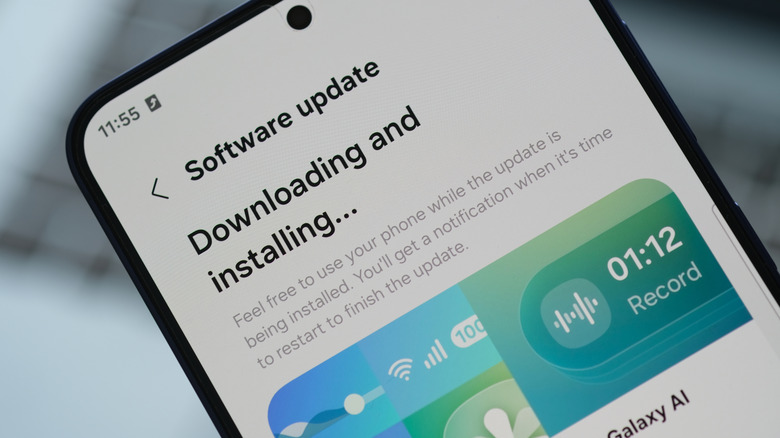
Beyond notable hardware additions and major software features, Samsung's One UI version of Android packs in several smaller utilities that add to the experience. App cloning is a prime example — it's a feature found on smartphones from other manufacturers like OnePlus and Xiaomi as well. Samsung's Dual Messenger lets you run two instances of the same app. For example, you can use two WhatsApp accounts that can be accessed independently through separate apps. While Pixel has a Private Space feature, it's not quite the same thing since it creates an entirely separate locked environment, which is not as easy to access as cloned apps.
Another useful feature in One UI is the ability to play sound from a specific app on a different audio source, like a Bluetooth speaker. Your phone will continue to use its built-in speaker to play audio from all other apps. For people who like to always have music playing in the background, this feature is a godsend. The Edge Panel is also a feature that's natively missing on Pixel phones. With screen sizes increasing, having an assortment of your frequently used apps a swipe away improves one-handed usability.
A recent update to One UI 8.5 added partial screen recording to the list of features. You can manually select which part of the screen you want recorded. This will save you both time and effort since you won't need to crop the footage afterward.