

8 Common Mistakes Audiophiles Rarely Make With Their CD Collection
There's a lot to like about CDs. Not only do they have a technical advantage over vinyl when it comes to dynamic range and channel separation (although whether these translate to better sound is a whole other question), they're also much more affordable and take up less space than vinyl. Another big boon is the fact that they don't rely on physical contact for playback. This means that playing CDs won't wear them out, unlike analog formats, so they generally cause fewer headaches when you're buying used.
Does that make buying CDs totally foolproof? No, of course not. There are plenty of mistakes that you can make when collecting and storing CDs, some of which may eventually render your precious albums unplayable. Even if we set those aside, there are some missteps you can make when amassing a collection that can make things difficult down the line, especially if you're in it for the long haul.
Some are obvious, while others are more subtle and might be overlooked by newcomers to the hobby. Either way, these are generally mistakes that audiophiles (and long-term CD collectors) tend to avoid for the sake of their collections.
Subjecting CDs to heat and humidity
Heat, generally speaking, is not a friend of music collectors. If you've ever seen a warped vinyl record or melted cassette tape, you'll know the damage that heat can cause to these analog formats. CDs aren't quite as sensitive, primarily because the polycarbonate that makes up most of the disc is stable up to about 290 degrees Fahrenheit.
That said, while you won't melt your precious discs by leaving them in the car, heat can damage them in other ways. Library of Congress research (via The Atlantic) found that subjecting CDs to 175 degrees Fahrenheit for 500 hours at 70% humidity could render them completely unplayable. In the test, one of the two CDs was completely oxidized, with no data left on it. Sure, you're probably not going to intentionally do that to your CDs, but even leaving them in your car over the summer can be enough to ruin them through heat and humidity. Wild temperature swings aren't ideal, either, as the expansion and contraction can cause discs to develop microscopic cracks.
All of this is doubly important if you have any CD-Rs in your collection, which are more sensitive to environmental factors such as heat and UV radiation. You won't have to worry about the latter with standard CD-ROMs, at least, but if you burn a lot of backups — or have a large collection of band demos or promos — then you'll want to be extra careful about storage.
Stacking CDs horizontally
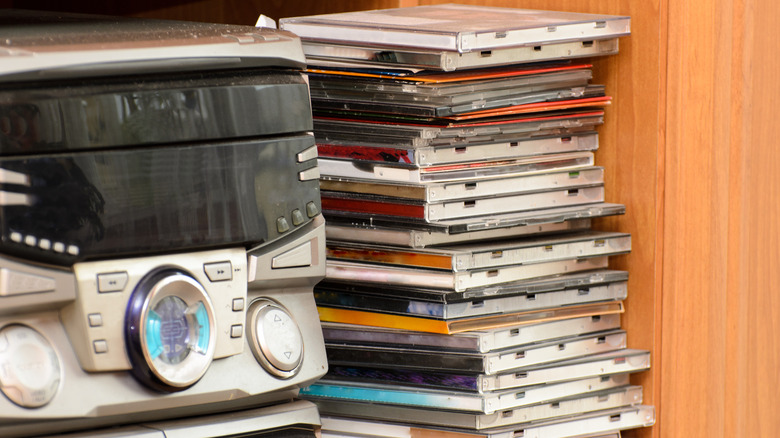
CDs come in cases, so you might think that it's pretty much safe to store them however you like, including stacking them horizontally. But that's generally a bad idea, for a few reasons. Firstly, there's the very real-world problem of how easily vertical stacks of CDs can be knocked over. If you have kids or a pet, then you may wake up one morning to find your CDs strewn all over the floor. Stacking CDs also makes it hard to pick CDs from the bottom of the stacks. Sure, this isn't the most serious issue in the world, but every little impediment adds up over time.
Storing CDs horizontally can also, in some circumstances, render them unplayable. In hot environments, it can cause the CDs to bow. While this generally won't destroy the data itself, you may find that warped CDs won't play properly as a CD drive's laser will struggle to focus and read the data. So, even if it's tempting to just build a tower of thrifted discs in the corner of your room, take some time out and find (or build) a CD rack that'll allow you to store them horizontally. Not only is it better for your CDs, but it also helps keep things organized — and audiophiles love an organized collection.
Not backing up CDs
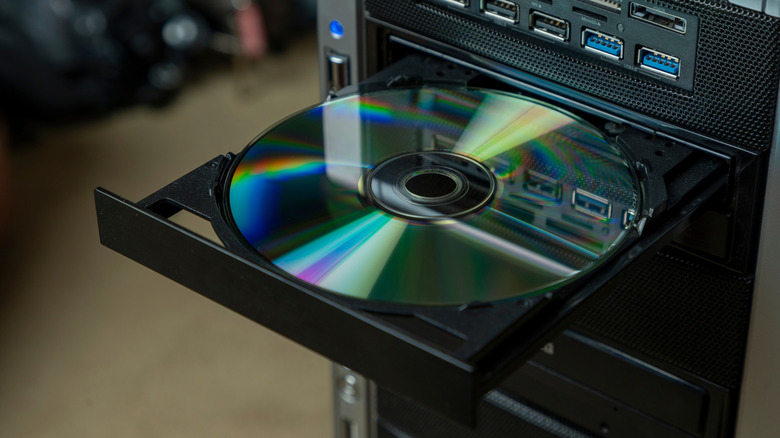
We mentioned several advantages of CDs in our intro, but another advantage of the format is that you can make identical copies of the music. Since CDs are digital, you can rip a bit-perfect copy of the data to serve as a backup on your hard drive. If something happens to the CD, you can just burn that data to a CD-R and essentially get the next best thing.
While it's not universal practice, many audiophiles and serious CD collectors will make lossless copies of their CD collections and store them on a computer. There are plenty of reasons to do so, including the convenience of playing FLAC files directly with a network-enabled local music player like Roon, or archiving albums not available on major streaming services like Spotify or Tidal. Having FLAC files on hand is also a great way to create an offline digital library you can use to fill a digital audio player with music on the go, without relying on streaming over mobile data or Wi-Fi.
Now, proper backups will require a bit of effort to set up, but it's not all that hard. We don't have the space to offer a step-by-step guide here, but there are plenty of guides that'll show you how to set up Exact Audio Copy to make perfect CD rips.
Writing on CDs
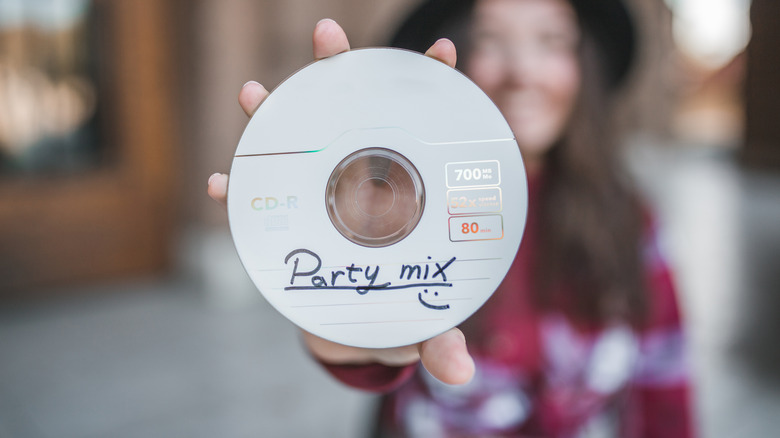
You may think that the CD's shiny data side is the more sensitive side and the only one we need to worry about, but that couldn't be further from the truth. The label side is actually the more delicate of the two, and you can easily damage CDs by writing on them with the wrong utensil.
Even something as seemingly innocuous as a pen or a fine-point marker can ruin a CD if you use it to write on the label side and damage the metal layer while doing so — which can be disastrous if it's bad enough to make the CD unplayable. And don't think that you can get away with that random felt tip marker you just happen to have lying around, either: certain types of markers can eat away at a CD's lacquer coating, which, as you might have guessed, is not good. Standard archival practice is to use only xylene-free markers with soft tips — and, even then, you're to write only in the clear section near the hub.
Admittedly, even if markers and pens weren't dangerous to discs, we'd venture that most audiophiles would never write anything on their original CDs anyway (CD-Rs are a whole other story, of course). But in case you were ever tempted to do so anyway, consider this a warning. After all, you can fix light scratches on a CD's data side, but there's no way to do the same for any label-side mishaps.
Not cataloging their collection
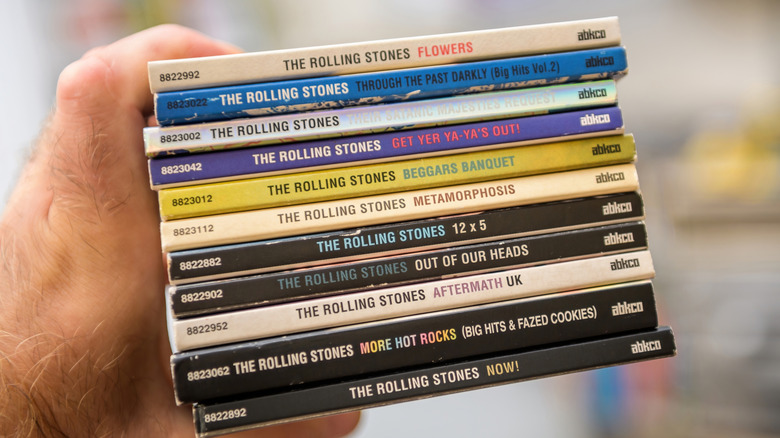
One of the most essential tips for anyone collecting CDs (or any form of physical media, really), is to catalog your purchases as you bring them home. Having a database of what you own is incredibly helpful once your collection starts getting into the hundreds, allowing you to keep track of what you own and, crucially, avoid buying doubles unintentionally — or, of course, confirming that you indeed need that particular pressing of that particular album.
You may think you'll be able to remember what you own, and while that may be true to start with, things can quickly get out of control. And even if you are somehow very good at that, having a list of albums you can check is always handy. I could personally manage up to a few hundred albums, but I realized it was safer to have a list on hand at all times.
There are plenty of ways to catalog your collection. You can build your own spreadsheet, use apps like Music Collection, or rely on a website like Discogs. While every audiophile will have their own preferences, almost all will be united in keeping track of what they have, one way or another. If you're new to collecting and don't have many albums yet, start tracking your CDs now; it's a real pain to go back and catalog them once you have a few hundred albums at home. No prizes for guessing how I know.
Using damaged CD cases
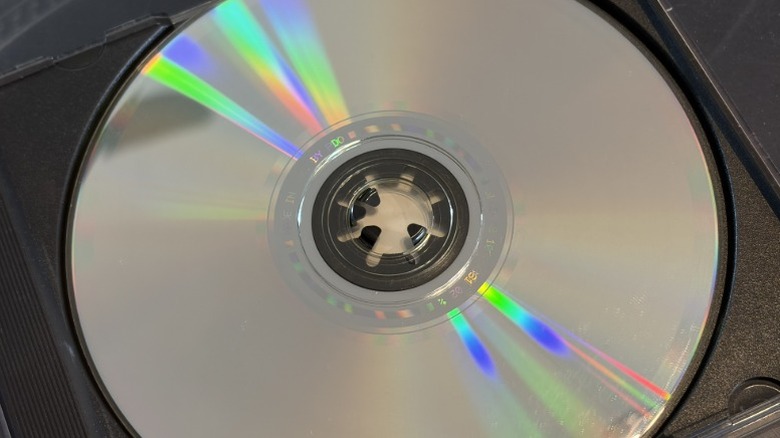
Yes, CDs have plenty of positives. But one of the most annoying parts of collecting CDs is how fragile the packaging is. It's a lose-lose situation. On the one hand, traditional jewel cases are easily damaged, to the point where it feels like they crack if you so much as look at them the wrong way. On the other, the paper and cardboard used in digipaks are highly susceptible to wear and tear and will invariably look grubby unless babied.
The thing is, though, both share one major issue: the CD tray. More specifically, the plastic teeth that hold the CD firmly in place. These break almost as a matter of course, especially if you buy CDs via post. While it may be tempting to leave things as they are, the best course of action is always to open the jewel case and replace the tray (or the entire case, if there's any other damage).
Letting a CD flop around inside the case may not be the most disastrous thing one could do to a disc, but you should still use packaging that holds the disc securely to avoid unintentional scratches. Now, these scratches may not ruin your disc, but that's no reason to risk it. Thankfully, replacement jewel cases are cheap and plentiful, so a smashed disc tray isn't the end of the world. Unless you buy digipaks — that is, replacing the trays on those is generally not an option.
Using harsh solvents and cleaning improperly
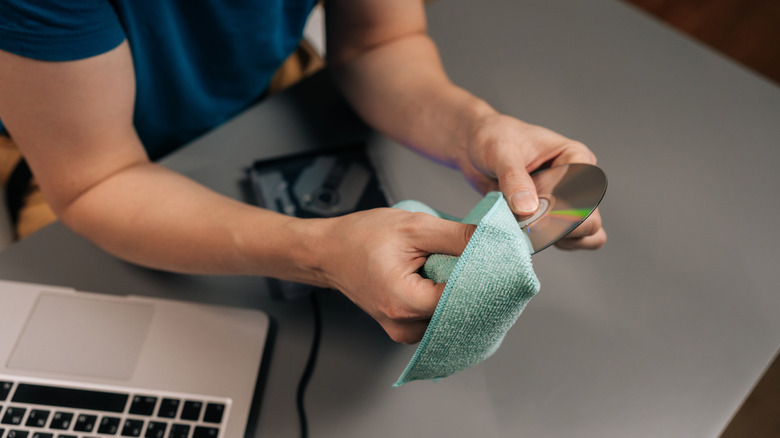
Things get dirty. That's a fact of life. Speaking from experience, even the most careful collector will still leave a stray fingerprint or a smudge on a CD from time to time. This usually isn't a huge problem, as you can often wipe away the marks with a soft, dry cloth. If that fails, then you'll have to turn to a solvent or a cleaning solution. But you can't use just any liquid; it's important to use the right solution, lest you mess up your discs.
Common solvents, such as isopropyl alcohol or methanol, are fine, as are water-based solutions such as a disc cleaner. What you don't want to use are organic solvents such as acetone or benzene. These may dissolve the polycarbonate that makes up your CDs, causing irreversible damage.
If you have to clean a CD, start gently, ideally without any water or solvents. Instead, just wipe with a clean, lint-free cloth (lens tissues also work). Remember to go from the center outward rather than wiping in circles; the latter can create scratches that a laser may interpret as data, causing read errors.
Applying stickers to CDs
Markers and pens aren't the only everyday implements that can damage a CD. Stickers and labels can cause just as much of a problem. The adhesive layer on most stickers can actually eat away at a disc if you're unlucky, and peeling the offending sticker off could make things worse.
Even if the label doesn't damage the disc or cause issues such as delamination, it can still cause problems when it's time to play the CD. Archival guidelines note that labels can unbalance discs and even cause them to warp, likely because the material reacts differently to environmental conditions than the CD itself. If that happens, the disc may not play properly, if at all. Even if the CD itself is fine, the label can also cause issues for the CD drive.
Finally, there's also the simpler fact that stickers and labels are just ugly and shouldn't come anywhere near a serious CD collection. If you have to label your CD-Rs, follow the archival practice we outlined earlier and use a safe, xylene-free marker.