

5 WhatsApp Plus Perks You Don't Actually Need To Pay For
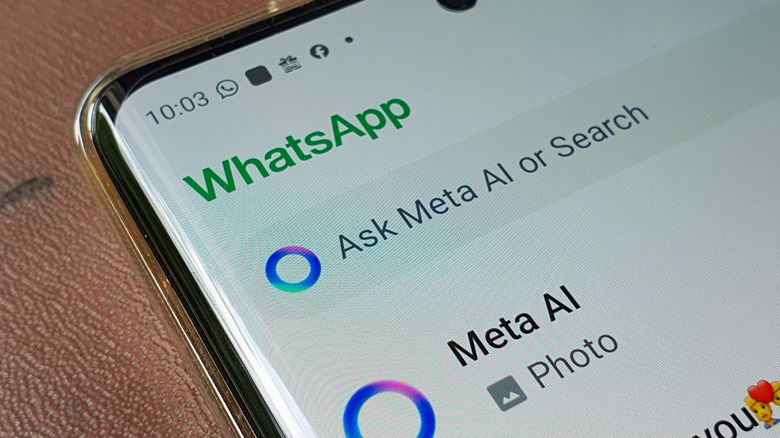
WhatsApp is the main messaging application for billions across the globe. In fact, many people prefer WhatsApp messaging over calls, and the one thing that has kept people sticking to it is that it's free to use. However, after coming under Meta's umbrella, things changed for WhatsApp. Meta has increasingly introduced paid subscriptions alongside free features, and WhatsApp is the latest app to get that treatment. After pushing Meta Verified for Facebook and Instagram, a WhatsApp Plus subscription is now available for a monthly fee of $2.99.
For that price, subscribers will get custom stickers, extra chat themes, app icon customization, new ringtones, etc. On paper, that may sound like a decent upgrade for a messaging app used by over 3 billion people every day. The catch is that WhatsApp already offers most of this for free. And for some other perks, you either need to install an extra app, or they're just a few taps away in Settings. This means you don't need to pay for those extra perks on WhatsApp, since there are workarounds to get them for free.
So, before you jump the gun and pull out your credit card to make the payment for a WhatsApp Plus subscription, here are five WhatsApp Plus perks that are either already free or free with a five-minute workaround. Check them out and then decide for yourself whether the subscription is actually worth paying for.
Custom stickers
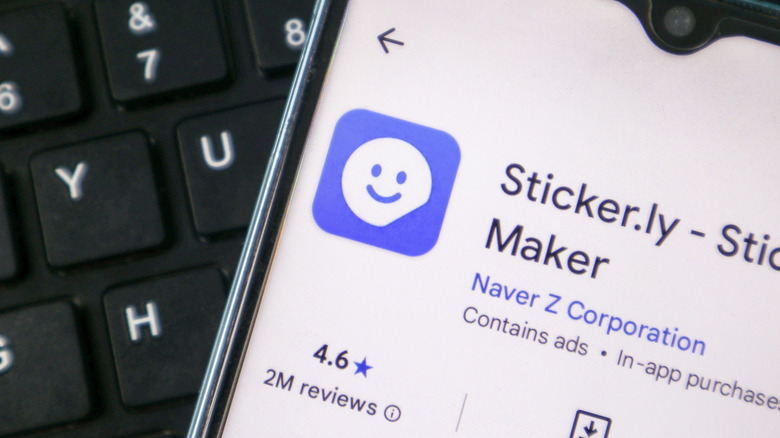
Stickers are one of the ways you express yourself on WhatsApp. Stickers have been an integral part of WhatsApp even before the subscription came into effect. But since Meta has put some stickers behind a paywall, it could be the most tempting thing for someone who uses stickers on the messaging platform. The WhatsApp Plus subscription gives subscribers access to exclusive stickers with special effects. But anyone who has used stickers on WhatsApp knows that the platform already lets you import third-party sticker packs.
That door has been open for years and is still open now. You don't need to pay for the subscription if you want to send stickers on WhatsApp. Apps like Sticker.ly do the heavy lifting here. You can get it from the Google Play Store or the App Store, browse sticker packs by trend or mood, and simply tap a pack to add it to WhatsApp's sticker tray. The best part is that there's no cap on how many packs you can bring in. So, the "exclusive" angle Meta is using to sell the Plus subscription doesn't really hold up.
Additionally, you can also create your own custom WhatsApp stickers using apps like Sticker.ly or even Canva's built-in sticker maker. If you send a lot of stickers on WhatsApp, this is arguably the easiest way to get one of the paid WhatsApp Plus perks for free.
Chat themes

Chat themes are the second WhatsApp perk that I think is pretty useless to lock behind a paywall when you can already access a lot of themes for free. It's the smallest advantage so far in the WhatsApp Plus subscription tier, and if you were thinking of paying, we'd stop you right there. WhatsApp already lets you change chat wallpapers, adjust bubble colors, and generate AI wallpapers for individual conversations, all without spending a dime. The Plus plan just adds 18 extra themes to the mix on top of what's already there.
You simply need to head over to WhatsApp > Settings > Chats > Default Chat Theme, and you'll see color palettes, wallpaper categories, and the option to apply the look to one specific chat or to your entire inbox. It's the kind of setting most people don't ever open. But if you were thinking of changing the theme, you don't need to upgrade to the Plus tier. WhatsApp has built a suite of customization tools over the past couple of years, and themes are one of the features that fly under the radar until someone actually goes looking for them.
Eighteen more themes isn't something extraordinary, and it's definitely not a reason to pay monthly for an app that already lets you personalize how every single chat looks. Even if you swap themes weekly, there's enough to play around with in the free tier, from muted pastels to bold solid colors.
New ringtones
New ringtones are another perk that you get with the WhatsApp Plus subscription. Meta gives you 10 exclusive tones for paying $2.99. It's a nice touch, but it feels like it has been added to make the list of perks seem long. Many people do not use ringtones and put their phones on vibrate. And even if someone uses a ringtone, you have been able to use custom ringtones on WhatsApp for both calls and individual chats for years. Moreover, you're not limited to whatever sound pack Meta includes with the app.
Inside Settings > Notifications, you can already pick from your phone's built-in tones or upload your own favorite audio for message alerts. You can even set a completely different tone for a specific contact for their calls or texts. This way, you can differentiate between your best friend and your landlord when they call you. If you want something more personal than a default tone, you can turn any song into a ringtone, which is straightforward on Android.
Given that you can already import your own audio and set it as a ringtone on WhatsApp, paying for those extra 10 ringtones does not make any sense. It's probably the weakest justification on the entire list, and it's one of those perks that you can easily skip without giving it a second thought.
Custom chat icons
Aside from custom chat themes, the WhatsApp Plus subscription also gives you access to change the WhatsApp app icon to something else. If you were interested in the paid tier for changing the app icon, which will be visible only to a limited number of people, then you should drop that idea, because most Android phones let you run a third-party launcher, which ultimately lets you swap the stock app icon for anything of your choice. On my Samsung Galaxy phone, that feature is available in the default launcher itself.
If changing app icons is not supported by your stock launcher, then you can install apps like Nova Launcher or Smart Launcher from the Google Play Store, long-press on any app icon, choose the option to edit, and change the app icon. You can also install a third-party icon pack and get new app icons for every app on your phone. The whole process of setting a custom app icon only takes a couple of minutes and is completely free, making it a better option than paying for a subscription.
iPhone users have a harder time here, since iOS requires you to go through multiple steps and use Apple Shortcuts to change app icons. The iOS ecosystem would be the only one where WhatsApp Plus may find some genuine takers. But for the majority of WhatsApp's Android-heavy user base, this exclusive perk makes no sense.
Pin 20 chats
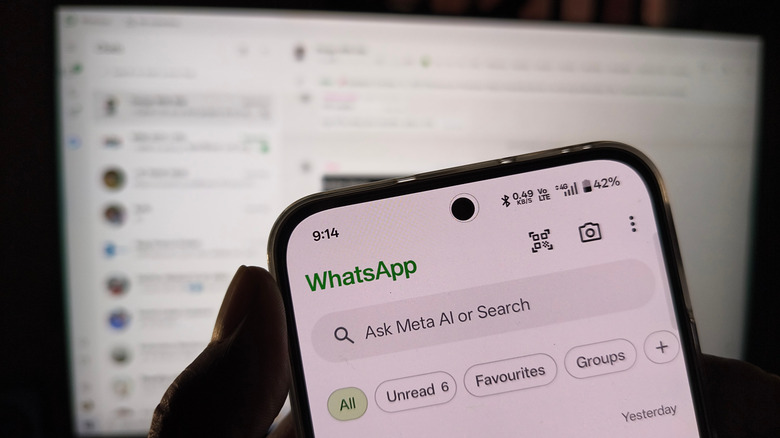
Being able to pin 20 chats is the only perk that would probably have real merit with the WhatsApp Plus subscription. For anyone juggling a busy inbox, three pinned conversations disappear fast, and everything else gets buried under group chats and forwarded memes. But even then, paying to pin 20 chats isn't something that we'd recommend. The free workaround doesn't require installing any third-party apps and is available in WhatsApp itself.
You can use WhatsApp's Lists feature, which does more than pinning ever could. You can still keep your three most important chats pinned at the very top and then sort everything else into custom categories like Family, Friends, Work, or the Gym group. Each list can hold hundreds of chats without cluttering your main feed. According to Meta, when the Lists feature rolled out, it was described as an evolution of the chat filters WhatsApp had already introduced.
When you combine Lists with WhatsApp's chat lock feature, you can create a private vault-like space and keep your inbox better organized than by pinning 20 chats in a single, ever-scrolling stack. This is one of those WhatsApp Plus perks that you can get for free and even improve on with a bit of setup.