

5 Awesome New Samsung Galaxy Features That Were Added In 2026
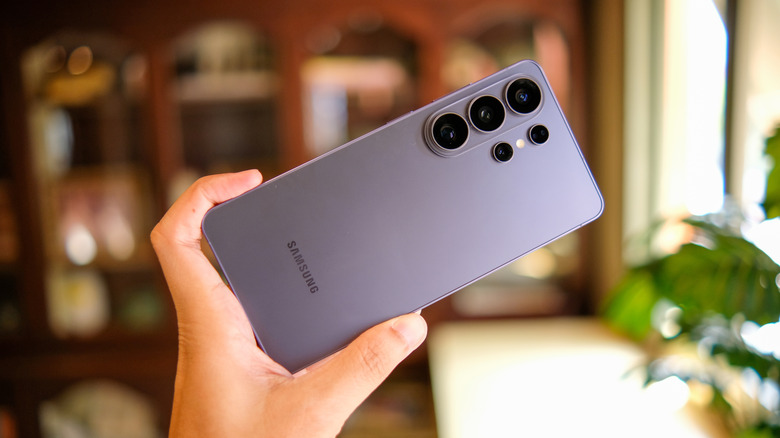
One UI is far from the cleanest looking Android skin on the market, but it surely is one of the most feature packed ones. Samsung has also done a relatively decent job of organizing all the options One UI has to offer. Some of the popular Samsung Galaxy features include DeX and the ability to customize everything using Good Lock. The company has also been leaning heavily into promoting AI features and arguably offers one of the most useful stacks in its devices.
We covered how Samsung's Adaptive Clock solved a problem with customization and accessibility that most smartphones face on the lock screen. It's now a feature available in the stable version of One UI for everyone to enjoy. You can check for software updates by navigating to Settings > Software Update. Depending on which model you own, certain One UI features might not be available to use.
Samsung wrapped up the first quarter with the launch of its Galaxy S26 lineup, which brought about under-the-hood upgrades and a few head-turning features like the Privacy Display on the Galaxy S26 Ultra. Much of what Samsung had to showcase was within its software, though. One UI 8.5 sprinkled in plenty of additions, and here's a look at five of the more exciting ones that bring quality-of-life improvements to the Samsung experience.
New Galaxy AI features
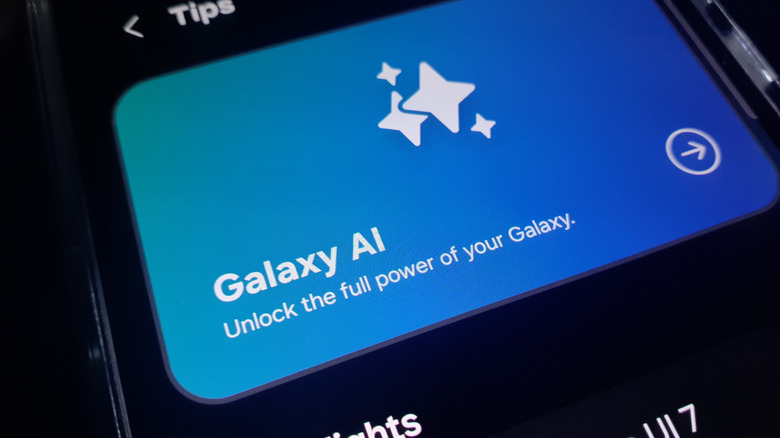
Samsung started packing in AI features with the Galaxy S24 lineup in 2024. Popular Galaxy AI features include Live Translation, Note Assist, and Circle to Search. One UI 8.5 adds two major AI features — Photo Assist and Now Nudge.
Photo Assist is likely going to be the headlining feature this year. It leverages the advancements in generative AI quite well. Instead of a bare-bones generator that creates images from scratch, Photo Assist makes changes to your existing photos. You can prompt instructions in plain English. For instance, if you have a photo with your dog but want it to be more expressive of the event, you could ask Photo Assist to add birthday hats and confetti.
Though Photo Assist has been around for a while, it got a major overhaul in form and function with the Galaxy S26 series. Now Nudge, on the other hand, is a completely new addition. You can enable it by navigating to Settings > Galaxy AI > Now Nudge. It's a feature that intelligently suggests actions based on what's on-screen. For example, if someone sends you an address and a reminder, Now Nudge will prompt you to create an event and will prefill relevant information. It's essentially Samsung's take on the Pixel's Magic Cue.
Fully customizable quick settings panel
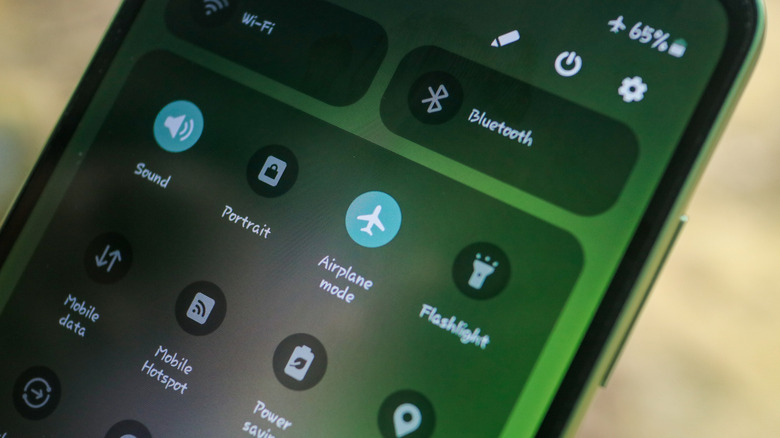
Regardless of which Android phone you've used, you likely have found great value in the quick settings panel that lives adjacent to the notification center. It's been a staple feature of Android since the beginning and gives you access to quick device controls like Wi-Fi, Bluetooth, GPS, or flashlight. Some OEMs, like OnePlus, let you move toggles around or add new ones, but One UI's new quick panel goes a step further.
Not only can you add, remove, and move toggles around, but you can also resize them. Some options dynamically add more functionality when expanded. This is similar to how the redesigned Control Center in iOS 18 lets you customize toggles. Certain tiles, like the volume and brightness sliders, can even be oriented in a different way. You can use the QuickStar module in Good Lock for further customization, which includes the ability to swap colors and icons, in addition to choosing which icons show up in the status bar.
Partial screen recording
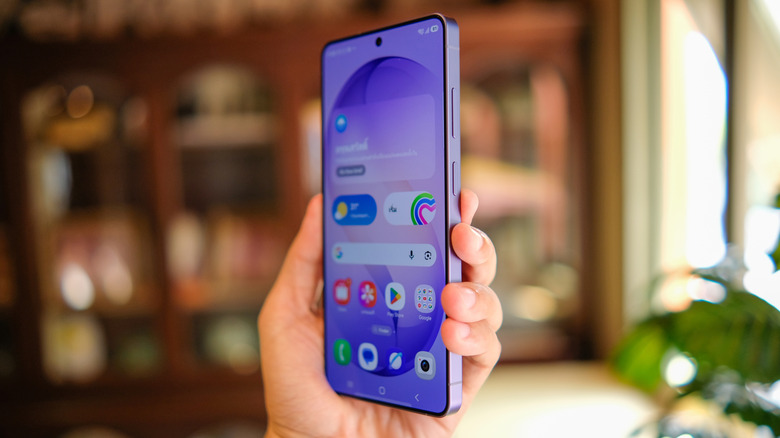
Grabbing a screenshot and using the built-in editor to highlight elements or censor sensitive information before you share it is a convenience that can be enjoyed on any phone. Most devices also have native screen recording functionality, which is better suited for capturing moving elements or compiling quick how-to guides to help that one family member in need. One UI 8.5 refines this functionality further by adding the ability to record just a portion of your screen.
With partial screen recording, you save considerable time and effort since you won't need to crop the video after the fact and wait for it to finish exporting. Beyond allowing you to record and share just the portion of the screen you want to, the tool can also automatically detect any videos that are playing on screen before you start recording. It then automatically crops the recording around the video for a more precise capture.
Now when you tap on the Screen Recorder toggle in the quick settings panel, you can pick between recording the entire screen as usual or going with a partial screen recording. You can crop the selected region by dragging on the handles and can also pause or stop the recording at any time.
Better privacy protection
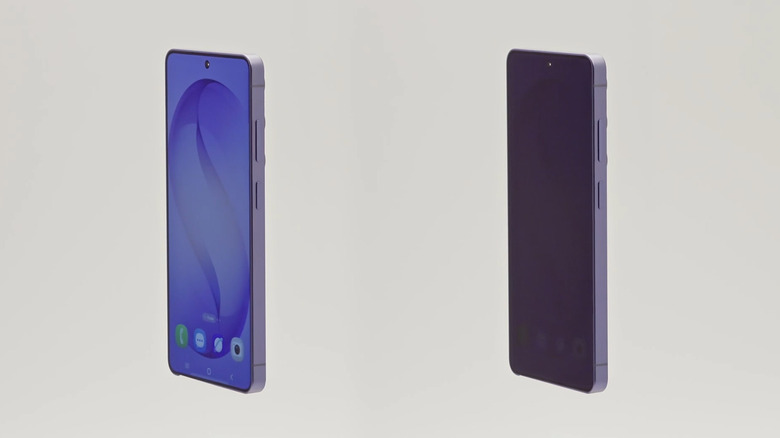
Moving temporarily away from software features, Privacy Display was perhaps the showstopper during the launch of the Galaxy S26 series. It's a hardware addition that improves privacy by significantly reducing viewing angles of the display. When turned on, the contents on the screen are only clearly visible to the person holding the phone. To anyone standing off-axis, the display will appear dim.
Although this is a feature that's currently exclusive to the top-of-the-line Galaxy S26 Ultra, there's a fair chance that we might see this technology in other Samsung devices down the road. It does come with a few compromises, like slightly poor viewing angles even when the feature is turned off — or the fact that you're essentially cutting your display resolution in half when toggling Privacy Display on. Regardless, it's a genuinely innovative feature that no other smartphone currently provides.
One UI 8.5 adds a slew of privacy-oriented software features as well. The native gallery app now lets you hide sensitive media in a private album that stays locked. You get theft protection, in addition to a mechanism that automatically locks the phone when someone repeatedly enters the wrong password in apps and settings. The Samsung Internet browser now comes with a machine learning model that identifies and alerts you of any malicious websites.
Agentic AI through Bixby
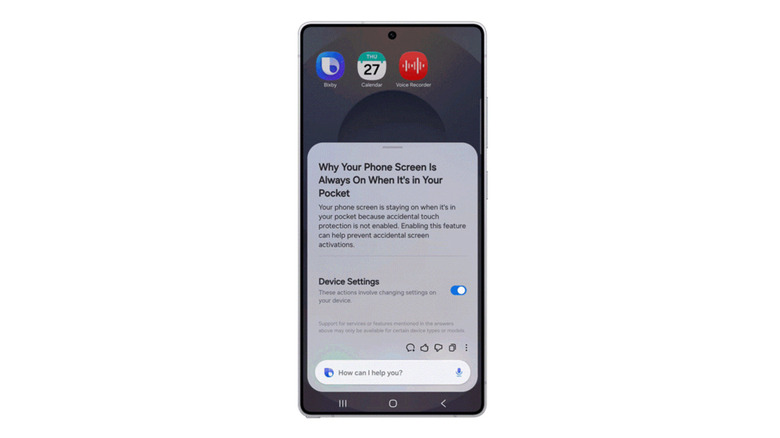
Samsung is already doing quite well in the AI department. There aren't many gimmicky features in the Galaxy AI suite, and continuous improvements have only made the existing features like Photo Assist better. There is one Samsung exclusive that the company is trying really hard to push, though. Bixby hasn't been met with the warmest reception since its debut in 2017, but One UI 8.5 might finally give users a good reason to try the assistant out.
For starters, Bixby can now fetch up-to-date information from the internet, making it much more useful for general queries like news, weather, or questions about nearby places. The more exciting bit of the update, however, is how deeply Bixby can now interact with your Samsung Galaxy device. While we're a ways away from seeing the full potential of agentic AI, Bixby can be used for device control in the meantime.
It does so through natural language prompts. For instance, you could summon Bixby and ask why your phone's screen keeps turning off every few seconds, and it will explain how the screen timeout setting works, as well as take you there. Integration with AI means Bixby can now understand and follow long chains of commands while staying contextually aware of what it is you're asking.