

DJI RS 5 Review: Best Results With DJI's Top-Tier Gimbal
We may receive a commission on purchases made from links.
If you want to capture epic cinematic sequences, smooth professional documentary footage, or beautiful artistic B-roll, then you might well be interested in a camera gimbal. However, if you're like me, there is also a lot of hassle associated with using a gimbal that might hold you back from using it as much as you might have imagined prior to purchasing such a tool. There's also typically more of a learning curve than you might suspect, which may hold you back until you spend a good few hours of trial and error figuring out how to get the best results out of these cinematography tools.
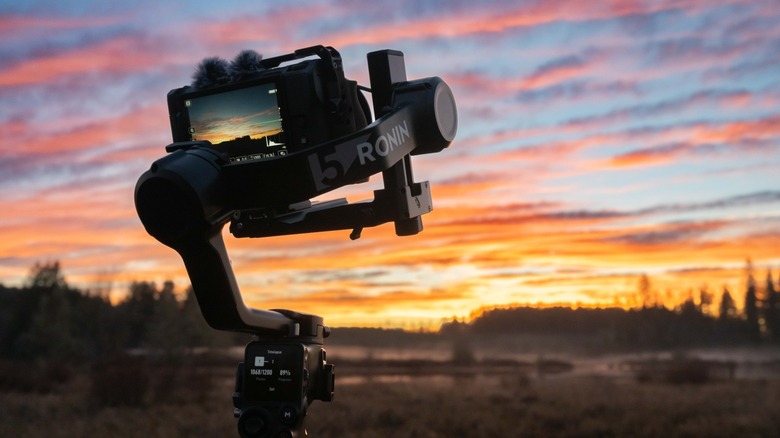
The DJI RS 5 aims to change all that, or at least iron out many of the wrinkles which can make gimbal videography a bit of a pain in the neck. Many aspects of the setup process have been automated, stabilization has been enhanced, and there's even a new visual indicator to help you learn to handle the gimbal more effectively. While on the surface it looks a lot like its predecessor, the RS 5 (provided here by DJI for testing for the purposes of this review) has some potentially game changing upgrades hidden under the hood.
Improved stabilization and tracking
DJI have made significant improvements to the efficacy of video stabilization in the RS 5, and this was something I found immediately noticeable. It's much better at smoothing out unwanted motion than any previous camera gimbal I've used. It's about as good as a gimbal can get in this regard without a Z-axis stabilizer such as is found in the DJI Ronin 4D. However, new in the RS 5 is a Z-axis indicator, which shows you how affected the gimbal is in that regard. It's a great tool to use in order to train yourself to walk in a way which introduces less noticeable motion in the video.
 Andy Zahn/SlashGear
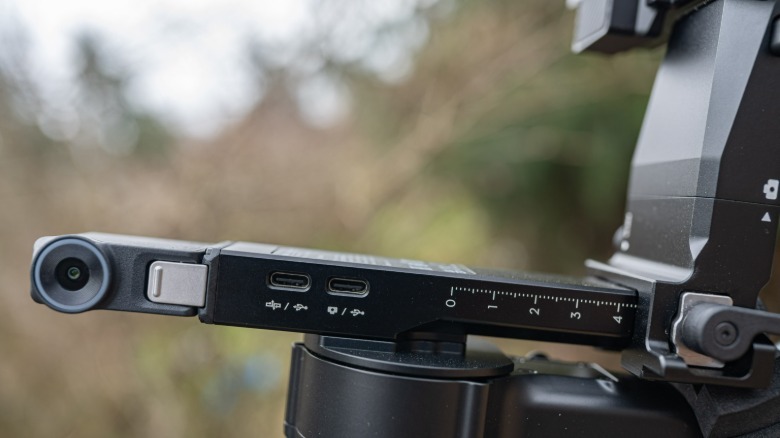
The upgraded subject tracking enabled by the enhanced intelligent tracking module performs well, particularly with people and other large objects. When recording myself using it as an overkill selfie-stick, the tracking locked on perfectly. It also helped me pull off some cool shots of rocks, bushes, and other inanimate objects. However, I had more difficulty getting it to track animals such as goats and dogs, which it had trouble locking onto and following, particularly in complex environments. Thanks to the tracking module's camera and the RS 5's touchscreen, it's easy to choose your subject by dragging a box over it with your finger on the screen.
Considering that I was able to get decent footage chasing erratic dogs around on uneven marshland as they enjoyed an off-leash romp, I would say that the stabilization and subject tracking in the RS 5 is fairly impressive.
Robust and relatively lightweight
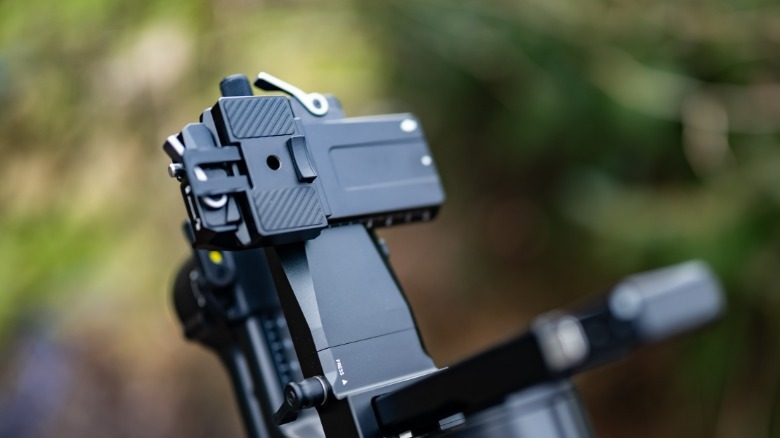
The RS 5 is a really well made device. I really appreciate how consistent its components are in terms of the quality of manufacture. The whole thing is really robust, and I could see it standing up to considerable wear and tear. It's particularly impressive that despite this rugged design, the RS 5 weighs just 3.2lbs, which in practice is surprisingly lightweight. Of course, with a camera on top of it this is still going to tire you out if you're lugging it around for hours on end, but as gimbals for full size mirrorless cameras go, it's relatively light.
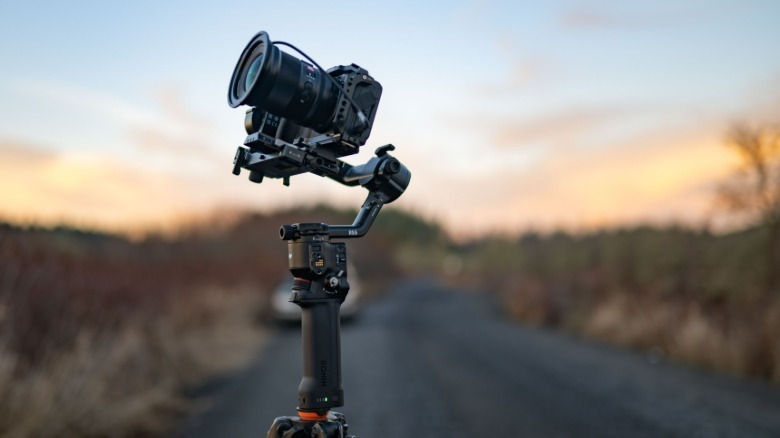
As for how much the gimbal can carry, you can load it down with up to 6.6lbs. The heaviest load I flew on it was the Nikon Z8 with the Nikkor Z 35mm f1.2 S lens and a camera cage, which works out to around 5 pounds total. The RS 5 had no problem with that weight, and I was able to film that setup for over an hour at a time without a rest.
 Andy Zahn/SlashGear
 Andy Zahn/SlashGear
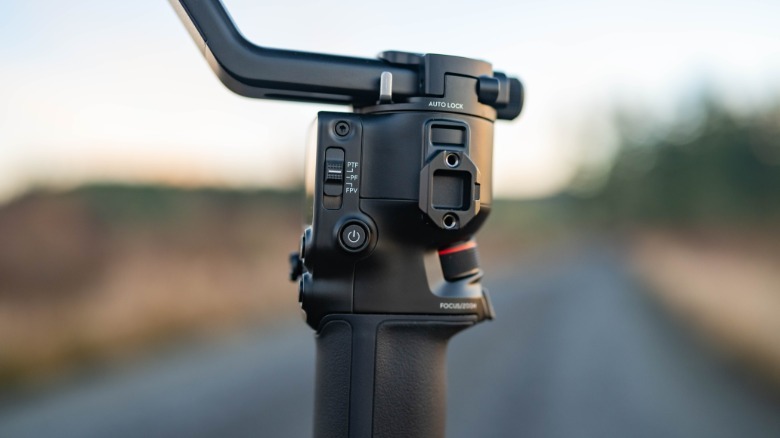
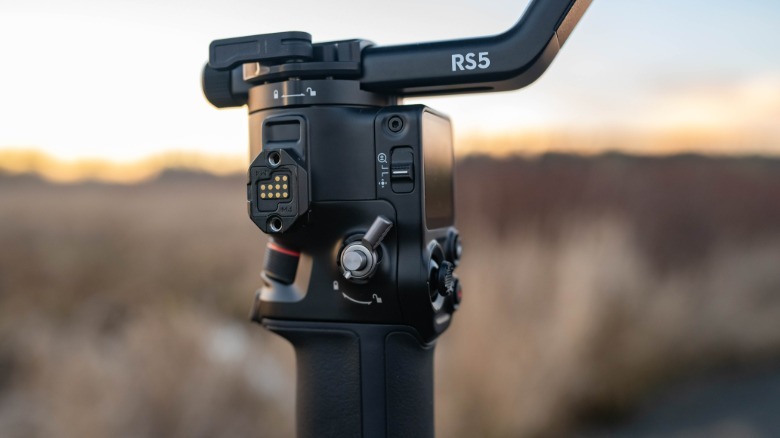
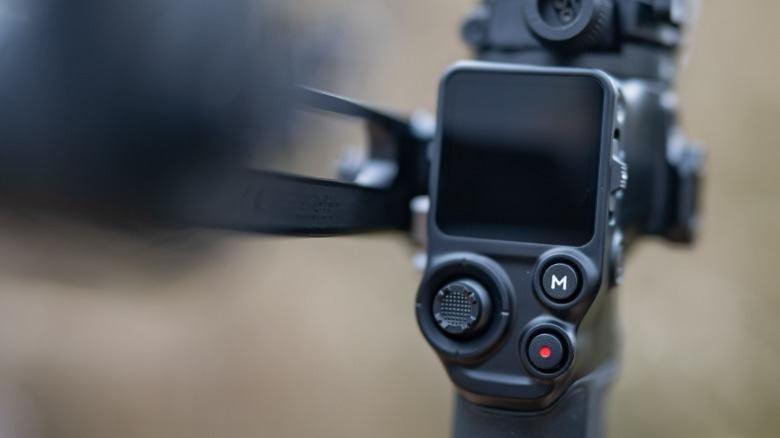
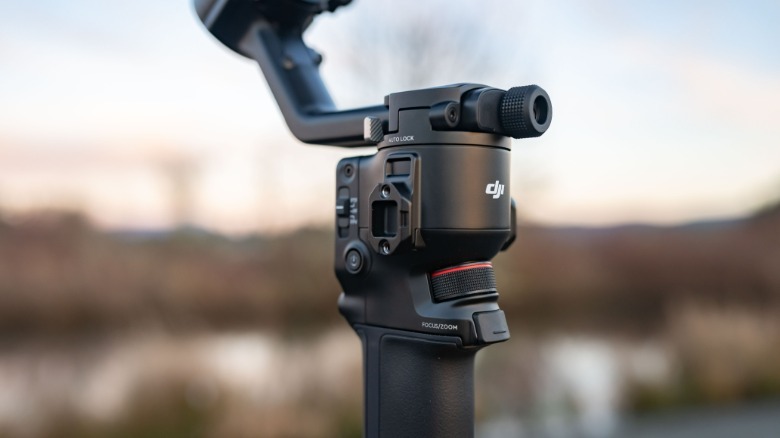
I'm particularly happy with the number of tough, tactile controls on the RS 5. The layout just makes sense, and I felt really confident using the device as a result. Many functions of the gimbal are tied to physical switches, which is great. The improved automated locking system of the gimbal axis is also fantastic; no more need to manually unlock/lock the various axes eliminates a huge amount of the hassle associated with gimbals. The calibration system in this gimbal also drastically cuts down on setup time, as do the axis adjustment knobs. Swapping lenses and cameras was never time consuming, and that's a breath of fresh air indeed.
Long lasting battery power for gimbal and camera alike
At full charge, the DJI RS 5 delivers around 14 hours of battery life, though of course that will vary depending on how you use it. I certainly never felt limited by its battery capacity; despite long filming sessions with it several days in a row, I only ever needed to recharge it a couple of times over the couple of weeks in which I tested it. This includes several-hour long motion-timelapse video recording sessions, some in sub-freezing conditions, and I was consistently using the gimbal to power the camera I was flying with it as well.
 Andy Zahn/SlashGear
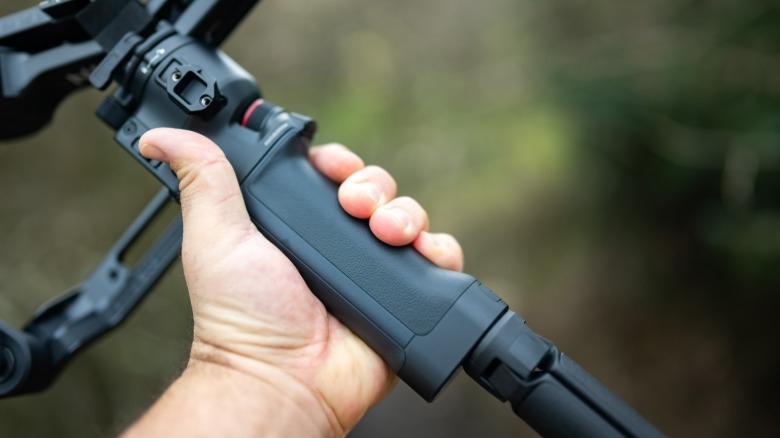
I also very much appreciate the battery design here, where each is simply the handle of the gimbal. They lock in very securely, but are easy to swap out if you should ever run low on juice, not that this is likely to occur unless you are doing multi-day shoots in a location where you're not able to recharge at night. It's worth noting that it also recharges very quickly, so it's not like you're waiting very long to be up and running again. I very much appreciate that the RS5 doesn't have an integrated rechargeable battery, as devices with integrated batteries are inherently limited in their potential lifespan.
Software is excellent, but features the usual achilles heel
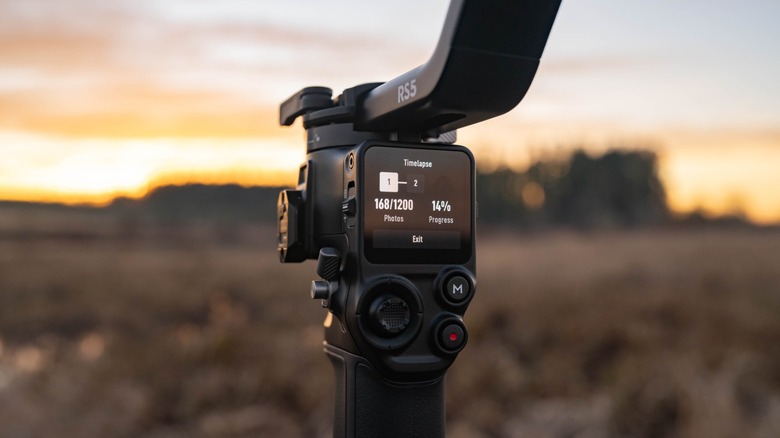
The internal software and companion Ronin app are excellent. The RS 5 includes a touchscreen, so it's easy to change a lot of settings, set timelapses, and control subject tracking on the fly. In general, the interface and software of this gimbal is excellent and intuitive. I'm used to using the on-screen interface of various DJI products, so I immediately felt right at home with the RS 5.
Unfortunately, the RS 5 is saddled with the same unfortunate activation requirements as other DJI products. You've got to connect it to a phone or tablet running the DJI Ronin app, and activate it with your DJI account. You are allowed 5 opportunities to skip this activation, and after that the RS 5 must be registered to function at all. Cameras and their accessories should not be burdened by activation/registration requirements, and I wish DJI would change course in this regard.
 Andy Zahn/SlashGear
In addition to being able to power your camera, the RS 5 can also start/stop recording on your connected camera, and also trigger the shutter during timelapse video recordings. Additionally, the gimbal can be connected to your camera via either USB-C or Bluetooth.
To gimbal, or not to gimbal?
It's pretty clear at this point that the DJI RS 5 is an exceptional gimbal, and if you're in the market for a gimbal, this is probably the one you'll be picking up. However, whether or not a big camera gimbal like the RS 5 is the right choice for you is a question which troubles many budding videographers. There's a lot of additional bulk, hassle, and setup time which is inherent in a gimbal, no matter how streamlined it might be.
 Andy Zahn/SlashGear
A camera with an integrated gimbal is one solution, with the DJI Pocket 3 being a particularly excellent and affordable option at $499 on Amazon (or discounted to $439 as of February 17, 2026), while if you have a huge budget to work with, the DJI Ronin 4D is a truly amazing system. However, it's also worth looking at the action camera scene; specifically, the DJI Osmo Action 6, which features a large sensor, variable aperture, and excellent electronic stabilization for just $379 at B&H.
I did a side-by-side test of the two, and while you definitely get less sharpness, low light capability, and less effective stabilization with the Action 6, it's not as much of a leap as you might think between it and the RS 5 flying a Nikon Zr. If you're on a tight budget and are hesitant to invest over $3000 in a camera, lens, and gimbal, then an Action 6 or Pocket 3 will still deliver excellent results that are more than adequate for most content creators. With that said, if you already own a mirrorless camera setup, then the RS 5 is an awesome tool to add to your kit.
Priced about right
Starting at $569, the DJI RS 5 is pretty reasonable, though I'd definitely recommend opting for the $719 combo which includes the enhanced intelligent tracking module and briefcase handle. My "ancient" DJI Ronin S cost $699 when it launched back in 2019, so by comparison the RS 5 is one of the very rare products that is actually less costly than its predecessor.
 Andy Zahn/SlashGear
With that said, you're still talking about investing a considerable amount of money into a gimbal, and there are cheaper options if you have a smaller, lighter camera setup. The DJI RS 4 Mini for example is just $369, and is ideal if you are going to film using a smartphone or compact camera. I've even used that gimbal with the Nikon Zr and the small, lightweight Viltrox 28mm f4.5 AF lens. For many people, it's the more practical option, but there's no denying that the DJI RS 5 is absolutely worth the extra spend if you want to fly a larger, heavier setup and benefit from the various upgrades of this cutting edge gimbal.
Conclusion
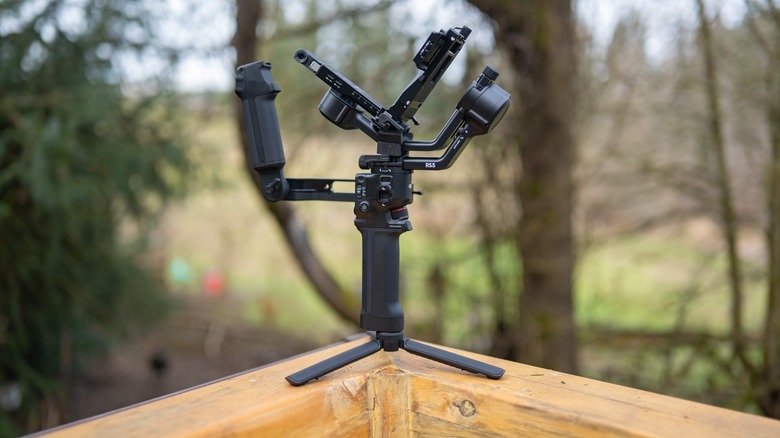
My time with the DJI RS 5 was by far the most enjoyable time I've ever had filming with a camera gimbal, and I believe this really shows in the footage I've captured with it. Just in terms of overall performance, it left me impressed. However, what really sold me on it was how easy it is to set up, take-down, balance, and calibrate. There's practically none of the fiddly nonsense which has largely been responsible for me avoiding gimbals in the past. This degree to which the drudgery of gimbal use has been streamlined here is exactly what was needed for me to reevaluate my relationship with camera gimbals.
 Andy Zahn/SlashGear
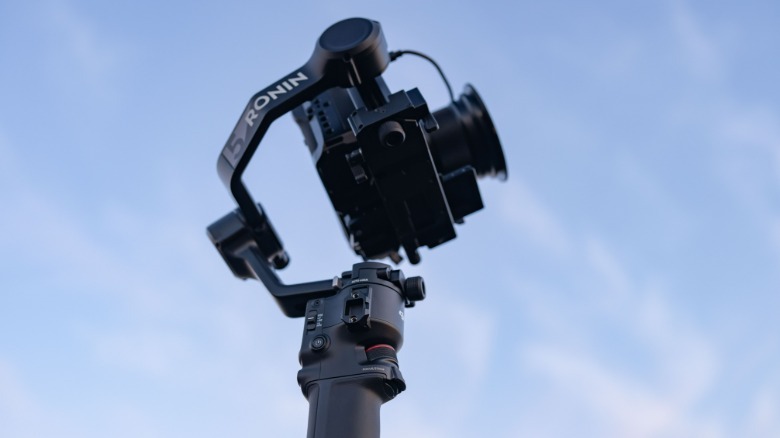
Being able to plug my camera into the USB-C port of the RS 5 and have it both feed power to the camera, and also enable remote triggering of the shutter/video recording, and have that just work right off the bat, was another example of how easy this gimbal makes life for videographers. Obviously, a camera gimbal isn't a tool for everyone, but I can much more easily recommend buying the RS 5 to the average video creator than I could other full size gimbals I've tested. The DJI RS 5 is a fantastic piece of kit, and it should absolutely be top of your list if you're considering picking up a gimbal.
The DJI RS 5 is available starting at $569 from B&H or (that same price) in the DJI store on Amazon.