

5 Drawbacks Of Using A VPN With Your Home Internet
Having a VPN can come in handy when you're sitting on your own couch trying to stream a movie that's only available in another country. If a website limits access based on your region, using a VPN could help you get around that restriction. It can also mask your home IP address by routing your traffic through its own server, so the sites you visit see the VPN server's address instead.
So, having a VPN can be very convenient when you need it, but leaving it on all the time can change how things work in your home. While it comes with some advantages, there are some disadvantages as well, including slower downloads or your favorite streaming service limiting what's in its catalog. Also, your personal data might be collected or shared, depending on the VPN provider's privacy practices.
Then there's the cost. A free plan might be enough if you only use a VPN on one device and don't mind having fewer server locations to choose from. However, if you're interested in connecting your laptop, phone, and TV at the same time while choosing a better server location, you may need a paid plan.
A VPN can slow down your home internet
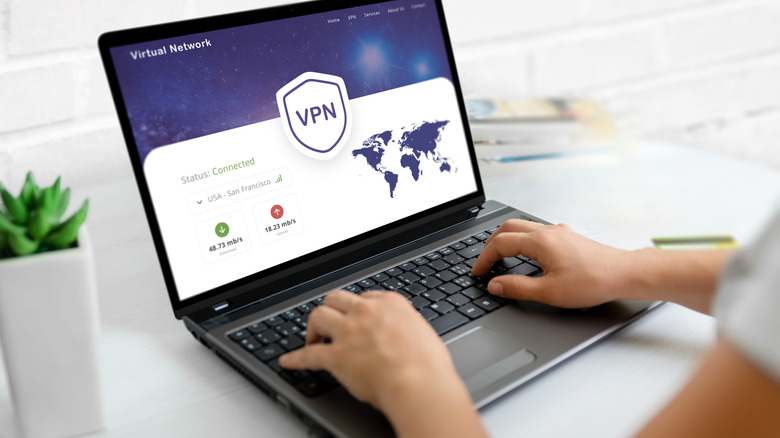
One of the major disadvantages of using a VPN is that it can slow down your internet connection, even when your Wi-Fi is working fine. That's because when the VPN is on, your traffic takes a detour through the provider's server before reaching the site or app you're using. A server across the country or overseas can make that trip longer, and a busy server can leave you with less bandwidth for downloads.
How much you notice this slowdown depends on what you are up to. Downloading a big game update can take longer, and a higher ping can cause a delay between pressing a button and seeing the action during an online match. Even if you have enough bandwidth to stream a movie without buffering, you might notice a delay when starting playback.
Choosing a nearby VPN server can help reduce that detour and the resulting lag. To see how different your internet speed can be, it's possible to run a speed test with the VPN on and then again with it off to see how much it is slowing down your connection. Use the same device and the same speed test server both times, then compare the download speeds and ping to see if using a VPN makes sense for you.
You have to trust your VPN provider with your data
Another point to consider when using a VPN is that the company running the service sits between you and the websites you visit while it's active. Your internet provider can see that you're connected to a VPN, while the VPN company may be able to see details such as the sites you connect to and when. So, how much privacy you get while connected to a VPN depends in part on what that company does with the information.
Seeing that information and keeping a record of it are two different things. Some services say they don't log browsing activity, but their policies may still allow them to retain certain connection details. Some free VPN apps also share information with third parties, so before choosing a VPN service, you should review its privacy policy carefully.
For example, you can start by looking for specifics. Does the provider store your IP address or the times you connect? How long does it keep those records, and can it share them? An independent audit can give you something more concrete to go on, especially if privacy is your main concern.
A VPN can get in the way of streaming
You can open Netflix on the same TV you use every night and find that a show you were halfway through has vanished. That's because a VPN changes the IP address Netflix sees, so the connection may look like it's coming from wherever the VPN server is. This is something that can happen when the TV connects through a VPN running on your router, too.
Netflix says that when you connect with a VPN, it may only show titles it has the rights to stream worldwide. You might also see an error asking you to turn off the VPN before trying again, especially if you're on an ad-supported tier. Netflix doesn't support VPNs for its ad-supported tier or for live events, so you may have trouble getting anything to play in either case.
Some VPN services offer features like split tunneling, which lets some apps use your regular internet service. So, if that's available, it's possible to send traffic from Netflix or another streaming service outside the VPN while keeping it active for other apps. Otherwise, you may have to disconnect the VPN before getting back to your favorite show.
Using a VPN on multiple devices can cost extra
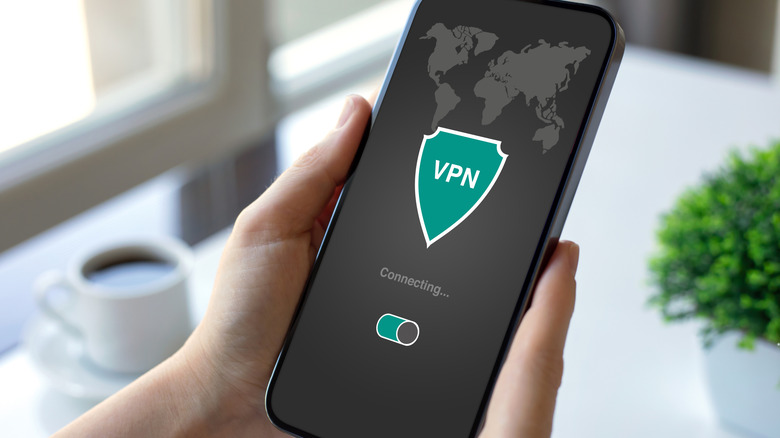
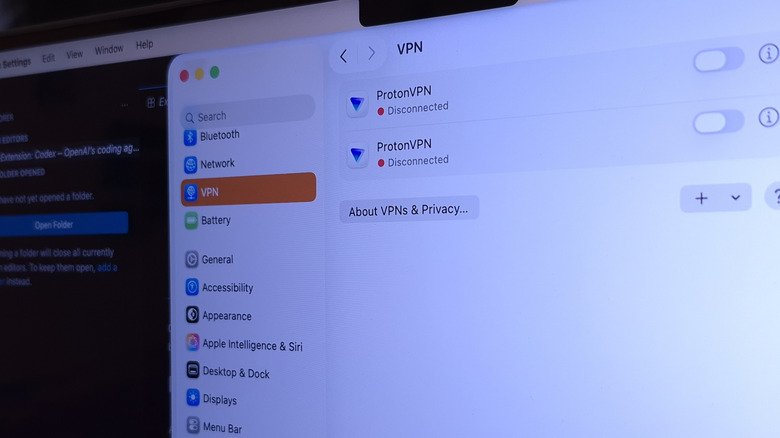
A free VPN service can be enough for one person who only uses it occasionally. However, if the whole household wants to use it, you may start running into some limits. Proton VPN's free plan, for example, only allows one active connection at a time. So, even if you install the app on both your laptop and your phone, you still have to disconnect one before connecting the other on the same free account. Proton's paid VPN Plus plan raises that limit to 10 simultaneous connections, but this can vary depending on what you subscribe to.
Other benefits, like access to more servers, can also cost you money. Once you start looking at paid plans, check how the price is billed. A low monthly rate can be based on subscribing to a year or more of service, with the full amount paid upfront. Some plans even renew at a higher price. Before signing up for any service, it's also important to check these details so you aren't surprised when the introductory offer ends.
A VPN can block access to devices on your home network

The next time your Wi-Fi printer shows up as offline, take a look at what's running on your computer. Some VPN apps can block connections to other devices on your home network, depending on their settings. You might still be able to open a website or send an email while a print job sits in the queue.
A similar problem can occur when you cast from an Android phone to your TV. To begin casting, your phone must find the TV on the local network. Even if both are on the same Wi-Fi, the TV can vanish from the list of available devices if the VPN is blocking local access.
To see whether the VPN is the reason, pause it briefly and try printing again. If the printer does come back, look for a setting that allows local network access, which may vary depending on the service you're subscribed to. Proton VPN calls it "Allow LAN connections" on Windows and includes it only with its paid plans. With that enabled, your computer can reach the printer directly while your internet traffic still uses the VPN.