

7 Drawbacks Of Buying An iPhone
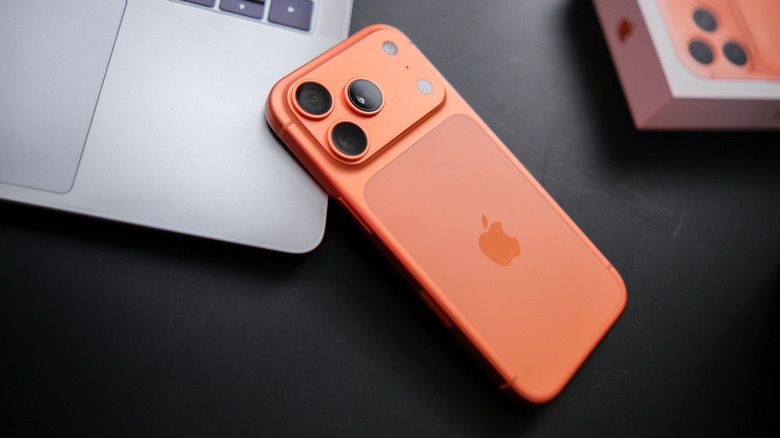
Apple's dominance in the smartphone market is well documented, especially in the United States. While the company has an 18.7 percent global share of smartphones, this number rises to 54 percent in the US. To put this into context, there are a whopping 150.7 million iPhone users in this country, highlighting Apple's stranglehold over this market.
It's clear that most people gravitate towards an iPhone when considering a new smartphone, as evidenced by the iPhone 17 being the most popular model yet. The sleek UI, premium features, and exceptional camera quality have led many people to prefer the iPhone over Android devices.
However, it would be short-sighted to assume that there are no drawbacks whatsoever to owning an iPhone. Sure, being able to easily communicate with anyone else who owns an iOS device and transfer files quickly is a plus, but there's a reason why so many people prefer to stay away from Apple and its devices.
A costly investment
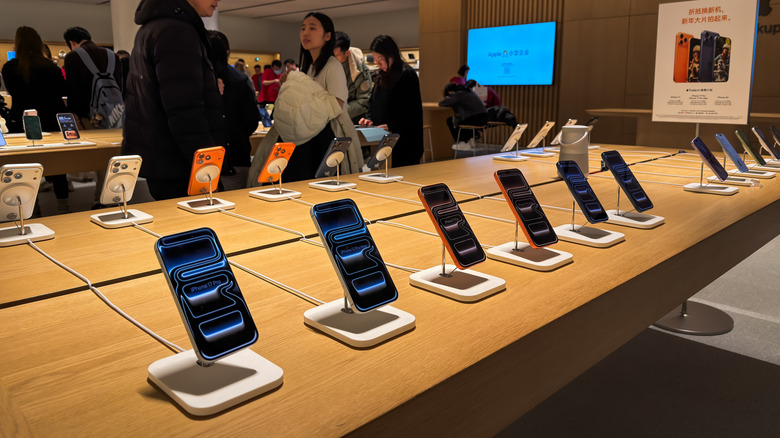
The first point is the most obvious negative that everyone points out when the topic of the iPhone comes up. The recently announced iPhone 18 Pro and iPhone 18 Pro Max are great examples of this, launching at $1,199 and $1,299, respectively. It speaks volumes that no one even bats an eye at the fact that these smartphones have crossed the $1,000 mark — that outrage is reserved for the $1,999 iPhone Duo. While the base iPhone 18 hasn't been announced yet, expect a price higher than the iPhone 17's $899.
Compare this to the fact that some Android budget phones can be purchased for as low as $200. While it's true that Apple's dedication to delivering software and hardware excellence means they don't skimp on making their smartphone offerings as high-quality as possible, the brand is so strong that there's no reason for even the iPhone 17e to go below $699. That's a whopping $500 increase — or two budget Android phones!
If that wasn't bad enough as is, iPhones also come with just a charging cable in the box. You'll have to buy an adapter separately, which is yet another expense that increases the overall cost of the package.
Limited customization
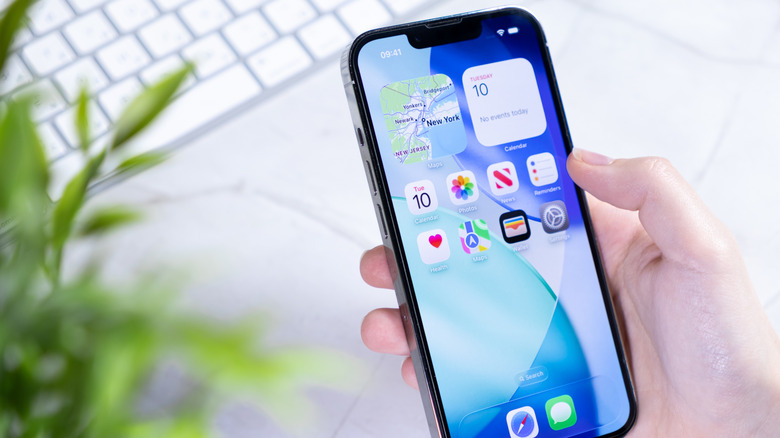
To say that the iPhone isn't customizable is a stretch. Sure, there are limitations, but Apple has made strides to address user complaints and added a bunch of ways for people to change how their home and lock screens look in iOS 27. Aside from the obvious — changing the background — you can also add widgets, a feature introduced in iOS 14, long, long after Android had done the same. App icons can also be made larger or smaller. You can also adjust the tone of these icons to make them light, dark, clear, or tinted. The Control Center can also be customized at your behest, but this isn't news for Android fans, either.
In fact, comparing the iPhone's customizations to what Android offers will make the former's limitations quite apparent. App icons can be customized entirely, with phones like the Google Pixel offering options to generate custom icons for all your apps after you choose a theme. In fact, why limit yourself to apps alone? You can use a different launcher to completely change the look and feel of your Android device, ranging from minimal looks to hyper-stylized themes that are surprisingly aesthetic. Niagara Launcher, Nova Launcher, and Apex Launcher are just a few of the many launchers you can use for this purpose.
If you want an even greater degree of customization, Android phones let you flash ROMs that install a separate OS, making your phone so different it's downright unrecognizable. Most people do this to avoid big-corp surveillance and eliminate any distractions from their phone, with GrapheneOS and LineageOS being perfect for this purpose. If you buy an iPhone, you'll be limited to the customization Apple allows, and no more.
The pressure of conforming to the ecosystem
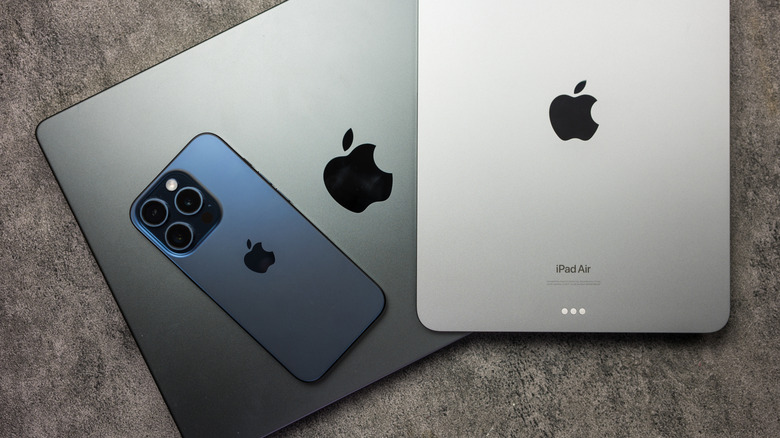
Apple's suite of offerings isn't limited to its iPhone — there's also the MacBook, Apple Watch, AirPods, and the iPad, among other products. Is it necessary to buy all these products and get into the Apple ecosystem? Absolutely not, but there's a reason why Apple has moved heaven and Earth to make these devices deliciously compatible with each other, to the point where your iPhone may genuinely surprise you. Their wearables can sync with your phone to provide you with all the metrics you need; transferring documents from an iPhone to an iPad or MacBook is as simple as just using AirDrop, the Universal Clipboard is far more useful than it has any right to be, and your AirPods will only feel right at home if connected to an Apple device.
There's a reason why working professionals are so reliant on their iPhone and MacBook to get any work done. Even if you are a Windows and Android loyalist for your computer and phone, respectively, switching to Apple on either device will inevitably compel you to get the other. This can become a very sizeable expense over time as the Apple ecosystem keeps enticing you. The Apple Watch Ultra 4 starts at $799, the AirPods 5 will cost you $129 at the very least, the iPad Pro costs $1,199, and the MacBook Pro will set you back at least two grand. Unless you have the cash to enter this ecosystem or the Herculean willpower to avoid this consumer trap, the iPhone may not be the best purchase for you.
No expandable storage
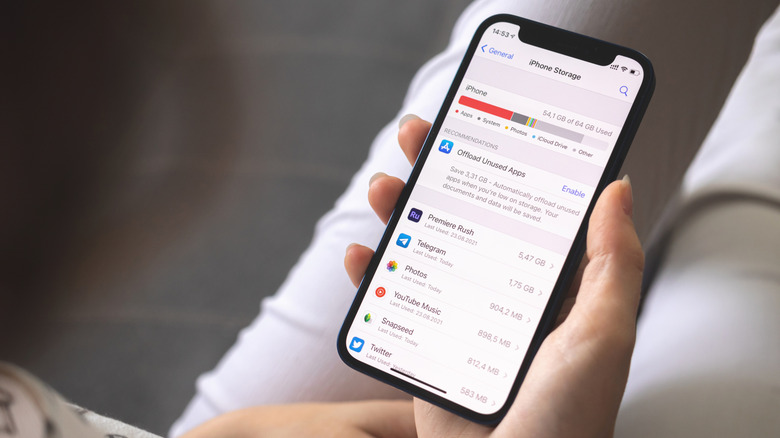
The base 256GB iPhone 18 Pro costs $1,199. This storage space is nothing great, especially since using the camera to capture high-quality photos and videos and downloading a bunch of games will fill it up in no time. Facing this problem on your Android phone isn't too big a problem, since they usually let you install a microSD card to increase storage space. There are a few exceptions here — the Google Pixel and Samsung Galaxy S being two notorious offenders — but these aren't a big deal when compared to iOS devices and their ridiculous insistence on preventing any form of internal storage expansion whatsoever.
Either you save up a pretty penny and buy an iPhone with more storage — the 2TB 18 Pro model costs $2,399, to give you an idea of how much you need to spend — or you get an iCloud plan with a monthly subscription fee. Cloud storage may be convenient, but some people prefer to access all their memories on their phone without regularly backing up their data to the cloud. An argument can also be made that this plan is a bit on the expensive side. Sure, $0.99 per month for 50 GB of additional storage is pretty cheap, but anyone seeking more than 2 TB of iCloud storage will have to shell out $29.99 or $59.99 for the 6 TB or 12 TB plans.
Limited compatibility with third-party tech
While Apple's inter-device compatibility is excellent — something we've already spoken at length about — it's how these products interact with other third-party technology that can get pretty annoying. Take the Apple Watch, which can't even be set up without an iPhone! Having to buy an iPhone just to make the most of this smartwatch will leave a bad taste in your mouth. AirDrop is a very convenient way to send files, but it was only available on Apple products for a long time. It wasn't until 2025 that this feature was finally compatible with Android devices. Even simple cables or power adapters won't work with your iPhone if they lack MFi (Made for iPhone) certification, which seems a bit too restrictive given that such an issue doesn't arise on Android phones.
It's not just physical non-Apple products that get the short end of the stick, either — a simple iMessage for Android feature would've made it easier for a household to have both iOS and Android users without facing issues communicating with each other. Third-party messaging apps are also restricted from running in the background on iPhone — an issue not encountered with the Messages app.
Even digital wallets aren't free from Apple's restrictions. Apple Pay is a convenient way to carry out digital payments, but the company hasn't extended the same courtesy to other third-party digital wallets. What makes this exclusion glaring is that Apple Pay is the only digital wallet that supports NFC payments. You can't use this tap-to-pay feature with other payment apps, forcing you to — once again — rely almost entirely on Apple after getting an iPhone.
Minor improvements with each model
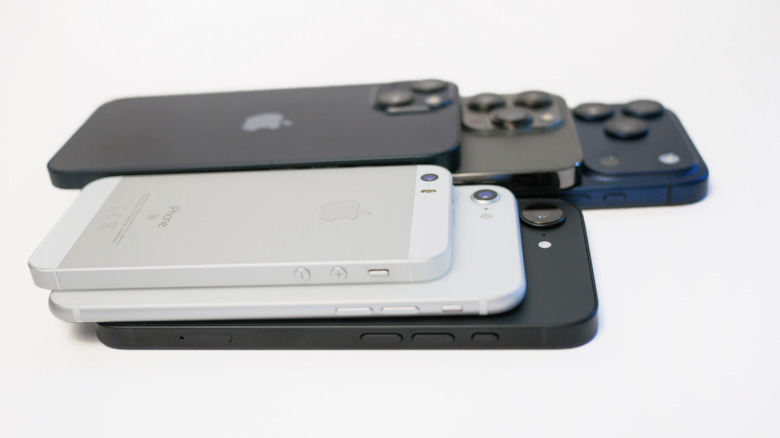
Incremental innovation has been the bane of a smartphone user's existence for a long time. This isn't a problem limited to iPhones either, even though people love to point at them as the biggest offender in this regard. Samsung and Google are also guilty of releasing current-gen smartphones every year that aren't exactly heavy hitters in terms of upgrades and innovation.
However, this becomes a bigger problem for iPhones, since the company has admitted in the past — and subsequently been fined for the same — that it intentionally slows down older models, citing battery conservation as the primary reason. Regardless of whether this claim is legitimate, it doesn't change the fact that some iPhone users will feel pressure to upgrade their device three or four years after purchase, which can be a significant financial burden.
The recent "improvements" to Apple's latest hardware lineup are a prime example of the same. A new chip is the only notable upgrade in the MacBook Air, MacBook Pro, iPad Air, iPhone 17e, and the AirPods 2. As sleek as Apple's software may be, it can only do so much of the heavy lifting before users start to notice how minimal the improvements are with each successive iPhone generation.
File system restrictions

To make yet another drawback of the iPhone clear as day — even if you don't want to hear it — it's time to look at how to transfer files from your iPhone to your PC. Firstly, you'll need a special cable adapter to connect this device to an external storage drive. Once this is sourced, you can use an app like Files or Pages to transfer any documents, photos, videos, app data, and any other relevant files to your USB drive or microSD card. Connect this storage device to your PC to transfer these files without any issues.
Meanwhile, to do the same on an Android phone, all you need to do is connect your smartphone to the PC via a cable, select "File Transfer" after tapping the "Charging this device via USB" notification, and that's it. You don't need a separate storage device to act as a digital middleman for such a simple task. While we appreciate the effort to secure the iPhone's data, Apple is far too restrictive when it comes to simple file transfers between devices, which can become a pain after a point if you like transferring files from your phone to another device constantly.