

You Might Think These High-End Monitors Aren't Worth It, But Hear Us Out

We may receive a commission on purchases made from links.
As powerful and compact as laptops have become, you simply cannot replicate the experience that the bigger screen of a dedicated monitor can provide. Modern monitors have gotten slimmer, sharper, and more affordable. Plus, if you buy smartly, you can even use USB to connect to a monitor, eliminating the mess that dongles usually create. If you're shopping for a new monitor in 2026, it's pretty difficult to make the wrong choice, given how most displays are Full HD at minimum and often offer refresh rates of 100Hz or more. Once you move beyond the budget segment, however, you'll find a vast selection of premium offerings that can sometimes cost as much as a computer itself.
As someone who enjoys playing competitive games like "Counter-Strike 2," it's easy for me to see the appeal of high refresh rate monitors — but these aren't the only kinds of premium displays you can get. There are monitors with expensive OLED panels or those with wide gamut coverage that are geared towards creative work that involves video editing or graphic design. Then there are ultrawide displays or monitors with built-in USB hubs or webcams. While these kinds of displays are often priced higher than your run-of-the-mill office monitor, for the right person, the added features can justify the premium. Here's a more in-depth look at why these monitors may be worth the money for some.
Mini LED and OLED displays
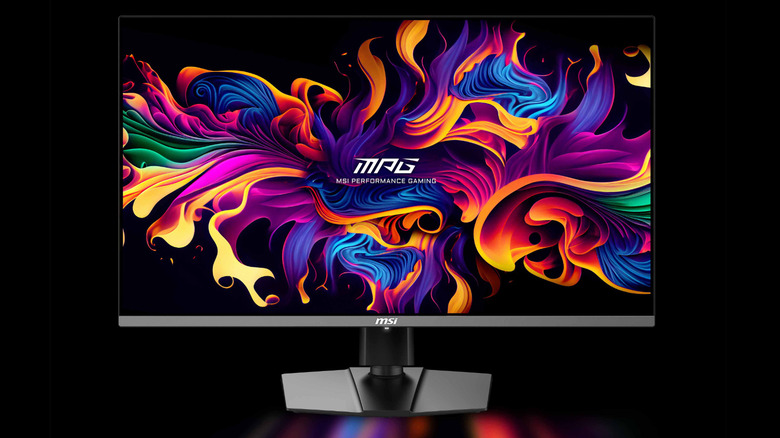
OLED is not a new technology — it has been around for a while, but only recently has its mainstream adoption picked up in the monitor space. OLEDs use self-emissive pixels, which means every pixel generates its own light and color. Compared to traditional LCD monitors, OLEDs don't require a backlight. This means you get inky blacks and overall contrast levels that regular monitors struggle to match. OLED displays are also touted for their rich color reproduction, which makes them a treat for movie watching.
More importantly, OLED monitors boast near-instantaneous response times — sometimes as fast as 0.03ms. Since there's no separate backlight to control, the individual pixels can change state almost instantly, resulting in virtually no ghosting. That being said, many high-end LCD monitors can go as low as 1ms, which is still perfectly fine for competitive gaming.
Priced at $830, the MSI MPG 321URX earned a score of 92/100 in PC Gamer's comprehensive review. It uses a 4K QD-OLED panel, spanning 32 inches, and featuring a refresh rate of 240Hz. Besides DisplayPort and HDMI ports, the monitor also features USB-C connectivity with support for Power Delivery. As far as Mini LED options go, RTINGS recommended the $1,300 Samsung Odyssey Neo G8, which features a 4K 32-inch panel and almost 1,200 local dimming zones. Mini LED panels deliver high brightness while maintaining impressive contrast ratios.
Monitors with high refresh rates
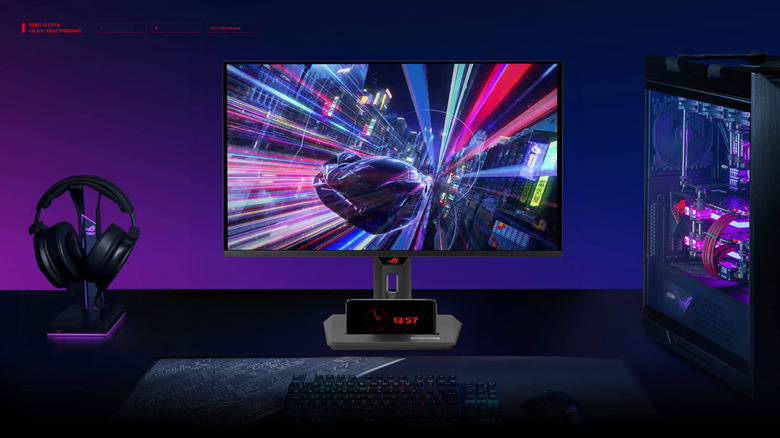
Most standard office monitors sport a refresh rate of 60Hz. While this is perfectly fine for your everyday set of apps and web browsing, a higher refresh rate of 100Hz or 120Hz does provide a noticeably smoother experience — even if all you're doing on your monitor is scrolling through web pages and documents. Of course, the numbers don't stop there. If you're a gamer and own a decently capable computer or laptop, you should eye monitors that offer a refresh rate of at least 144Hz.
This is, of course, assuming your rig has the graphical prowess to push enough frames per second. Competitive titles like "Valorant" or "Fortnite" are where you stand to benefit the most from a high refresh rate display. There are monitors that also offer refresh rates of 165Hz, 240Hz, 360Hz, or even 540Hz and higher. At a certain point, though, the law of diminishing returns starts to kick in. For example, you might not notice as big of a difference between 240Hz and 360Hz as you would jumping from 60Hz to 144Hz.
Yet, there is a consumer base for monitors with extremely fast refresh rates. For professional esports players or simply very competitive gamers, the reduction in perceived input lag and improved motion clarity are advantages enough to justify the added cost. At $730, the Asus ROG Strix XG27ACDNG has a 4.5-star rating on Amazon and boasts a refresh rate of 360Hz.
Color-accurate monitors
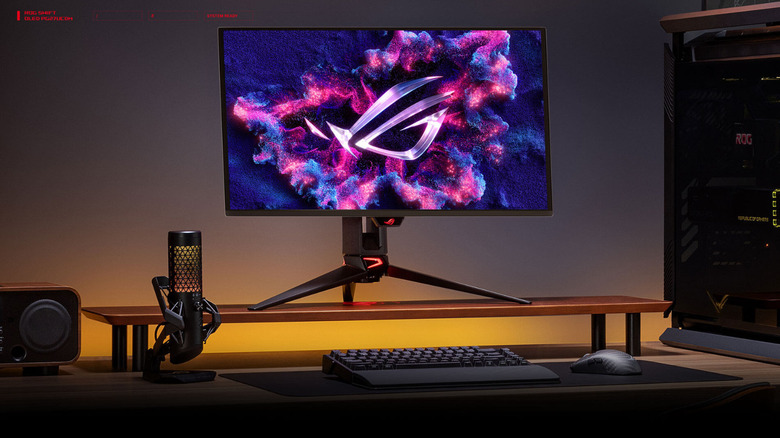
For professionals working in the photo or video editing industry, a color-accurate monitor is almost always a non-negotiable. Even if your traditional office monitor or a dedicated gaming display might offer boosted, more vivid colors, what creators are looking for is accuracy and consistency. For instance, designs that are going to be printed require colors to appear as intended while a graphic designer is working on them using a monitor.
A poorly calibrated display or one that leans towards oversaturated colors will cause discrepancies between what you see on screen and what the final output will look like. Even if you're working on delivering digital content, you likely want it to appear consistent across different kinds of devices. Monitors advertised as being color accurate feature a wide color gamut, which allows the screen to display a wider range of colors. These monitors are also often high in resolution and come with proper calibration out of the box.
In a roundup of the best video editing monitors, RTINGS recommended the Asus ROG Swift OLED display. It's a 27-inch 4K OLED monitor that achieves 99% DCI-P3 coverage while also refreshing at an impressive 240Hz. Of course, at $1,200, it is priced at a premium, too. While these may be fantastic even for regular use like watching movies, gamers would still be better off eyeing a dedicated gaming monitor with a high refresh rate that doesn't cost a small fortune.
Ultrawide or curved displays
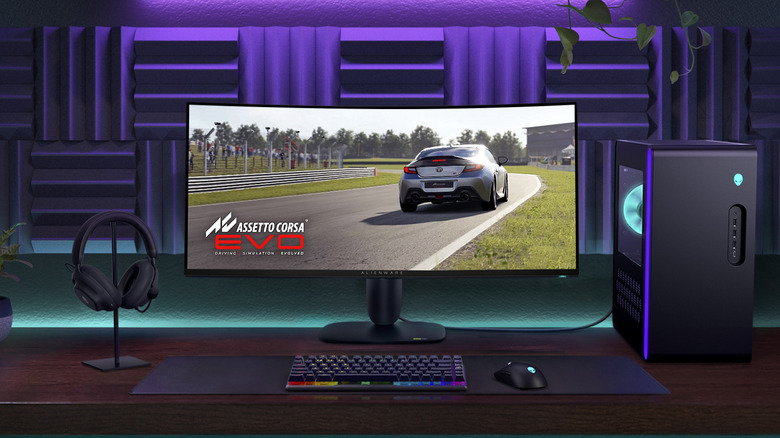
Dual monitor setups are more common than you might think. They offer you the convenience of having twice as many apps open at the same time and also make organization easier. It's often a good idea to pick up two of the same monitors to reduce the differences in color, brightness, resolution, and motion. However, a more elegant approach to maximizing horizontal screen real estate is to pick up an ultrawide monitor.
Ultrawide displays are often touted for their productivity benefits, but their perks go beyond just that. For starters, you're running half as many cables into a single ultrawide monitor than you would in two regular sized displays. Plus, if your laptop or computer only has one handy HDMI or DisplayPort connection available, an ultrawide monitor lets you skip dongles or docking stations. Tom's Hardware gave the Alienware AW3425DW monitor a 4.5-star rating. It's a 34-inch 240Hz OLED curved gaming monitor that retails at $800.
Many ultrawide monitors are also curved — this improves content on screen and blends it in more naturally with your field of vision. The choice between ultrawide and dual monitors can be a tough one — there's pros and cons that come with both. Unlike the other kinds of monitors we've mentioned here, ultrawide or curved displays aren't particularly expensive, but they do ask for a little extra than traditional flat-screen monitors.
Monitors with built-in hardware features
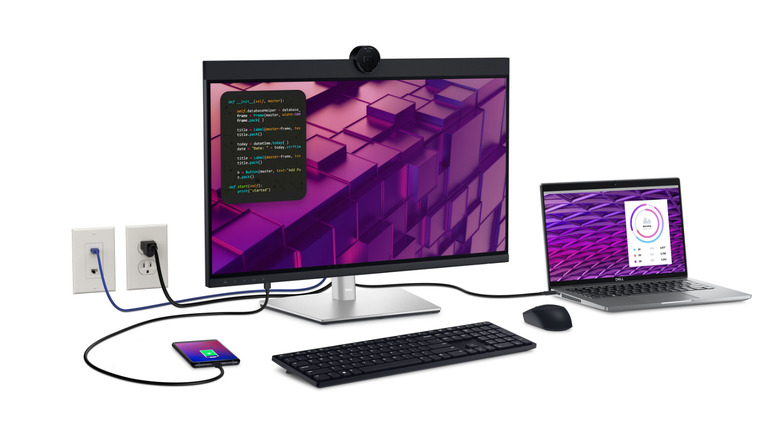
When shopping for monitors, you might also stumble across a few options that pack in niche hardware additions, like a built-in webcam or a docking station. With so many of our meetings now being carried out virtually over platforms like Microsoft Teams, it's never a bad idea to have a monitor that can simplify your desk setup. The $800 Samsung ViewFinity monitor is a 34-inch display that comes with built-in speakers. Sure, they might not replace a dedicated audio setup with a subwoofer, but they're more than enough to handle video calls, some music, and casual YouTube watching.
The Dell P2724DEB, recommended by Digital Camera World, is another feature-packed offering. Priced at nearly $500, it's definitely more expensive than most office monitors out there. It's a 27-inch 1440p monitor that comes with a Full HD webcam built in. You also get a USB hub that includes a USB-C port capable of up to 90W of Power Delivery. There's a gigabit Ethernet jack built-in — which is great since not many laptops come with the port anymore. In case you ever want to add more pixels, the monitor supports daisy-chaining as well.
Monitors that offer these features aren't as common. While you can often pick up third-party accessories like a dedicated webcam or a beefier docking station for your laptop, some may find it convenient to have these features built into their displays.
How we picked monitors for this list
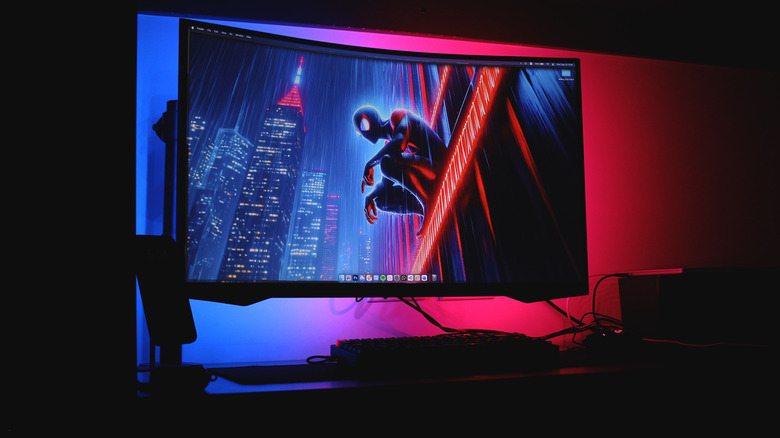
I've jumped through my fair share of monitors in hopes of finding one that strikes the perfect balance between form, function, and affordability. While I'd love to daily drive an OLED panel, the tech is still a bit too expensive to justify scrolling web pages on for the whole day. I've settled for a curved gaming monitor from Samsung that's large, sharp, and fast.
We referred to reviews from professional publications like RTINGS, PC Gamer, Digital Camera World, and Tom's Hardware while making recommendations for this list. Trusted sources like these in the industry test products in great detail across various metrics. If you are looking to shell out a decent amount for a high-end monitor, it's best to evaluate your specific requirements first.
Those looking to maximize their productivity will find greater value out of an ultrawide monitor, while gamers are more likely to appreciate panels with higher refresh rates. Of course, some very high-end options have it all — an OLED panel, a higher refresh rate, and a curved design.