

5 Of The Best Tablets For Artists That Aren't iPads
We may receive a commission on purchases made from links.
Digital art has come a long way from the early days of Microsoft Paint. Though not every artist opts to go digital, if you're in the market for an art tablet, you might be overwhelmed by the options. Fortunately, the market has something for everyone, and we've come up with a list of the best tablets that aren't iPads.
Although the iPad is a great choice, with good stats and access to art apps like Procreate, there are other art tablet and software combinations for artists who either don't want to commit to the Apple ecosystem or just want a less expensive tablet. No matter which art program you use (or want to try), a tablet on this list will offer a great experience that also matches your budget.
To come up with our list of recommendations, we started with tried-and-true tablets the SlashGear team has used. We also did a deep dive into features and looked at professional reviews from other outlets. Stay tuned after the last entry for more on our methodology.
Huion H420X
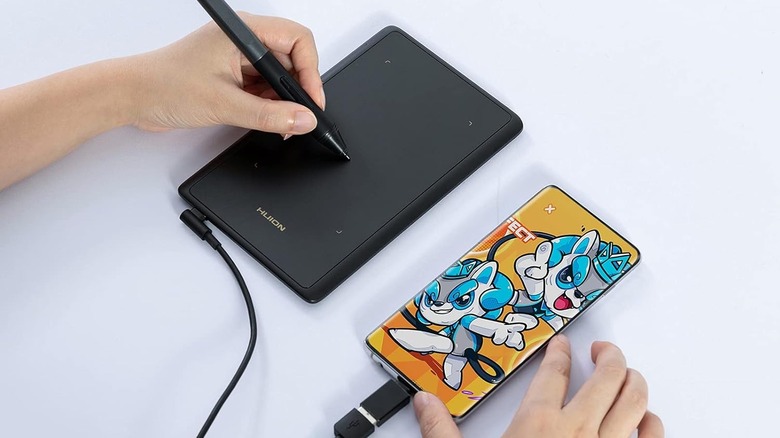
If you love to draw but don't want to sink a ton of money up-front, you might find a Huion tablet to be a great fit. The reason we're highlighting the Huion H420X is its high value for the money, which is a sentiment echoed in consumer reviews. You can dabble in art, but also use the tablet for note-taking and editing, whether it's for work, school, or personal tasks.
The Huion H420X is also one of our favorite cheap gadgets compatible with Android phones. The fact that it works with various operating systems (it also works with Mac and Windows, but not iOS) is a plus. Not only that, but if you already have a favorite art program, odds are, Huion is compatible. The manufacturer lists programs like Adobe, Corel Painter, Illustrator, and other big names. For note-taking, compatibility with Microsoft Office apps is an additional perk.
The tablet essentially doubles as a mouse, which makes signing documents, scrolling, and zooming easy. It comes in a small size, around 4x2.6 inches, but that may be a plus for artists who don't like to be tied down. Ultimately, you can get the Huion H420X for about $20, so there's no reason not to try it.
Wacom Intuos
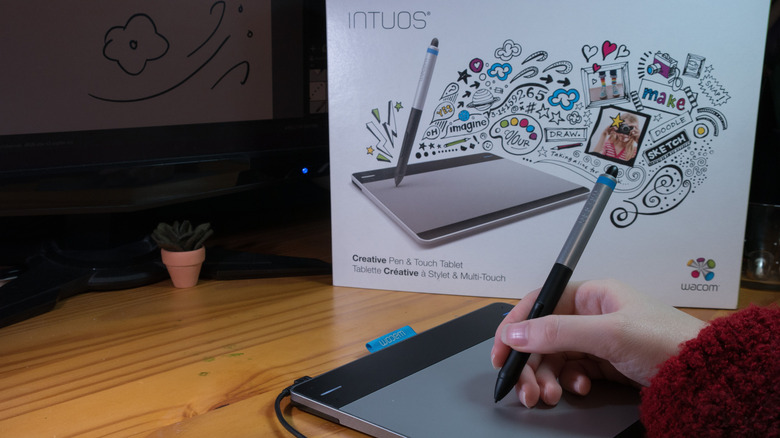
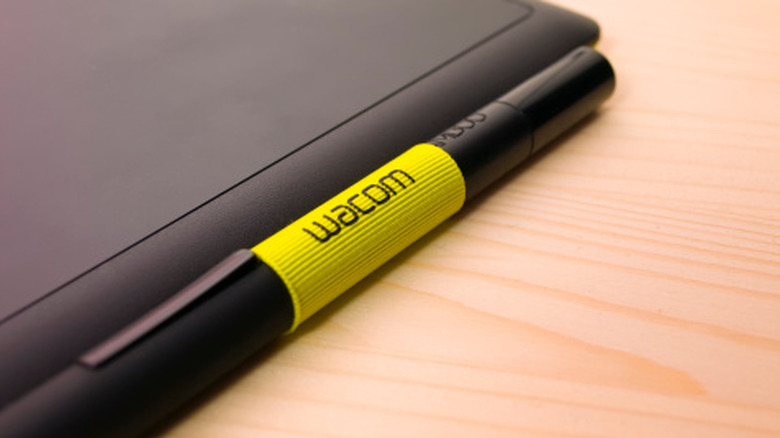
Wacom is a well-known brand with a line of wired and wireless drawing tablets in various sizes. Our pick from the lineup is the small Wacom Intuos tablet. Staff at SlashGear has tested the Waco Intuos, and found it to be a great drawing tablet. And with more than 40 years in the industry, Wacom is a go-to for many artists, too.
One of the great things about Wacom is that it works with any software, so you shouldn't run into compatibility problems. It works with Chromebook, Windows, and Mac machines, though it's not compatible with smartphones. Though the Intuos tablet we focused on is wired, there are wireless options. On either model, the stylus doesn't require batteries. Shortcut keys on the tablet itself help you get around easily, too.
Wacom also offers software with every tablet; Clip Studio Paint Pro is free for two years, and Boris FX Optics is free for a year. Waco also offers free trials of other software, including Corel Painter. Make sure to register your tablet for access to all those options. At about $40 for the smallest tablet, the Wacom Intuos is a great deal even without the freebies.
Huion Inspiroy 2 M
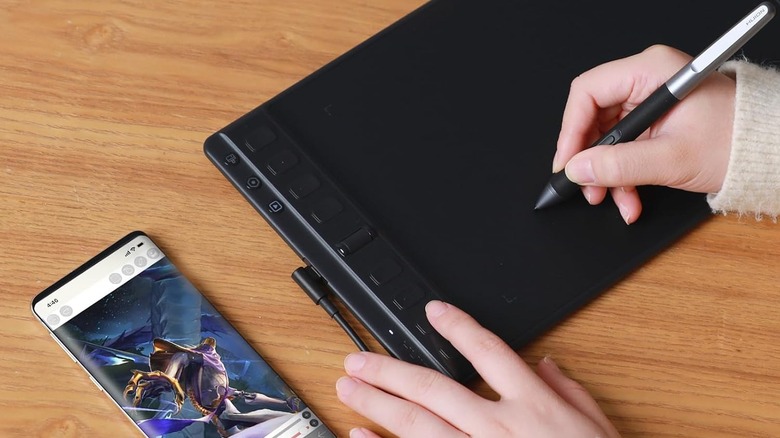
For artists with slightly higher budgets, a popular pick is the Huion Inspiroy 2. The medium-sized tablet measures 9x5 inches (though the drawing area is slightly smaller) and works with a long list of devices. While some art tablets require a PC to use, Huion's works with Android, ChromeOS, and HarmonyOS, as well as Linux, Windows, and macOS. Like other smaller art tablets, the Inspiroy can also serve as a computer mouse.
Like our other top picks, Huion's tablet has a battery-free stylus, and the drawing pad has eight programmable shortcut keys and a scrolling wheel. Multiple independent outlets have reviewed and approved the Huion Inspiroy 2, and they're not the only ones. In a roundup dedicated to finding the best drawing tablets, the New York Times team named two Inspiroy models, including the medium option, among the best choices.
Beyond the buttons and platform compatibility, the Inspiroy is easy to set up and use. It comes with a single cable, so artists should be up and running in moments. We found the Huion Inspiroy 2 on Amazon for under $80, and it comes in multiple sizes and three colors: black, green, or pink.
XP-Pen
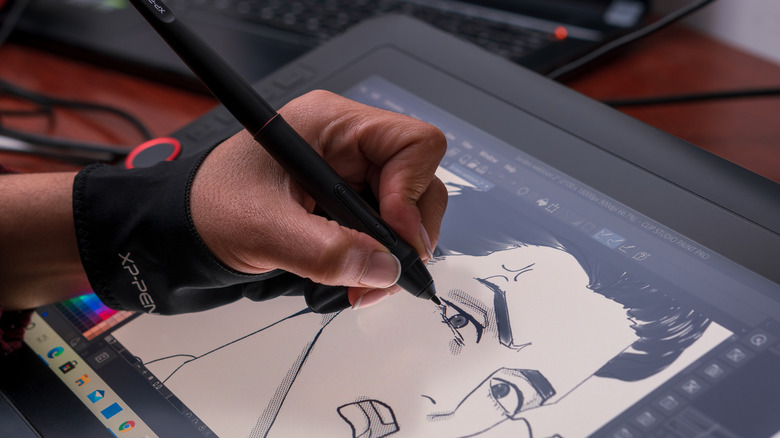
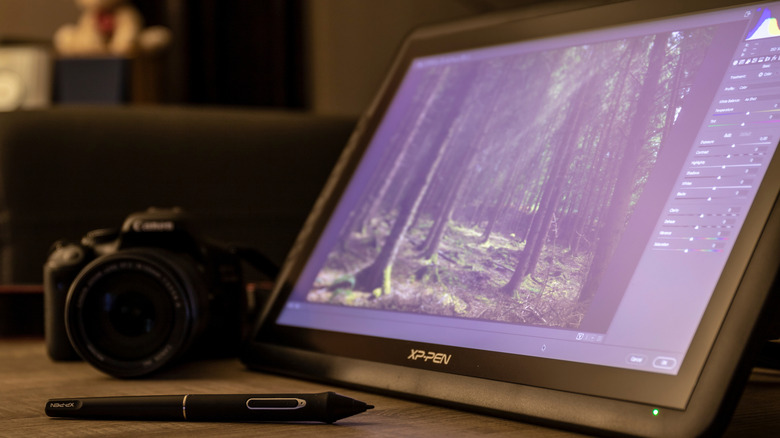
Not all budget-friendly drawing tablets have a screen, but the XP-Pen tablet is one that does. When my artsy child wanted his own digital art supplies, I had a hard time envisioning how a screenless tablet would work, probably because I grew up using MS Paint. I looked into some tablets that come with their own displays and settled on a relatively budget-friendly option, the XP-Pen, and heard zero complaints about it.
When the XP-Pen tablet powers up, it acts like a second monitor. You draw directly on it — with a battery-free stylus — and can see everything on screen. The catch with this tablet is that it require multiple cables, two USB-A and one HDMI, connecting it to your main device, which needs to be a computer.
The XP-Pen tablet is compatible with various art programs, like Photoshop, Illustrator, and Blender 3D, but in our home, we use it with Krita. Krita is a great Photoshop alternative for drawing, and it's free. The interface is fairly easy to use, and my son has learned so much by trying out different features in the program and, occasionally, looking up tutorials. We found the XP-Pen tablet to be a good investment, at around $260.
Samsung Galaxy Tab
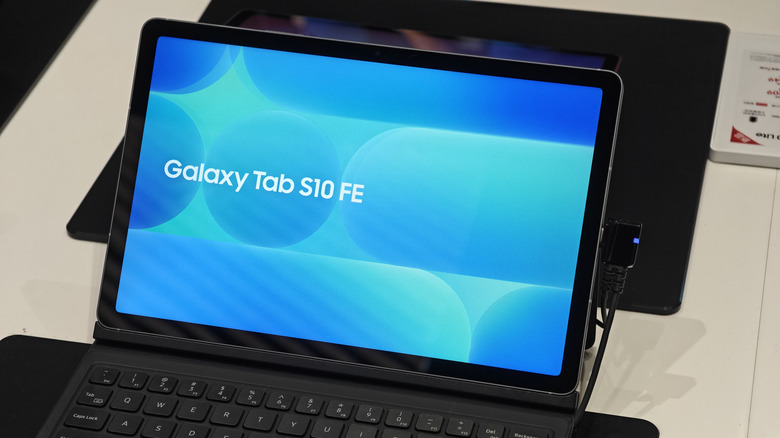
While many artists get what they need out of a peripheral art tablet, not everyone wants an accessory for their artwork. If you're in the market for a tablet other than an iPad that works for art, but also literally everything else, our pick is the Samsung Galaxy Tab S10 FE+. For a fraction of the price of an iPad, a Galaxy Tab offers a ton of features you won't find anywhere else.
The Galaxy Tab's unique features span everything from secure folders to easy second-screen use, plus air actions with the touch screen. As PC Mag points out, the Tab S10 FE+ is pretty fast and has a large display that's good for digital drawing. It comes in a few different models that differ in color and onboard memory, and some include the S Pen, which is a great fit for artists.
Though there are plenty of perks to a non-screen art tablet, the Tab has great battery life (it can last up to 21 hours) and is resistant to water. The Galaxy Tab S10 FE+ costs around $700 at Amazon, depending on the memory option and color you select.
Methodology
In looking for the best art tablets that aren't iPads, we started with tablets we at SlashGear had personal experience with. Then, we used professional reviews and user opinions to select the rest. When making the list, we made sure to represent tablets of different sizes and options with and without a screen. We also considered price as a factor, which is why we included products ranging from $20 all the way to $700. This way, the list has something for everyone and every budget.