

4 Costco Tablet Accessories To Upgrade Your iPad Experience
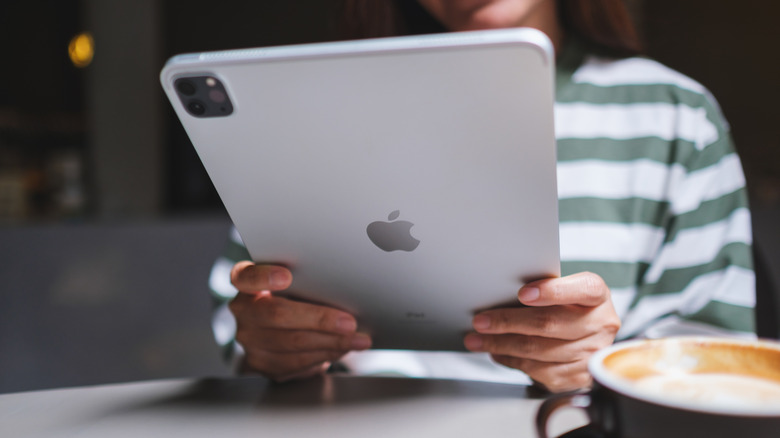
The smartphone space is mostly dominated by the Android operating system, accounting for nearly 70% of the global market share, according to Statcounter. Tablets, on the other hand, are a different story, with iPadOS managing to beat Android. It's no surprise, honestly — iPads are premium-built, readily available, and thus, easier to recommend. The iPad we've recommended is the base model that starts at $349 and is decently specced for the price. Yet, there's not much you get in terms of accessories out of the box.
All iPad models are built beautifully, but most consumers find it easier to handle them with a case on. A flip cover adds further protection, and some cases even come with built-in kickstands or keyboards. You might also want to protect the screen by applying a screen protector. A huge advantage of going with an iPad is the mountain of accessory options you have at your disposal. From styluses to folio covers, there's no shortage of ways to make your iPad truly yours.
If Costco is your retailer of choice, you'll be glad to know that it happens to sell a decent variety of accessories for the iPad. We've based our recommendations on overall customer satisfaction, in addition to reviews by professionals in the industry.
Apple Pencil Pro
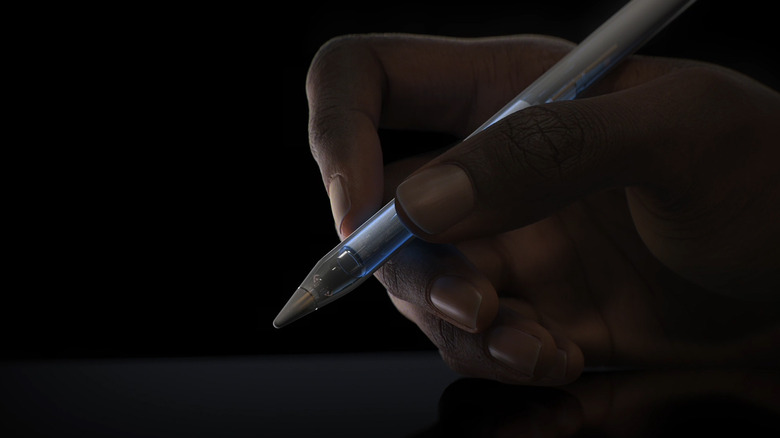
There happen to be a handful of Apple Pencil alternatives out there, but if you're looking for the best experience and unmatched compatibility, sticking with the OEM's pick is the way to go. Costco sells the Apple Pencil Pro for $125. It's compatible with the A17 Pro iPad Mini, M2 and M3 iPad Air, and the M4 and M5 iPad Pro. You'll also find the first-generation Apple Pencil, which has wider compatibility, but at $95 with a Lightning port, it isn't exactly a good deal.
If you take a lot of notes or happen to doodle or sketch on your iPad, the Apple Pencil is a great way to make the most out of your tablet. It comes in a matte finish with a flat edge on one side that prevents it from rolling over. This also gives it a better grip for when you're holding it. Like the second-generation Apple Pencil, the Pro variant also features pressure sensitivity, which allows you to vary the thickness of strokes depending on how hard you press down on the screen.
Unlike older models, the Apple Pencil Pro charges by magnetically snapping onto the side of your iPad. That way, you don't need to worry about charging it with a separate cable. It comes with haptic feedback and a squeeze gesture that allows for quicker access to other tools. With close to 190 reviews, it has a 4.6-star rating on Costco.
Apple AirTag 2
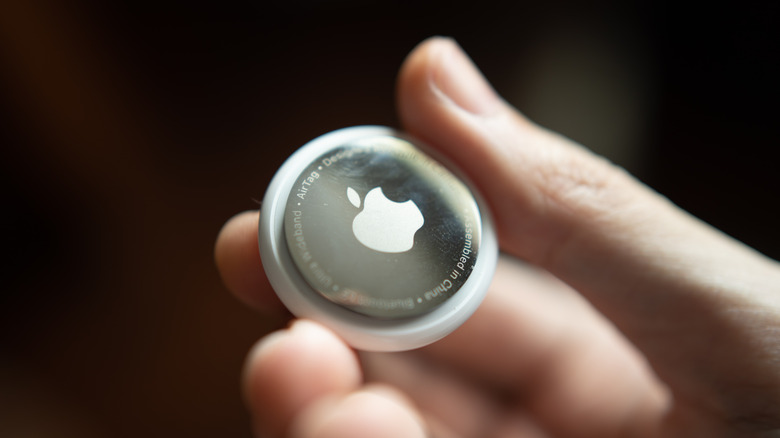
Though not an accessory that directly complements your iPad, the AirTag works wonderfully alongside it. If you're unaware of what this Apple product does, it helps you keep tabs on your belongings. Like some of the best Bluetooth trackers on the market, the AirTag is compact enough to slot in your luggage, backpack, or even wallet. After initial setup, it appears as a findable accessory on the Find My app, which can be accessed on iPhone, Mac, and iPad. Costco sells a 4-pack of the second-generation Apple AirTag for $100, which works out to $25 per tracker.
The product was only recently refreshed with new features in early 2026. Compared to the previous model, the new AirTag offers a longer Bluetooth range and a new Ultra Wideband chip, which enables more accurate Precision Finding on supported iPhone and Apple Watch models. You can still locate your AirTag on your iPad via the Find My app as usual. It also features a louder speaker, which can help you find your items even if they're buried under a pile of clothes.
Tom's Guide reviewed the AirTag 2 in great detail, giving it 4.5 out of 5 stars. While it doesn't have a rechargeable battery, the coin cell can be replaced by end users. It also lasts a full year, according to Apple. If you don't care for the upgrades, you can save $20 and pick up the first-generation AirTag at Costco as well.
Acer PM1 Portable Monitor
The iPad has been around for ages, but it was only with the introduction of iPadOS — a slightly modified version of iOS tailored for larger screens and multitasking features — that we saw an evolutionary step toward making the iPad more useful. Modern iPad Air and iPad Pro models ship with the same chipsets as MacBooks and are clearly powerful enough that you can use them as a full-fledged laptop replacement. Slap on a Magic Keyboard, and you essentially have a touchscreen MacBook-esque device.
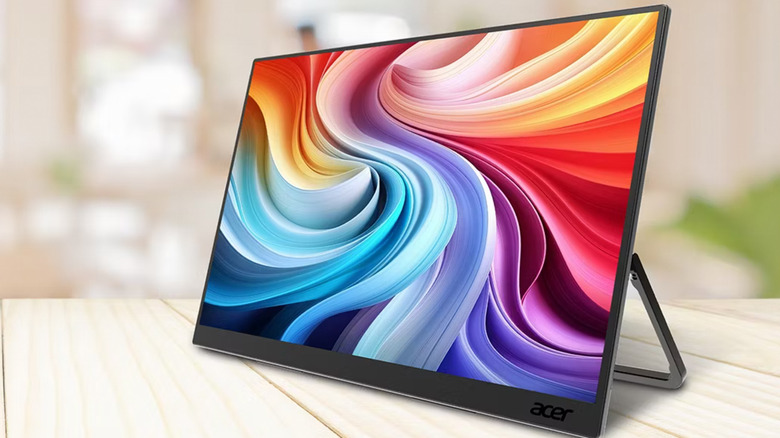
If there's another accessory that could take the iPad experience a notch higher, it's an external monitor. Though you can connect any iPad to an external display via a dongle, newer models come with support for extended display, which lets you use an external monitor as a true secondary screen. It can hold its own set of apps and windows, with easier multitasking through Stage Manager. The Acer PM1 Portable Monitor is a good pick and retails at $90 on Costco. It has a 4.3-star rating with 130 reviews.
It features connectivity through both USB-C and Mini-HDMI, so you could build a dongle-free setup with your iPad if you desire. It features a 60Hz 15.6-inch FHD IPS display with support for HDR10. You get a built-in kickstand that makes setting it up easier, but you can also mount it to the wall for a more semi-permanent setup.
Magic Keyboard
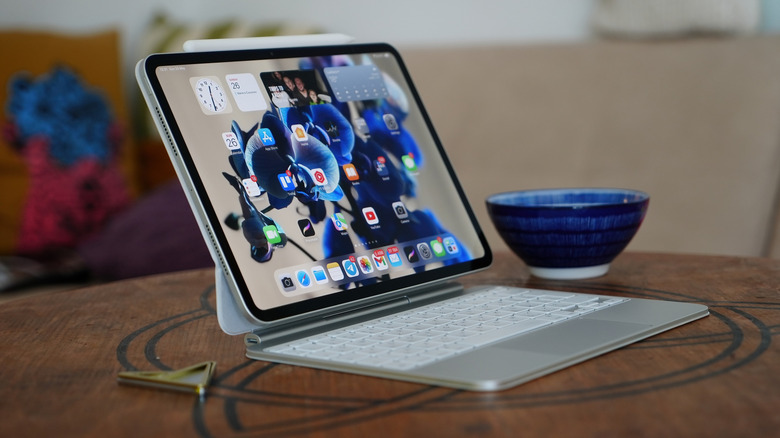
The iPad Pro M4 that we reviewed has one of the nicest displays of any consumer electronics device and features tandem OLED technology. Yet, a physical keyboard and trackpad are what's missing if you're planning to do some real work on your touchscreen machine. Apple sells its own solution — the Magic Keyboard, and although it's quite a pricey accessory, nothing else comes close to the level of integration that Apple's first-party accessory offers.
Depending on your iPad model, you can pick up a Magic Keyboard starting at $250. For instance, the Magic Keyboard for the 13-inch iPad Pro costs $340 and comes in both black and white. It has a 4.5-star rating and over 60 reviews on Costco. The keyboard layout is almost identical to what you'd find on a MacBook. Both the iPad Pro and iPad Air Magic Keyboard variants feature a 14-key function row and a glass trackpad that can register multi-touch gestures.
Unlike the Apple Pencil that connects over Bluetooth, the Magic Keyboard latches on magnetically and uses the iPad's Smart Connector to connect to it. It's surprisingly sturdy, features a solid hinge, and has a USB-C port on the keyboard for pass-through charging. The finished setup makes the iPad look and behave more like a MacBook than ever before. Though iPadOS is still lacking in many ways that prevent the iPad from fully replacing a computer, the Magic Keyboard manages to bridge much of that gap for casual users.