

5 Mobile Apps You Should Be Using On Your iPad Or Tablet In 2026
Tablets are a nice in-between device for consumers (between computers and smartphones, that is). They're mobile like smartphones and have much of the same functionality, if not more, as personal computers. The problem with an iPhone or Android phone is that its screen is too small to appreciate some apps. PCs might benefit from expensive monitors from major brands, but they're not always touchscreen.
Sometimes, apps are better suited or simply necessary on a tablet. iPads and other tablets are perfect for reading because they're already handheld like a book, but you can also adjust the brightness or zoom in if you're struggling with the text. Also, you might like to work on the road, where a tablet shines. No matter what you use your tablet for, here are the apps better suited to tablets.
Reuters
The world is messy, and reality is undeniably less fun than escaping into a hobby. However, the average person should stay informed. Even if you're not a fan of tuning into a 24-hour news network on TV, it can be beneficial to download a news app onto your iPad and just check out one or two headlines once a day.
Don't overwhelm yourself. Reuters is my go-to for news because it delivers the news with minimal editorializing. An AllSides study in 2025 placed Reuters in the political center, with Forbes, Newsweek, and BBC News.
Beyond that, the app is really clean and easy to navigate. You can see what's trending in the news and customize categories, so you see only what you're interested in, such as technology, business, legal, sports, and science, to name a few. This feature requires a monthly $4 subscription.
The Kindle app
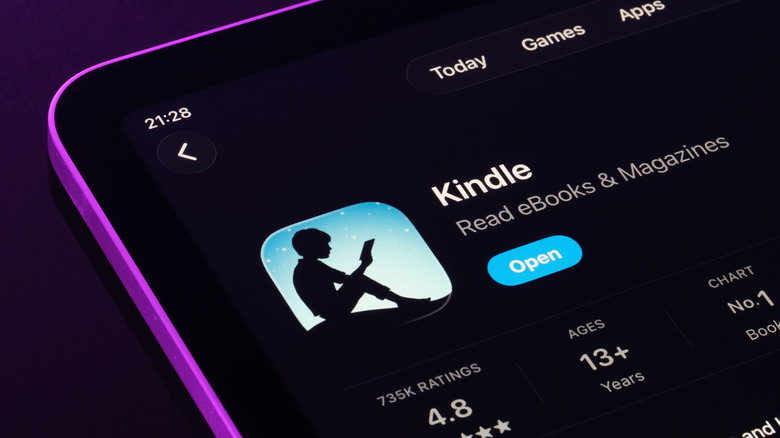
I read 62 books last year, and a few of those were through the Kindle app. Yes, reading can be an escape from reality, but it can also be a learning experience, whether you're reading about stoic philosophies or about a Viking mother traversing the world to save her son and fighting Norse-inspired gods.
Let me tell you how nice it is to read on an iPad. It's definitely one of the best tablets for e-book reading. Not only is the device more responsive than a typical e-reader, but the screen is larger and brighter, making reading much easier. More than that, it's the perfect device for comic book fans since the Kindle app also has a whole graphic novel section. The artwork on an iPad really pops, too.
You can zoom in to appreciate the art in depth, plus it's so easy to navigate each page. The Kindle app really is a minimalist's dream, too, because they can meticulously curate their space with just physical copies of their absolute favorite books.
Tidal
Who doesn't enjoy music to some degree? It can help you focus on a specific task — like writing a 1,500-word article for work — help pass the time on a long drive, or even put you in the mood to complete some chores around the house. Obviously, if you have an iPad, you're familiar with Apple Music, which is a fine choice. I started using Tidal, one of the top-ranked music streaming services, in 2025 strictly because it treats the artists better in terms of royalties, but that's not why I stuck around.
You'll hear a lot about Tidal's sound quality, with its HiRes FLAC lossless tracks. I'm sure it sounds amazing compared to other services, but I'm not an audiophile, so it's difficult for me to notice the difference between music on Tidal and that found on Apple Music. However, Tidal is more music-oriented than other apps. It has a whole magazine section, where you can read articles about the music industry. I came for the higher artist payout, but I stayed for the Tidal articles.
The biggest drawback with Tidal, though, is its lack of a free listening tier. You can make a free account, but that only lets you listen to songs for 30 seconds. You can get an individual plan for $10.99 per month or a family plan for $16.99. Eligible students can get an account for just $5.49.
Cloud storage (DropBox or Google Drive)
For a little bit of productivity, having some sort of cloud storage is a good idea. I personally use Google Drive because I'm knee deep in Google's ecosystem, but Dropbox is just as good. I like to record videos and take pictures with my phone, and I found that uploading to Google Drive is a quick and easy way to get those files from my Samsung Galaxy S24 to a device with a bigger screen to edit. Sometimes it's my computer, other times my iPad.
You automatically get free storage space with Google Drive if you already have a Google account, but to get 100 GB of space, it's just $1.99. I was uploading a lot of videos at one point, so I needed more than the free 15 GB it gave me. You know Google Drive is a favorite for many when it has a 4.8-star rating in the App Store with over 7 million ratings.
Procreate
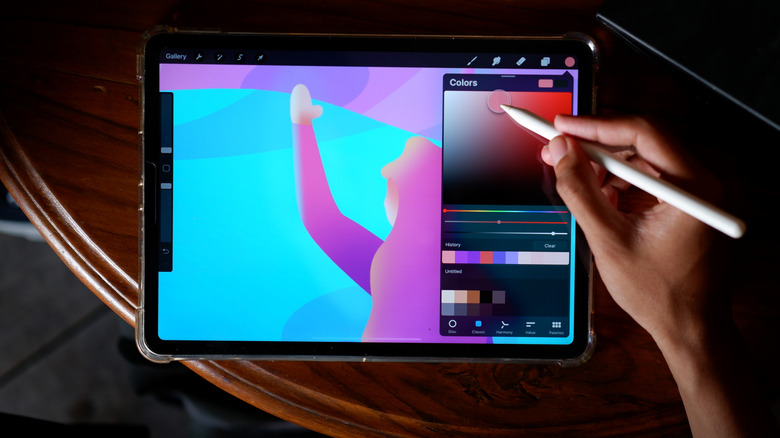
Was it dumb of me, somebody with next to no artistic talent, to pay $12.99 for an illustrator app? That's debatable. I took art classes in college, so I know my way around a sketchpad, and I enjoy drawing images from my mind palace from time to time. It's a nice escape, and Procreate is such an intuitive app that it makes it easy. Plus, I don't have to waste paper when I'm unhappy with my creation. Just delete and try again. I'm a strong believer in everybody having at least one creative outlet, so if you like drawing and have an iPad, Procreate is not a bad app to download.
If you're out running errands, like the dreadful DMV, you can bust out your iPad and sketch away. If you get lost in your art, time flies. One downside with Procreate is that there isn't any kind of cloud storage to back up your creations, so if you ever delete the app, your drawings are gone. That is, unless you have your own cloud storage, such as Google Drive. So, if you get paranoid about losing your masterpieces, it's advisable to get cloud storage.
There are other apps like Adobe Fresco, but I found Procreate to be more intuitive. If you have an iPhone 17 Pro or iPhone 17 Pro Max and don't mind drawing on a smaller screen, there is Procreate Pocket, which is only $5.99.
Methodology

I set out to choose apps that I have personally used, and I tried to include ones that are useful to a broad audience. More importantly, I chose apps that have a high rating in the App Store (at least a 4.0) so you know they function properly. While I have a favorable opinion for each of these apps, they're well-known enough that you can easily find professional reviews of each one if you prefer a second opinion.