

CarPlay Vs. CarPlay Ultra: Five Differences Most Users Don't Know About
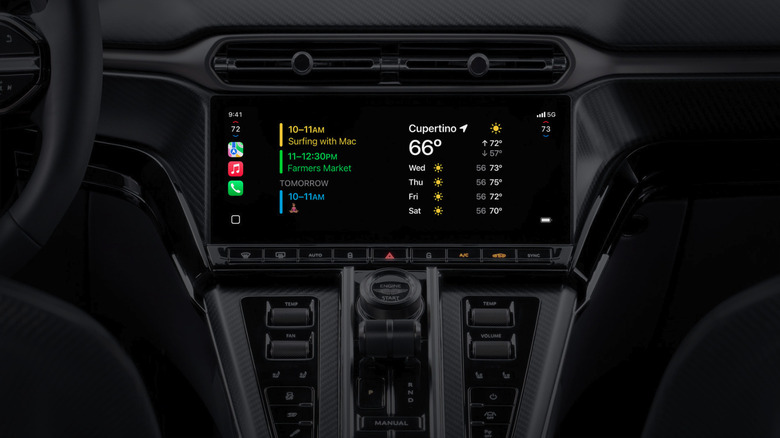
According to a 2025 Edison Research Infinite Dial study, as many as 40% of U.S. adults now have Apple CarPlay or Android Auto in their primary vehicle. This is up from 26% in 2023. Adoption is rising quickly, and usage is even higher: 83% of drivers who have access to these systems actually use them. Apple recognized the system's growing popularity, introducing its next-generation version, CarPlay Ultra, on May 15, 2025.
In our review of CarPlay Ultra, we concluded that it represents a rather polished upgrade with better vehicle integration. However, its heavy reliance on the iPhone and mixed gauge-cluster experience mean it still isn't a clear must-have, and there are different areas where the system could improve. CarPlay Ultra is currently only available for Aston Martin, but Apple has confirmed that it will begin rolling it out to other carmakers in 2026.
This gives us a bit of time to compare the traditional CarPlay system to CarPlay Ultra and decide whether it might be something worth having. Even though these two rely on the same platform and basic idea of bringing your iPhone onto the car's central screen safely, CarPlay Ultra represents the next step that hopes to further integrate the Apple ecosystem in cars.
System role and architecture
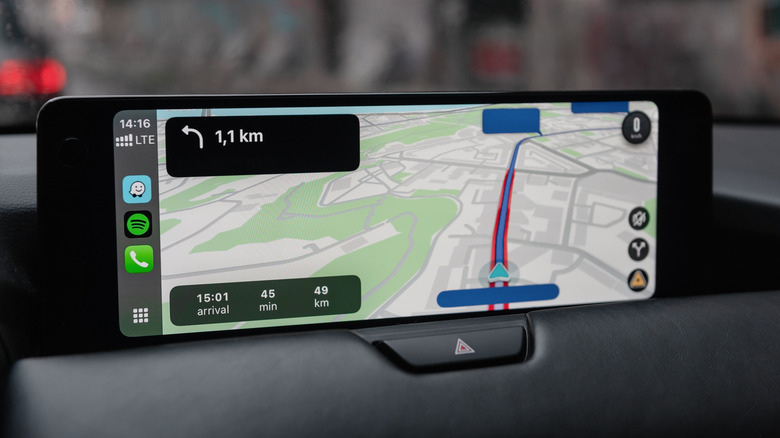
The traditional Apple CarPlay system is a hands-free mirroring interface system designed to allow you to safely use selected iPhone apps on the car's central screen. This means that it is primarily designed to replicate what's happening on your iPhone screen onto the car's central display system. All of the processing is done by the iPhone, and the car's infotainment screen is simply a display, not an additional independent device that controls added features.
This limits CarPlay to a set of predetermined apps (navigation, media, calls, messaging...), and you cannot alter any of the car's features (A/C, performance settings, driving data) within CarPlay. CarPlay Ultra relies on a hybrid (parallel) system where both the phone and the car's infotainment system are used for computation.
In contrast, CarPlay Ultra integrates the car's media brain and makes it active within the system, not just a screen. This means that it allows you to alter and control the A/C, drive modes, and other car-specific features that are not processed on the iPhone, but by the car itself. One of the coolest Apple CarPlay Ultra features is the ability to use Siri to change the car's driving modes or performance settings. As such, Ultra combines the car's native architecture with your iPhone, and this means you can control the car as well as your apps through a single system.
Display scope and integration
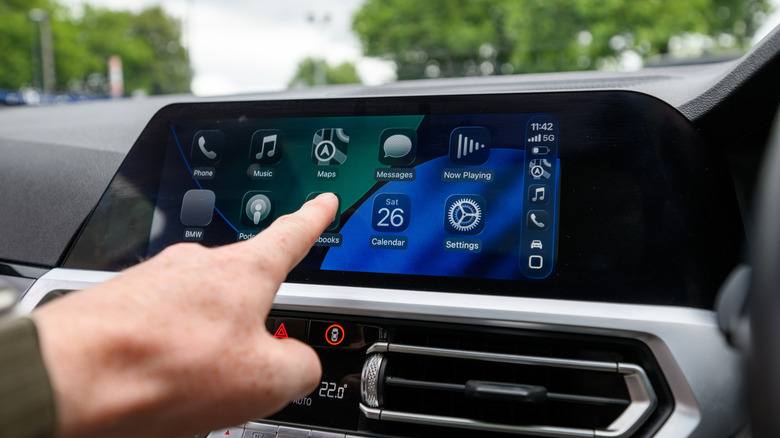
Visually, the biggest difference between traditional CarPlay and CarPlay Ultra is that the former is limited to the car's central infotainment screen, while the latter takes over your dashboard screen. Since CarPlay only runs on the main infotainment screen, if you want to adjust any native car functions, you must exit CarPlay, make your changes, and then re-enter the interface. With CarPlay Ultra, you can control the car's native features within the dashboard, and you do not have to exit the system nearly as much, if at all.
CarPlay Ultra also integrates with the car's physical controls, meaning that physical car controls will alter its software. As previously mentioned, Aston Martin is the only brand that currently supports CarPlay Ultra, and it allows consumers to change different gauge cluster designs beyond what Aston Martin offers. Apple's "Punch Through UI" also allows Ultra to display native features, such as a rearview camera, through the CarPlay system without actually exiting it, and that helps with how seamless the system feels.
System reliability and failover
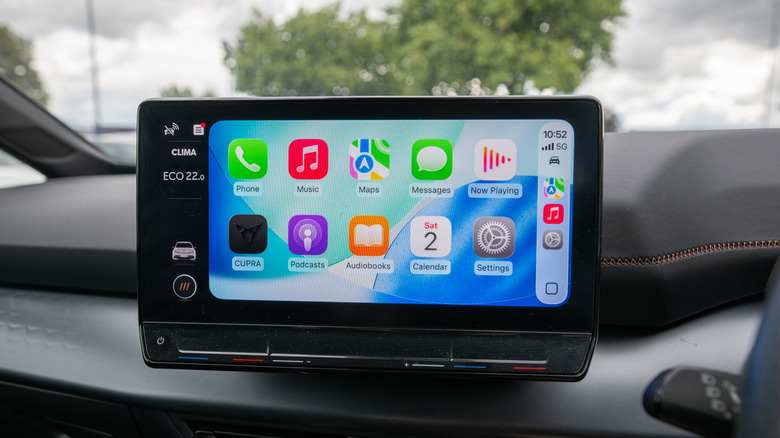
A sluggish and unreliable connection is one of the biggest drawbacks of wireless CarPlay, and that is where CarPlay Ultra takes a big step forward because it isn't fully dependent on the iPhone. This means that Ultra leverages computing power from both the iPhone and the car to create computing redundancy. Therefore, even if your iPhone goes offline, essential information and the car's native UI still work. Moreover, you can also view all in-car information (ADAS, tires, etc) on the same screen where your CarPlay features are.
This allows the driver to continue safely while phone‑dependent features like live updates or streaming pause until the connection is restored. Ultra is also designed to preload maps, performance metrics, and most frequently used apps to create a safeguard for short-term signal losses, such as when you enable Airplane mode. If the system loses connection, your battery dies, or something fails, the car will simply revert back to the native system, meaning that critical driving information will continue to be displayed.
Feature control and accessibility
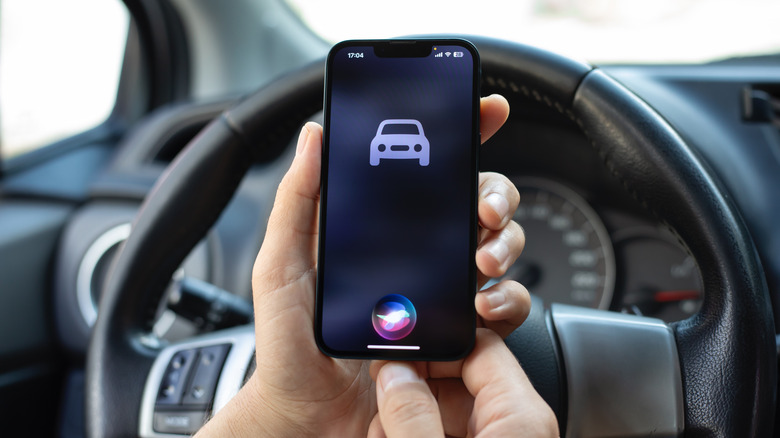
Although CarPlay allows drivers to control a number of different features through the central screen, they are limited to a few predetermined iPhone apps. With Ultra, you can control more features. For instance, with Ultra, you can control real-time A/C fan speed, vehicle settings, exhaust sound, heated seats, the radio, the heated steering wheel, car user profiles, driving modes, lights, audio settings, hill descent control, and many others.
Besides just showing you more, Ultra lets you use these features in more ways. You can continue using the central touch screen, but also the car's steering wheel buttons, physical controls within the car's infotainment screen, and Siri. Standard CarPlay does not work with the car's physical controls, and it isn't able to control heated seats or similar functions. Once you press the vehicle's home button, they typically take you out of CarPlay, but with Ultra, they take you back to the home screen.
Advanced widget functionalities were added to iOS 26 CarPlay in December 2025, but compared to CarPlay Ultra, they are not as encompassing. With that in mind, Ultra allows you to control and access more widgets in different ways. With standard CarPlay, you couldn't use your gauge cluster to change information because it was never used by CarPlay. With Ultra, you can do that.
Customization and personalization
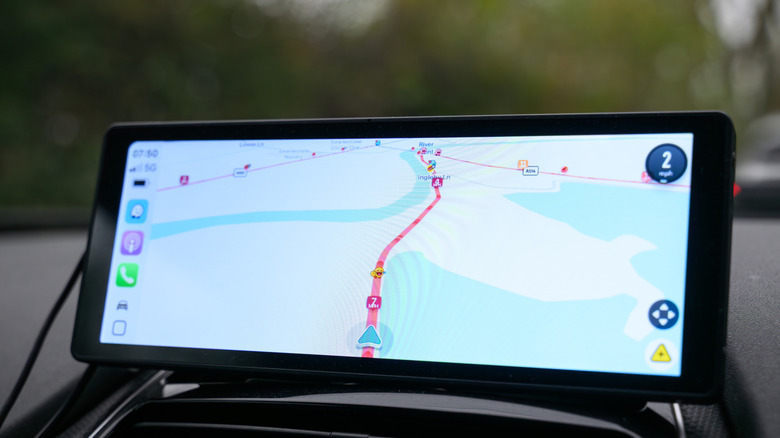
Ultra also allows drivers to customize the interface with various themes and wallpapers to achieve a more personalized experience across all of the screens. Although you can customize your Apple CarPlay dashboard to make it more unique, it's not nearly as extensive as what you get with Ultra. This also ties in with Apple's vision of different car brands using differently designed interfaces that are unique to each brand. Standard CarPlay does not offer such functionalities, and we will have to wait and see how Apple aims to do that when Ultra becomes available for other brands.
With Aston Martin's current system, Apple has already included a few different themes for the gauge screen, and the idea with these screens is, as Marques Brownlee from the Auto Focus YouTube channel says, "designed to look like Aston Martin software, but that also have your legibility and your fonts and your hints of Apple." Therefore, Apple aims to make the Ultra brand-unique, while standard CarPlay looks the same on all cars.