

5 USB-C Myths That You Need To Stop Believing
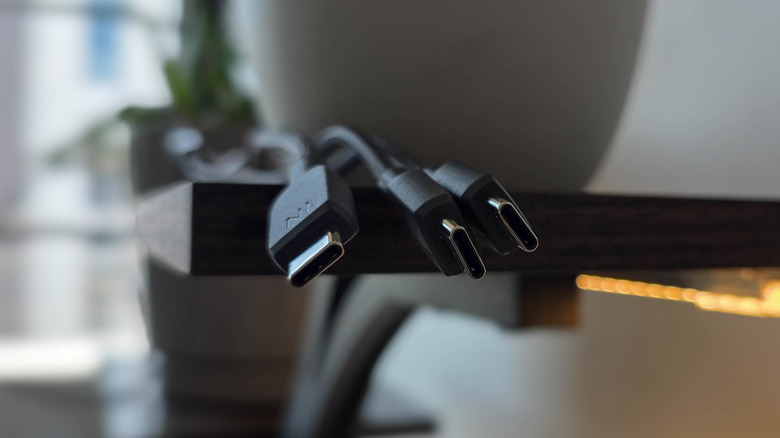
In 2026, it's hard to find a tech gadget that doesn't include a USB-C port. The oval port is ubiquitous across smartphones, tablets, and most computers. Thank goodness, because now we can use one cable for everything instead of carrying around a collection of tangled wires. Or, at least, that's what some people may be led to believe now that nearly every device uses USB-C. But once you venture down the USB-C rabbit hole, you may realize things aren't nearly as cut and dry. The idea that USB-C cables are interchangeable is just one of several persistent falsehoods about this important connectivity standard.
Some myths about USB-C are nearly as common as the cables themselves, which can lead to frustration for users when expectations do not align with reality. From misconceptions about the capabilities of USB-C cables to mix-ups between standards built on top of Type-C — and even a small caveat to the notion that USB-C cables work the same no matter which way they're plugged in — it's time to set the record straight. So, here are five of the most common USB-C myths, and why they're wrong.
Myth: USB-C is identical on both sides
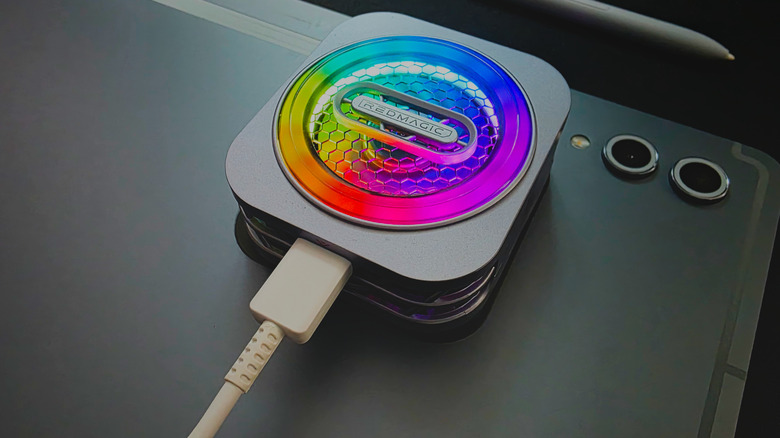
One of the best things about USB-C cables is that their plugs are symmetrical, meaning you do not have to worry about plugging them in the right way. Or, at least, that's what many people believe. The truth is a bit more nuanced. While it is true that the inside of each Type-C receptacle contains two rows of 12 pins, each arranged in the reverse order so that they connect to the corresponding pins on a plug, it is not true that they connect the same way in either direction.
When using a USB 2.0 connection, you'll get an identical result no matter which direction the plug is oriented. But when you try to use USB 3.x or video out through DisplayPort Alternative Mode, things get weird. Depending on how the host controller reads the plug, it will route the correct functionality to the pins. Essentially, a USB-C cable is only reversible for USB 3 and up because the device it connects to shuffles things around to accommodate the orientation in which you choose to connect it.
This wouldn't matter to you as a user unless you're using a Type-C to Type-A cable, which needs to use the directional pins in the Type-C connector to ensure compatibility with the older standard, or if something goes wrong. If it does — a cable with invisible damage, for example — you can wind up in a scenario where you have a fast connection when it's plugged into one orientation, but a slow connection when you flip that orientation. So, if you ever notice a USB-C cable with slower transfer speeds than listed on its spec sheet, try flipping the orientation.
Myth: all USB-C cables have the same features

One myth about USB-C is that every cable has identical capabilities. This myth is not as widespread as it used to be before USB-C was everywhere, but some people still repeat it. It's hard to track down a source for this claim, but it appears to be a misunderstanding of one fact — that USB-C can house charging, data transfer, and video out capabilities — which some people falsely assume means every USB-C cable does those things. However, not all USB-C cables are the same.
It is true that USB-C cables that transfer data necessarily include at least some charging capabilities. However, not all charging cables also transfer data. There exists a subset of USB-C cables known as charge-only cables. These will juice up your phone, but they won't let you transfer files from it. Charge-only cables aren't as pointless as they may seem. Because of the risk of malware from unknown USB ports, it can be a smart idea to keep a charge-only cable on hand if you often find yourself needing to top up your devices in public areas like airports or coffee shops. However, be aware that charge-only cables aren't guaranteed to charge devices faster than data cables. Always check a cable's Power Delivery spec before you rely on it.
Video out capabilities are also not a given. Although the USB-C standard includes DisplayPort and HDMI out modes, you cannot connect a device to a monitor and assume things will work. You should ensure that a cable has video output capabilities with USB-C alt mode before attempting to use it for that purpose.
Myth: Thunderbolt and USB-C are the same thing
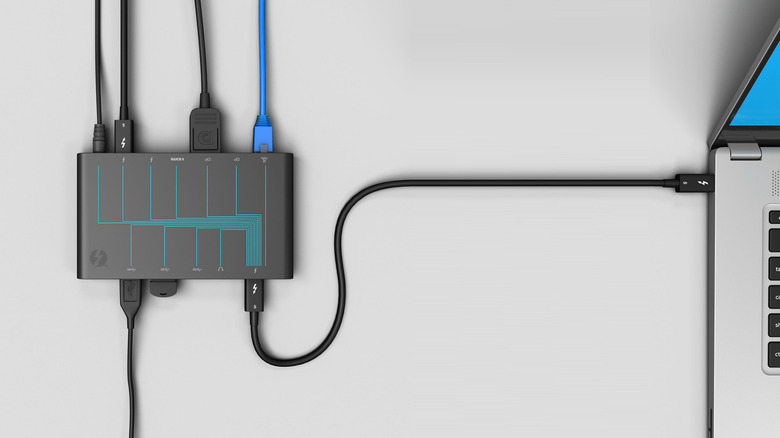
Thunderbolt is a technology that has developed in tandem with USB-C over the years, and which even adopted the USB-C port as its only interface in 2015. Because of that adoption, some users may labor under the false belief that Thunderbolt is either the same thing as USB-C or that it is a specific version thereof. However, although it takes advantage of Type-C ports and capabilities, Thunderbolt is a proprietary technology that is not owned or controlled by the USB-IF (the industry consortium that administers USB specifications).
Thunderbolt began as a collaboration between Intel and Apple, but Intel is the primary rightsholder. (Another myth about Thunderbolt is that it belongs to Apple, likely stemming from the fact that it debuted on the MacBook Pro.) For that reason, you won't find Thunderbolt ports on computers running on AMD systems, among others. The misunderstanding likely arises from the fact that Thunderbolt 3 and onward are implemented on top of the USB-C connector, while USB4 is built on top of the Thunderbolt 3 protocol.
That deepening collaboration between Thunderbolt and USB means all Thunderbolt 3 and up cables use USB-C connectors and can be used like regular USB-C cables. However, they take on additional functionality and speed when connected to a Thunderbolt port. Thunderbolt 4 and 5 ports typically pull double-duty as USB4 ports, and can be used with either type of cable. It's possible that we're headed toward a future where the lines between these protocols and specifications blur even further, but for now, they remain confusingly distinct.
Myth: USB-C means a cable or port is fast
Because USB Type-C is the newest kind of USB plug and receptacle standard, it is sometimes conflated with higher speeds. But although USB-C cables came out during the USB 3.x SuperSpeed generation, that does not mean every USB-C connector or cable supports high-speed data transfer rates.
It is true that the fastest types of USB ports, which support USB4 and USB4 Version 2.0, only work with USB-C. So, if you see a USB Type-A plug, you can safely assume it does not support those standards. But you cannot assume the inverse. USB-C can support prior generations of USB as far back as USB 2.0, which tops out at 480 megabits per second, so just because a cable or port uses a Type-C connector does not mean it automatically supports higher speeds.
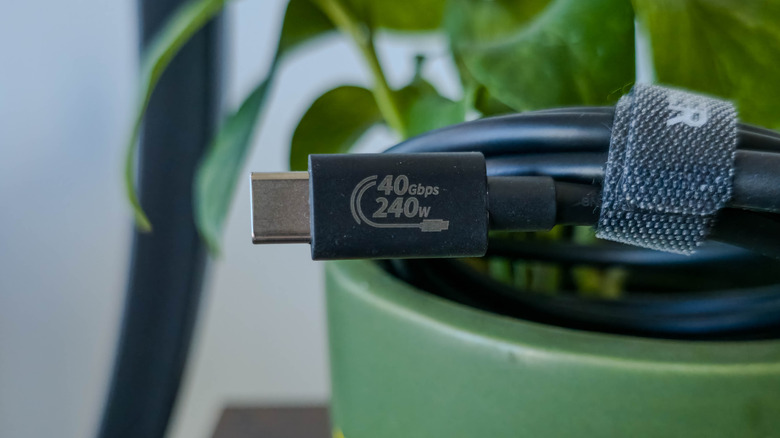
When shopping for USB-C cables, look for a listed data transfer speed. If you don't see one, look for a listed USB generation. As mentioned, USB 2.0 is limited to 480 Mbps. USB 3.0 reaches 5 Mbps, 3.1 reaches 5 Gbps, 3.2 reaches 20, and USB4 goes up to 80 with the latest Version 2.0 spec revision. However, due to a strange renaming from the SuperSpeed days, plenty of cables labeled as USB 3.2 only reach 5 Gbps. To get 10 Gbps, make sure you're buying a cable with USB 3.2 Gen 2x1, whereas for a 20 Gbps speed, you need USB 3.2 Gen 2x2. Recently, the USB-IF introduced a new logo design that shows a cable's speed directly on the plug housing, as well as on the package the cable comes in. For instance, a USB4 Version 1.0 cable may say, "USB 40 Gbps." Those cables are also forward compatible with 80 Gbps USB4 Version 2.0 connections.
Myth: Apple invented USB-C, or hates USB-C
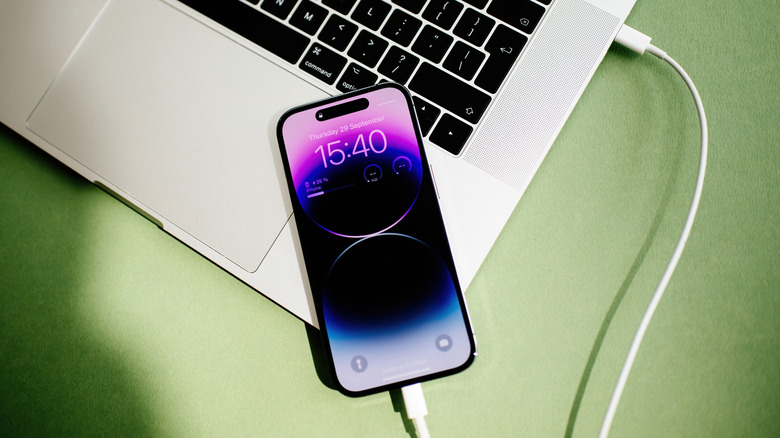
Lastly, there are two misconceptions regarding Apple's relationship with USB-C still floating in the ether more than a decade after the connector was introduced, and they're polar opposites of one another. The first myth is that Apple invented USB-C, and the second is that Apple hates USB-C so much that it had to be forced to adopt it. These myths stem, respectively, from two important Apple products: the 2015 MacBook Air and the iPhone 15.
The 2015 MacBook Air is among the most polarizing laptops the company has ever released. Apple was one of many companies that, as members of the USB-IF, contributed to the development of USB-C (we can't know its exact level of contribution, but evidence is scarce to suggest Apple played a large role). However, it was the first company to go all-in on the port, and in 2015, it launched a refreshed MacBook Air with just a single USB-C port and a headphone jack. This was the moment when carrying dongles around in your laptop bag became a necessity, and people predictably lost their minds. It was enough to permanently associate USB-C with Apple for many users.
Then there is the 2023 iPhone 15, the first iPhone to use USB-C rather than Lightning. A growing chorus of users and journalists had begged Apple to adopt USB-C on the iPhone for years, but it took overt pressure from European regulators to force the company's hand. It's certainly odd that after being among the first companies to champion USB-C on Macs, iPads, and more, Apple dragged its feet adding it to the iPhone. But the truth is that Apple is neither the sole inventor of the USB-C port, nor its sworn enemy.