

4 CarPlay Features You Should Be Using In 2026
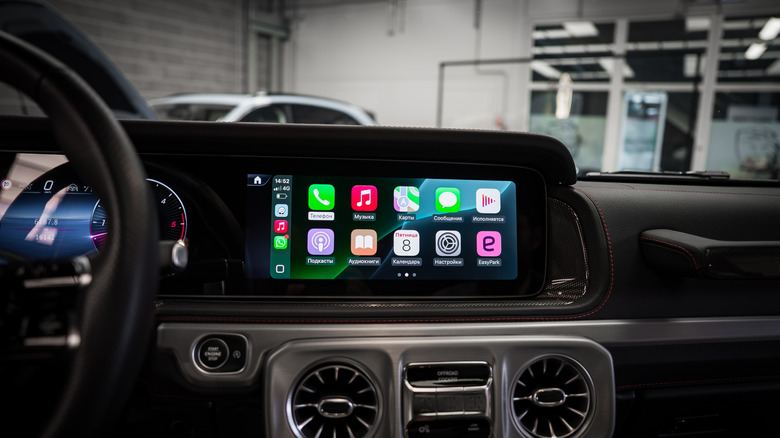
Apple CarPlay is not perfect. While some CarPlay settings can mess up your experience, it still offers an interactive and safe way to use essential iPhone apps while driving. Ever since it was first introduced in 2014, Apple has been continuously upgrading it with bug fixes and new features to further improve the user experience.
Whether it be wireless or new apps, CarPlay has managed to reduce the overall distractions drivers face while driving. Something that is fairly difficult to do in an era where cars are all about large screens. According to the AAA Foundation for Traffic Safety, Apple CarPlay is less distracting than many built-in infotainment systems, but not all features are equally useful.
CarPlay is packed with all kinds of options, and it's difficult to pick a few that outshine the rest. After all, many depend on how you want to interact with your car, and to what degree. Some keep distractions at a minimum, while others want to take advantage of everything they can. Be that as it may, here are four CarPlay features you should be using in 2026.
Multi-touch navigation gestures
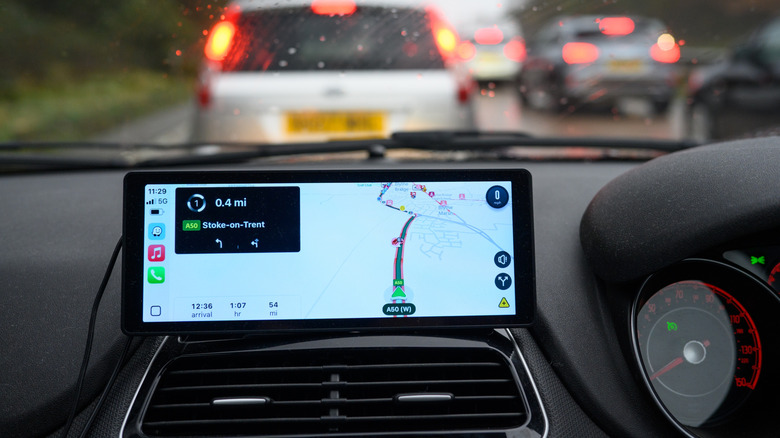
A decent portion of the benefits of integrated smartphone systems is the ability to use them for navigation. Built-in car systems are typically not connected to the internet and are polished in the software department. CarPlay gives drivers the ability to use native navigation apps (including third-party apps) right in the car's central infotainment screen.
It also gives you the ability to help other drivers — an Apple CarPlay trick every driver should know. The best part is that it now also supports a very useful interaction feature you are used to with your iPhone. According to Apple software engineer Olivia Hess in the WWDC 2025 video for devs, "Starting in iOS 26, if a vehicle supports multitouch interactions in CarPlay, drivers can interact with your navigation app using multitouch gestures."
This basically translates to you being able to pinch, zoom, and alter your navigation screen interface in the same way you do with your iPhone. Therefore, it presents a much safer and more intuitive way to interact. It's what all of us are used to with our iPhones and iPads, and it also shows how Apple wants to bring CarPlay interactions closer to what's familiar.
New CarPlay widget layouts
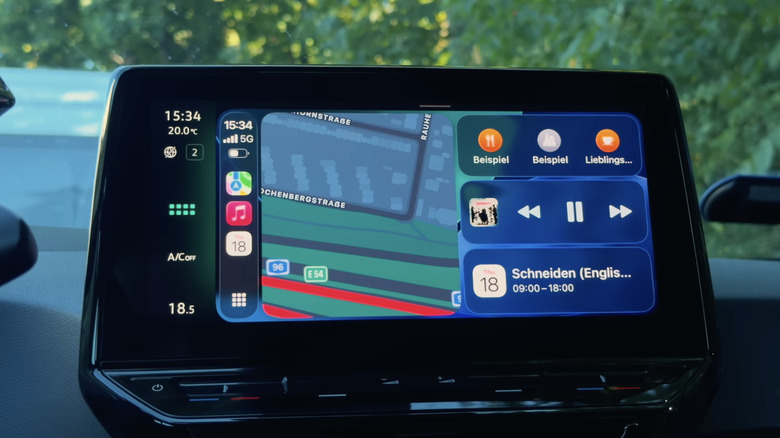
Apple has also updated its widget structure on CarPlay – one of a few new features to check out after you update to iOS 26. Since new car infotainment screens have gotten fairly big in recent years, Apple is now able to fill the screen with multiple widgets, which also mimic how your iPhone shows information. This can further reduce distractions by allowing you to use multiple apps at the same time, without having to navigate through different screens.
Your CarPlay homescreen can now show Dynamic Lyrics from Apple Music or Spotify, Calendar, Tasks, Weather, and Photos. By putting more information in the same place, it reduces the need for interacting with the screen. You are also able to customize your CarPlay widgets according to your own needs to get the most out of the system. Another benefit of widgets is that they now offer advantages over using Siri because they allow you to be specific, such as turning off your home lights directly from the center screen.
Using Siri is better than ever
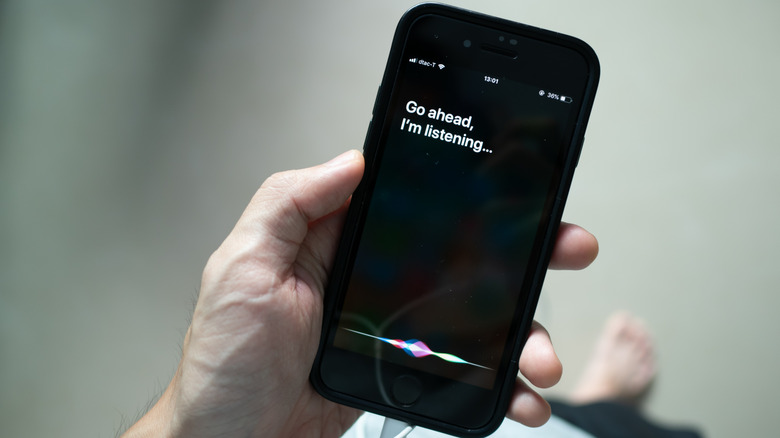
The whole point of voice assistants is to make your life easier, and Siri is now able to integrate with CarPlay in ways that can enhance your driving experience further. For example, Siri can now offer contextual suggestions based on your habits and where you are located. If you are passing near your favorite coffee shop, Siri can now suggest you get yourself a cup of coffee without you needing to do anything. Siri is going to be further improved with Apple Intelligence, and it is expected that Apple is going to introduce its new "LLM Siri" in 2026.
Mirroring a phone's screen brings great benefits in many areas. Still, one area where such solutions haven't always been the best is messaging. After all, if you want to send a message, it typically requires you to type in what you want to send. With iOS 26 and CarPlay, Siri is now able to understand complex commands due to improved voice control systems. This means that you can now send messages, add events to your calendar, and do many of the things that used to require you to physically interact with your phone.
New Liquid Glass look
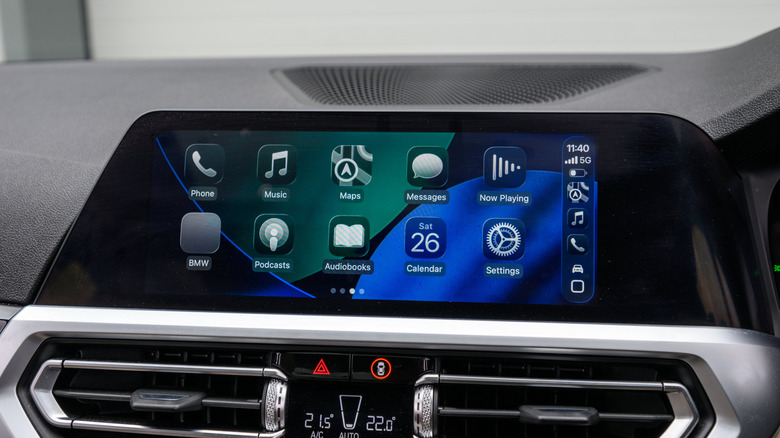
Having the ability to install various launchers and custom ROMs has long been something Android users could do. After all, more customization is one of the few reasons why people say they prefer Android over iPhone. Apple has its own way of doing things, and with the new "Liquid Glass" interface, it aims to offer Apple users more options when it comes to how their overall themes look. Apple will also translate this look onto the CarPlay system. The idea is to declutter the system and reduce the impact of notifications.
Visually, the interface looks clean and polished — partly thanks to how it reflects and retracts what's on the screen. Granted, it's primarily a universal cosmetic upgrade and not a functional one, but since we rarely ever see options in the interface customization department, it's one more option to choose from. "Liquid Glass" is optional, though, available in tandem with traditional dark and default modes.