

Can You Game Share GTA 6? What You Need To Know Before You Buy
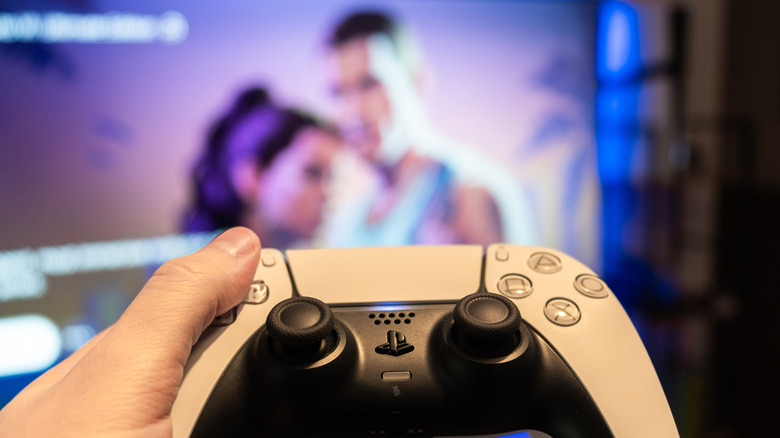
"Grand Theft Auto 6" is on the cusp of launching in the United States for the PS5 and Xbox family of consoles, including the Xbox One via streaming, and everyone is scrambling to get their copies locked down and preloads on standby. Unfortunately, for as heavily anticipated as this game is, it's also one of the most expensive AAA games to release to date, with the Ultimate Edition of the game costing $100. It may be prudent to find ways to alleviate the financial burden a bit, and one way you can do that is by sharing a copy with a friend. Not in the traditional sense, as "GTA 6" is launching only in digital formats, but through console game sharing features.
Both the PlayStation 5 and Xbox Series X and S allow users to share access to permitted games in their game libraries, which includes "GTA 6." In order to do this, both you and your friend would need to have the same type of console, i.e., two Xboxes or two PS5s, and the one who actually owns the copy would need to be willing to log into their account on a friend's console. With those conditions met, all that's left is the matter of setting it up, and you can both enjoy the game on your respective consoles, even if you're playing at the same time.
Game Sharing works on both PS5 and Xbox Series X/S
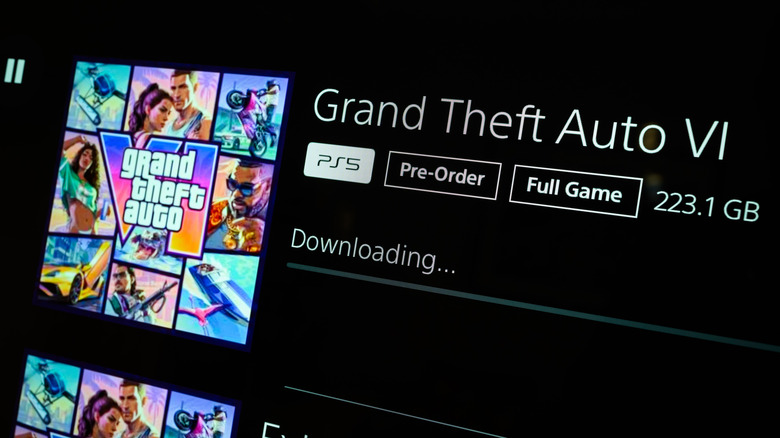
To share the game with another Xbox, you'll first need to buy and download "GTA 6" on your own Xbox. Afterward, sign in to your personal Xbox account on your friend's Xbox, then go to Profile & system > Settings > General > Personalization > My home Xbox. In this menu, select "Make this my home Xbox." You should be able to access your personal game library at this point, after which you'll need to download the game again on this Xbox, then have your friend log back in under their own Xbox account. Both of you should be able to start playing on your respective profiles and accounts. The only catch is that your Xbox will need to stay connected to the internet to keep playing.
For PS5, after buying and downloading "GTA 6" on your own PS5, you'll then need to sign in to your personal PlayStation account on the PS5 you want to share to. On that PS5, go to Settings > Users and Accounts > Other, and enable the Console Sharing and Offline Play toggle. After that, just find the game in your library, download it, and have your friend switch back to their profile.
Both of you should be able to start playing the game on your respective PS5s and profiles. Just remember that you can only have Console Sharing enabled on one PS5 at a time, so if you already have it enabled on your PS5, you'll need to turn it off before you can enable it on another. This also means you can only share the game with one friend at a time. Keep in mind that if your copy of "GTA 6" comes with a free month of GTA+, only the account that purchased the game can claim the subscription.