

How Much RAM Do You Need To Run A Local AI Model?

The idea of running local AI models is fast gaining prominence, especially as everything you do stays on the computer. With web-based AI chatbots, that data is processed on an outside server instead of your system's CPU (or GPU). For privacy-conscious users, this alone is a good enough reason to run local AI models. But not every computer is capable of running local AI models, especially the more popular and powerful models. That's because local AI models are memory-intensive, and your system needs enough RAM just to run them. As for their performance, or basically how fast a model responds, that depends on a wide array of other factors.
Generally speaking, you will need 16 GB of RAM to run a decent local AI model with 4-bit quantization like Qwen 3 8B and Llama 3.1 8B. Anything above that will, of course, put you in a better position, allowing you to run the more powerful models such as Qwen 3 32B and Gemma 3 27B. On the other hand, with 8 GB of RAM, your options are limited to smaller models like Llama 3.2 3B, Qwen 3 4B, and Mistral 7B using 4-bit quantization. Quantization, in simple terms, refers to reducing the size of local AI models, which also limits their RAM consumption, without significantly impacting their performance or accuracy. When we talk about local AI models, there's usually some level of quantization involved, either 4-bit or 8-bit.
The numbers 3B, 4B, 8B, 27B, and 32B highlight the parameter count in an AI model. For instance, a 3B model has around 3 billion weights, while a 32B model has 32 billion. The larger the model, the higher its parameter count. However, with quantization in the picture, the size of these weights is much smaller than it originally is.
RAM size isn't the only factor
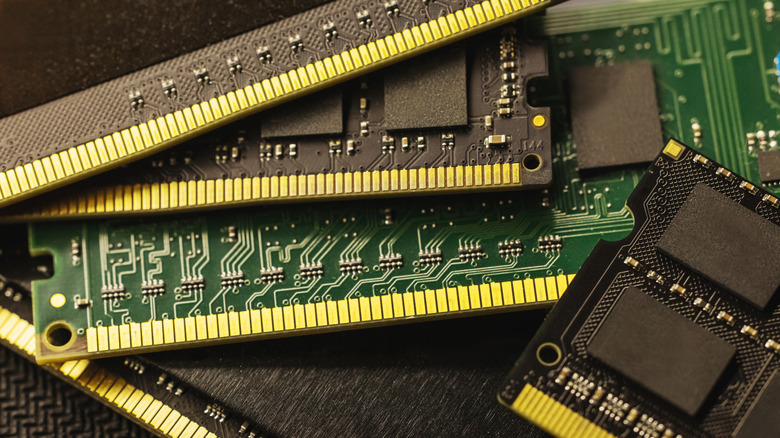
Your computer's RAM size only decides whether you would be able to run the local AI model. It's generally an either-or situation. Either your computer has enough RAM to run the AI model, or it doesn't, because unlike standard apps, the entire model resides in memory when there's no VRAM. But the AI model's responsiveness or performance is another key aspect, something most first-time users don't factor in initially. And this largely comes down to how fast the RAM is, or in simple terms, the memory bandwidth.
Memory bandwidth is a measure of how fast data can be loaded into and read from the memory. The higher it is, the more responsive the AI model will be. For instance, if we look at the DDR5 RAM, switching from 4,800 MT/s to 6000 MT/s can make a noticeable improvement. And it goes without saying that between DDR4 and DDR5, the latter is the better choice for running AI models locally because it has a higher bandwidth. Similarly, your GPU's VRAM does a better job than regular RAM. But if there's no GPU, your CPU is more than capable of handling things.
Storage also plays an important role here. While the storage speed doesn't necessarily impact the speed of token generation, since the system RAM handles that part, it does affect the initial load times and how long it takes to switch between models. For this reason, you should ideally run local AI models on an SSD and not an HDD. With an HDD, the experience can be incredibly slow, despite the system having sufficient RAM.
Your system runs other processes too

Keep in mind that you shouldn't pick a local AI model with RAM requirements that barely meet your system's specifications, because there are other processes, too. The operating system will take up part of the available memory, and there are critical background processes and apps as well. At the same time, the model's interface will also consume some RAM. So, with little to no overhead, your computer will become incredibly slow, making the local AI setup difficult to use. That's why you should ideally go with an AI model that leaves enough room for core system processes.
Having discussed the requirements, it's only natural to wonder whether you should upgrade your setup for local AI models, especially if the present setup barely makes the cut for bigger models. For first-timers, it's best to start with the existing hardware. If your computer has 16 GB of RAM, you already have plenty of local AI models to choose from. And if things get slow after a while, start a new chat. Of course, if the higher RAM prices are not a problem, 32 to 64 GB of RAM is undoubtedly preferable. And a GPU with 16 to 32 GB of VRAM is even better. But these things cost a decent amount of money, which first-timers are usually wary of. If that's you, start with smaller models and the existing setup, and upgrade along the way as you progress to bigger local AI models.