

Thunderbolt 4 Vs. 5: What's The Difference Between These USB-C Interfaces?
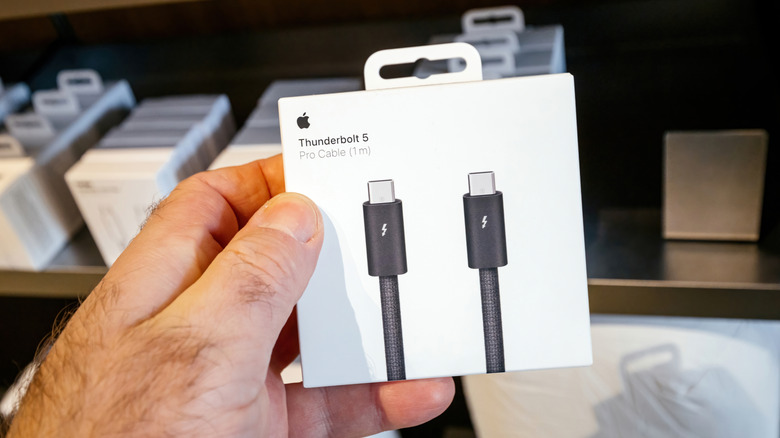
Most people would agree that USB-C has made things simpler now that we can charge most of our devices with a single cable. The moment you start shopping for an expensive laptop or monitor, however, is when you realize just how confusing the different USB-C standards can be. Two USB-C ports may look identical, but they can feature vastly different capabilities.
Thunderbolt is a connectivity standard developed by Intel and Apple. Newer versions of Thunderbolt use the USB-C connector, but each new generation of Thunderbolt brings noticeable improvements in data transfer speeds, display capabilities, and power delivery. Thunderbolt 4 has been around since 2020 and is still widely used in powerful machines like the M5 MacBook Pro and Asus Zenbook S14. Thunderbolt 5 started making its way into premium laptops and accessories in 2024, with machines like the new touchscreen MacBook Pro now offering the standard.
Since Thunderbolt 4 and Thunderbolt 5 share the same USB-C connector, telling them apart is pretty difficult. Many manufacturers don't print the version number next to the lightning bolt symbol on their laptop's ports. The best place to check which Thunderbolt standard your device supports is the product's official specifications page or manual. You'll still need a Thunderbolt-certified cable and an accessory that supports the same standard to take proper advantage of its capabilities. For example, a Thunderbolt 5 dock plugged into a Thunderbolt 5 port will only operate at full speed if you also have a Thunderbolt 5-certified cable connecting the two devices.
Big differences in bandwidth
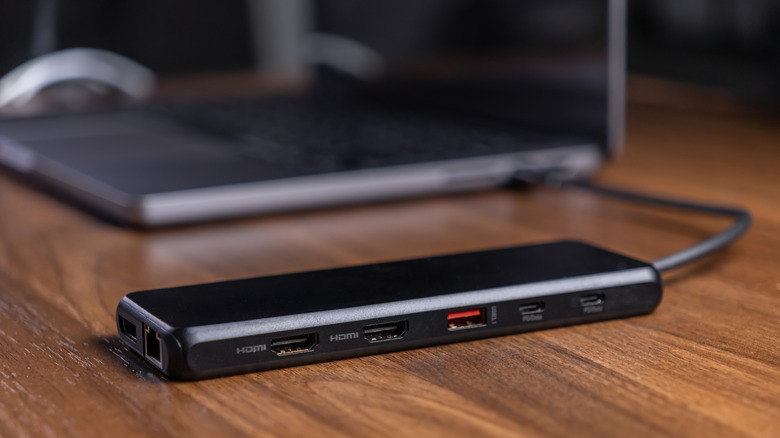
The biggest upgrade that Thunderbolt 5 brings over its predecessor is a massive increase in bandwidth. While Thunderbolt 4 tops out at 40Gbps of bidirectional bandwidth, Thunderbolt 5 doubles that to 80Gbps. Thunderbolt 4 might be plenty for most consumers, but if you have multiple high-resolution monitors and fast SSDs connected through a single dock, Thunderbolt 5's additional bidirectional bandwidth can make a noticeable difference.
Thunderbolt 5 also introduces a new feature called Bandwidth Boost, which automatically allocates up to 120Gbps of bandwidth in one direction, while maintaining 40Gbps in the opposite direction. In setups that have multiple high-resolution monitors, Thunderbolt 5's Bandwidth Boost can therefore provide up to three times the video bandwidth compared to Thunderbolt 4, which only supports up to two 4K displays at 60Hz or one 8K display. Thunderbolt 5 can drive up to three 4K displays at 144Hz or two 8K monitors at 60Hz.
Another area of improvement is PCIe bandwidth, which, at 64Gbps on Thunderbolt 5, has doubled from Thunderbolt 4's 32Gbps. This is particularly useful for external GPUs, since the additional PCIe bandwidth can theoretically reduce performance bottlenecks, allowing the graphics card to operate closer to its full potential.
Thunderbolt 5 improves power delivery
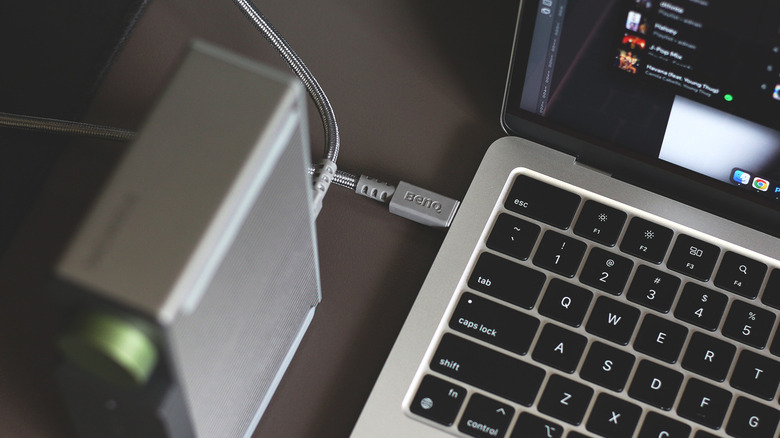
Laptops designed to charge through a Thunderbolt 4 port must support up to 100W of power delivery — Thunderbolt 5 raises that requirement to 140W. The standard itself can accommodate USB Power Delivery up to 240W, but how fast a laptop can charge depends on the manufacturer's implementation, the power adapter, and the USB-C cable you're using. Both Thunderbolt standards also require the port to supply at least 15W of power to connected accessories.
Thunderbolt 5 also makes the jump from DisplayPort 1.4 to DisplayPort 2.1, which allows it to handle higher resolutions and refresh rates. Whether you actually need Thunderbolt 5, however, depends entirely on your workflow and the devices you have hooked to your setup. If your laptop already supports the newer standard, simply upgrading your USB-C cable won't necessarily improve performance unless your docking station and connected peripherals also support Thunderbolt 5.
Fortunately, the new standard is backward compatible with older Thunderbolt generations, so you don't have to base your next laptop purchase solely on the Thunderbolt version supported by your existing accessories and monitors.