

How Much Would It Cost To Build A PC That Can Compete With A Nintendo Switch 2?
We may receive a commission on purchases made from links.
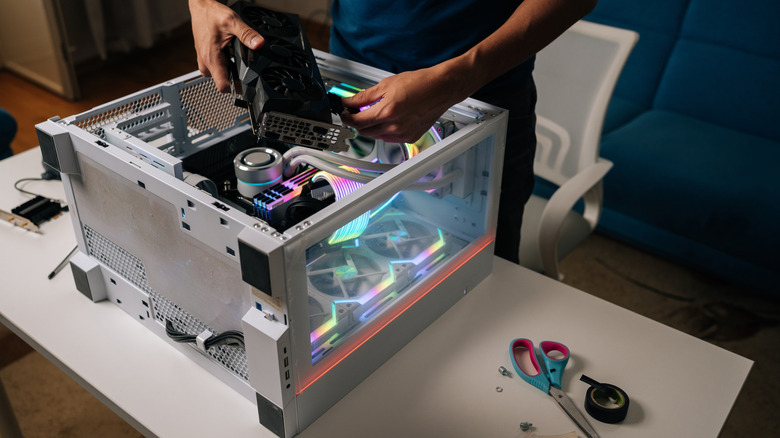
With the right funds and the right parts, it's possible to build a computer that rivals some of the more recent consoles. That includes the Nintendo Switch 2. But how much would the total cost actually be, and what would you need to make it happen? With some intuitive shopping, this modern PC build would cost anywhere between $800 and $1,000. You can trim costs in some areas, but ultimately, that's what you're looking at to build a machine capable of matching the Nintendo Switch 2 from scratch.
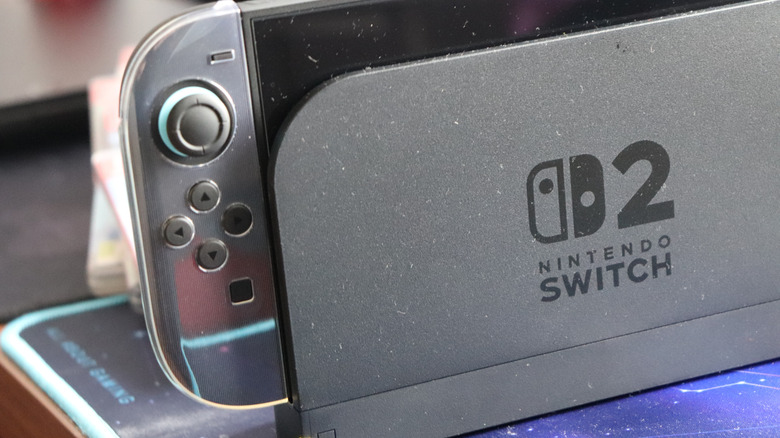
Before you can dive into any of that, you need to know the Switch 2's internal hardware specifications. According to PCSpecs.io, the Nintendo Switch 2 has an ARM Cortex-A78C 8-core, 8-thread processor, capable of 1.1 GHz clock speeds. It also runs on a custom Nvidia Ampere GPU with 12 GB of LPDDR5 system RAM, with about 9 GB of that memory allocated to games. Altogether, it's capable of 3.07 teraflops of performance and has a memory bandwidth of 102 GB/s in docked mode. For the GPU alone, that's the equivalent of an Nvidia RTX 3050. However, the Switch 2's GPU has fewer CUDA cores, making it less powerful than the desktop graphics card.
What do you need to build a PC equal to Switch 2's power?
Here's where things get a bit hairy. Given that prices can rapidly fluctuate, keep in mind that the total cost can change by the time you're reading this. Currently, you can buy an Nvidia RTX 3050 for between $250 and $300. 16 GB of DDR5 RAM can cost between $240 and $400, though you can get by with half of that or downgrade to something like the Crucial 16GB DDR4 RAM Kit for around $135. With a 4-core, 8-thread processor and a base clock speed of 3.3 GHz, the Intel Core i3-12100F is a comparable CPU that costs around $150. So, for the GPU, CPU, and RAM, you're looking at a base price of at least $640, or $535 if you choose DDR4 RAM.
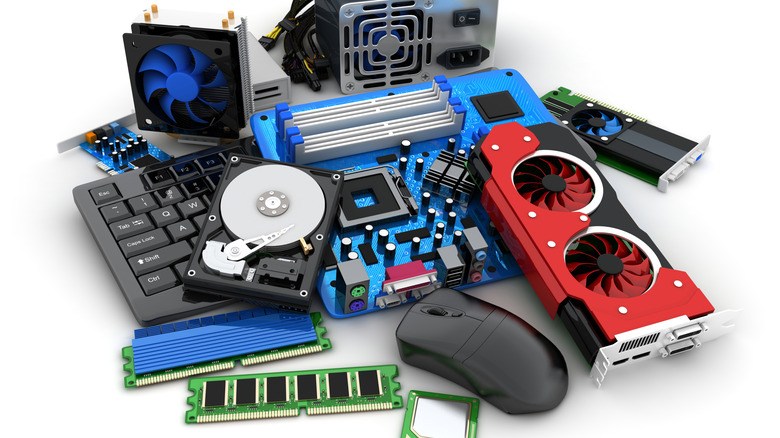
You'll also need a motherboard, hard drive or solid-state drive, a PC case, power supply, and accessories, whether that's a controller or a mouse and keyboard set. Plus, you'll want speakers and, if you plan to play online, you'll want a microphone or headset. The motherboard, case, and power supply will add between $50 and $100 for each item. With the hard drive shortage, you're looking at another $100 to $350 for a decent-sized storage drive. Adding all of that together, not including some of the other extras, you're in the $800 to $1,000 range. Granted, these are rough estimates, but that's still quite a bit higher than the Switch 2's current $500 price tag.
You can make concessions, but the shortages have spiked the costs
At the risk of sounding like an aging tech enthusiast, there was a time when building a PC like this would have cost much less. We are no longer at that point, nor will we be for quite some time, if ever again. RAM shortages and rising PC parts costs are to blame for that. But this also means that the estimated prices listed here will change over time. With some careful planning, and by using retailer promotions and sales, you could build a PC that's equivalent to a Switch 2 for much less. It's no wonder why building a machine to compete with more powerful consoles like the PS5 Pro is prohibitively expensive.
You can make some concessions and go with a less powerful and more accessible GPU, CPU, or RAM bundle — the suggestion to go with the lower-cost DDR4 RAM is precisely that. Not that this is recommended, but you could also opt for renewed or refurbished parts, specifically the GPU. But this also highlights how the Nintendo Switch 2, which costs $500 all-in, could be an enticing buy for many who don't want to bother putting together their own system.
The Nintendo Switch 2 also has a lot of unique features that even most owners don't know about, which improve the gaming experience. The Joy-Con controllers and their versatility are just one example, as is breaking out the console anywhere for some spur-of-the-moment local multiplayer sessions. Though, you can also connect Joy-Cons to a PC for gaming using Steam. You can also grab one of the other handheld consoles to play anywhere, most of which are cheaper or comparable to the cost of building your own system.