

Do Ethernet Cables Expire? Here's How Long They Can Last
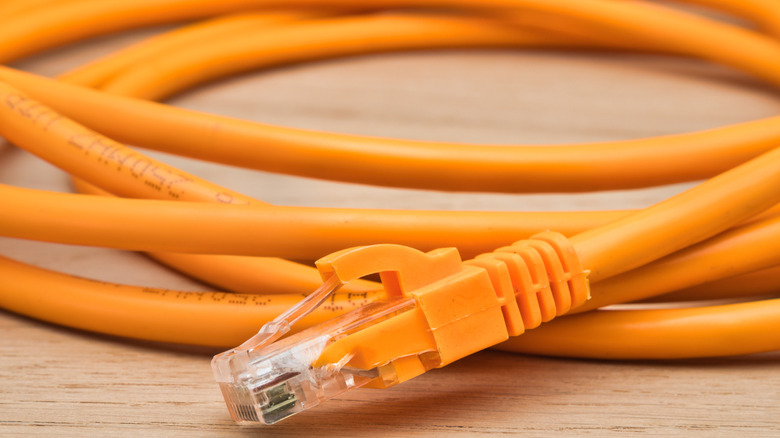
Ethernet or a wired network setup works great if you prioritize performance, speed, and latency. The connection is generally preferred by gamers who need lower latency but, of late, it's becoming increasingly common even among everyday users. And a key part of that setup is the Ethernet cable, which is also often the one that's the most overlooked. You choose the Ethernet cable that meets your needs and forget about it until a problem appears. But when does an Ethernet cable really fail, and how long does one last? The answer isn't straightforward; it depends on several factors.
Ethernet cables don't have a fixed lifespan, and you are extremely unlikely to find an expiry date printed on the packaging. That's because they don't come with one. If you take the necessary precautions while routing the cable, avoid sharp bends or kinks, and don't expose it to harsh conditions, it can last a decade or even more. You can find people online claiming to use Ethernet cables routed 20 to 30 years ago.
This doesn't mean that every Ethernet cable will last over a decade. Some do, while others might fail much sooner. And it doesn't always have to do with how you handle them. Sometimes, the cable's quality and construction also make it more prone to wear and tear. For instance, pure copper cables last much longer than copper-clad aluminum cables. So, the type of cable you buy matters just as much for overall lifespan.
Factors that affect the lifespan of Ethernet cables
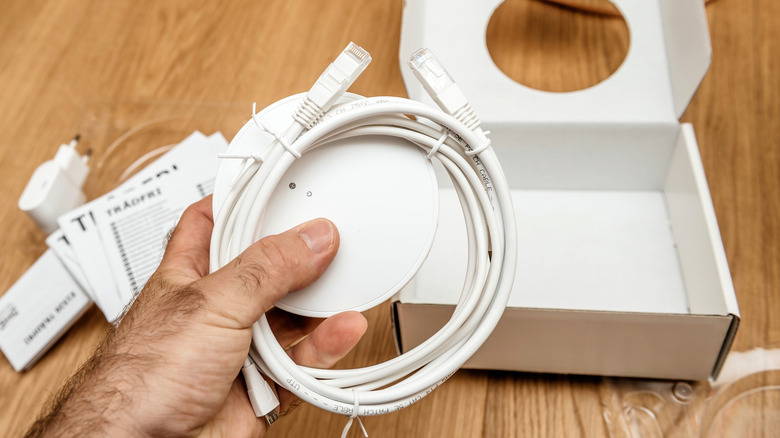
There are several factors that determine how long an Ethernet cable will last. Improper handling or routing is a major reason Ethernet cables fail early. If there are too many bends that don't account for the bend radius of Ethernet cables, you get slower speeds and risk damaging the cable. Similarly, someone stepping over the cable or a pet chewing it can also result in physical damage. Apart from that, the cable's location, whether it's indoors or outdoors, is just as important. Generally speaking, a cable installed indoors at normal room temperature lasts longer than one present outdoors, because it isn't exposed to sunlight, rain, or snow. Besides, the former is typically more protected against accidents.
As we discussed earlier, the cable's quality is another important factor that affects its lifespan. The best Ethernet cables last much longer than low-quality ones. Additionally, quality can improve performance. For example, low-quality cables may overheat when carrying Power over Ethernet (PoE), which can affect their long-term performance and cause them to fail sooner.
That said, the RJ45 connectors at the ends of Ethernet cables and the ports are also worth paying attention to. If they are broken or malfunctioning, the setup won't work, despite having a good Ethernet cable. Both can fail if the cable is repeatedly plugged and unplugged or handled carelessly.
When should you replace Ethernet cables?
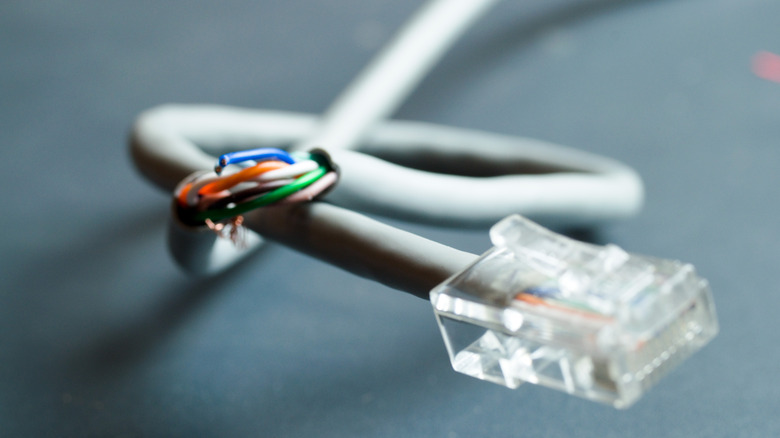
An Ethernet cable doesn't usually fail at once, but it happens gradually, unless, of course, we are dealing with major physical damage, which calls for immediate replacement. There are signs along the way that will tell you when it's time to replace the Ethernet cable. Keep in mind you can't always visually distinguish between good and bad Ethernet cables. Some signs are evident only after regular use. For instance, if the device frequently loses connectivity, the internet speed feels slower, the network performance isn't as good, or the cable no longer effectively powers devices through PoE, it may be time to replace the Ethernet cable.
You may also need to replace the cables if the older ones don't meet your requirements. For instance, if the current setup uses Cat5 cables but your internet plan delivers 1 Gbps, or your devices can handle transfers at those speeds, upgrade to Cat6 or Cat6a, depending on the cable run length. Lastly, if you have patch cables running over longer distances, you may consider switching to structured cabling. Patch cables, though more flexible, usually work best when connecting devices over shorter distances, say inside the same room. Remember, cable replacement is important, but only when you benefit from it. If the current setup works fine, you can keep using it until the need arises for an upgrade or replacement.