

Why Don't Mesh Wi-Fi Routers Have Antennas?
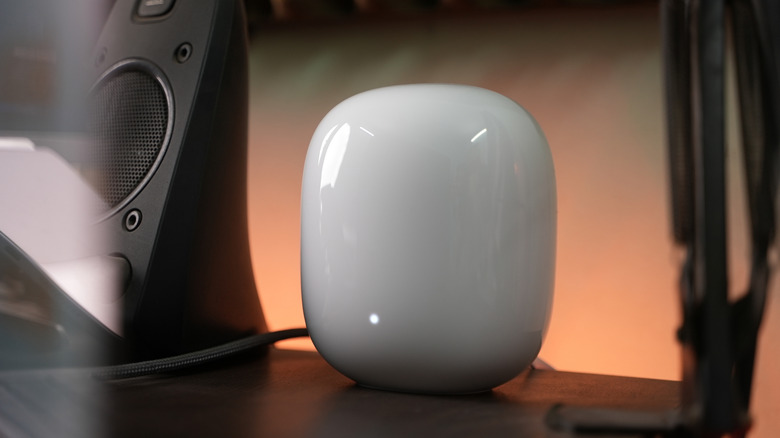
If parts of your home have patchy Wi-Fi signals, you may have considered getting a mesh system. With multiple nodes working together, they can provide better coverage in larger homes with more complex layouts. But mesh Wi-Fi routers don't generally have antennas, not in the traditional sense. You don't see anything protruding from the node. So, will a mesh Wi-Fi router with no antennas actually work for you?
The answer is yes. That's because, although the antennas aren't visible like the ones on a traditional router, they are still there. It's just that these antennas are present inside the router's body. As surprising as it may sound, internal antennas can be just as good as external ones, and sometimes even better. Remember, the role of router antennas is to broadcast Wi-Fi signals, and they do so irrespective of whether they are installed internally or externally. That said, internal antennas have a few downsides, but the average user is unlikely to notice a difference in most cases. Even older phones had visible antennas at the top, and newer ones don't, but this hasn't affected their ability to receive or broadcast signals.
Also, keep in mind that having more external antennas doesn't necessarily translate into better coverage or performance. For better signal strength in a larger space, mesh Wi-Fi systems are the way to go.
Internal antennas sometimes make more sense
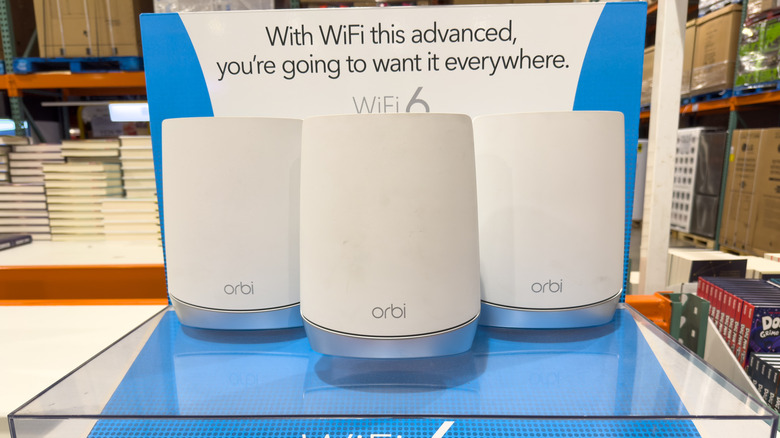
Companies didn't introduce internal antennas for no reason, even though buyers often associate the number of antennas with performance. From a performance standpoint, mesh Wi-Fi routers with internal antennas are omnidirectional, which means they broadcast Wi-Fi signals equally in every direction. For a mesh Wi-Fi router, this makes sense, since the idea is to boost coverage throughout the space and not focus on a particular spot. With an omnidirectional signal broadcast, you get better Wi-Fi coverage.
Additionally, internal antennas are pre-optimized. This means they will deliver their best performance out of the box. You don't need to make any adjustments. And there's another benefit to it. With manual antenna adjustments out of the picture, it eliminates the possibility of users pointing antennas improperly. Believe it or not, the web is full of guides suggesting how you should point your router's antennas, and while some of it is actually useful, it can also confuse the average user, and they may end up with the wrong positioning. Internal antennas ensure that doesn't happen.
Internal antennas are also less prone to damage compared to external ones. The router's body shields these antennas from external forces. This can also increase your router's lifespan, though other factors matter, too. External antennas, on the other hand, can be easily damaged if you apply excessive force while repositioning them or drop the router. Lastly, there's the visual appeal. Routers with internal antennas, whether mesh Wi-Fi routers or conventional ones, are more aesthetically pleasing and blend well with their surroundings. Their sleek design makes them appealing to users who prefer a minimalist, uncluttered look.
There are a few downsides too
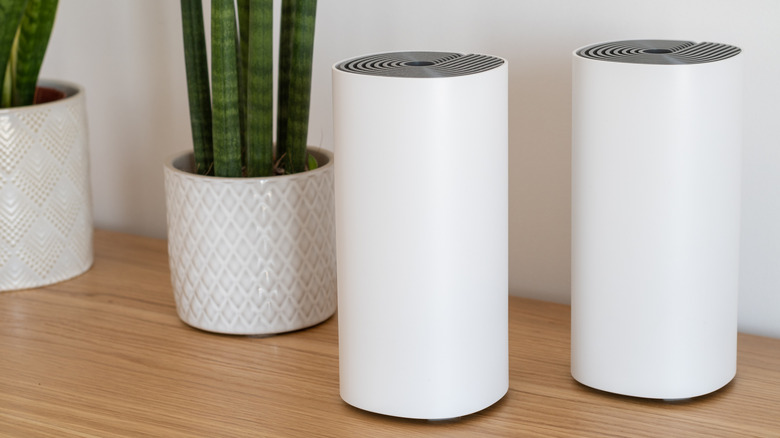
External antennas offer distinct benefits. For manufacturers, they are easier to design and implement because internal antennas require proper spacing, which can be challenging in more compact models. For the user, external antennas can be adjusted to broadcast signals in a specific direction. For instance, if you want to improve signal strength around your workstation, you can adjust the antennas accordingly, something that's not possible with internal ones.
If we look at the real-world implications for the average user, the choice between internal and external antennas isn't as important. You'll also need to consider other factors, like the router's capabilities and supported wireless protocols.
So, the absence of visible antennas on your mesh Wi-Fi router doesn't make it inherently subpar. The antennas are simply hidden inside the router's body, but they are still performing their job. You may notice that, like mesh Wi-Fi routers, some newer home router models, travel routers, and Wi-Fi extenders also don't feature visible, external antennas. The same idea applies here. It's simply a newer design that major router brands are now prioritizing for multiple reasons, including performance, durability, and cost savings.