

How Far Away From The Wall Should You Set Up Your Home Projector? It Depends
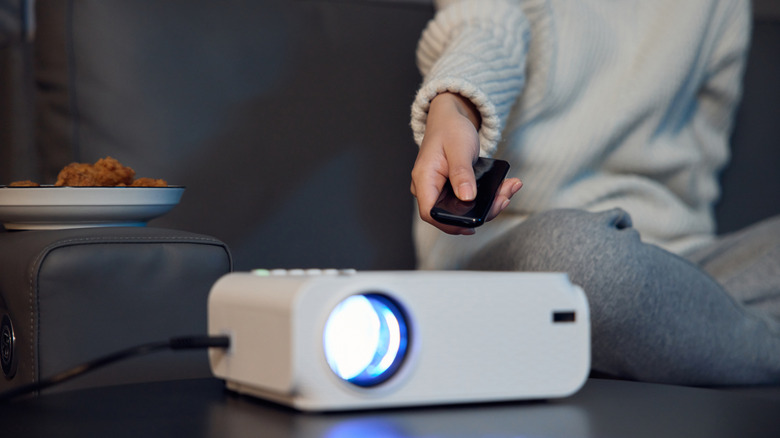
It might sound like a simple proposition, but the optimal projector setup can be more complicated than you think. Whether you're permanently replacing a TV or just inviting friends over to watch a football game on a bigger screen, the experience largely depends on where you place the projector. The distance between the projector's lens and the screen is called the throw distance. This term matters because projectors are grouped by how far they need to sit from the screen: long throw, short throw, and ultra-short throw. You will find examples of each in our list of the best projectors you can buy for your home theater. Each type works best within a different distance range.
Long throw projectors are used in larger spaces with screens that are 100 inches or larger, measured diagonally. They typically sit 10 feet or more from the screen, and some can work from more than that 20 feet (about 6 meters) away, depending on the screen size. Short throw projectors provide the best experience when placed about 3 to 8 feet from the screen. Ultra-short throw projectors, meanwhile, are designed to sit just inches (0 to 4 feet) from the wall or screen.
How to calculate the distance from the wall based on your desired screen size
When deciding on a projected screen size, you should take into account your space, your projector's limitations, and the 4/6/8 rule for projectors, which helps match the screen size to how far away you will be sitting. From there, you can use one of many online distance calculators (like this one from Epson). Or, you can use a simple formula based on the projector's throw ratio, which is usually listed in its specifications. Throw ratio is calculated by dividing the distance between the projector's lens and the screen by the width of the screen. For instance, a unit 8 feet from the screen projecting an image 4 feet wide would have a throw ratio of 2. That's a common figure for many projectors. It means the projector needs to sit 2 feet from the screen for every foot of screen width.
To find the right distance for your projector, take the width of your screen in feet (or how wide you'd like the image to be) and multiply it by the projector's stated throw ratio. For instance, the Epson Home Cinema LS11000 4K Laser Projector has a throw ratio of 1.35 to 2.84. It's a range rather than a single figure because the projector has an optical zoom. Say your screen is 6 feet wide. You'd multiply 6 x 1.35 = 8.1 and 6 x 2.84 = 17.04. That means this particular projector can be placed anywhere from about 8 to 17 feet from the screen or the wall.
Visual indicators for the proper space between the wall and projector
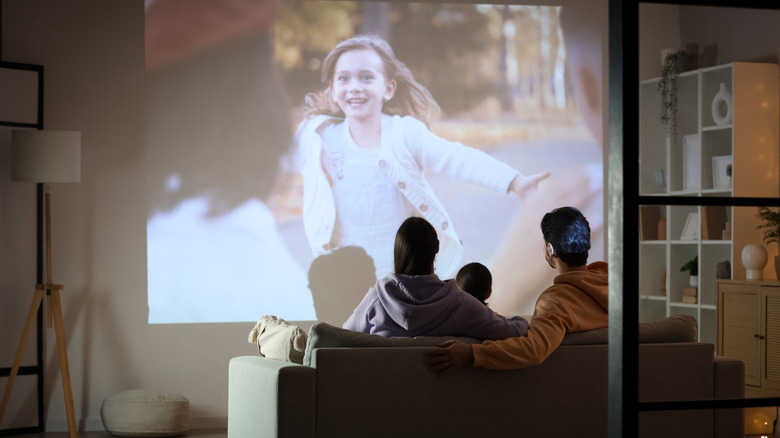
If you just want an immersive movie experience and don't want to solve a math equation, there are visual cues that'll identify bad projector placement. Image quality is a big indicator that you might need to make some adjustments. While you can ignore throw ratio and simply scoot your projector back far enough that the image nearly covers the entire wall, it won't provide the best experience.
Placing a projector beyond the recommended distance can make the image look washed out, because the same amount of light is spread across a large area, reducing the image's brightness and contrast. This could also be the result of other factors, such as choosing one of the worst places to put a projector, like a brightly lit room. However, one fact remains: The further the projector is from the wall, the dimmer the image becomes, with bright colors and deep blacks suffering as a result. If the image looks as though there is a white haze over everything, try moving the projector closer to wall.
Picture detail can also be lost. There are limits to a device's ability to focus the image, so a 4K projector placed too far from the screen might produce a fuzzy picture, instead of a crisp detailed one. If you want a larger screen size, look for a projector that's bright enough and rated for bigger images. Also check the manufacturer's recommended size range. For example, the XGIMI Horizon Ultra can project an image as large as 200 inches diagonally, or about 14.5 feet wide (174.3 inches). However, XGIMI recommends sticking to 60 to 120 inches for the best picture quality.
If you need a brighter option for bigger images, the Anker Soundcore Nebula X1S, the best projector on SlashGear's Hot List 2026, offers a peak brightness of 6,000 ANSI lumens.