

11 Tips For Keeping Your Blu-Rays And DVDs Working For The Long Term
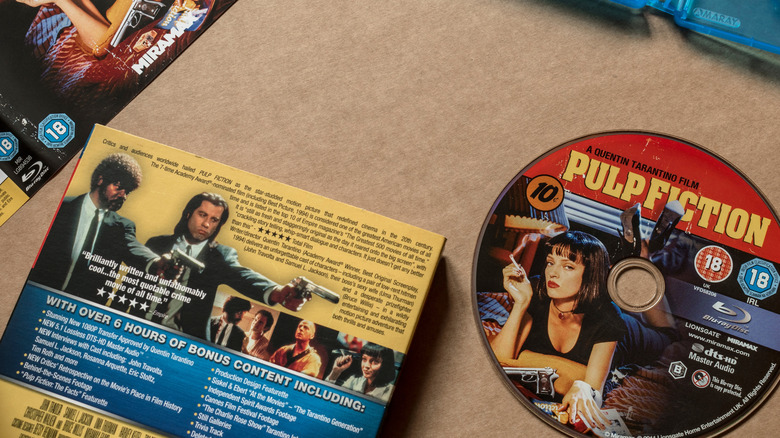
Since subscription services now require second mortgages and the situation around digital ownership keeps taking new (and ridiculous) turns, preserving and owning physical copies of media has made a comeback. After all, this is the only way to be sure what you pay for is available when you want it, without licensing loopholes hidden in the small print. That said, physical media needs to be maintained. However, the good news is there are more than a few ways to ensure that those Blu-rays and DVDs continue to work for a long, long time.
There are obvious tips — such as don't use the disc as a Frisbee and maybe don't try to carve your name into a disc with a knife — but there are also pointers that not every collector might be fully aware of. These suggestions include how to take a disc out of a box and whether you should use a CD wallet. Let's take a further look at how to keep your collection in one piece.
Do not buy Blu-rays or DVDs with loose discs in the case

Imagine the scenario: You have been looking for a DVD or Blu-ray copy of the greatest movie of all time — prime example: Jean-Claude Van Damme's "Bloodsport" — for ages. You find it in a store, so you pick it up and notice a rattle as you do so. Real advice? Put it back where you found it and see if there's another rattle-less copy somewhere.
A loose disc in a case may not always indicate something nefarious — gamers know all about this phenomenon. However, it could suggest that there was some mishandling of the item in the supply chain. There's no way to know if this happened at the packaging stage or when the store clerk put it on the shelf or rack. As a result, the disc could be damaged and scratched because of all that shake, rattle, and roll.
Sometimes, though, the disc-release buttons have zero lifespan and break under the force of a cough from 5 miles down the road. Unless you can inspect the disc before buying and/or there's a good return policy if it doesn't work, avoid buying DVDs and Blu-rays in loose cases.
Keep the cases out of the sunlight
Look, putting any item in the full blast of the sun's rays for too long can have a detrimental effect on its longevity. Laptops, for example, can be damaged by direct sunlight, and the same holds true for DVD and Blu-ray cases.
Most DVD and Blu-ray cases are made from either polystyrene or polypropylene, which are plastics. They are not UV-resistant by nature, so long-term exposure to the sun can gradually degrade the product and make the case brittle. One day, you may reach for the case, open it to take out the disc, and notice the plastic beginning to crumble in your hands.
To avoid this and preserve your disc's first line of protection, keep your DVD collection out of direct sunlight. Store them in a closed cabinet or even in an ottoman.
Store the cases vertically
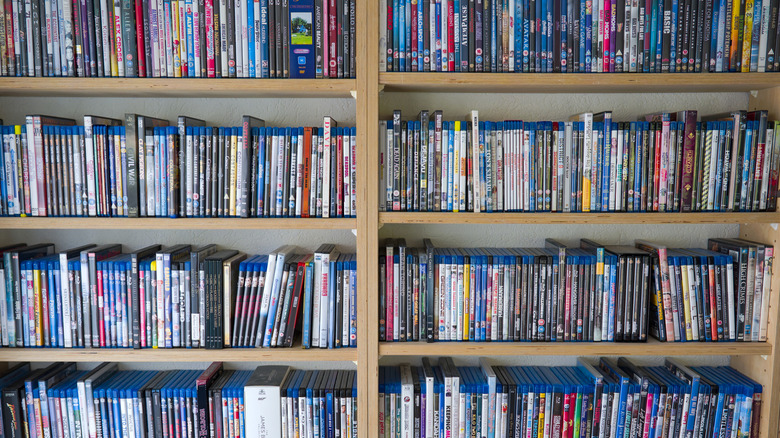
When it comes to storage, most people tend to decide whether to store their cases vertically or horizontally depending on the volume of their collection and space available. As it turns out, storing cases horizontally isn't recommended, especially if you want to keep your Blu-rays and DVDs working for the long term.
The reason for this makes sense when you think about it. When you store them horizontally, it's possible for the discs inside the cases to become warped or bowed over time — especially in warmer conditions. And when it comes to your discs, it's best to avoid any warping, since this could affect how the player reads the data — plus, it could damage the player itself.
Also, piling them on top of each other adds weight and pressure to the cases and discs at the bottom of the stack. Instead, store the cases upright and vertically to avoid potential issues down the line.
Do not stick labels on the disc
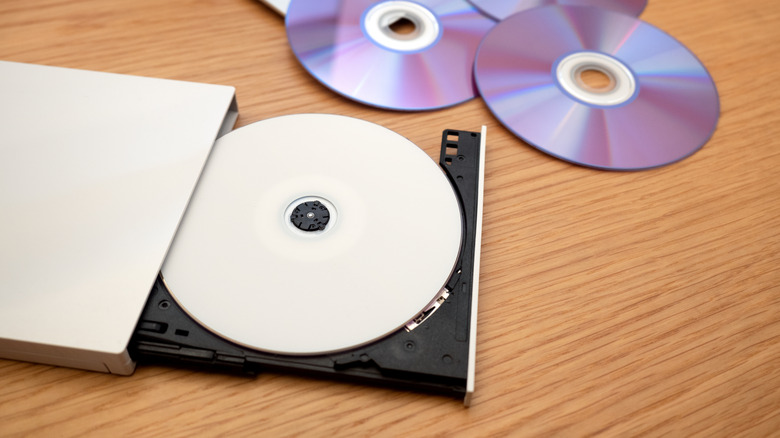
There was a time when people loved to put stick-on labels on everything. Hey, it makes sense in terms of organization and knowing what's what, but when it comes to burned DVDs and Blu-rays, it is a no-no. As it turns out, adhesive labels can unbalance the disc when it's in the player and cause issues to the player itself. Also, think about what could happen if the label comes unglued while the disc is still inside the player — messy is the word that immediately comes to mind.
As audiophiles figured out with their CD collections, certain types of markers can cause damage to the discs too, so it isn't a flawless solution either. Instead of writing on the disc or putting a label on it, consider the alternative: Create your own printable covers to slip onto the case. Not only does it help prevent issues with the disc itself, but it also looks neater and easier on the eye.
Take Blu-rays or DVDs out of the box correctly

This comes directly from someone who worked at a video store for two years: Surprisingly, a lot of people don't know how to take discs out of a case properly. As a matter of fact, this ended up becoming one of the most common reasons for broken and damaged discs, as well as a general headache for the owner.
The main issue here is the disc-release button. Some boxes even have a clear instruction reading, "Press center button to release," but there are some individuals who insist on grabbing a part of the disc and yanking until it comes loose. Sometimes, this works and turns out to be a victimless crime. Other times, the disc comes out in two.
When it comes to taking a disc out of the box, press the center button until the disc releases, then put a finger through the central hole and hold the outer edges to remove it. This way, you won't get any unfortunate surprises.
Clean them with the correct solution and the right way
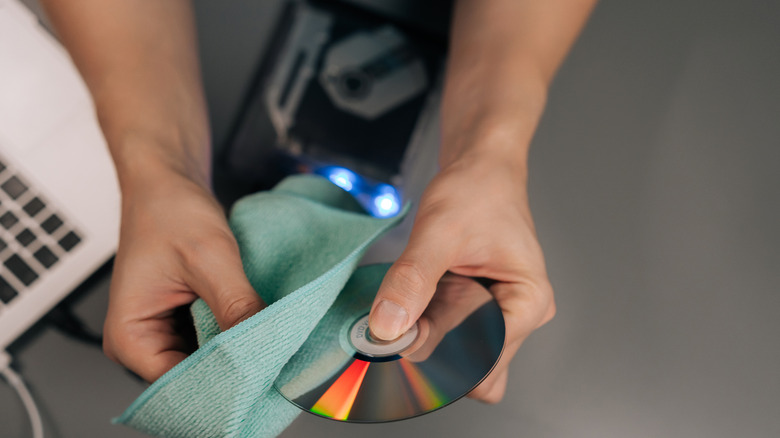
Despite how careful you are with your discs, there's always the chance that fingerprints, dust, and dirt find their way onto the disc's surface. Electronics manufacturer Panasonic recommends that you use a microfiber cloth and wipe from the center of the disc outward to remove the dirt (never in circles). If this doesn't solve the problem, dab the cloth in distilled water or rubbing alcohol, then repeat the process. Make sure the disc is dry before putting it back in the player, though.
There are also ways to fix scratched DVDs by using repair systems available for purchase that buff out scratches and clean the discs. However, read and follow the instructions carefully to avoid mishaps or further damage to the discs. If you're concerned and would like a professional opinion or assistance, disc repair centers can help and provide further advice.
Handle the discs the right way
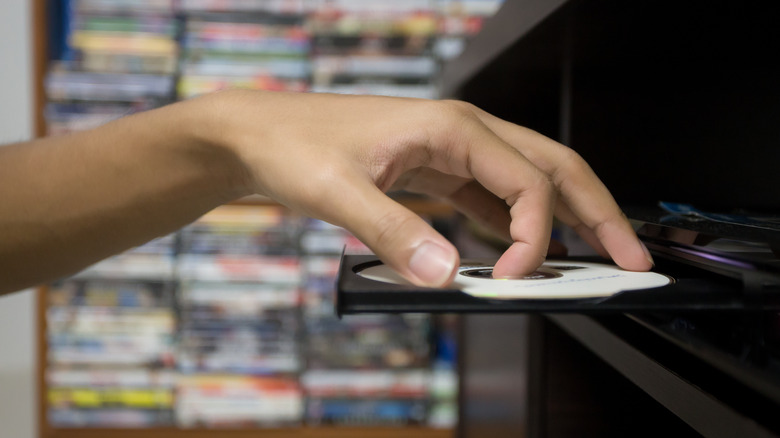
Much like how you take a disc out of the player or case, that's how you should be handling it at all times. One finger should be through the central hole, while another finger grips the outer rim as you carry it.
What you want to avoid here is touching the CD with your fingers, because this could result in the potential transfer of dirt and grime to the disc. It might not be an immediate problem, and the disc may still play if you leave a few dirty fingerprints, smudges, and scratches on it, but do it enough times, and that'll quickly change, as the player will not be able to read the disc. Plus, you don't want the dirt to transfer to the player itself, since that's another problem altogether.
Should you wear gloves, though? It's not necessary, and the gloves might prevent you from having a firmer grip on the disc. However, if you are worried about dirt from your hands transferring to the disc, wash and dry your hands before handling it.
Be careful of using CD wallets
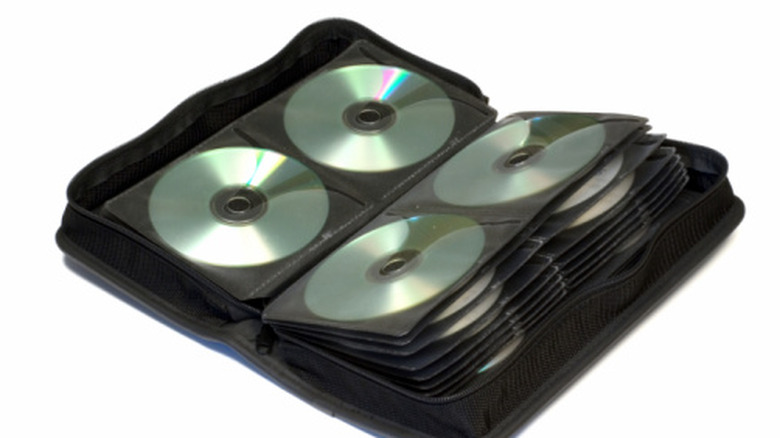
It's understandable why someone might want to move their entire DVD and Blu-ray collection to a CD wallet. Space is an issue for almost every household, and you would reason that a wallet would be a safer and more compact place to store the discs away from dirt and sunshine.
Yet, as What Hi-Fi pointed out, not all CD wallets are made equally. For instance, placing a disc into a tight sleeve could lead to the scratching of the disc, while the sleeve itself may not have the best resistance to hot conditions. There's nothing worse than opening up your wallet to find that the sleeve's plastic is now melted to the disc.
In terms of CD wallets, buy a higher-quality build and don't settle for the cheapest option available. Also, keep the wallet away from direct sunlight and any place that could get extremely hot, such as the inside of a vehicle.
Inspect the discs regularly
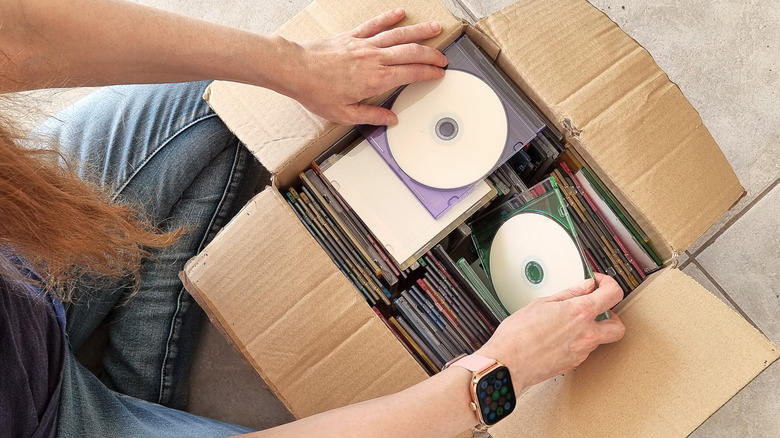
With more entertainment options than ever before, it's possible that someone might not be visiting their DVD and Blu-ray collection like they used to in the past. Maybe it might be a few weeks, months, or even years between plays.
Even so, it's essential to take the discs out of their cases and inspect them regularly for potential issues, such as the dreaded disc rot. Years ago, users reported disc rot on Blu-ray titles such as "The Departed" and "The Prestige." This can affect a disc's ability to play, and there's no way to salvage it once it has it.
By checking the discs regularly, you might also be able to identify other issues you didn't even think about before. For instance, there could be a moisture problem in that particular part of the home, or the area where the collection is stored receives too much sunshine. Identifying these issues early on may be the difference between saving your collection and chucking it all in the trash.
Make sure your player isn't damaging your discs

As with any other mechanical device, Blu-ray and DVD players can become faulty and require fixing and maintenance. They may encounter issues with the opening and closing of the disc tray or the device stopping working entirely, but it's extremely rare that they damage discs if working properly. It can happen, though.
In 2008, ABC News posted about how some Xbox 360 users experienced damage to their discs due to the console. According to Microsoft, this was as a result of the consoles being moved while the discs were inside. Regardless, the damage was done to the discs.
There are people who use their consoles as their primary media players, so it's worthwhile to ensure that these issues aren't occurring with your own device. Read the manual and/or notices for the device to see if there's anything specific that you should (or shouldn't) be doing with it too.
Make backups and digitize the collection
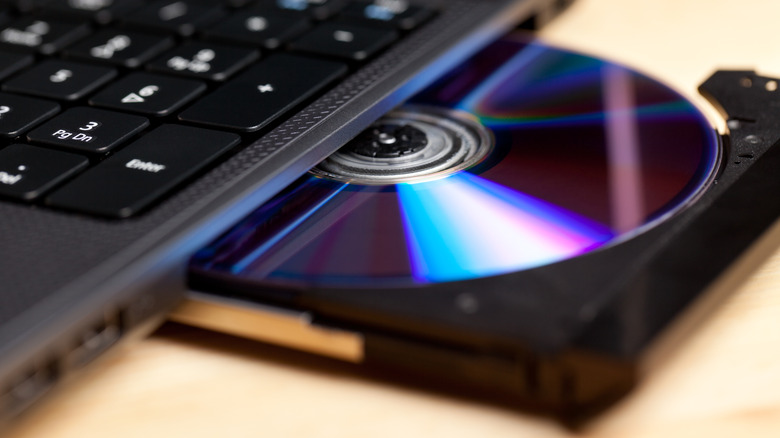
Here's the truth: Even though owning physical media guarantees your continued ownership, it doesn't guarantee that it'll last and be accessible forever. So, how long should you expect your DVD and Blu-ray collection to last? While Sony suggests a DVD's lifespan to be anywhere between 30 and 100 years, the Canadian Conservation Institute (CCI) views it differently. According to the CCI, the average lifespan for the official discs that house movies and series is 10 to 20 years.
That's not a long time at all. The best advice for any collector who values their media is to make backups and digital copies of what they own — if legally allowed. Transfer the data onto another disc, storage device, or even the cloud. When it comes to having copies of what matters to you, more is better, because you never know — what works today might not tomorrow.