

7 Reasons Your Bluetooth Speakers At Home Don't Sound As Good As They Should
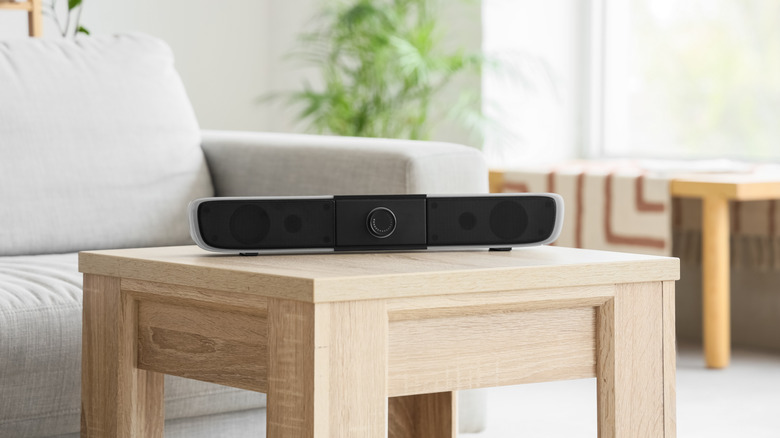
If you've spent your hard-earned money on one of the best Bluetooth speakers, you'll want to make sure it performs at its best. Whether you've paid for a small pocket speaker, a large party speaker, some stereo bookshelf speakers or a giant floor-stander, it's worth ensuring that your purchase is performing as well as it could.
However, small mistakes can lead to your speakers sounding sub-par: distortion, muddy-sounding bass, crackling audio and drop-outs can all result from faults or bad set-up decisions. Sometimes the sound can be 'fine,' but not up to your personal standards or taste. The various problems can be similar to the selection of potential soundbar mistakes you might be making, but multiplied due to just how varied the Bluetooth speaker world is; you might have one, two, or even 15 devices, each of which work in different ways and will be placed in various spaces around your home.
I've been covering hi-fi tech for years, reviewing speakers and attending conventions, and have learned to identify the challenges, fixes and problems that can occur when setting up Bluetooth speakers, as well as their simple solutions. A quick position change or foray into the settings menu of your speaker's mobile app may be all that's standing between you and perfect audio.
Your speaker is on the wrong surface
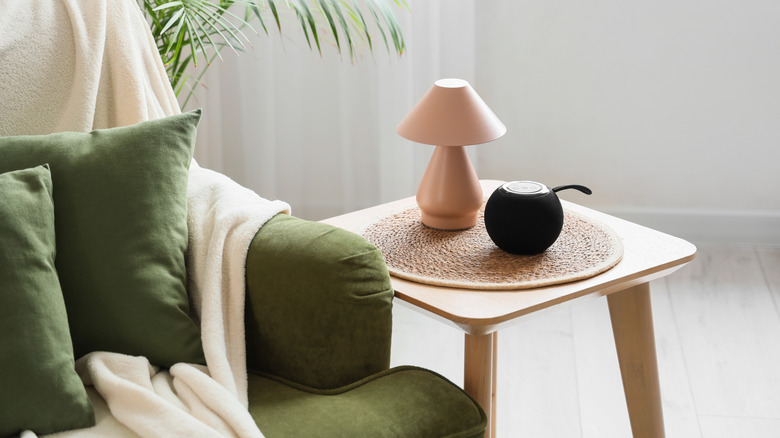
When you set up your Bluetooth speaker, you probably placed it on whichever surface of your home was convenient at the time. Perhaps it sits on a metal shelf, a wooden cupboard, or a glass table. The material it's perched on is very important, and it can affect the way your loudspeaker sounds as well as any extra noises coming from it.
Sound is, after all, a series of waves which travel through matter, and from a speaker these waves will also travel through the solid object it's placed on. However, depending on the surface, these waves can sometimes resonate in a way that doesn't sound great to you, or which muffles them like in the above picture. This is especially true if there's also a turntable on the surface, as the vibrations from these waves will affect the stylus playback.
So how do you stop these vibrations, or resonance, from affecting your audio quality? The top tip provided by audio companies is to buy a stand, as these are built with inert material to avoid the problem, but there are simpler solutions too. Reddit is awash with simple tips and hacks, like buying rubber feet for speakers or fashioning them out of Blu-Tack. However, a simple option is to experiment with surface placement yourself to see if your speaker sounds better if you move it or put something under it.
You've positioned the speakers poorly
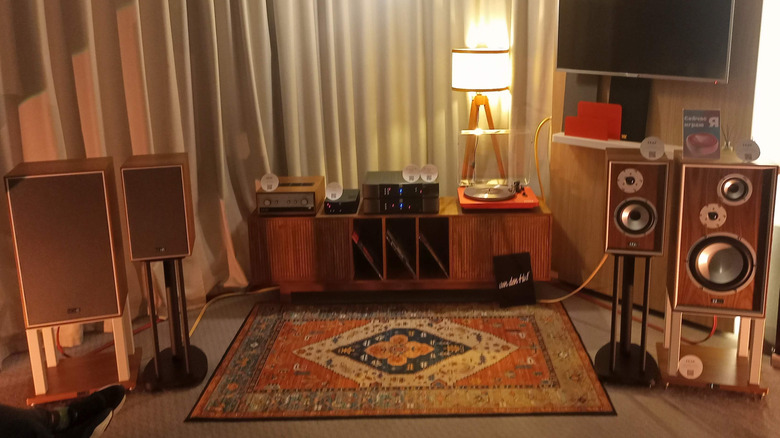
You're now likely repositioning your Bluetooth speaker accordingly, but there's more you need to know about placement. Where you put your gadget in the room will affect how you appreciate the sound. This is especially pertinent if you own a stereo speaker set-up, but is also true if you're using multiple wireless options which have been paired to play in tandem.
Audio engineers talk about the listening triangle. This is when you set up your speakers in a triangle configuration, with them sitting at two of the points, angled towards you (or 'toed in') at the third. Some recommend using an equilateral triangle, so you're the same distance from the speakers as they are from each other, but others recommend being further away. This helps create a wide soundstage, in which you can enjoy the full spread of instruments, as they'll feel like they're surrounding you.
Other key advice offered by experts include keeping your speakers between 30cm and a meter from the wall behind them, avoiding placing them in the corner of a room, and avoiding listening in rooms which have sound-absorbing materials. That's right, if you've followed our guide to soundproofing a room, you might find that this affects your speakers' sound quality. These tips can affect sound quality in subtle ways, and moving your speakers can solve some of them, though some are unavoidable unless you're prepared for an expensive renovation.
Your speakers could be angled better
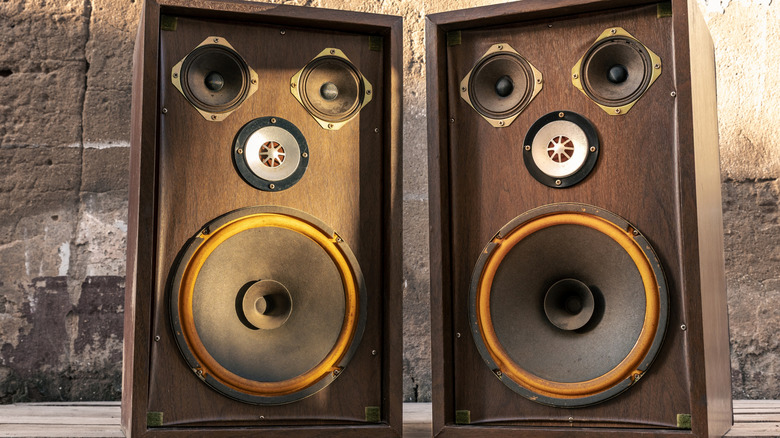
Once you've found the perfect position for your loudspeakers in your home, there's one more thing you need to think about before you can leave them in this exact spot. Don't worry, I won't make you move the speakers again; now it's time to think about their height or the angle they're held at.
As a rule of thumb, speakers should be angled towards your ears, so that the sound is beamed directly towards you when you're in the optimal listening position (which will hopefully be your mark on the listening triangle). Some desktop speakers and floor-standers are designed to do this anyway, either by being elevated to a certain height or having angled drivers, and other options have adjustable tilt feet. However, in many cases, you'll be required to angle the speaker yourself to properly enjoy the perfect audio.
One option is to elevate your speakers to ear height. You could buy a speaker stand, or just put objects under it, although as we've seen, that'll depend on the material. Alternatively, you could angle the speaker so it's pointed upwards towards your ear. To achieve this, there are plenty of smaller tilt stands and feet available online, and as a bonus, these are often designed specifically to avoid resonance problems.
You need to find a new way to connect
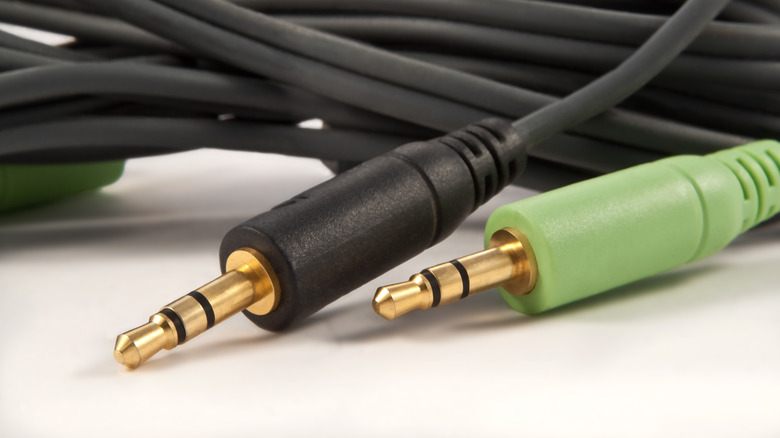
If your speaker is positioned perfectly and you're still not getting the best performance out of your Bluetooth speaker, it could be because of your connection option. Bluetooth isn't the only way to play music on most speakers, even ones sold for their wireless connections, and you'll get better audio quality if you opt for a different method.
The bit rate of music is the amount of data transferred per second, which affects the bit depth of a track, and thus its dynamic range. In short, a higher bit rate lets you listen to music that has better clarity, and unfortunately that's not quite feasible on Bluetooth. By default, this wireless tech only supports 16-bit bit depth, and even with an advanced codec like aptX HD, it only goes up to 24-bit. However, due to how they work, wires don't have that limitation, so they can offer much higher-quality playback. If you've been wondering if you should use wireless vs wired surround sound, and care about audio quality, the wires always win.
Another reason to opt for a wired connection when possible is that Bluetooth interference can affect sound quality. This can have loads of sources: nearby Wi-Fi routers, a too-large distance between the player and speakers, or objects affecting the signals, and all can cause signal drops or low-quality streaming. It's a common problem with wireless headphones, and speakers are affected too.
Your source audio could be improved
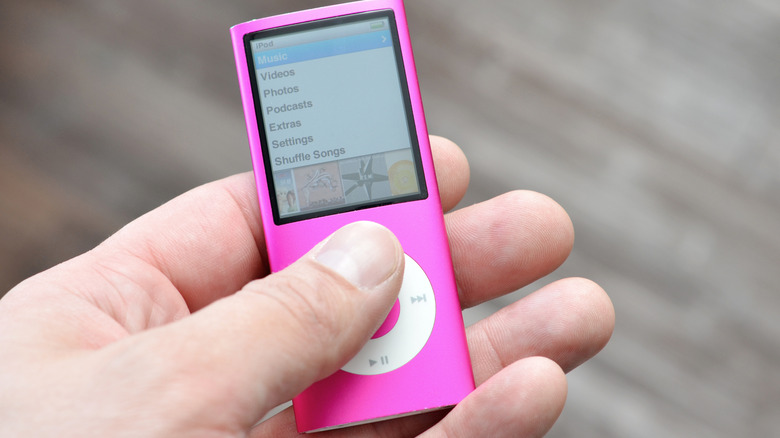
Improving your connection method won't make a difference if the source audio you're listening to is low quality. If a song's bit depth is low, increasing the bit rate won't change anything, so make sure you're listening to the highest-quality music possible. That's all to say, using your MP3 player may not cut it.
When possible, it's always best to listen to uncompressed audio, which are tracks that haven't been condensed for space reasons (as that process often leads to quality being lost), or lossless, which are ones compressed in a way that doesn't lose audio information. The alternative, lossy audio, misses out on information, although it's often smaller, so it's easier to store on your phone or a player.
File formats like MP3, AAC, or Ogg Vorbis (which Spotify uses), are all lossy, so you should avoid them when possible. However, formats like WAV, FLAC and AIFF are uncompressed or lossless, so music stored in these will sound better. If you don't want to download your own music files onto a player, most streaming services' highest-quality tiers also offer music at these standards, as long as you enable them in the settings menus first.
Your set-up is designed to use a subwoofer
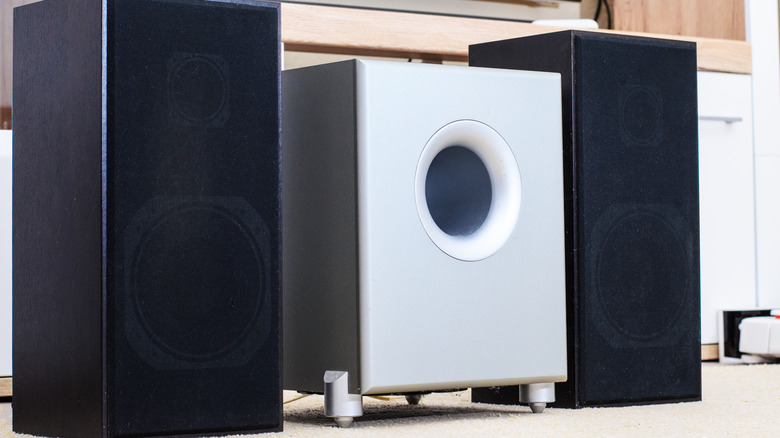
Does your Bluetooth speaker or home audio device miss a suspicious amount of bass? That may not be a problem with your speaker, but a feature: some don't have much low-end capability because they're designed to be used alongside a subwoofer. This is a distinct device intended for bass playback, and we've a guide on how subwoofers actually work.
It's fairly common for soundbars to be designed and sold alongside subwoofers. Brands like Sony, Sonos, and LG all have such products. However, there are also some other speakers which are intended to be paired with a subwoofer, as removing the bass driver from a tower and letting an external device do it, can avoid the vibrations or resonance as we've already explored.
When buying a new product, this information should be made clear to you (or you might pick up the subwoofer as part of a bundle). However, if you're buying second-hand, or have received a device as a gift, you might have missed the fact. It'll be easy to find out, though: simply read the product listing online (or coverage of it), or check for a Sub Out port on your speaker. This is a specific port designed for connecting a subwoofer, and while its existence doesn't prove that one is mandatory, it'll be an indicator that your bass-lacking speaker may fare better with a subwoofer.
You need to equalize your music
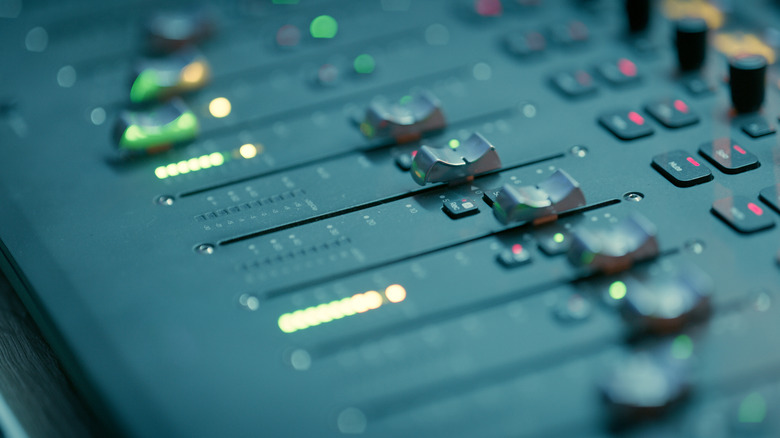
In some cases, the problem with your Bluetooth speaker might not be the speaker itself. It might be you. That is to say, everyone's hearing is unique, and you might need to adjust your speaker's audio output before you can appreciate it properly.
Humans hear sounds differently, with our unique DNA sequence changing how sounds are heard, and what might be a pleasingly crisp treble or hearty bass to one person, may be too much or too little for another. That's why many manufacturers build EQs into their apps, ready to use on your speaker, and there are plenty of great equalizer apps which let you achieve the same thing through your mobile. An EQ, or equalizer, is a tool that lets you adapt sound by increasing or decreasing the strength of your music at different frequencies: you can boost or reduce the bass, mids, or treble to get the right sound mix.
If you've not used an equalizer before, then you'll be glad to know that many such apps offer presets, so you can get an intended effect or cater for a certain genre without needing technical expertise. But if you'd like to tweak the EQ yourself, the best rule from all these steps is to use trial and error until you like what you hear.